
Description
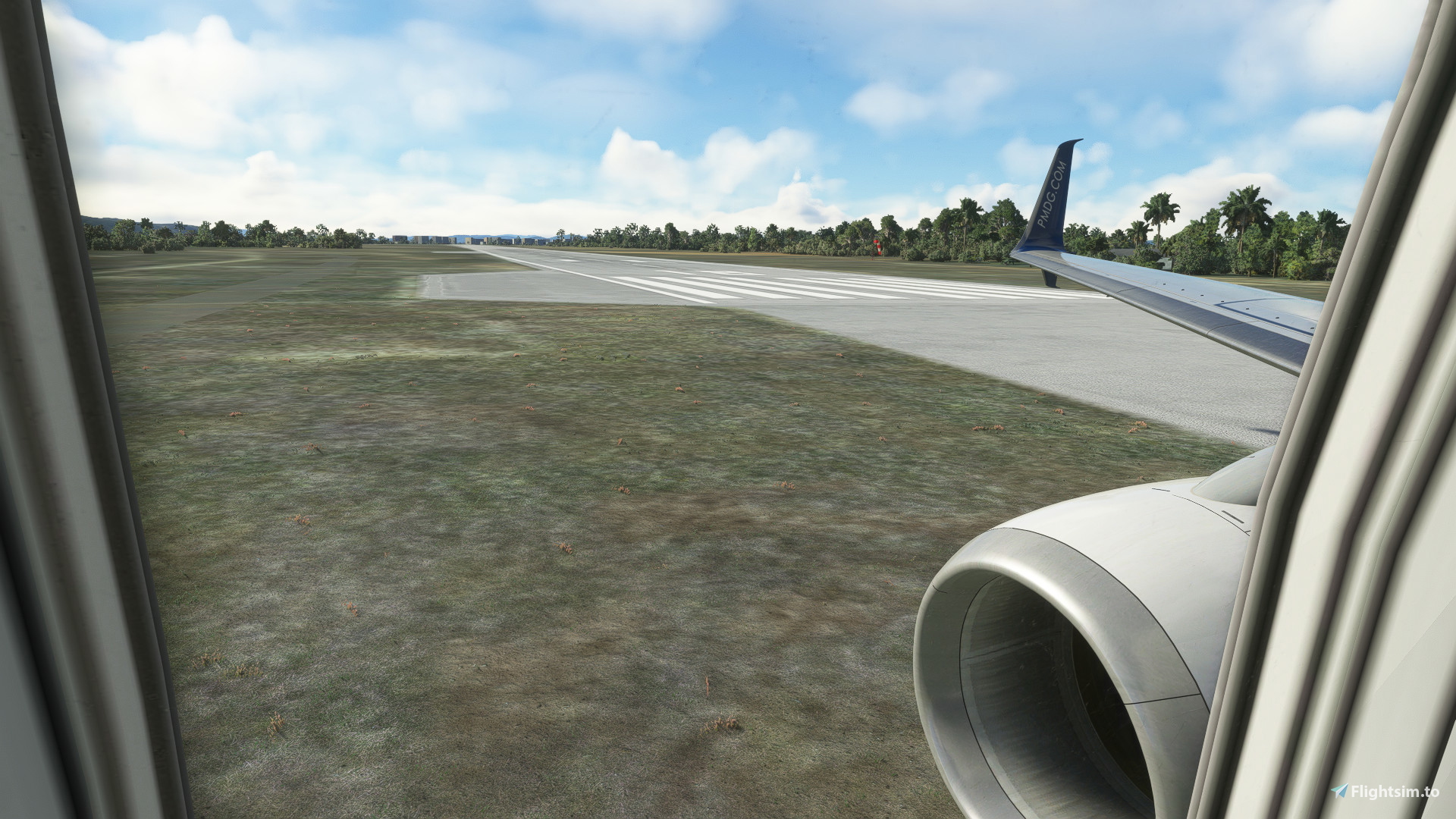
Custom camera views for the PMDG737-900.
Upload instructions: Simply drop the folder at \AppData\Local\Packages\Microsoft.FlightSimulator_8wekyb3d8bbwe\LocalCache\SimObjects\Airplanes\PMDG737-900 (for Microsoft Store version).
Alt+1~0 angle of view is shown in the illustration
Always take backups!!
PMDG 737-900&737-900ER Custom Views
Custom camera views for the PMDG737-900. Upload instructions: Simply drop the folder at \AppData\Local\Packages\Microsoft.FlightSimulator_8wekyb3d8bbwe\LocalCache\SimObjects\Airplanes\PMDG737-900 (for Microsoft Store version). Alt+1~0 angle of view is shown in the illustration Always take backups!!


Version History
No version history available.
Related
E190 View Files
Enhance your view with this E190 view file, designed for a more immersive experience in Microsoft Flight Simulator. Please note that compatibility with E195 is not guaranteed.
by KoeCoffee
PMDG77W cameras file
Enhance your flight simulation experience with the PMDG 777W cameras file, allowing you to access different perspectives using ALT+1-9 shortcuts.
by KoeCoffee
Log in to join the discussion
Log InComments(3)
almost 3 years ago
over 3 years ago
can you do 737-800 please
over 3 years ago
Where is the cockpit view?