
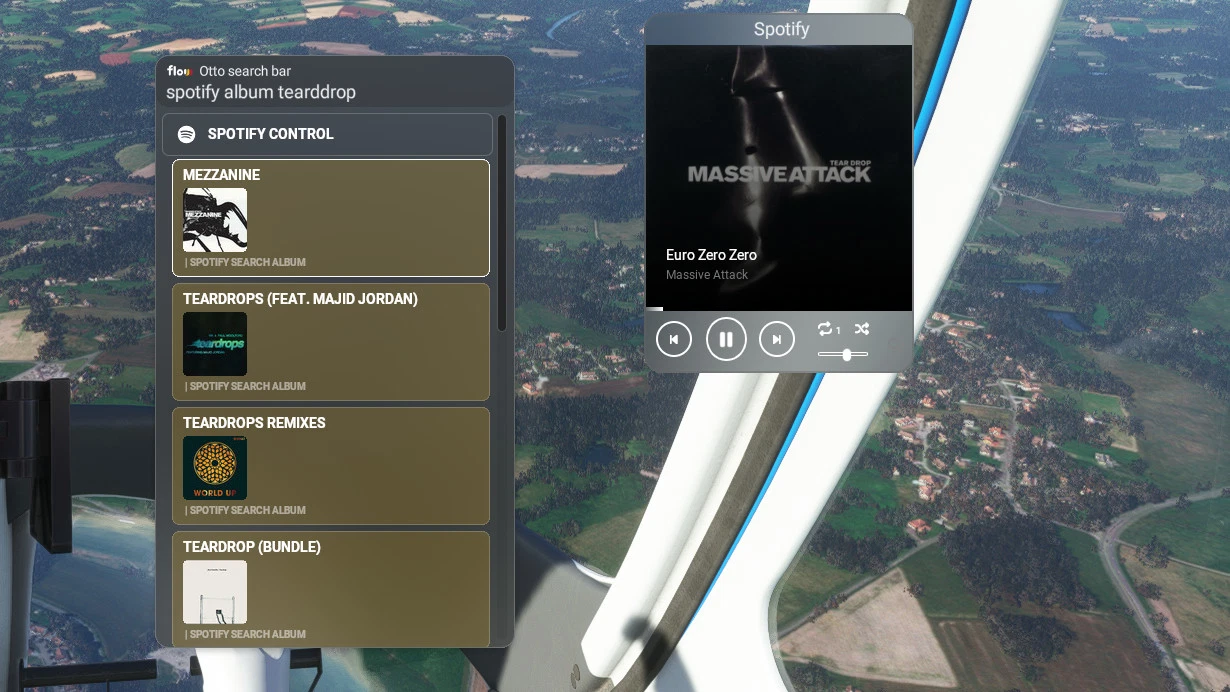
Description
A widget to control Spotify.
Spotify prenuim required
Allows play/pause, next/previous track, change volume, change repeat mode and shuffle music.
You can also search by artist, album, music and playlist and start playing.
The first 10 results are displayed.
For the setup please read the documentation provided
Have a good flight with music
Spotify has completely changed its login system, which means the addon no longer works with MSFS 2020 or MSFS 2024. I’m planning a full rewrite of the addon to integrate new features and potentially support other music providers like Deezer, Apple Music, etc.
At this stage, I don’t have a timeline for when this update will be available, but I’ll keep you posted.
Comments(26)
Log in to join the discussion
Log Inalmost 2 years ago
almost 2 years ago
The icon is on the top left, you have to have your mouse on the bar at the top (where it says Spotify) for the icons to appear.
If you don't have it :
- Are you in VR?
- What's your resolution?
almost 2 years ago
almost 2 years ago
I have a modified version for VR
Are you on the parallel42 Discord, so I can share it with you.
over 2 years ago
about 3 years ago
very good brooooo
about 3 years ago
Hey ;D, when i search a track it doesnt appear, I have premium so idk what to do
about 3 years ago
Hi, there,
Does the player work or is it just the search that doesn't work?
For the search you have to type :
spotify plus track or album or artist or playslist plus name of what you're searching for
ex : spotify artist moby
If even on the widget you don't have the music playing, there's a step in the doc that didn't work.
I know Spotify developers are changing their presentation (even if it doesn't change anything) but my doc doesn't reflect the change.
I'll try to modify it as soon as possible to avoid searching and other problems.
about 3 years ago
Hey ;), yes I do Spotify artist ''name'', but it doesnt search anything
over 3 years ago
i read the directions and it worked as advertised. thanks bud.
over 3 years ago
Hey,
works fine, I have Flow Pro and Spotify Premium.
I get the Client ID and Client Secret as explained in the doc.
The trick is:
add: Redirect URIs http://localhost:9999/callback
and
a running, playing spotify in background.
When msuic is playing, you have to wait some time in the Flow App.
Flow Spotify Control
Control your Spotify music seamlessly while flying with this widget. Premium Spotify account required. Play/pause, skip tracks, adjust volume, and more. Search for artists, albums, playlists, and enjoy your favorite tunes during your flight. Check documentation for setup instructions.

User Reviews
4 reviews
More Information
Version History
No version history available.
Related
Launch Any Executable File
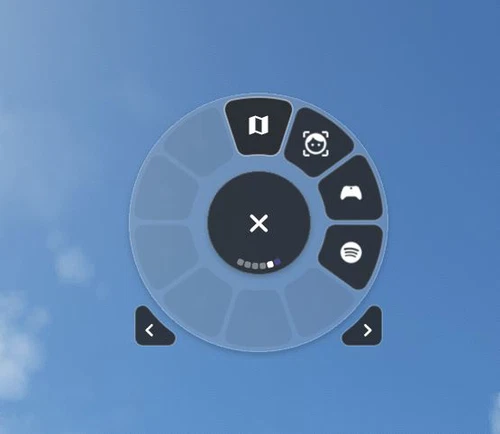
Launch Any Executable File is a convenient widget allowing you to easily launch any executable application on your PC, such as little nav map, open track, or vlc. With the ability to customize the name, path, and icon of the application, this tool provides flexibility and ease of use. Automate the launch process and seamlessly open and close your preferred apps with just a click. Please note that Flow Pro is required for this addon.
by GizmoDeel
Uncovered Flow
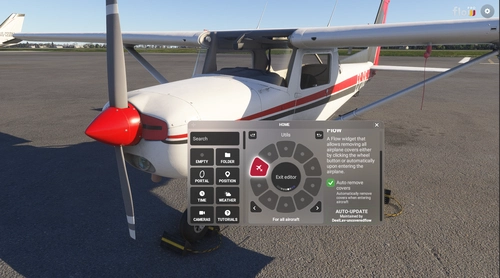
Uncovered Flow is a Flow widget for Microsoft Flight Simulator 2024 that streamlines the management of aircraft protective covers, including pitot covers and engine inlets. It features one-click installation and removal of all covers, with an automatic removal option upon entering the aircraft. The add-on provides clear visual feedback regarding the status of the covers and ensures functionality is limited to compatible aircraft specifically designed for MSFS 2024.
by GizmoDeel
Custom Colors Wheel
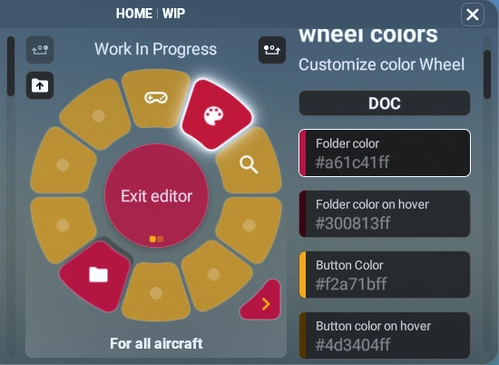
Customize the colors of your wheel with ease using the Custom Colors Wheel add-on. This feature-rich mod allows you to change wheel colors, add background images, save, load, share, and import themes effortlessly. Experiment with different themes and colors to personalize your flight simulator experience to your liking. Share your creations with the community and enjoy endless customization options right at your fingertips.
by GizmoDeel
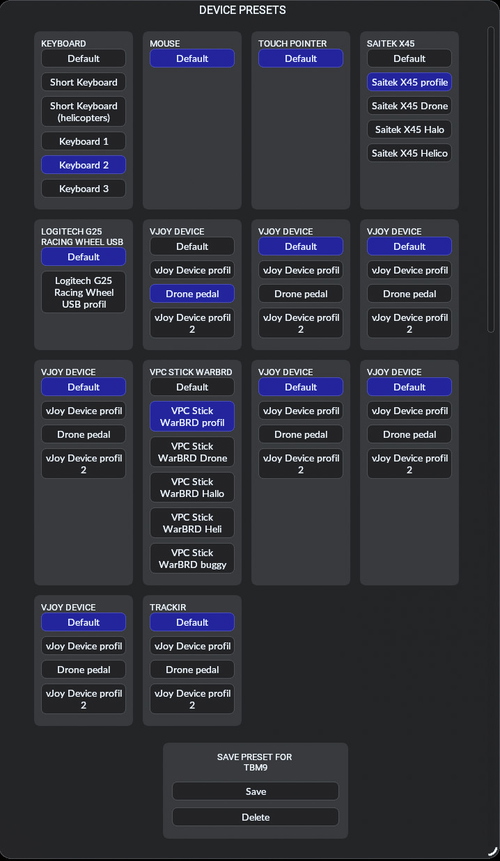
Flow Change Device preset
The Flow Change Device preset is a widget designed to simplify the process of switching between device presets in Microsoft Flight Simulator. It provides a streamlined interface to load presets automatically based on the selected aircraft and supports searching for presets using the device name. While the widget allows loading and switching between presets seamlessly, it does not have the capability to create or save new presets. Additionally, it includes a Flow API feature that enables users to execute custom commands for changing presets via scripting.
by GizmoDeel
6 months ago
its unable to add local link as http, only https acceptible by spotify.