
Description
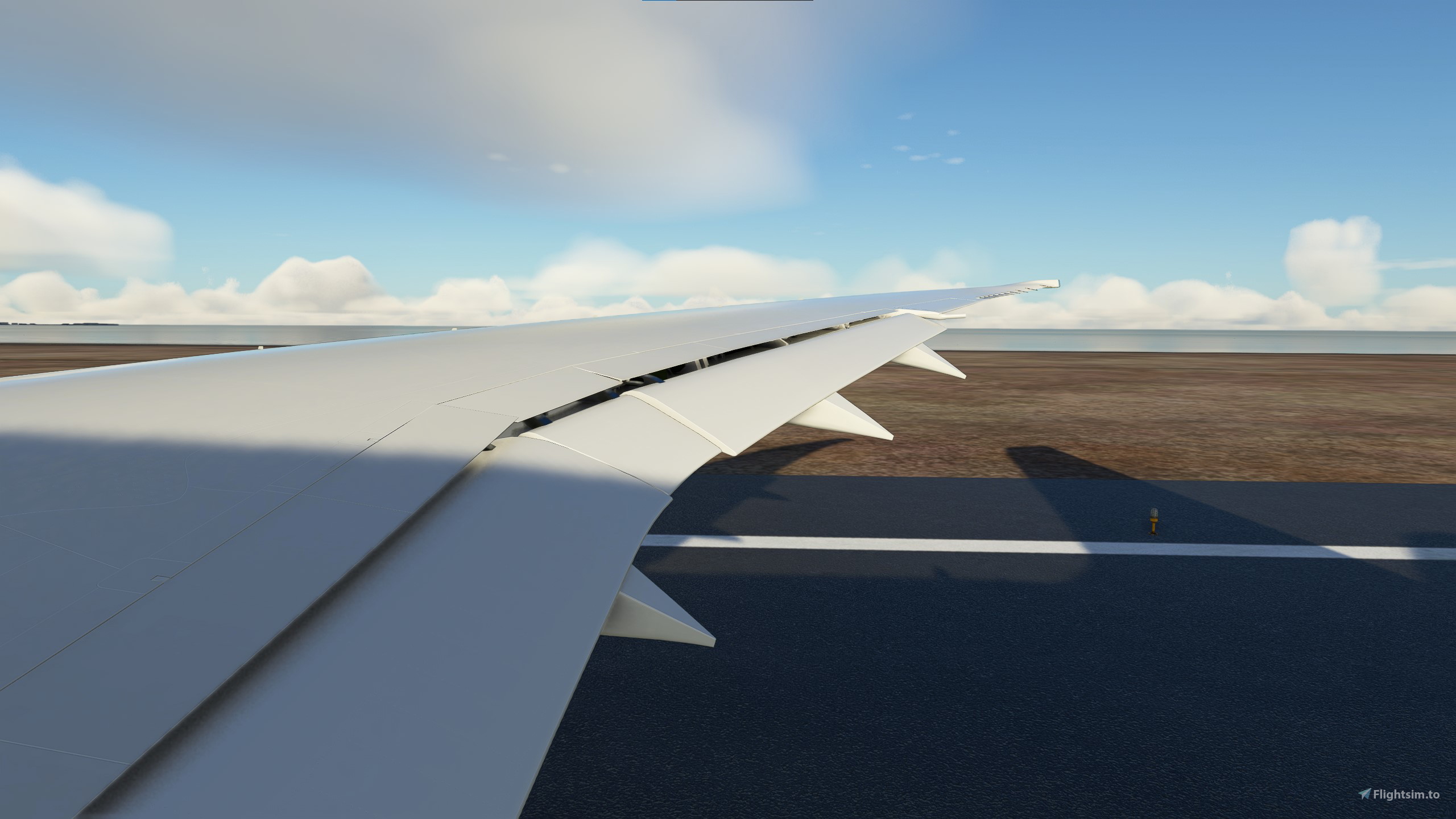
custom camera for Kuro_B787-8
Instilation:
drag and drop note into :
C:\Users\------\AppData\Roaming\Microsoft Flight Simulator\SimObjects\Airplanes\Kuro_B787_8
custom cameras for Kuro_B787-8
Experience custom camera views for the Kuro_B787-8 with this add-on. Simply drag and drop the files for easy installation. Find new perspectives for your flights in Microsoft Flight Simulator.
User Reviews
1 reviews
Version History
No version history available.
Related
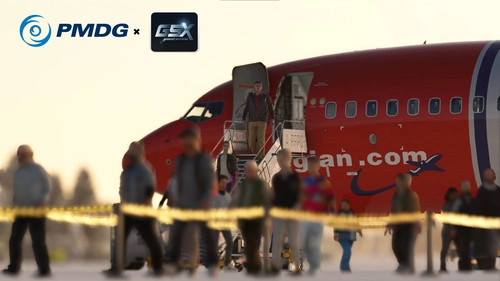
PMDG 737-800 GSX CONFIG PROFILE
Optimize your PMDG 737-800 GSX ground services with this configuration profile. Ensure a seamless experience with ground handling services. Update: This mod is no longer required as the fixes are now available in the latest GSX update.
by ziyadothman75
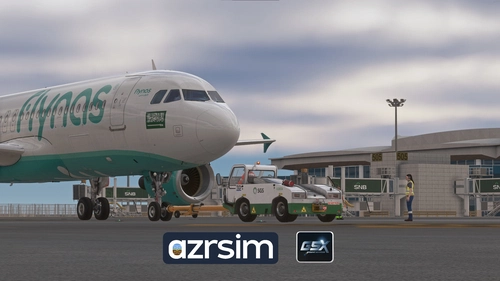
OERK GSX Profile / Azrsim King Khaled International
This add-on provides an enhanced GSX profile for King Khaled International Airport (OERK) in Riyadh. It features custom ground service equipment placement, precise stop positions with VGDS monitors, and designated handlers for Saudi and SAL (cargo). Additionally, it includes custom pushback procedures and specific PAX waypoints for efficient boarding and deboarding processes.
by ziyadothman75
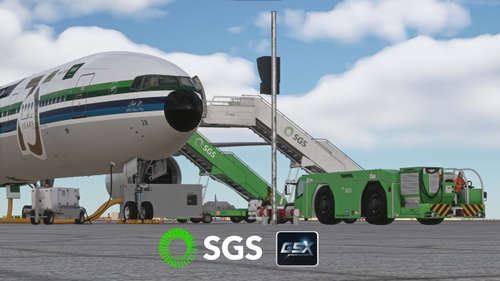
Saudi Ground Services (SGS) livery's For GSX ground services
Enhance your Microsoft Flight Simulator experience with this add-on that replaces Saudi Airlines livery with SGS (Saudi Ground Services) for GSX PRO. Includes new textures for pushback tugs, cargo loaders, stairs, baggage tugs, crew bus, and catering. Just extract and drag into your community folder for easy installation. Credits to Moda-1D#6419 for textures and coding by TMongun.
by ziyadothman75
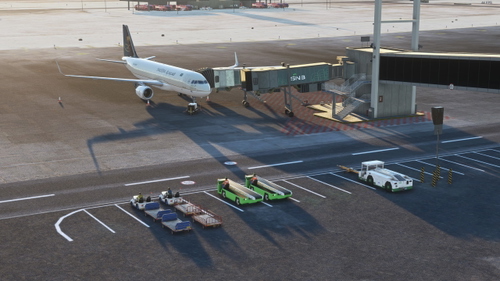
GSX profile for Vertex Design Studio King Fahd, OEDF
This add-on provides a GSX profile tailored for the Vertex Design Studio King Fahd Airport (OEDF). It features precise placements for ground services, VGDS, pushback producers, and various aprons including the cargo, Aramco, and royal aprons. All operational gates are designed to closely mirror the real-life layout of OEDF. Installation is straightforward, requiring a simple drag-and-drop into the specified GSX folder.
by ziyadothman75
Log in to join the discussion
Log InComments(7)
about 3 years ago
Hello,
Could you tell me why we can't save under the same numbers after adjusting to our likes ?
about 3 years ago
Does it also work with the Asobo version please ?
about 3 years ago
no it does not
about 3 years ago
Thank you very much for the time you took to answer ;-)
over 3 years ago
add СDU and Overhead cameras, please
over 3 years ago
how do i use the custom cameras
over 3 years ago
The custom cameras are assigned to the hotkeys ALT+1, ALT+2, ALT+3, ALT+4, ALT+5, and ALT+6