
Description
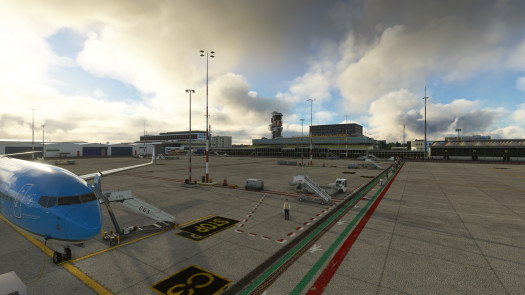
A start at making a GSX profile for Rotterdam airport. This is my first attempt at one of these so feedback is appreciated. I used the RDPresents scenery for EHRD while making this GSX Profile.
Simply drag and drop the file into your "User/Appdata/Roaming/Virtuali/GSX/MSFS" folder
So far stands C1-3 are complete, with the rest to come shortly in future updates
Version 2.0 now includes stands A1-3, B1-3, C1-3 & D1-3, complete with passenger paths accurately placed.
This airport doesn't use marshalls, rather has stopbars painted on the ground, where you stop once the pilots shoulder is level with the stop marker. There is also no need for pushbacks as each stand is a "self maneuvering"
GSX Pro Profile (EHRD) Rotterdam
GSX Pro Profile for Rotterdam Airport using the RDPresets Scenery addon. This looks to accurately place GSE in the correct equipment areas and have set up accurate passenger routes from the gate to the aircraft, as well as accurate pushbacks. Drag and Drop compatible


User Reviews
2 reviews
Version History
Now in version 2.0 Completed all of the main apron gates
Related
GSX Pro Profile for London Luton (EGGW)
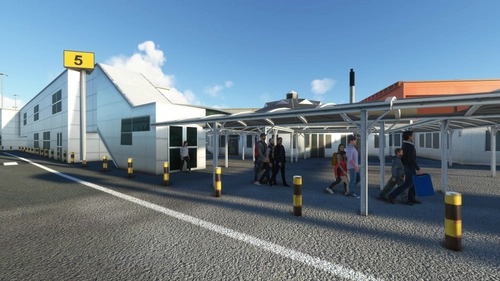
GSX Pro Profile for Luton Airport using the UK2000 Scenery addon. This looks to accurately place GSE in the correct equipment bays and have set up accurate passenger routes from the gate to the aircraft, as well as accurate pushbacks. Drag and Drop compatible
by jaked1902
GSX Pro Profile for London Southend Airport (EGMC)
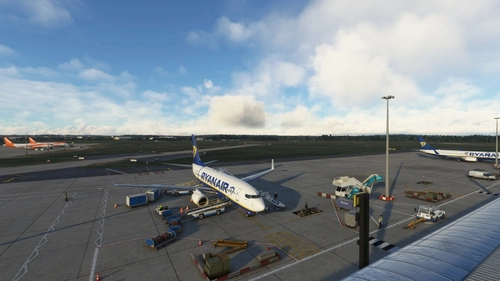
GSX Pro Profile for Southend Airport using the PilotPlus Scenery addon from Orbix. This looks to accurately place GSE in the correct equipment bays and have set up accurate passenger routes from the gate to the aircraft, as well as accurate pushbacks. Drag and Drop compatible
by jaked1902
Log in to join the discussion
Log InComments(2)
about 3 years ago
over 3 years ago
Will try you profile. Thanks.
However most stands don't have pushback on EHRD. (sorry you already said that, my mistake)
Tried some boarding and de-boarding so far so good !!!
One question there are no marshals but I cannot see the stop marker from inside the cockpit when looking at the left.
Can I adjust this myself by changing this to marshaller ?