

Description
This livery is actually a duplicate of the Water livery from my Triplex livery pack (found here) that uses dynamic registration, except this one has the N87CE registration on the tail to (almost) match the one IRL. I did not want to mix it up with the Triplex livery because it might be confusing so here it is as a standalone if you want the Triplex Water livery with the registration painted on.
There are TWO different livery folders to choose from here, one is for the Asobo default King Air and the other one is for the Black Square Analog King Air. The latter requires the payware addon to work.
Enjoy!
Default and Black Square Analog King Air 350 N87CE
A selection of Default and Black Square Analog King Air 350 N87CE liveries featuring the N87CE registration on the tail, with dynamic registration. Choose between versions for the default King Air or the Black Square Analog King Air add-on.


User Reviews
2 reviews
Version History
Change applies ONLY to the Black Square analog King Air. Cleaned up registration and swapped logo under windshield for a more retro and appropriate logo. Asobo default is unchanged.
Related
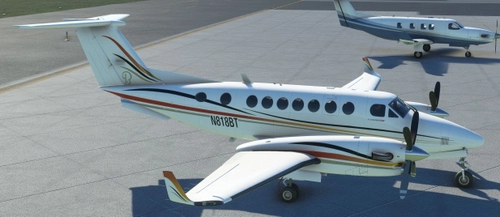
Default and Black Square Analog King Air 350 Triplex
A collection of three unique liveries for the King Air 350 Triplex, inspired by real-life aircraft N87CE. Choose between the Black Square Analog King Air variant or the default Asobo version. Installation is simple - just download, unzip, and place the chosen livery folder in your Community folder. Enjoy these free liveries for your Microsoft Flight Simulator experience.
by Waffler11
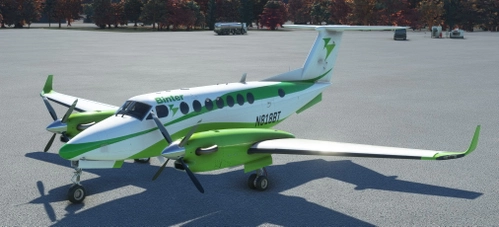
Analog and Asobo default King Air 350i Binter
Experience the Binter livery for your King Air 350i, meticulously recreated to match the real-life inspiration. Choose between two folders tailored to your preferences, including compatibility with Black Squares Analog King Air add-on. Enjoy this freeware livery modification for the ultimate flight simulation immersion.
by Waffler11
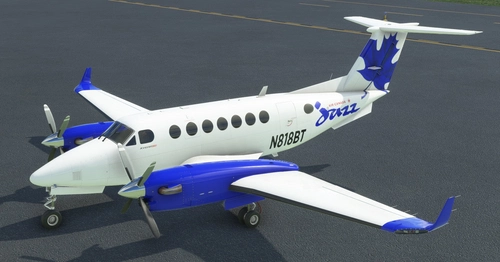
King Air 350i Air Canada Jazz
Fly in style with the King Air 350i in Air Canada Jazz livery! This add-on brings the popular aircraft to your Microsoft Flight Simulator experience, with six distinct liveries to choose from. Make sure to follow the easy installation steps and get ready to soar the skies. Please remember to give credit to the creators and enjoy your flight!
by Waffler11
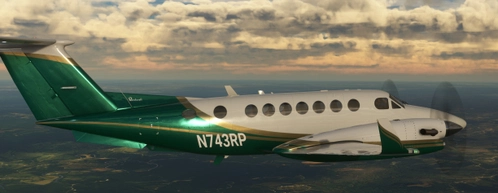
Black Square King Air N901LM and Green Dragon
LifeFlight of Maines iconic Beechcraft King Air B200 livery is now available for Microsoft Flight Simulator, featuring both the faithful LifeFlight rendition and a "generic" Green Dragon version. Install your desired livery easily in the Community folder and add this unique aircraft to your collection. Enjoy the detailed representation of this important air ambulance service without any monetary gains, respecting the creators efforts.
by Waffler11
Log in to join the discussion
Log InComments(3)
over 3 years ago
Awesome livery. Any fix for reg plate not showing in cockpit?
over 3 years ago
I’ll have to look into that.
almost 4 years ago
Thank you very much for this excellent livery!