

Description
Welcome to the Triplex livery pack page. Based off of N87CE in real life, I decided to throw in three color schemes of my choosing, appropriately named Earth, Fire, Wind and Water!
There are TWO variations of the Triplex livery pack here, please choose the folder labeled "bksq-aircraft-analogkingair-Triplex" for the Black Square Analog King Air variant and the other one, "Asobo_KingAir350-Triplex" for the Asobo default version.
If you'd like the version that most closely matches the one IRL with a painted on registration, please go here!
INSTALLATION:
1. Unzip and install the font "HelveticaNeueLTStd-BdCn.otf" in the FONT-INSTALL ME folder by either right-clicking on the font and selecting Install or double-clicking on the font to open up a preview window and pusing the Install button.
2. Choose appropriate livery folder and place in Community folder or in your favorite addon linker.
3. Enjoy!
The fine print: This livery pack is free to use. As such, please do not use for any monetary gains. If using any assets from this livery pack, please give credit where credit is due, thank you.
Default and Black Square Analog King Air 350 Triplex
A collection of three unique liveries for the King Air 350 Triplex, inspired by real-life aircraft N87CE. Choose between the Black Square Analog King Air variant or the default Asobo version. Installation is simple - just download, unzip, and place the chosen livery folder in your Community folder. Enjoy these free liveries for your Microsoft Flight Simulator experience.


Supporters

User Reviews
4 reviews
More Information
Version History
For Black Square Analog King Air ONLY - new logo under windshield (retro). See screenshot. Asobo default is unchanged.
Related
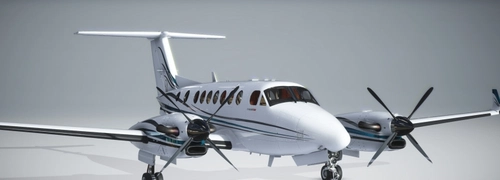
Default and Black Square Analog King Air 350 N87CE
A selection of Default and Black Square Analog King Air 350 N87CE liveries featuring the N87CE registration on the tail, with dynamic registration. Choose between versions for the default King Air or the Black Square Analog King Air add-on.
by Waffler11
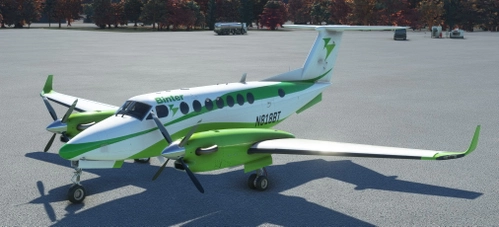
Analog and Asobo default King Air 350i Binter
Experience the Binter livery for your King Air 350i, meticulously recreated to match the real-life inspiration. Choose between two folders tailored to your preferences, including compatibility with Black Squares Analog King Air add-on. Enjoy this freeware livery modification for the ultimate flight simulation immersion.
by Waffler11
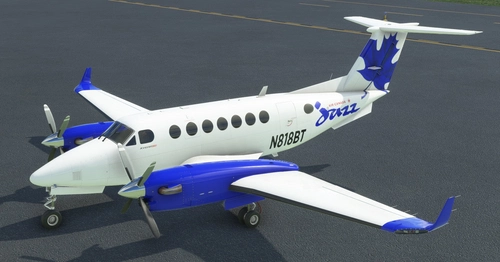
King Air 350i Air Canada Jazz
Fly in style with the King Air 350i in Air Canada Jazz livery! This add-on brings the popular aircraft to your Microsoft Flight Simulator experience, with six distinct liveries to choose from. Make sure to follow the easy installation steps and get ready to soar the skies. Please remember to give credit to the creators and enjoy your flight!
by Waffler11
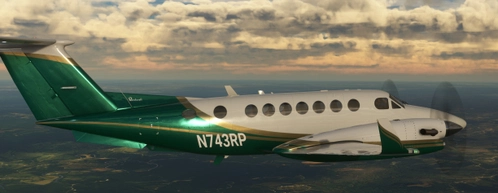
Black Square King Air N901LM and Green Dragon
LifeFlight of Maines iconic Beechcraft King Air B200 livery is now available for Microsoft Flight Simulator, featuring both the faithful LifeFlight rendition and a "generic" Green Dragon version. Install your desired livery easily in the Community folder and add this unique aircraft to your collection. Enjoy the detailed representation of this important air ambulance service without any monetary gains, respecting the creators efforts.
by Waffler11

Comments(6)
Log in to join the discussion
Log Inabout 3 years ago
Beautiful liveries, the Water one is my fave. Thx!
about 3 years ago
Works excellently on the Black Square King Air, nice design and nice touch of reflective material on the painted areas.
about 3 years ago
Thank you for your work. The livery is excellent. One question. You write "new logo under windshield (retro)", how can I get this livery? When installed, all liveries with the index "i".
about 3 years ago
That's for the Black Square analog King Air only. If you own the product, just download the latest file to get the retro logo.
about 3 years ago
I'm probably doing something wrong, but I downloaded the latest version of your files for the Black Square analog KingAir and at the address bksq-aircraft-analogkingair-Triplex\simobjects\Airplanes\Asobo_KingAir350_TriplexWind\TEXTURE.Triplex there is a file KINGAIR350I_AIRFRAME_DECALS_ALBD.tif.dds in which the inscription KingAir 350i under the red line.
over 3 years ago
love it