
Description
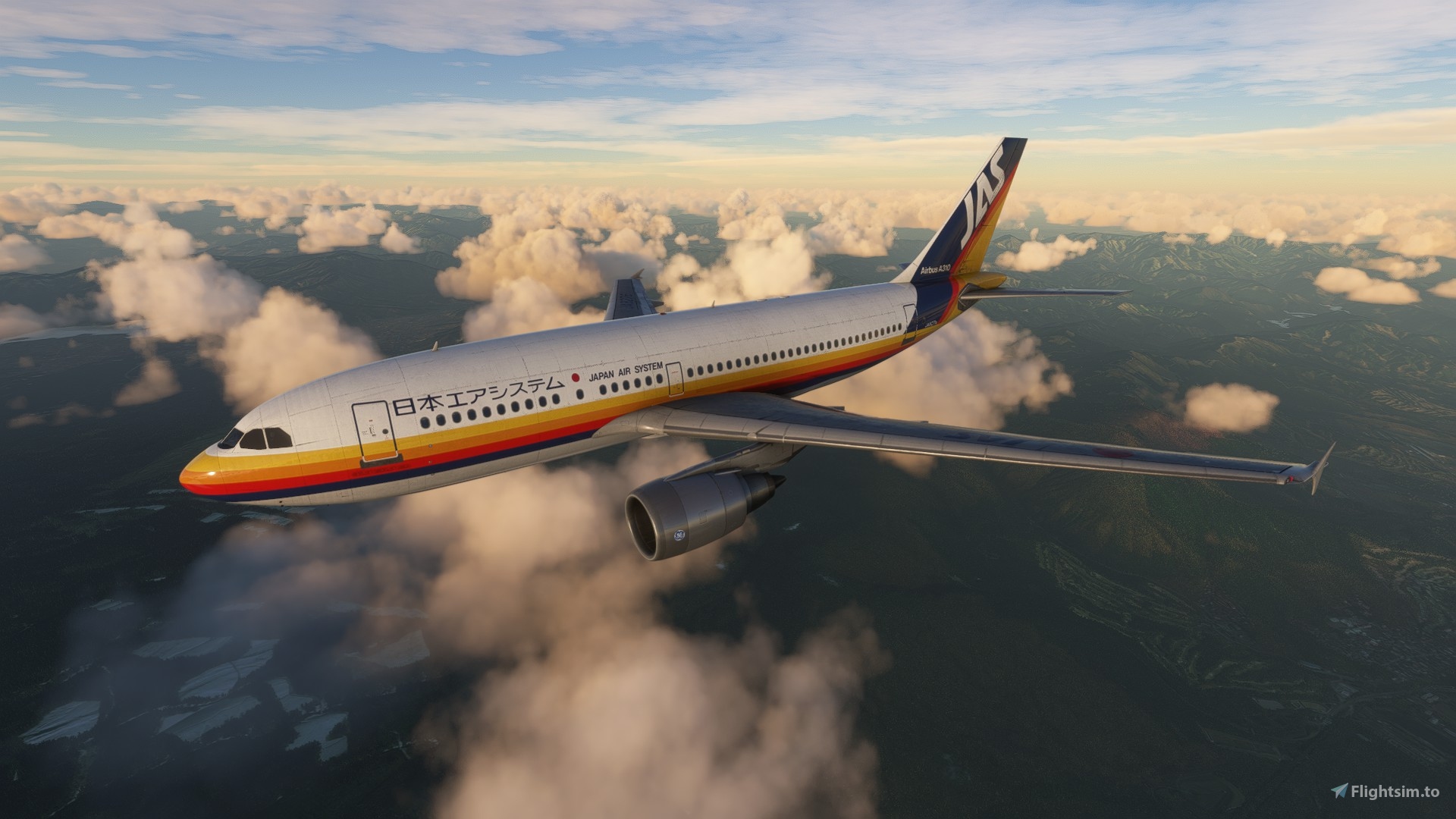
iniBuilds Airbus A310-300 JAS 'Japan Air System' JA8276
by Jonathan Alba
📁 INSTALLATION
Just drag and drop "microsoft_a310_300_jas_JA8276" into MSFS community folder.
👍 CHECK MY WORK
Contact to order your livery: jo_fsx@hotmail.com
We work with FS9, FSX-SE, P3D, MSFS and XP11.
Your donation helps a lot in new liveries, any amount would be greatly appreciated!
JAS 'Japan Air System' JA8276
Experience the classic JAS Japan Air System livery with this iniBuilds Airbus A310-300 model, featuring the JA8276 registration. Just drop the file into your MSFS community folder and take to the skies in style. For more liveries and orders, check out FSTexturas, catering to various flight simulators. Support the creators work by considering a donation to help bring more liveries to the virtual skies.

Version History
No version history available.
Related
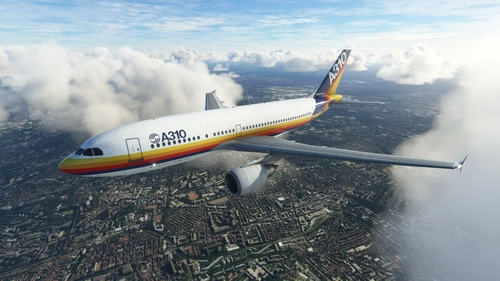
Airbus Industrie F-WZLI
Customize your Microsoft Flight Simulator experience with iniBuilds Airbus A310-300 in the iconic Airbus Industrie F-WZLI livery by Jonathan Alba. Easily install by dragging and dropping the file into your community folder. Explore more liveries by the creator on FSTexturas blog or contact for custom orders. Your support through donations helps to create more high-quality liveries across different flight simulators.
by FSTexturas
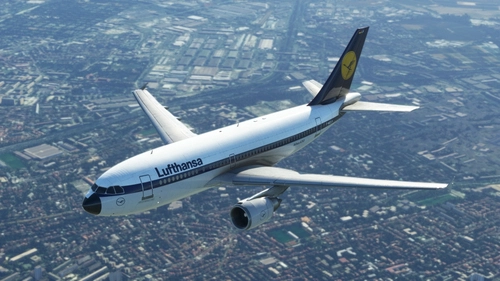
Demonstrator Swissair & Lufthansa F-WZLH
Experience the iconic Swissair & Lufthansa Airbus A310-300 Demonstrator, F-WZLH, with this detailed livery by Jonathan Alba. Simply drag and drop the file into your MSFS community folder and take to the skies in style. Contact the creator for custom livery orders and support future projects with a donation.
by FSTexturas
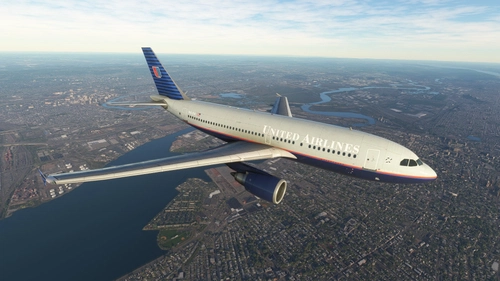
United Airlines N611UA
Experience the detailed United Airlines N611UA livery for the iniBuilds Airbus A310-300 by Jonathan Alba. Compatible with various flight simulation platforms. Contact for custom orders and support the creator with donations for more liveries.
by FSTexturas
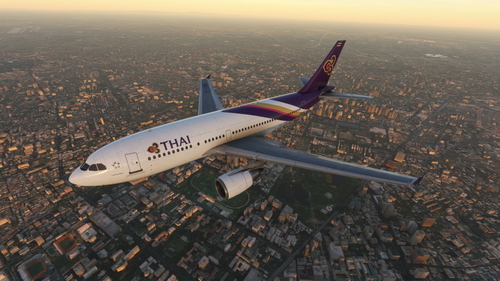
Thai Airways HS-TAM
Experience the detailed Thai Airways HS-TAM livery for the iniBuilds Airbus A310-300 created by Jonathan Alba. Contact for custom liveries and support various flight simulators.
by FSTexturas
Log in to join the discussion
Log In