Flightsim.to
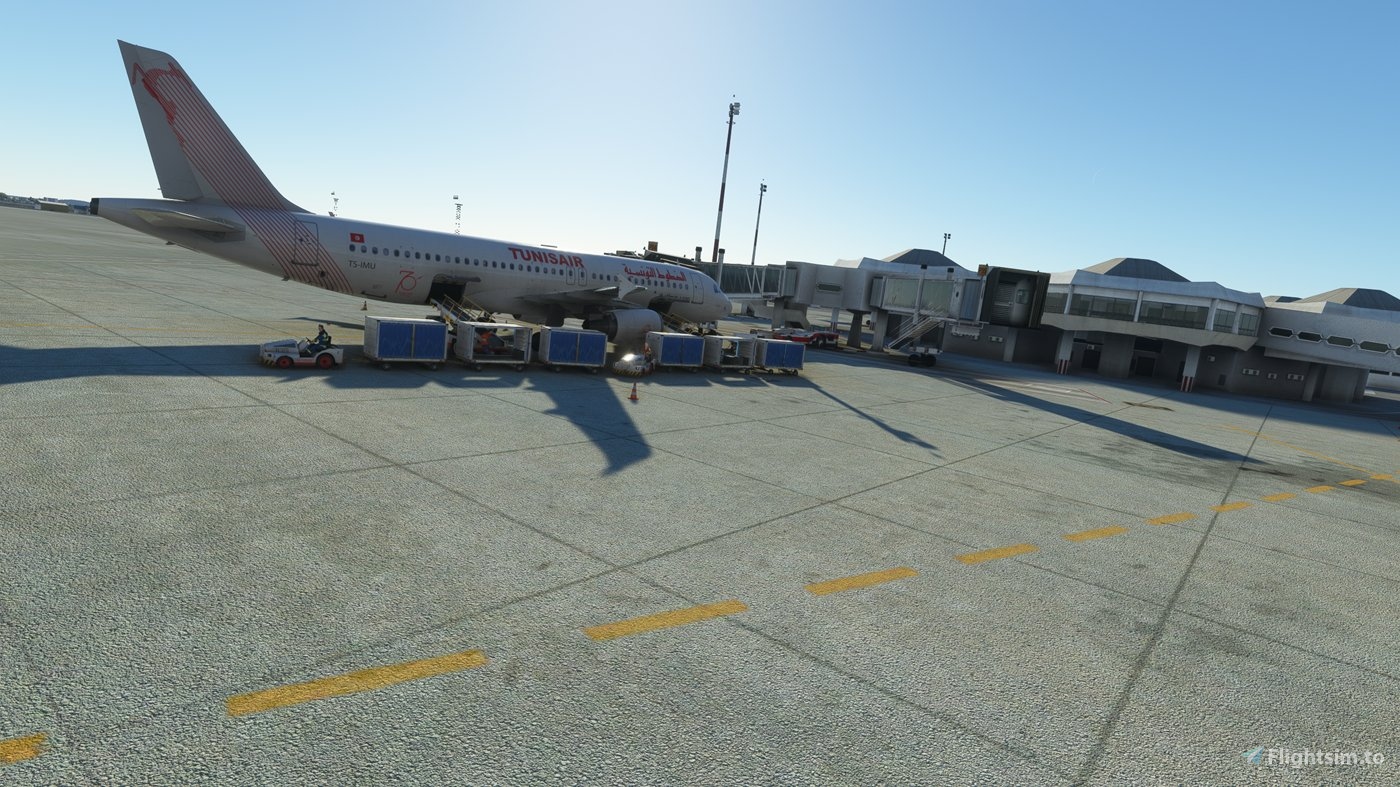
    DTTA TUNIS CARTHAGE AIRPORT(PREALSOFT) GSX Profile - Image 1

    Description

    GSX profile for Tunis Carthage (DTTA) by Prealsoft

    Package includes:

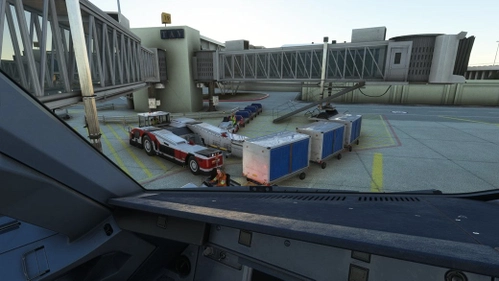
    - custom pushback from the Jetways

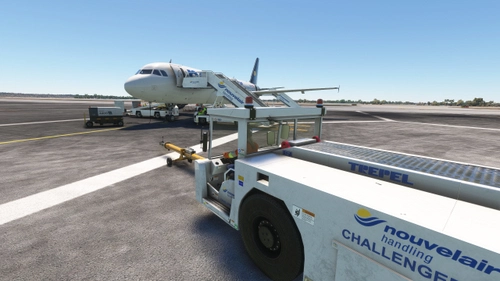
    - custom placement of ground services

    - custom passenger walkways at Jetways

    Installation:

    Drag and drop the unzipped ini file into %appdata"/virtuali/GSX/MSFS

    Note: 

    This is my first try, please report any bugs, thank you.

    Comments(4)

    Log in to join the discussion

    Log In
    Y

    10 months ago

    hello. can u add stand T6 for DTTA?
    i
    iznogoodAuthor

    8 months ago

    it's not defined in the scenery.
    P

    about 2 years ago

    I cannot find the .bgl file from the steam version of MSFS when I purchased through the store. Is it not possible to link the GSX profile if I purchase the airports through the store?
    i
    iznogoodAuthor

    about 2 years ago

    you can remove entirely that "afcad_path" entry in your ini file, it should work now with the latest GSX.
    MSFS 2020MSFS 2024

    DTTA TUNIS CARTHAGE AIRPORT(PREALSOFT) GSX Profile

    GSX profile for Tunis Carthage (DTTA) by Prealsoft. Custom pushback, custom jetway PAX walk in, custom ground services placement, custom airline and G/A parking size and positions, pushback configurations. Drag and drop into %appdata"/virtuali/GSX/MSFS


    Downloads4K
    Version1.1
    File Size15.36 KB
    Published3 years ago
    Updated3 years ago

    More Information

    Simulator
    MSFS2020/24
    Sub-CategoryGSX Pro Profiles
    Rating0.0 (0)
    ICAODTTA

    Version History

    Jetway PAX path refined.

    Related
    Logo

    Looks like your ad blocker is on.

    ×

    We rely on ads to keep creating quality content for you to enjoy for free.

    Please support our site by disabling your ad blocker.

    Continue without supporting us

    Choose your Ad Blocker

    • Adblock Plus
    • Adblock
    • Adguard
    • Ad Remover
    • Brave
    • Ghostery
    • uBlock Origin
    • uBlock
    • UltraBlock
    • Other
    1. In the extension bar, click the AdBlock Plus icon
    2. Click the large blue toggle for this website
    3. Click refresh
    1. In the extension bar, click the AdBlock icon
    2. Under "Pause on this site" click "Always"
    1. In the extension bar, click on the Adguard icon
    2. Click on the large green toggle for this website
    1. In the extension bar, click on the Ad Remover icon
    2. Click "Disable on This Website"
    1. In the extension bar, click on the orange lion icon
    2. Click the toggle on the top right, shifting from "Up" to "Down"
    1. In the extension bar, click on the Ghostery icon
    2. Click the "Anti-Tracking" shield so it says "Off"
    3. Click the "Ad-Blocking" stop sign so it says "Off"
    4. Refresh the page
    1. In the extension bar, click on the uBlock Origin icon
    2. Click on the big, blue power button
    3. Refresh the page
    1. In the extension bar, click on the uBlock icon
    2. Click on the big, blue power button
    3. Refresh the page
    1. In the extension bar, click on the UltraBlock icon
    2. Check the "Disable UltraBlock" checkbox
    1. Please disable your Ad Blocker
    2. Disable any DNS blocking tools such as AdGuardDNS or NextDNS
    3. Disable any privacy or tracking protection extensions such as Firefox Enhanced Tracking Protection or DuckDuckGo Privacy.

    If the prompt is still appearing, please disable any tools or services you are using that block internet ads (e.g. DNS Servers, tracking protection or privacy extensions).