
Description
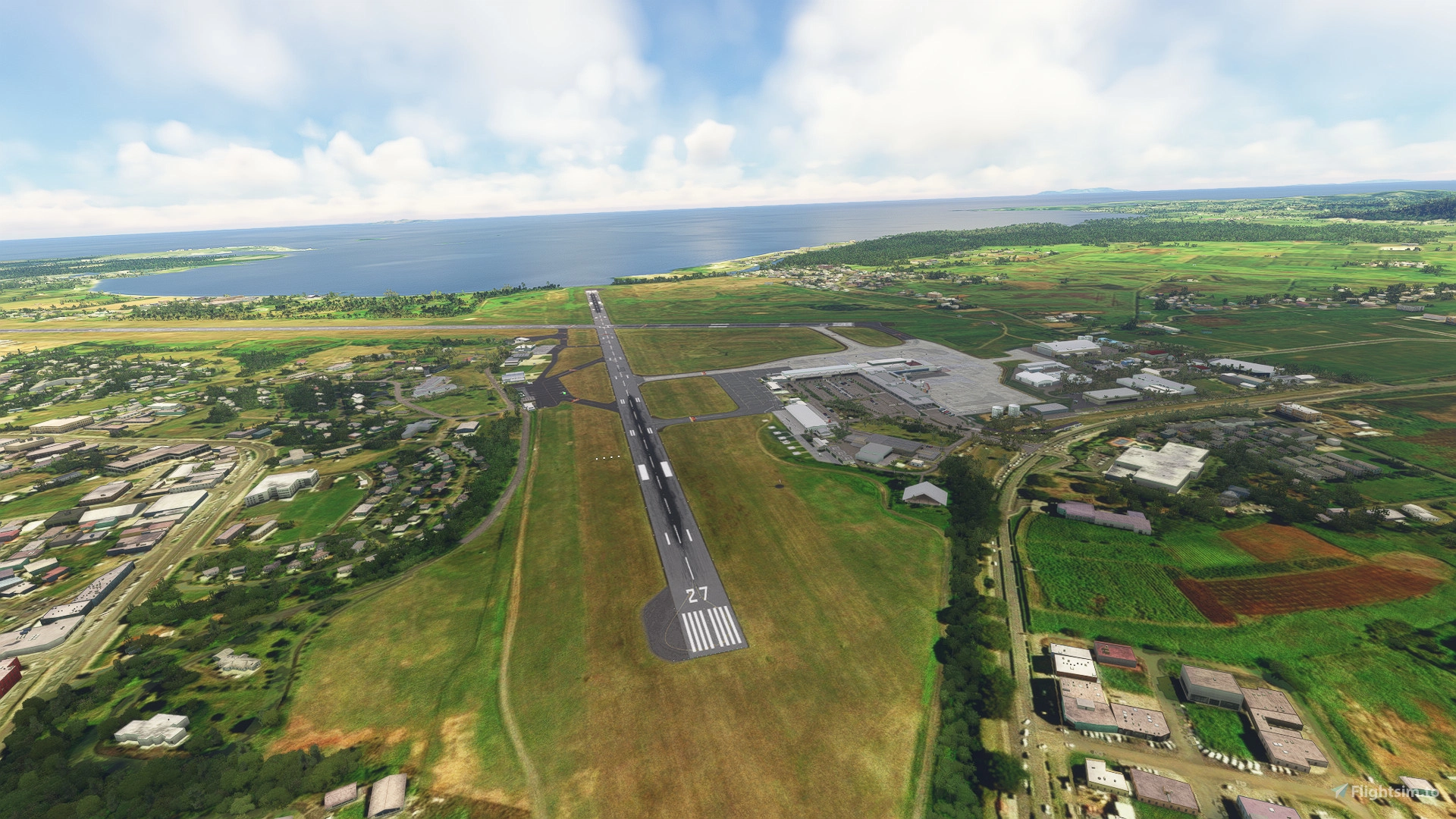
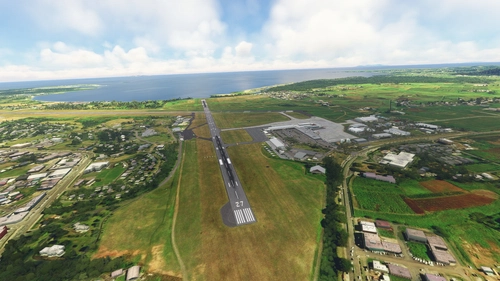
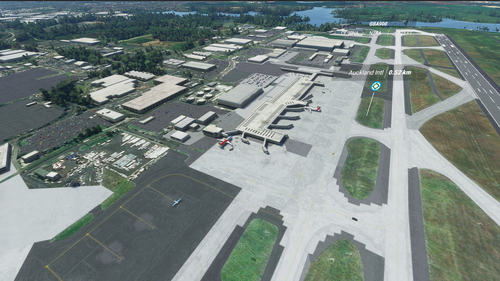
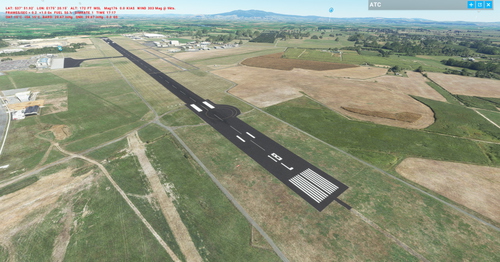
NFFN Nadi International Fiji (V5 20/24)
NOTE: This is a completely revised version of my earlier NFFN scenery. Now includes Turtle Airways floatplane base
IMPORTANT: GSX users should be ok. I have retained all default taxiways, parking and lines (most of which are totally inaccurate!)
PLEASE: This scenery is FREE. It is what it is! If you don't like it just delete it!
You must have all world updates and UK2000 library installed. Dependencies listed below:
Thanks as always to those who follow my collection of sceneries. Always happy to respond to your kind comments!
Enjoy
Cheers
Location
NFFN Nadi Intl (V5 20/24)
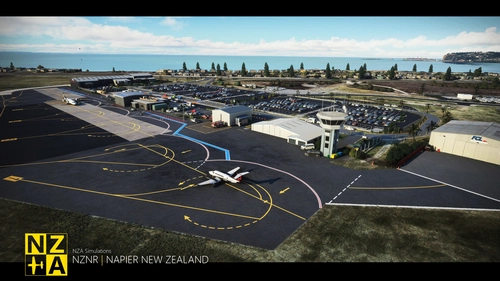
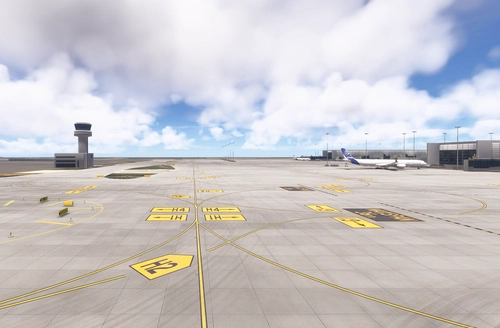
Explore the newly updated version 3 of Nadi International Fiji airport scenery. This add-on retains default elements for compatibility with GSX users. Enjoy this free scenery with a mix of default and UK2000 objects for an enhanced MSFS experience.


User Reviews
11 reviews
Version History
Reworked to suit both 20 and 24
Featured in Collections(3)





Related
PGUM Guam Won Pat International (V3 20)
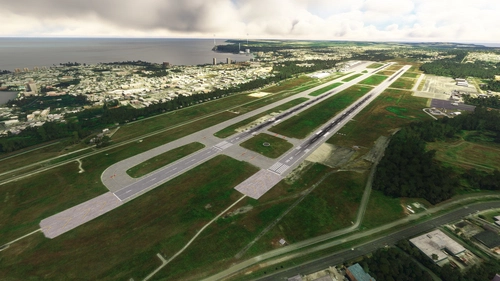
Enhance Guam PGUM Won Pat International Airport with version 2.0! This updated scenery features realistic airport surroundings without the need for additional dependencies. Compatible with GSX, this add-on offers an improved experience for Microsoft Flight Simulator users. Explore Guam with a more immersive and detailed airport environment.
by Mountainair
AYPY Port Moresby Jacksons Version 4 20
Explore the updated version 4 of Port Moresby (Jacksons) AYPY in Papua New Guinea, the country's primary international airport. This add-on fixes minor terrain issues and enhances the airport environment. Ensure a smooth experience by having all world updates, including WU13 (Oceania), installed prior to use.
by Mountainair
NSTU Pago Pago Intl (20 & 24)
Experience a completely new version of NSTU Pago Pago International in American Samoa. This updated scenery requires all MSFS world updates and UK2000 objects to be installed for optimal performance. Please note that it is not compatible with the GSX cohort. Enjoy the enhanced visuals and improved details in this revamped airport add-on.
by Mountainair
PKMJ Majuro Marshall Islands International V3 20
Explore the revamped PKMJ Majuro Marshall Islands International version 2.1, now featuring enhanced details and accuracy. Serving as the main airport in the Marshall Islands, it is a crucial stop along United Airlines route from PHNL to PGUM. Enjoy this scenery for free and ensure a smooth experience by having all necessary world updates installed. Cheers to an improved virtual aviation experience at PKMJ!
by Mountainair
Log in to join the discussion
Log InComments(34)
2 months ago
2 months ago
cheers
4 months ago
5 months ago
5 months ago
Cheers
7 months ago
7 months ago
Gate 6 is a mystery to me as well. Totally default. I just build 'em as see 'em!
Cheers
D
6 months ago
7 months ago
7 months ago
cheers
10 months ago
Jack used to hang out in ILS land. No mas!
over 1 year ago
over 1 year ago
Thanks mate😀Pleased you enjoy it. Try some of my other Fijian fields too.
Cheers
over 1 year ago
Really beautiful place.
over 1 year ago
over 1 year ago
Cheers
over 1 year ago
almost 2 years ago
almost 2 years ago
Cheers and thanks for the rating🍻🦘