
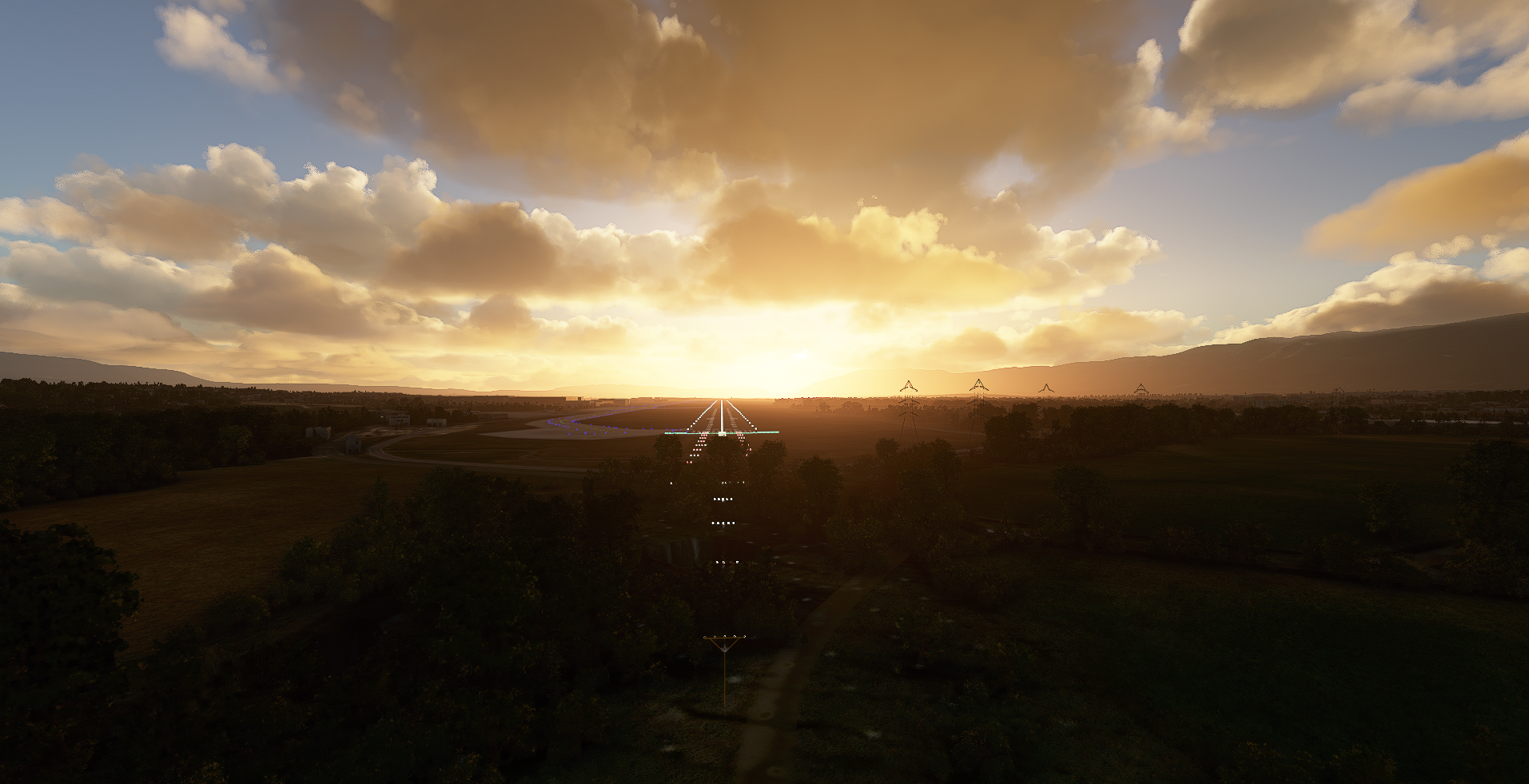
Description
This may still be needed if you find the pylons loading in after a flight to LSGG from elsewhere.
I can't reproduce the issue, so I'm unable to test, but please let me know if it works (or doesn't!)
Location
Geneva LSGG Pylon Remover - RWY 22 Approach
Enhance your approach experience at Geneva LSGGs RWY 22 with the Geneva LSGG Pylon Remover add-on. Remove distracting pylons that may disrupt your flight simulation, ensuring a smoother and more realistic landing. Your feedback is valuable in helping improve this add-on for a seamless flying experience.

User Reviews
5 reviews
Version History
Change to use Exclude Power Lines rather than digging holes
Related
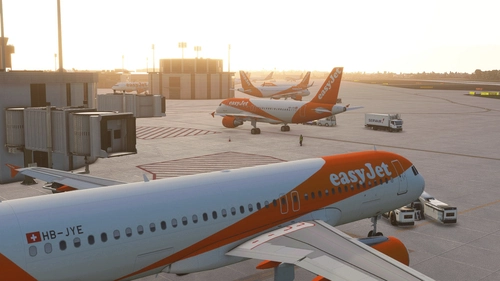
Geneva LSGG Airport (Basic)
Enhance your Geneva airport experience with this basic add-on that updates gates, jetways, and taxiways. The LSGG Tower model has been included along with improved runway textures and ILS alignments in the latest versions. Please note that Google Maps textures are no longer used, and future updates will be based on MS/Asobo textures.
by plasmastorm
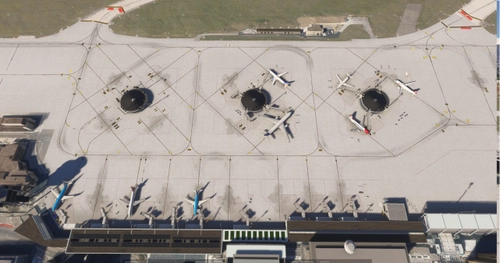
LSGG – Geneva Airport
This add-on features a work-in-progress scenery of Geneva Airport (LSGG) for Microsoft Flight Simulator 2024. The project aims to enhance the airports realism and detail over the default scenery, with custom layouts and initial improvements to runways, taxiways, and apron areas. As development is ongoing, users may encounter visual issues and missing details, with regular updates planned for future enhancements. Feedback is encouraged to aid in the projects improvement.
by Methone
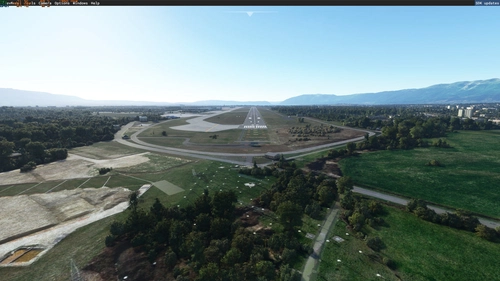
LSGG - Pylons removed
Enhance your approach experience to RW22 at LSGG airport with this add-on that removes tall pylons and clears some forest clutter for a smoother landing.
by JT248
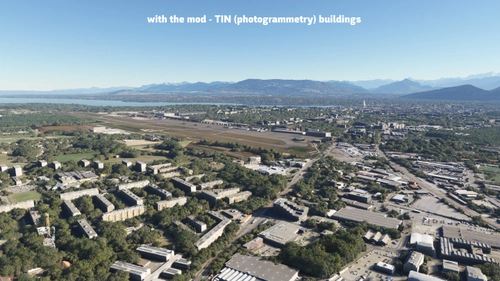
LSGG - Geneva Airport by RedWing Sim - City Update 4 Photogrammetry Compatibility Package
This add-on enhances the LSGG - Geneva Airport by RedWing Sim by restoring TIN coverage that was lost after the airport’s recent update. It is specifically designed for use with the City Update 4s photogrammetry settings enabled in Microsoft Flight Simulator. The package contains exclusion shapes and polygons created using the MSFS2020 SDK to ensure compatibility and maintain the visual integrity of the surrounding area.
by kvari
Log in to join the discussion
Log InComments(11)
about 4 years ago
I flew into Geneva today on Runway 22 approach. I was accurate on the Glide Path and I sorry to say that I hit the pylons and crashed. Could you please look at it and advise on how to remove the pylons. Thanks.
over 4 years ago
Awesome, thx
about 5 years ago
I was on final approach at night for the first time on RWY 22 and then those pylons hit me so hard then I just executed a go around, laugh and came back again but this time I was a bit higher on the glide slope to not hit again those pylons and landed safely 😂 Very funny approach but I needed that addon thank you! 😉
(moral of the story though : improvise and it'll be fine 😂)
about 5 years ago
thanks
over 5 years ago
Even with the latest version.
THANK YOU VERY MUCH INDEED!
almost 6 years ago
almost 6 years ago
Much appreciated.
almost 6 years ago
almost 6 years ago
almost 6 years ago
But they were far back enough for me to land 747 without hitting them. Thanks.
almost 6 years ago
Thanks for the feedback.
The pylons that are in the flight path have been sunk down into the bottom the craters, I've not touched any that were outside of the expected flight path/wing span. All the pylons do exist in real life but are much lower than the full height Asobo model.
When I get time I'll update to reflect that.