
Description
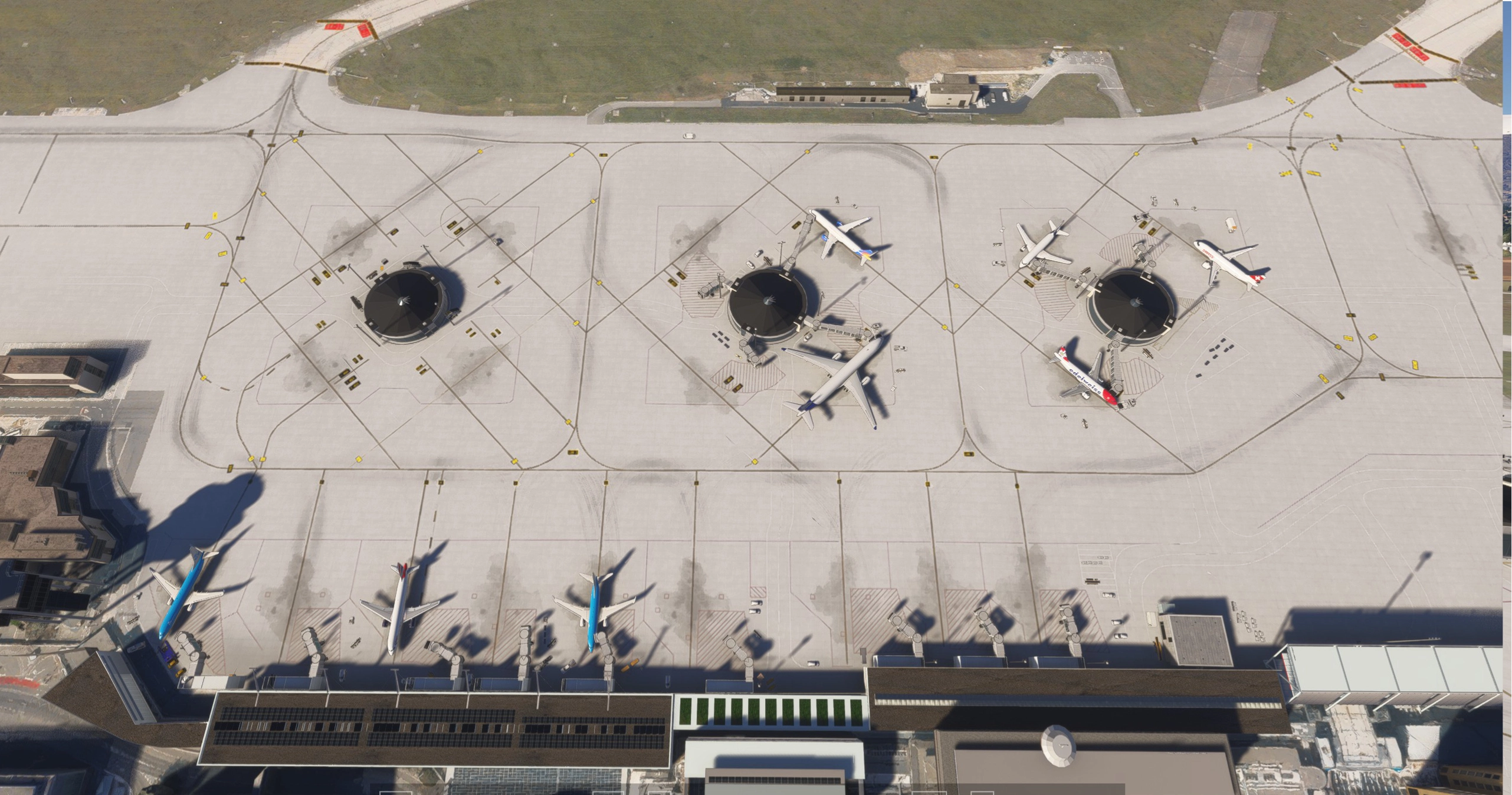
This is a work-in-progress scenery of Geneva Airport (LSGG) for Microsoft Flight Simulator 2024.
The goal of this project is to progressively recreate Geneva Airport with improved accuracy, details, and immersion compared to the default scenery. The airport is currently under active development, and many areas are still being worked on.
Current features:
- Custom airport layout for LSGG
- Initial improvements to runways, taxiways, and apron areas
- Ongoing adjustments for realism and accuracy
Important notes:
⚠️ This scenery is not finished yet ⚠️
Expect visual issues, missing details, or inaccuracies
Regular updates will be released over time as development continues
I am actively working on this project and plan to continuously improve and expand the scenery, adding more details, fixes, and optimizations in future updates.
Feedback and constructive suggestions are very welcome and will help improve the project.
Thank you for your support, and enjoy flying into Geneva! ✈️
1.2.1 UPDATE
I’m happy to release a new update for the airport scenery.
This version adds taxiway signs around the runway and surrounding areas, along with improved airport lighting for better realism. The passenger entrance building at Geneva Airport has been added, as well as new jetway parking positions.
Most importantly, LODs have been implemented to improve performance and optimize the scenery at different viewing distances.
I have also enhanced the scenery with additional details such as benches and check-in counters at selected gates to create a more immersive experience.
1.2.2
Reduced building clipping issues for improved visual accuracy and smoother ground integration.
Added runway approach lighting system.
Added PAPI 4 (VASI) for improved glide slope guidance on approach.
Added additional airport perimeter and surrounding lights for better night visibility.
Added additional scenery objects on the east side of the airport.
1.3
Added 3 new cargo/freight buildings to the environment.
Updated scenery in the surrounding area for better immersion.
Enjoy the updates!
LSGG – Geneva Airport
This add-on features a work-in-progress scenery of Geneva Airport (LSGG) for Microsoft Flight Simulator 2024. The project aims to enhance the airports realism and detail over the default scenery, with custom layouts and initial improvements to runways, taxiways, and apron areas. As development is ongoing, users may encounter visual issues and missing details, with regular updates planned for future enhancements. Feedback is encouraged to aid in the projects improvement.

User Reviews
9 reviews
Version History
I have added the EasyJet operations building adjacent to the control tower. This addition aims to enhance realism and provide a more accurate representation of the airport’s infrastructure. Please let me know if you need any adjustments or further details!
Featured in Collections(1)

Related
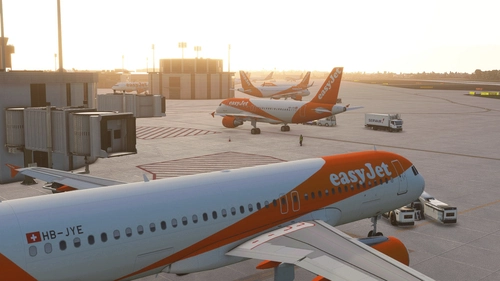
Geneva LSGG Airport (Basic)
Enhance your Geneva airport experience with this basic add-on that updates gates, jetways, and taxiways. The LSGG Tower model has been included along with improved runway textures and ILS alignments in the latest versions. Please note that Google Maps textures are no longer used, and future updates will be based on MS/Asobo textures.
by plasmastorm
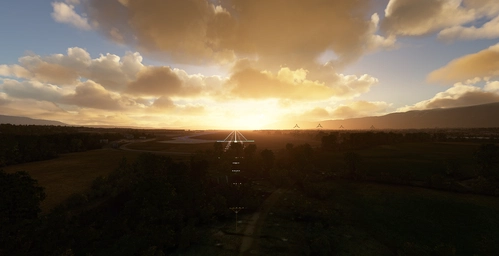
Geneva LSGG Pylon Remover - RWY 22 Approach
Enhance your approach experience at Geneva LSGGs RWY 22 with the Geneva LSGG Pylon Remover add-on. Remove distracting pylons that may disrupt your flight simulation, ensuring a smoother and more realistic landing. Your feedback is valuable in helping improve this add-on for a seamless flying experience.
by plasmastorm
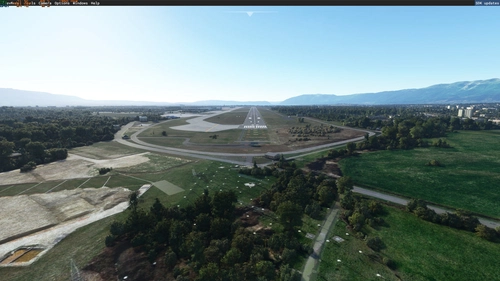
LSGG - Pylons removed
Enhance your approach experience to RW22 at LSGG airport with this add-on that removes tall pylons and clears some forest clutter for a smoother landing.
by JT248
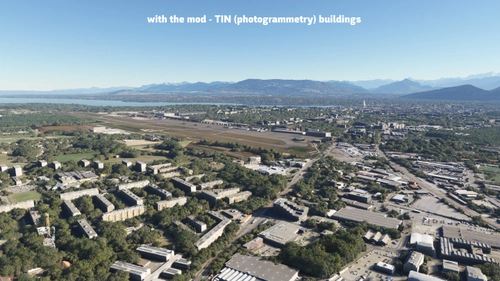
LSGG - Geneva Airport by RedWing Sim - City Update 4 Photogrammetry Compatibility Package
This add-on enhances the LSGG - Geneva Airport by RedWing Sim by restoring TIN coverage that was lost after the airport’s recent update. It is specifically designed for use with the City Update 4s photogrammetry settings enabled in Microsoft Flight Simulator. The package contains exclusion shapes and polygons created using the MSFS2020 SDK to ensure compatibility and maintain the visual integrity of the surrounding area.
by kvari
Log in to join the discussion
Log InComments(38)
about 8 hours ago
about 1 month ago
3 months ago
4 months ago
4 months ago
5 months ago
5 months ago
3 months ago
6 months ago
6 months ago
6 months ago
7 months ago
Would it be possible to adjust the position of the PAPI lights?
7 months ago
7 months ago
7 months ago
7 months ago
7 months ago
8 months ago
one wish: could you please remove the version numbers on the folder name, so I can overwrite everytime the old version?
I have alot of airports installed and going each time in the folder and delete the old one is annoying.
7 months ago
7 months ago