
Description
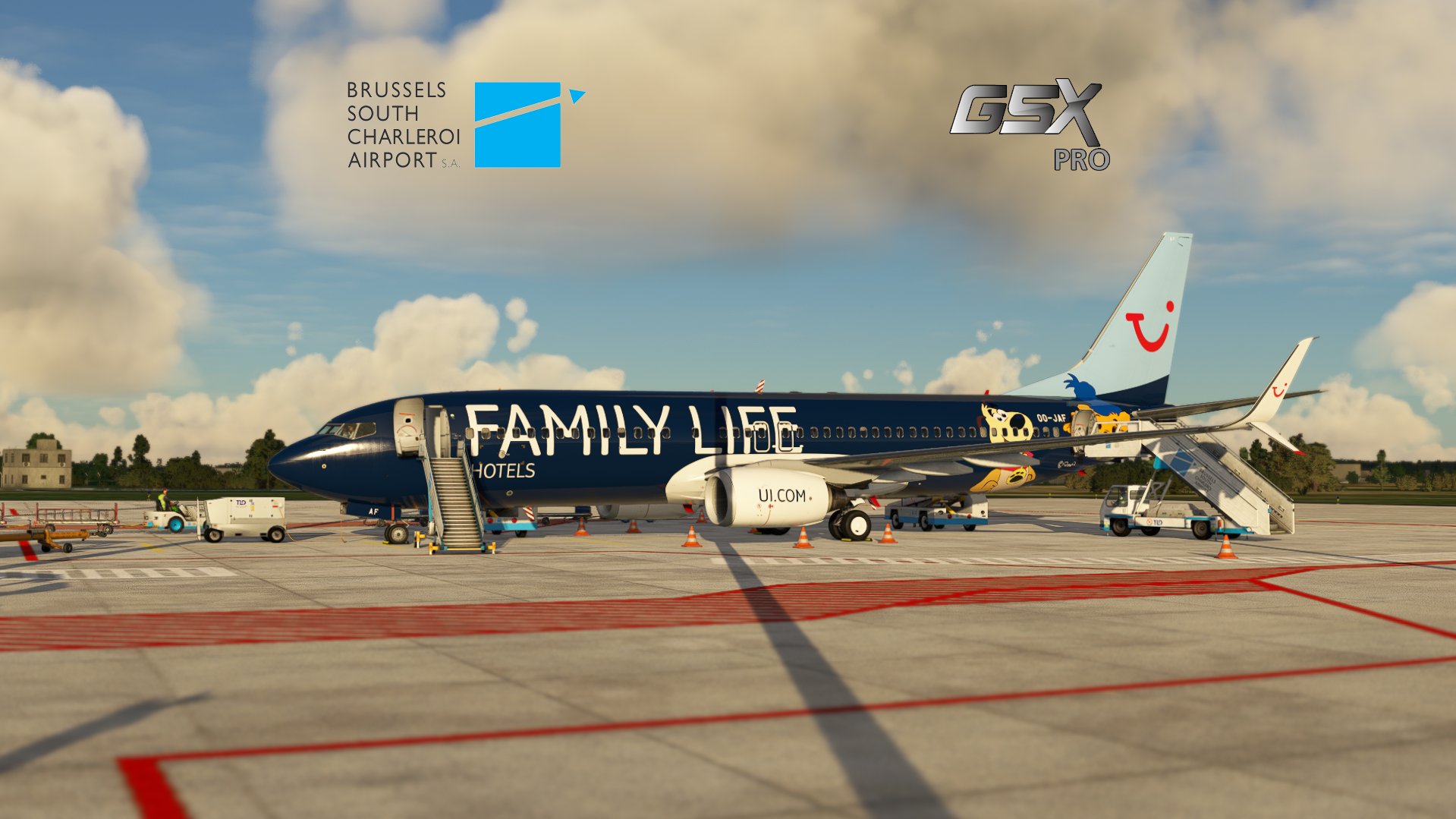
GSX Pro profile for Charleroi Brussels South by Neve_Manuel
- You will find the airport here
- All commercial stands (from stand 51 to 72) divided in 3 sections (Schengen apron, Non-Schengen apron and Schengen & Non-Schengen apron)
- Custom pushback labels
- Towbar pushback only
- Conveyor belt only
- BSCA as the handling service & NEWREST for the catering
- Custom pax walks (except for stand 51)
- Custom handling placement
- Drop the .ini & .py files in the "MSFS" folder located here : "C:\Users\XX\AppData\Roaming\virtuali\GSX\MSFS".
- The profile has only been tested with the PMDG 737-800 so let me know about other aircrafts :)
- Some pax walks might be weird as they can come from a building without door but that's due to the base addon.
- You don't have to make a donation but they are appreciated !
- If you´re a Creator or just a Profile User, feel free to join the GSX Creation Community and chat or discuss with other Users or Creators, click here
Enjoy flying from Charleroi 😀
GSX Pro EBCI Charleroi Brussels South - Neve_Manuel freeware
Enhance your airport experience with GSX Pro EBCI Charleroi Brussels South add-on by Neve_Manuel featuring custom pushback labels, towing services, and unique passenger walks. Enjoy realistic handling services from BSCA and catering from NEWREST. Simply drop the installation files in your MSFS folder and take off from Charleroi for a seamless flight experience.

User Reviews
1 reviews
Version History
- Removed wing walkers
Related
GSX Pro LGMK Mykonos - 29Palms/Aerosoft
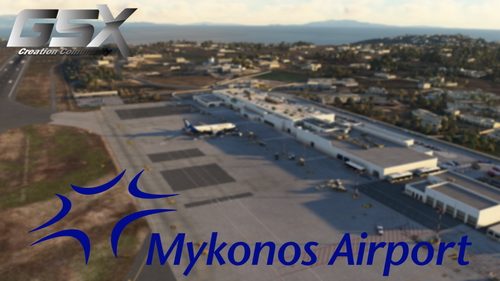
GSX Pro profile for Mykonos Airport by 29Palms and Aerosoft, featuring custom vehicles placement, Swissport handling, custom PAX walks, and accurate stop positions. Drop the .ini file in the MSFS folder for installation. Note: statics and AI vehicles are beyond control, feedback on procedures and compatibility appreciated. Created and tested by "Gecko."
by Gecko
![[8K] FBW A32NX SWISS HB-JDF](https://cdn.flightsim.to/images/22/8k-fbw-a32nx-swiss-hb-jdf-gJtBc.jpg?width=500)
[8K] FBW A32NX SWISS HB-JDF
Hello ! Here is my rendition of the latest Swiss's A320neo. Swiss is the flag carrier of Switzerland, operating scheduled services in Europe and to North America, South America, Africa and Asia. Zurich Airport serves as its sole hub and Geneva Airport as a focus city. For the installation, copy and paste the "a320-livery-SWISS_HB-JDD_GECKO" folder which is inside the .ZIP folder in your community folder.
by Gecko
![[8K] FBW A32NX Volaris "100 Aviones" XA-VSH](https://cdn.flightsim.to/images/20/8k-fbw-a32nx-volaris-100-aviones-xa-vsh-aWoAp.jpg?width=500)
[8K] FBW A32NX Volaris "100 Aviones" XA-VSH
Enhance your Microsoft Flight Simulator experience with the 8K Volaris XA-VSH "100 Aviones" livery for the FBW A32NX. This Mexican low-cost airline livery captures the essence of Volaris presence in the domestic and international aviation market. Explore the detailed design and vibrant colors of this livery, faithfully recreated for virtual pilots to enjoy. Install it easily by copying the designated folder into your community folder and take to the skies in style with this iconic Volaris livery.
by Gecko
![[8K] FBW A32NX VivaAerobús XA-VIF](https://cdn.flightsim.to/images/21/8k-fbw-a32nx-vivaaerobs-xa-vif-EJrQ8.jpg?width=500)
[8K] FBW A32NX VivaAerobús XA-VIF
Experience the VivaAerobús XA-VIF livery for the FBW A32NX in stunning 8K resolution. Explore Mexico and the United States with this Mexican low-cost airlines distinctive design. Simply install the livery in your community folder and soar the skies in style with VivaAerobús XA-VIF.
by Gecko
Log in to join the discussion
Log InComments(10)
almost 4 years ago
Hey !
GSX has recently been updated and the main update is the way GSX reads the .bgl of the airport.
I will manually check all the stands in the following days and will push an update if necessary !
Have fun flying in Charleroi !
EDIT 08/11 : Sorry for the big delay ! The profile works perfectly with the current GSX version and with the V1.1 of EBCI.
over 2 years ago
over 2 years ago
almost 4 years ago
Hey !
GSX has recently been updated and the main update is the way GSX reads the .bgl of the airport.
I will manually check all the stands in the following days and will push an update if necessary !
Have fun flying in Charleroi !
EDIT 08/11 : Sorry for the big delay ! The profile works perfectly with the current GSX version and with the V1.1 of EBCI.
about 4 years ago
Thank you for the profile!
I tried it just now and when selecting "gate" 69 it placed the marshaller on stand 70. I'm not sure if the numbering is correct. I have the freeware scenery installed, so they technically should match.
Will do more flights in the future and report if I find other issues. But thanks a lot for the effort! :)
about 4 years ago
Hey !
Coming back to you, gonna check it :)
about 4 years ago
Not too sure about which marshaller you are talking about but everything is working for me. Could you send me an image please ?
about 4 years ago
I'd have to recreate this. I arrived at EBCI and selected "gate 69" prior arrival.
When taxiing to the position I saw that the marshaller was standing at position 70 instead of 69 (based on the ground markings).
EDIT: Just tested it, it seems to have been my fault - the marshaller was not the one from GSX but from MSFS standing at parking 70. For some reason GSX did not show me a marshaller at 69 so I guessed it was on the wrong one.
So nevermind, thank you for checking :)
about 4 years ago
No probs :)
Yeah I saw the MSFS marshaller waving when spawning at a gate too so yeah :)
Have fun !
about 4 years ago
Hi guys ... When I release EBCI, there is not GSX available ... In the futur update, ( this winter 23 for open the taxy actually closing ) , I looking in the same time for erase the " lost marshaller " on the apron ;)
Thank's for this job
about 4 years ago
Hey Manuel,
thanks for the update :) That's not a big deal but still a little bit confusing :D
Thanks for your great addon !