
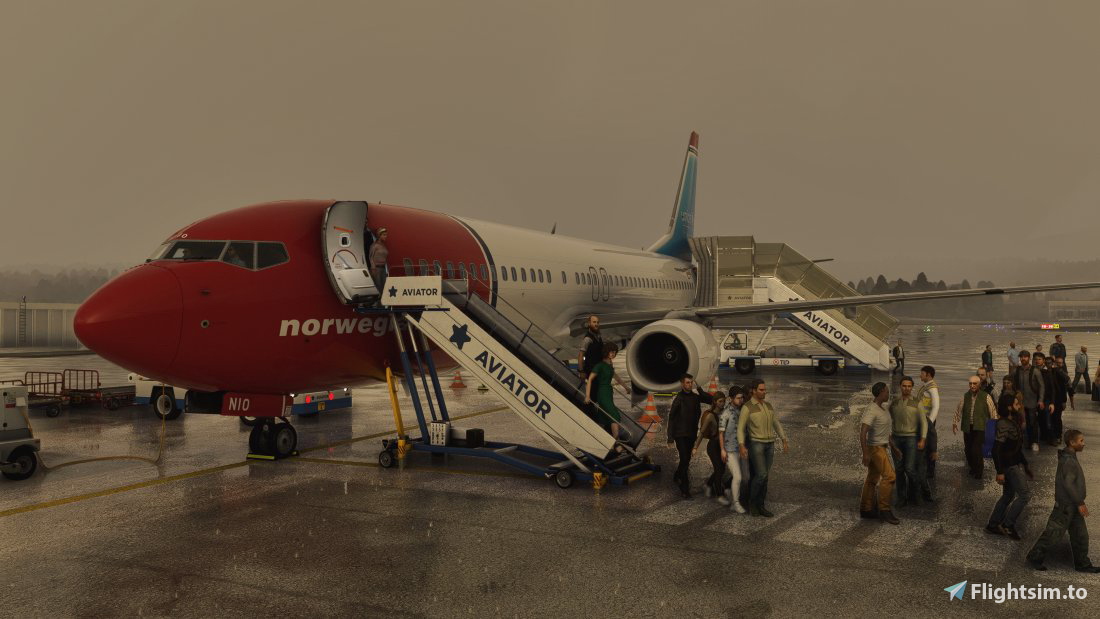
Description
ENTC - Tromso Airport from M&M Simulations
- Fully customized Gates with Custom Vehicle position with next to no Vehicle Clipping for full Realism!
- Working VDGS System for every Gate that has them Available in Real Life
- Fully Walking Path for Paxjetways and Gates without Jetways
DISCORD:
If youre a Creator or just a Profile User, feel free to join the GSX Creation Community and chat or discuss with other Users or Creators >>> click here <<<
The PMDG 737-800 were used for every Gate Customization
INSTALLATION:
Simply Drag the Downloaded file here:
C:/ users/yourname/AppData/Roaming/Virtuali/GSX/MSFS
Please make sure that your GSX Program recognizes the correct Airport, otherwise it wont work correctly
There are known issues with Marketplace Airports. They might not get recognized.
KNOWN ISSUES:
Passengers clipping trough the Jetways
GSX Pro | ENTC (Tromso) M&M Simulations (Outdated)
Discover fully customized gates with custom vehicle positions and a working VDGS system at Tromso Airport by M&M Simulations. Walk along paths for both Paxjetways and gates, enhancing your airport experience with realistic details. Visit the GSX Creation Community on Discord for more insights and discussions. Simply drag the downloaded file to your GSX directory for installation, but beware of known issues with marketplace airports.


Version History
No version history available.
Related
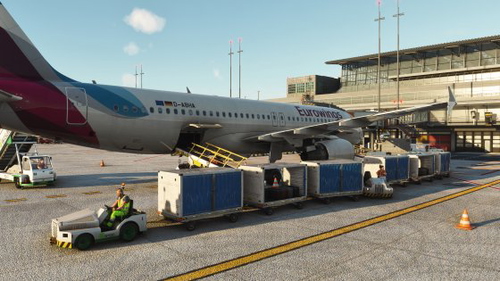
GSX Pro for Sim Wings Hamburg
Enhance your ground handling experience with custom GSX Pro Settings for Sim Wings Hamburg. This add-on provides park positions for every car and VDGS for designated spots. Version 1 includes gates 51 to 65, with more gates coming in future updates. Gate 9-12 feature a custom passenger walking path for added realism. Installation is quick and easy - simply follow the instructions provided.
by Rymee
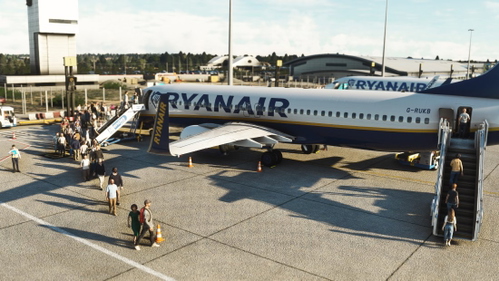
GSX Profile London Southend Pilot Plus
Enhance your London Southend experience with this Pilot Plus add-on that offers fully customized gates and a working VDGS system for heightened realism. Enjoy a fully walking path for gates and join the GSX Creation Community on Discord for discussions. Install the downloaded file easily and make sure your GSX program recognizes the correct airport for seamless functionality. Please note a known issue with the pushback truck position.
by Rymee
Log in to join the discussion
Log InComments(1)
over 2 years ago
[general]
afcad_path = \\?\F:\Microsoft Flight Simulator\Microsoft Flight Simulator_1\Community\mmsimulations-airport-entc-tromso\scenery\ENTC.bgl
makes it so that only people with your same folder structure can have the profile working, I've changed it bu t isn't there another way you can make it work for everyone?