
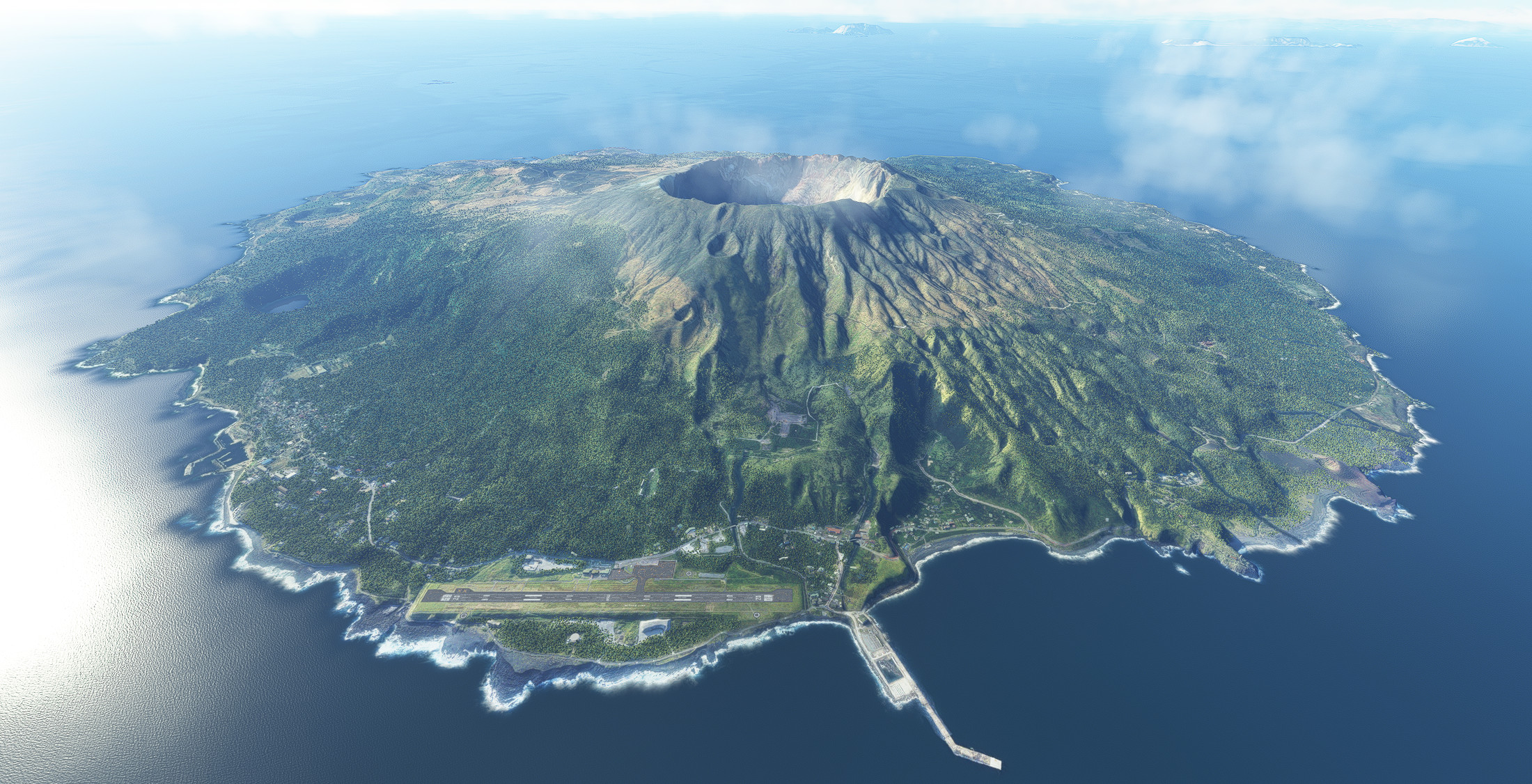
Description
Runway, taxiway and apron improvements.
Building remains autogen.
Notes
DEM was added in ver 0.1.2.
The elevation of the entire island is now accurate.
There are small bumps on the taxiway and runway, probably due to errors in the measurement data.
It's not noticeable on large planes, but General Aviation does shake.
There is currently no way to fix it flat, so if you are concerned, please use the existing version without upgrading.
Images are the previous version except for the first two.
Changed location of runway and VASI.
Changed the lighting on the runway.
Changed the lines of the taxiway and apron.
Added Runway Distance Marker Light.
Added Aerodrome Beacon.
Added lighting to the apron.
Elevation changes to some airport property elevations.
Known Issues
Islands sometimes turn white at certain distances.
If you are concerned about this, please rename or delete the CGL folder.
Dependencies
Location
RJTQ Miyakejima Airport
Enhance your flight simulation experience at RJTQ Miyakejima Airport with this add-on featuring runway, taxiway, and apron improvements while keeping building autogen intact. Explore accurate DEM elevation updates and various enhancements such as new lighting, markers, and beacon additions. Please note small bumps on the taxiway and runway that may affect General Aviation aircrafts.


User Reviews
3 reviews
Version History
Added 1m DEM to the airport. Added 3m DEM to entire Miyakejima. Changed PAPI object to custom model. Changed REIL object to custom model. Changed REDL object to custom model. Missing aerial photographs have been fixed. The file size is larger because of the large area supplemented.
Related
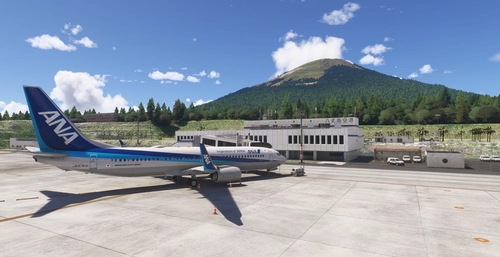
RJTH Hachijojima Airport Enhanced
Enhance your flying experience with the RJTH Hachijojima Airport add-on, now with improved airport details and elevation accuracy. This update includes changes to runway location, lighting, markings, and parking, as well as additions like approach lights and custom models. Make sure to have World Update 1 Japan installed for full compatibility.
by karuchie
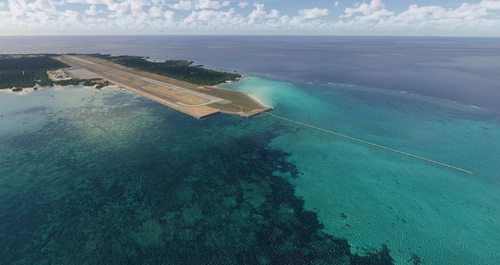
RORS Shimojishima Airport Enhanced
Enhanced version of RORS Shimojijima Airport with fixes and improvements, including updated 3D models and lighting adjustments. Ensure to download additional dependencies for an optimal experience.
by karuchie
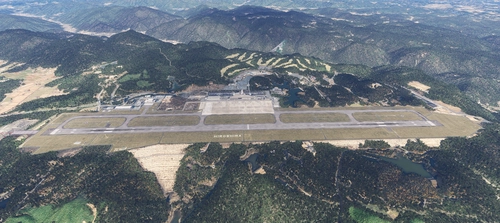
RJOA Hiroshima Airport Enhanced
This add-on enhances KAZEs RJOA Hiroshima Airport by correcting misaligned runways, taxiways, and aprons, leading to improved ILS alignment. It replaces the glass jetway with a metal asset and incorporates a 1m DEM across the airport and a 3m DEM in the surrounding area. Additional features include updated taxiway signs, new lighting installations, and adjustments to objects for height and position accuracy. Users are advised to adjust the file priority for proper integration with the existing scenery.
by karuchie

RJCK Kushiro Airport Enhanced
Enhanced version of Kushiro Airport featuring runway and taxiway line changes, updated taxiway lights, and accurate runway slope. Requires additional Japanese airport model library for some objects. Experience fine-tuning of terminal building, apron lights, and more in this detailed add-on.
by karuchie
Log in to join the discussion
Log InComments(8)
about 8 hours ago
over 1 year ago
https://ofuse.me/e/63609
about 8 hours ago
almost 2 years ago
over 2 years ago
over 2 years ago
over 2 years ago
almost 4 years ago
🙂 You forgot to provide the actual link:
https://flightsim.to/file/34494/japanese-airports-model-library
Also, the map marker at flightsim.to map is incorrectly placed at Niijima.