
Flightsim.to
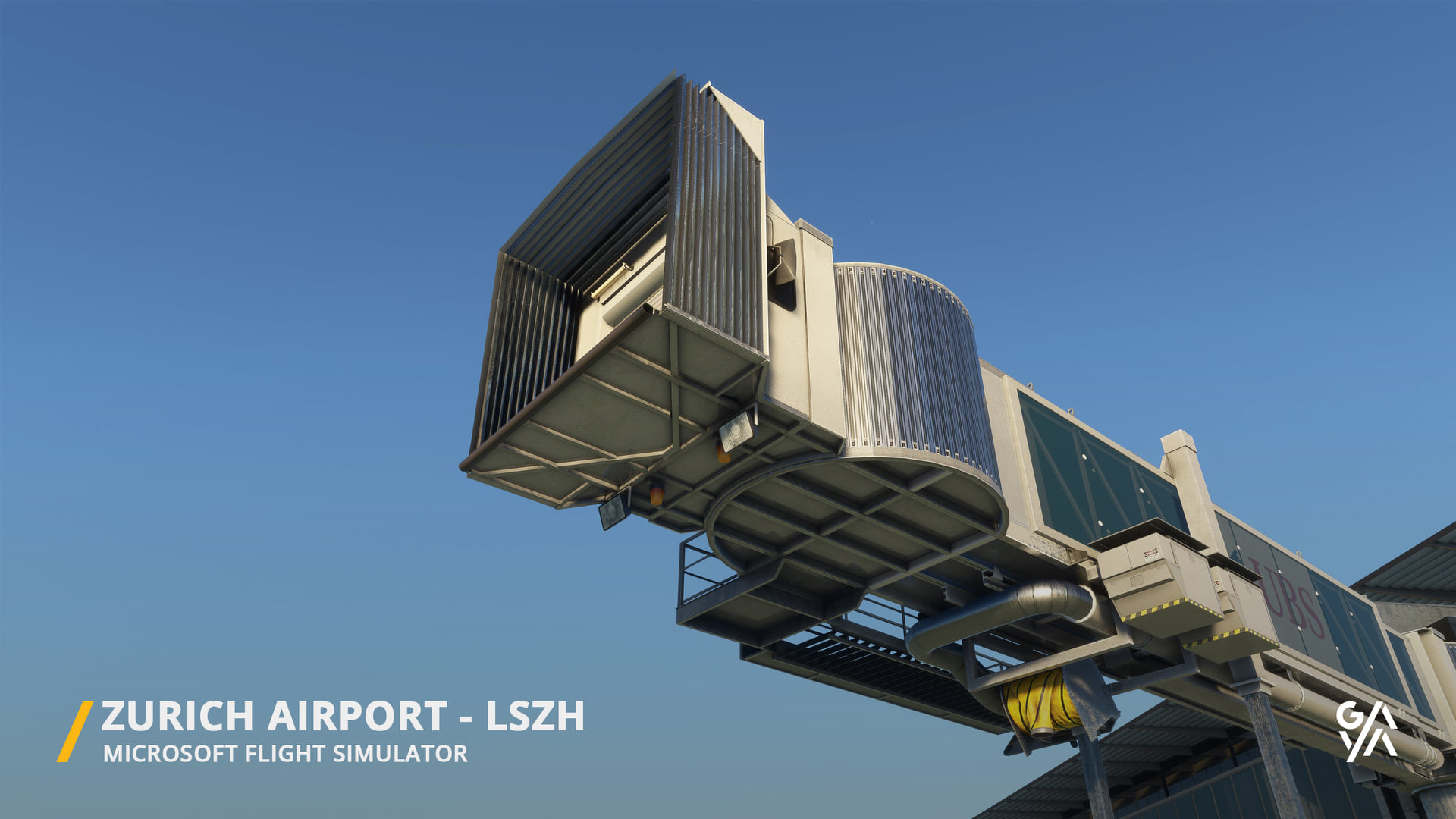
    LSZH Gaya Asobo GSX Profile - Image 1

    Description

    This is a GSX Profile for the free LSZH scenery from Gaya / Asobo which can be downloaded with world update Switzerland.

    Features
    • it adds VDGS  for A and B stands
    • and correct parking positions for vehicles

    Work in progress. E stands to follow.

    Installation
    • Copy Paste the ini file to %APPDATA%\Virtuali\GSX\MSFS
    • Open the ini file and look at the second line (Afcad path), you should see a path to a BGL file (here it is objects.bgl)
    • Search for this file in your community folder, copy this path then past it in the ini file (it still has to end by objects.bgl) and save it
    • Make sure you have surpressed the default GSX jetways in the config of your FSDT installer

    If you have problems loading the profile try this:
    Step 1: Boot up MSFS and go into the GSX menu. Press Customize Airport positions.
    Step 2: Copy the AFCAD path at the top and then turn off MSFS.
    Step 3: Go to %APPDATA%\Virtuali\GSX\MSFS and using a text editor open up the .ini file you downloaded from me.
    Step 4: Replace the afcad_path with the one you copied from GSX.
    Step 5: Save and then boot up MSFS again. The profile should now load correctly!

    Comments(1)

    Log in to join the discussion

    Log In
    K

    almost 4 years ago

    Vehicle possitions are standard for me. VDGS is there but most of the vehicles spawning inside of scenery based vehilces. Looks quite wrong. Last stand I´ve tested was A48 and the Trolley-Trucks spawned in some scenery buses there.

    MSFS 2020MSFS 2024

    LSZH Gaya Asobo GSX Profile

    Enhance your LSZH experience with this GSX Profile for the free LSZH scenery from Gaya / Asobo, featuring VDGS for A and B stands, as well as correct parking positions for vehicles. Easy installation instructions provided - work in progress to include E stands in future updates.


    Downloads2K
    Version0.2
    File Size8.21 KB
    Published3 years ago
    Updated3 years ago

    More Information

    Simulator
    MSFS2020
    Sub-CategoryGSX Pro Profiles
    Rating0.0 (0)
    ICAOLSZH

    Version History

    Minor corrections for A/B stands Started work on E stands

    Logo

    Looks like your ad blocker is on.

    ×

    We rely on ads to keep creating quality content for you to enjoy for free.

    Please support our site by disabling your ad blocker.

    Continue without supporting us

    Choose your Ad Blocker

    • Adblock Plus
    • Adblock
    • Adguard
    • Ad Remover
    • Brave
    • Ghostery
    • uBlock Origin
    • uBlock
    • UltraBlock
    • Other
    1. In the extension bar, click the AdBlock Plus icon
    2. Click the large blue toggle for this website
    3. Click refresh
    1. In the extension bar, click the AdBlock icon
    2. Under "Pause on this site" click "Always"
    1. In the extension bar, click on the Adguard icon
    2. Click on the large green toggle for this website
    1. In the extension bar, click on the Ad Remover icon
    2. Click "Disable on This Website"
    1. In the extension bar, click on the orange lion icon
    2. Click the toggle on the top right, shifting from "Up" to "Down"
    1. In the extension bar, click on the Ghostery icon
    2. Click the "Anti-Tracking" shield so it says "Off"
    3. Click the "Ad-Blocking" stop sign so it says "Off"
    4. Refresh the page
    1. In the extension bar, click on the uBlock Origin icon
    2. Click on the big, blue power button
    3. Refresh the page
    1. In the extension bar, click on the uBlock icon
    2. Click on the big, blue power button
    3. Refresh the page
    1. In the extension bar, click on the UltraBlock icon
    2. Check the "Disable UltraBlock" checkbox
    1. Please disable your Ad Blocker
    2. Disable any DNS blocking tools such as AdGuardDNS or NextDNS
    3. Disable any privacy or tracking protection extensions such as Firefox Enhanced Tracking Protection or DuckDuckGo Privacy.

    If the prompt is still appearing, please disable any tools or services you are using that block internet ads (e.g. DNS Servers, tracking protection or privacy extensions).