
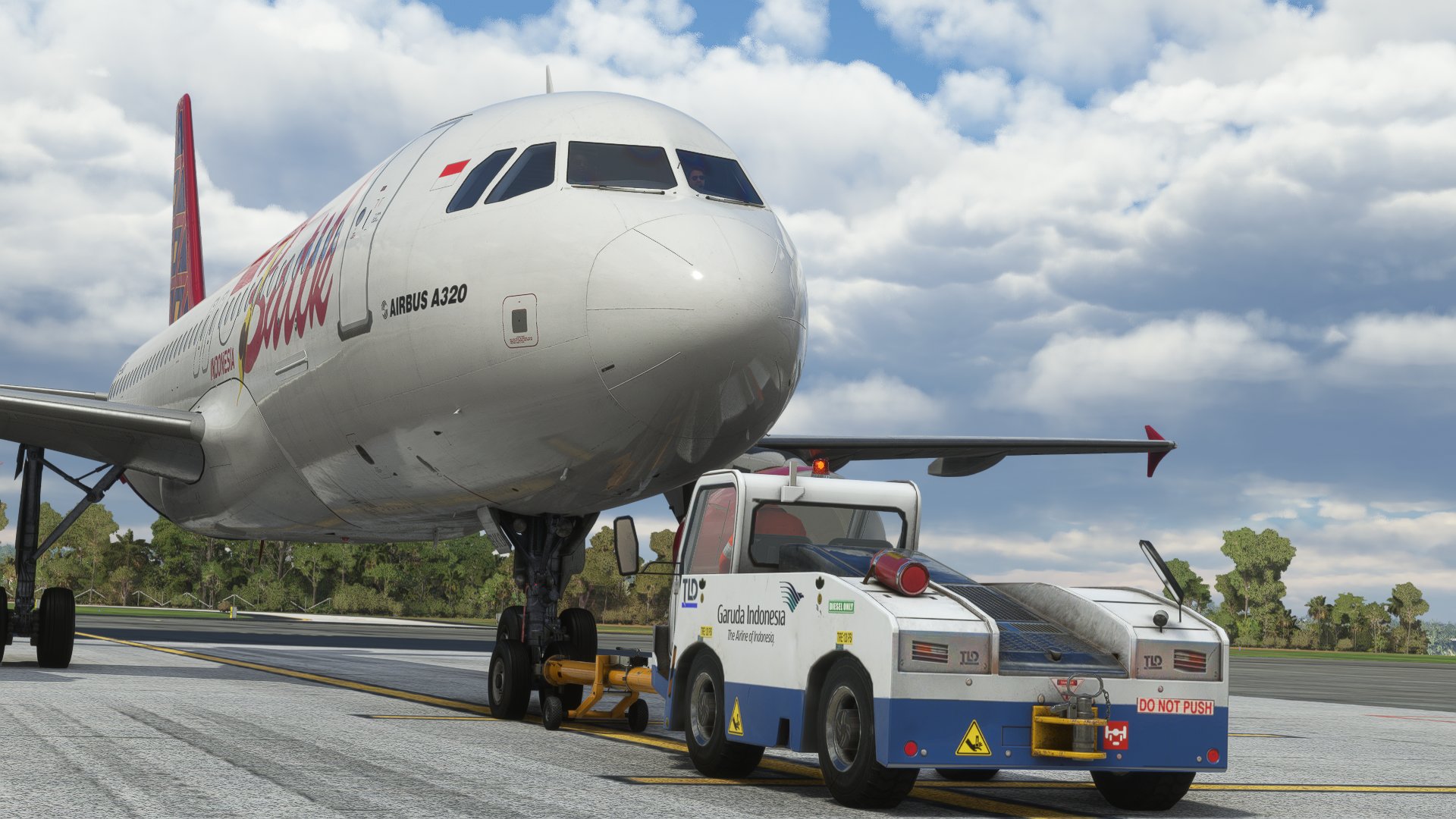
Description
WADD GSX PRO PROFILE
Installation : C:\Users\{username}\AppData\Roaming\virtuali\GSX\MSFSIn order for this to work, you will need these installed :
- WADD by AEROSOFT : https://bit.ly/3dJSGIn
- GSX Pro by FSDT : https://bit.ly/3A6P3Ux
Please let me know if you face any issues.
Brandon
GSX Profile - WADD Ngurah Rai International Airport
Enhance your ground handling experience at WADD Ngurah Rai International Airport with this GSX Profile add-on. Simply follow the installation instructions to enjoy a new level of realism and immersion in Microsoft Flight Simulator. Make sure to have WADD by Aerosoft and GSX Pro by FSDT installed for a seamless experience. Contact Brandon for any troubleshooting assistance.


Version History
No version history available.
Related
GSX Profile - WSSS Singapore Changi Airport (WIP)
Experience enhanced ground services at WSSS Singapore Changi Airport with this GSX Pro profile (WIP). Park at designated spots and gates seamlessly with completed E Parking, Gate A, B, and C setups. Stay tuned for updates on unfinished areas and VDGS integration.
by Brandon
GSX Profile - WBKK Kota Kinabalu International Airport
Enhance your ground handling experience at WBKK Kota Kinabalu International Airport with this GSX Pro Profile. Ensure to have WBKK scenery by THE SECRET STUDIO and GSX Pro by FSDT installed for full functionality. Contact Brandon for any troubleshooting assistance.
by Brandon
GSX Malaysia Texture Pack
Enhance your ground services with the GSX Malaysia Texture Pack, specifically designed for GSX Pro by FSDT. Follow the installation instructions included in the pack for a seamless experience. Reach out to Brandon for any assistance or inquiries.
by Brandon
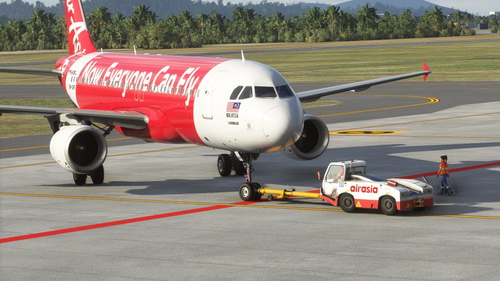
GSX Profile - WMKP Penang International Airport
GSX Profile for WMKP Penang International Airport, designed to enhance ground services. Installation path provided. Requires WMKP scenery by MFSG and GSX Pro by FSDT. Contact Brandon for support.
by Brandon
Log in to join the discussion
Log InComments(6)
over 3 years ago
about 4 years ago
Thank you much for creating this and the other profiles. You are THE man for Asia. Love all your work.
about 4 years ago
Request for WIII, WARR, WAEE, WA1A, WAPP, WAMM, WATO, WICC, WIHH, WILL, WIGG, WSSS, WAJJ, WITT, WIMN
about 4 years ago
I'm working on the GSX Profile for the Binersim WIII.. Coming soon..
almost 4 years ago
when can we expect it to be released?
over 2 years ago