
Description
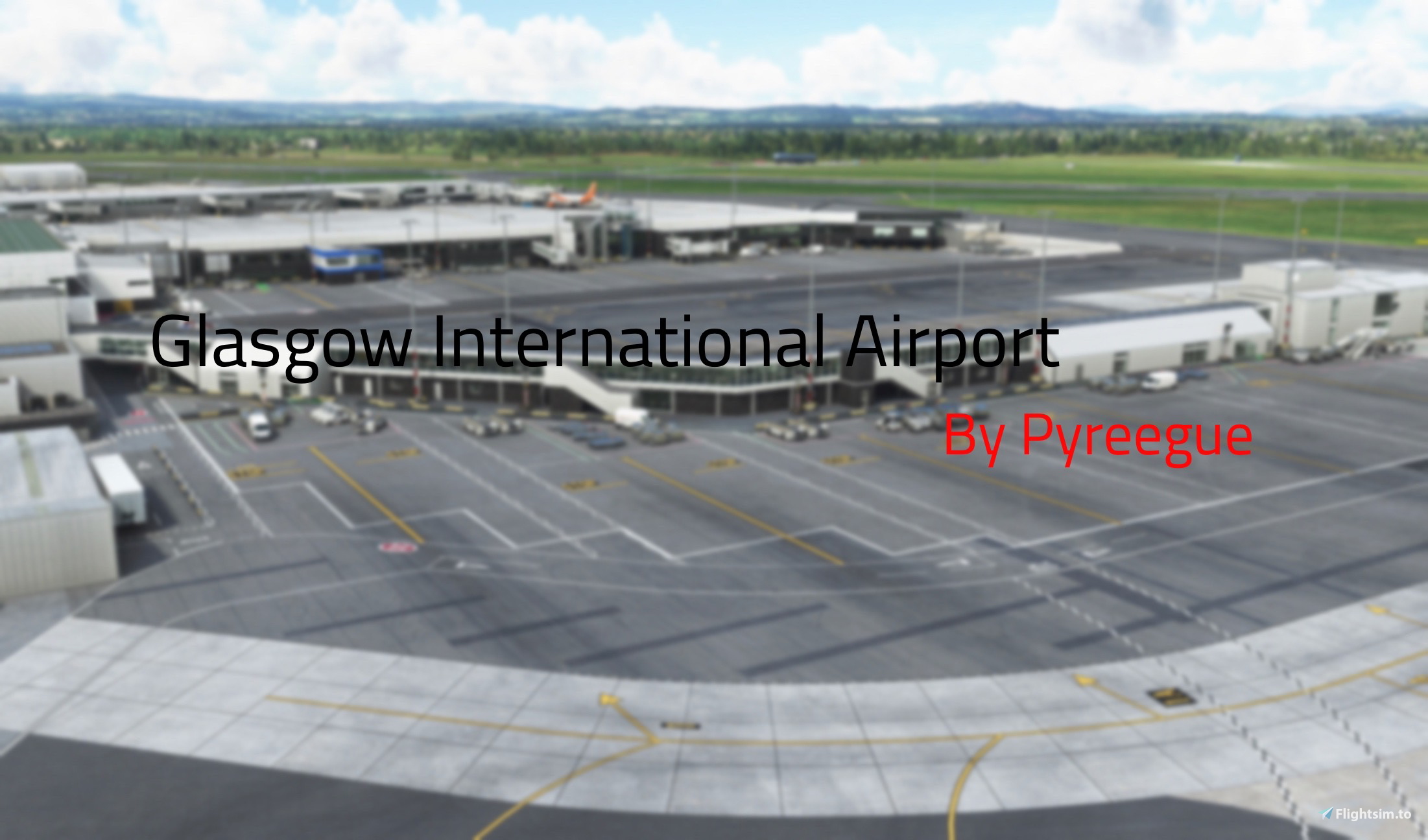
GSX Pro Profile/Preset for ORBX/Pyreegue Glasgow Interntional (EGPF)
Installation: \Users\Your Username\AppData\Roaming\virtuali\GSX\MSFS
UPDATE 0.96.3:
SMALL UPDATE
Added: Gate 18
Revamp:
Gates 19, 21, 22, 27, 28, 29
Dependencies:
Pyreegue Glasgow International (EGPF): https://bit.ly/GSXProfilebyJYang365EGPF
GSX Pro by FSDream Team: https://bit.ly/GSXProJYang365
Remember this IS a WORK IN PROGRESS (WIP)
Installation: \Users\Your Username\AppData\Roaming\virtuali\GSX\MSFS
This GSX Pro Profile was made with the Fenix A320
Gates included:
GA Ramps: 1, 2, 4, 7, 9
Parking: 1, 1A, 17, 19, 20, 21, 22, 27, 28, 29, 30, 30L, 31, 32, 33, 34, 35, 36, 37L, 37, 37R, 38, 39, 40, 61
Also PLEASE do comment any issues or just leave your reaction of it with a rating or emoji! I take reviews very seriously so please be honest!
Also make sure to check out my other GSX Pro profile for Digital Design EGGP!
https://bit.ly/GSXProfilebyJYang365EGGP
If you would like a Megapack of all my GSX Pro Profiles Check it out here: https://bit.ly/GSXProMegapackbyJYang365
Thanks,
JYang365
(WIP) GSX Profile - EGPF Glasgow International (Pyreegue Glasgow (From ORBX Store))
Since the release of GSX many developers have been making GSX Pro profiles and this is my first go at this so any problems please just comment. Thanks alot! And for installation the path is Installation: \Users\Your Username\AppData\Roaming\virtuali\GSX\MSFS


User Reviews
2 reviews
Version History
UPDATE 0.96.3: SMALL UPDATE Added: Gate 18 Revamp: Gates 19, 21, 22, 27, 28, 29
Related
GSX Pro Profiles Megapack
GSX Pro Profile pack made by JYang365 GSX Pro Profile/Preset for ORBX/Digital Design Liverpool (EGGP) Installation: \Users\Your Username\AppData\Roaming\virtuali\GSX\MSFS Dependencies: GSX Pro by FSDream Team: https://bit.ly/GSXProJYang365 Some of these profile MAY be Work in Progresses Installation: \Users\Your Username\AppData\Roaming\virtuali\GSX\MSFS These GSX Pro Profiles are all made with the Fenix A320 Gates included: EGPF: GA Ramps: 1, 2, 4, 7, 9 Parking: 1, 1A, 17, 19, 20, 21, 22, 27, 28, 29, 30, 30L, 31, 32, 33, 34, 35, 36, 37L, 37, 37R, 38, 39, 40, 61 EGGP: Parking: 51, 52, 53, 54, 55, 56 Also PLEASE do comment any issues or just leave your reaction of it with a rating or emoji! I take reviews very seriously so please be honest! Seprate Profiles can be found here: Digital Design EGGP: https://bit.ly/GSXProfilebyJYang365EGGP Pyreegue EGPF: https://bit.ly/GSXProfilebyJYang365EGPF Thanks, JYang365
by JYang365
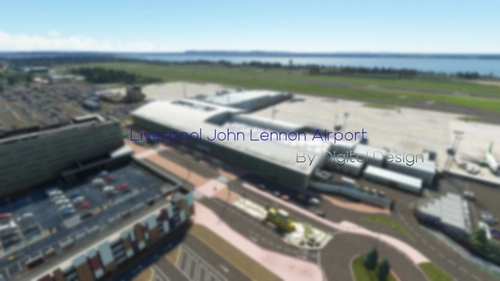
(WIP) GSX Profile - EGGP Liverpool John Lennon Airport (Digital Design (From ORBX Store))
GSX Pro Profile for GSX by FS Dream Team. EGGP or Digital Design Liverpool John Lennon Airport for MSFS 2020 GSX Pro Profile/Preset for ORBX/Pyreegue Glasgow Interntional (EGPF) Installation: \Users\Your Username\AppData\Roaming\virtuali\GSX\MSFS Dependencies: Digital Design Liverpool John Lennon (EGGP): https://bit.ly/DigitalDesignEGGPJYang365 GSX Pro by FSDream Team: https://bit.ly/GSXProJYang365 Remember this IS a WORK IN PROGRESS (WIP) Installation: \Users\Your Username\AppData\Roaming\virtuali\GSX\MSFS This GSX Pro Profile was made with the Fenix A320 Gates included: Paarking: 51, 52, 53, 54, 55, 56 Also PLEASE do comment any issues or just leave your reaction of it with a rating or emoji! I take reviews very seriously so please be honest! Thanks, JYang365
by JYang365
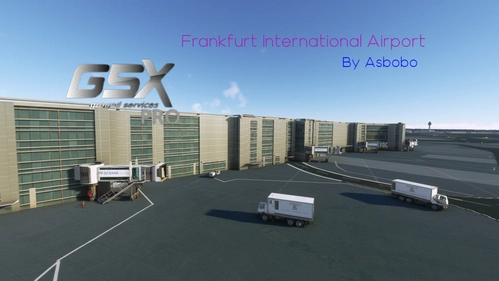
(WIP) GSX Profile - EDDF Frankfurt International Airport Premium Deluxe Version
GSX Pro Profile/Preset for Premium Deluxe Frankfurt (EDDF) Installation: \Users\Your Username\AppData\Roaming\virtuali\GSX\MSFS Dependencies: Premium Deluxe Version of Microsoft Flight Simulator GSX Pro by FSDream Team: https://bit.ly/GSXProJYang365 Remember this IS a WORK IN PROGRESS (WIP) Installation: \Users\Your Username\AppData\Roaming\virtuali\GSX\MSFS This GSX Pro Profile was made with the Fenix A320 Gates included: Parking: A1, A11, A13, A14 Also PLEASE do comment any issues or just leave your reaction of it with a rating or emoji! I take reviews very seriously so please be honest! Also make sure to check out my other GSX Pro profile for Pyreegue EGPF! https://bit.ly/GSXProfilebyJYang365EGPF If you would like a Megapack of all my GSX Pro Profiles Check it out here: https://bit.ly/GSXProMegapackbyJYang365 Thanks, JYang365
by JYang365
![PMDG 777-300ER Custom Camera Views [Taxi Cameras]](https://cdn.flightsim.to/images/27/pmdg-777-300er-custom-camera-views-with-gear-camera-views-96652-1735308640-Va2fk.jpg?width=500)
PMDG 777-300ER Custom Camera Views [Taxi Cameras]
This add-on provides custom camera views for the PMDG 777-300ER, enhancing the simulation experience by offering unique perspectives. Included are views from the cockpit, engine, and various landing gear cameras, among others. Installation requires dragging the cameras.CFG file into the appropriate directory within the simulators files. Detailed instructions are provided in the included README file.
by JYang365
Log in to join the discussion
Log InComments(11)
almost 4 years ago
Hi !! Is there a way to make this work with the Glasgow Pyreguee airport if purchased from the Microsoft Store? Thanks.
almost 4 years ago
Hello,
If you just install it the normal way it should work perfectly fine! If it doesn't best bet would to search up on YouTube or Google.
about 4 years ago
Gate 19 Jetway (and some others) do not work at all, is this profile updates sometimes?
about 4 years ago
Thank you for this. I love this scenery, and just tried your file out. It seems to work fairly well. I used gate 21 with the 737-800 and most everything worked. The issue was (and it's not your fault) there are passengers walking in the sky. If i could suggest, don't display passengers with the pax gates, just walkways since they're prone to glitching. I know what a PITA these are to create, so thanks for your work.
about 4 years ago
Hello v1rota7e,
Thanks alot for your very kind review again I really appreciate it.
Also thanks for the advice I will do that!
about 4 years ago
Can I ask, for my own sanity, how you're changing Gates listed as 'Ramp' in the scenery into a Gate? I'm losing my mind trying to figure out how to do it! Cheers.
ps I should add I'm not talking about changing it in GSX, I mean changing it so it's reflected in the world map :-)
about 4 years ago
Hello,
First of all thanks fir giving me such a high rating I really appreciate it. And your question i'm pretty sure it does this by default.
about 4 years ago
Hey.
That's interesting because mine won't do it. When I change the gate type in GSX it isn't changing the 'parking' label to 'gate', and it remains listed as parking. I wonder if I'm suffering with the GSX files not being the latest version? Very frustrating!
ps It would have been 5 stars, the only gripe I had is on stand 21 (for example), rather than have the VDGS stand overlapping the scenery, if you select Safedock Wall mounted it fits nicely into the existing scenery as it is.
Cheers
edited to add - I see you've changed the above in the latest version, there is still a safedock system that fits the default scenery perfectly :-)
about 4 years ago
Yup!
I did a full revamp of the gates as I didnt think they were good enough!
Thanks
about 4 years ago
could you tell us which stands are complete
about 4 years ago
Hello, I will if you check the Roadmaps I am planning to make one expected release of that will be tomorrow morning (zulu time as I am busy tonight) but from the top of my head I think it would be 19, 21, 22 and 28 is what I remember.
Thanks