
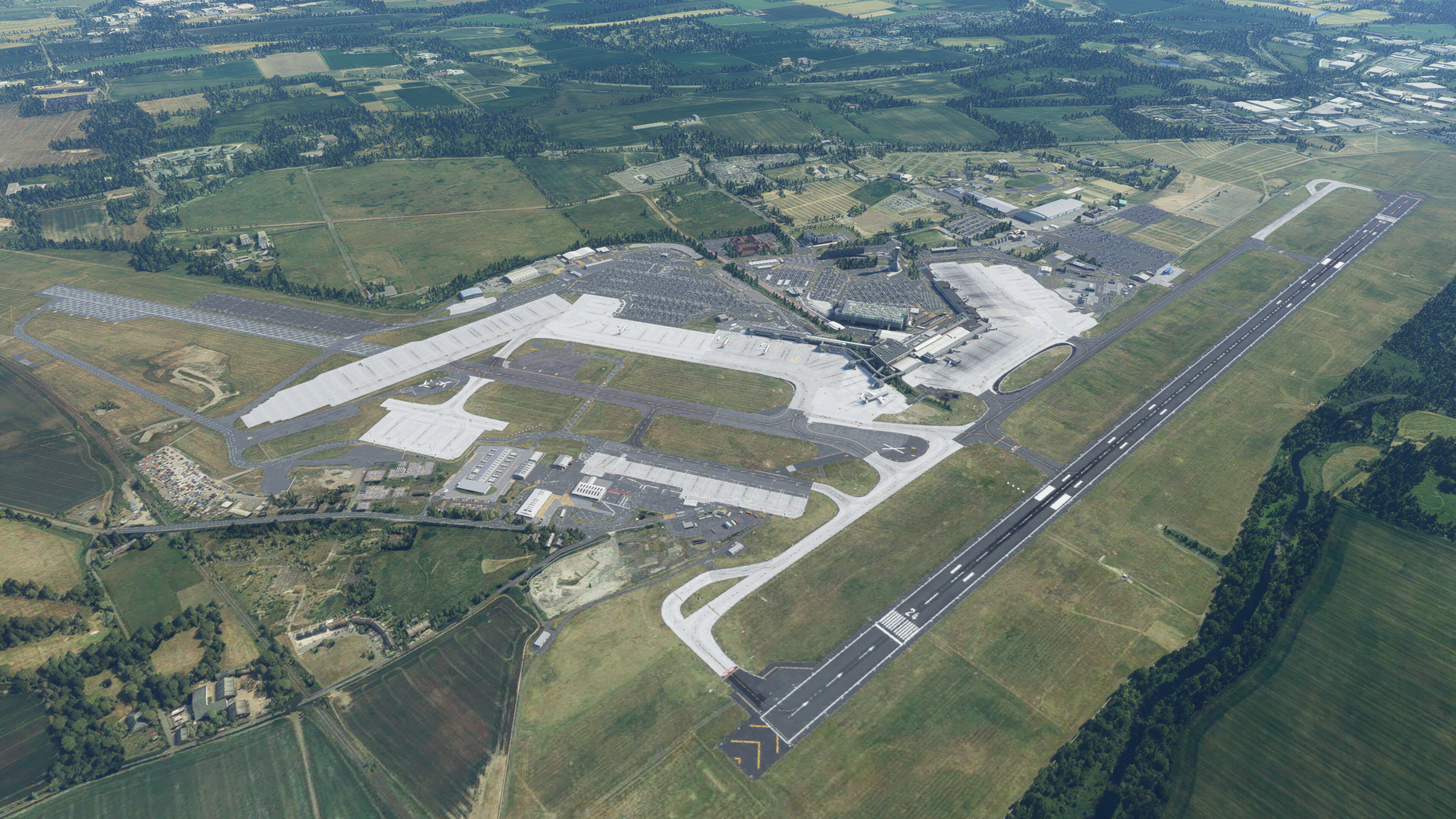
Description
To install, unzip, drag and drop the file into the following folder: User > "your username" > Appdata > Roaming > Virtuali > GSX > MSFS
The following stands work:
-Cargo Stands
-Southeast pier up to stand 25
-The main Apron as well as the stands behind that
The normal gates are "parking" in the GSX menu
The A gates are labeled as Gates in the menu apart from 6
Working on: the southeast apron
Enjoy!
Leave feedback on what could be changed
GSX profile - EGPH - Edinburgh - Preegue
Explore a GSX profile for Edinburgh Airport in Microsoft Flight Simulator, featuring cargo stands, main apron stands, and gates labeled in the menu. Additional work in progress on the southeast apron. Leave feedback and enhance your ground services experience.

User Reviews
5 reviews
Version History
All of the following stands are now included, with pushback and custom pathed passenger: -Cargo Stands -Southeast pier up to stand 25 -The main Apron as well as the stands behind that
Related
GSX profile - LDPL - Pula - MysteryBytes
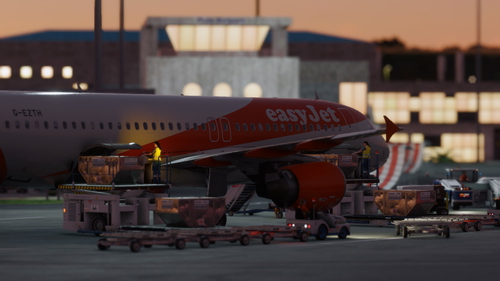
Enhance your virtual ramp experience at LDPL - Pula airport with this GSX profile by MysteryBytes. Discover a detailed depiction of ground equipment placement, designed to complement your airport scenery. Please note that this add-on requires the installation of the Pula airport scenery by the same creator.
by Oscar_Wm
GSX profile - EGAC - Belfast City - UK2K
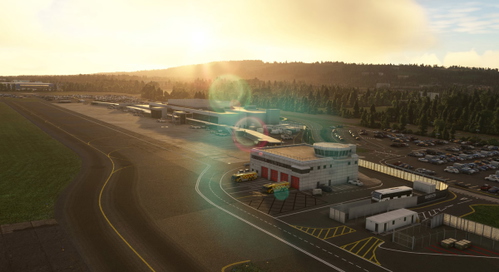
Enhance your experience with the GSX profile for EGAC - Belfast City by UK2K. Simply unzip, drag into your community folder, and follow the instructions to replace the necessary files for a more immersive airport simulation in Microsoft Flight Simulator.
by Oscar_Wm
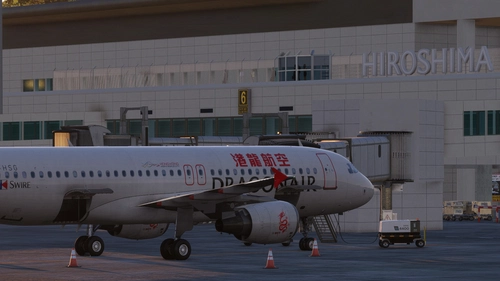
GSX profile - RJOA - Hiroshima - KAZE
Enhance your ground handling experience at Hiroshima Airport and Kaminoseki Heliport with this GSX profile specifically designed for RJOA - Hiroshima - KAZE.
by Oscar_Wm
Log in to join the discussion
Log InComments(22)
about 2 years ago
over 2 years ago
Missing gates, positions are too far forward VDGS aligns to the A gates when selecting the non A ones etc.
almost 3 years ago
about 3 years ago
about 3 years ago
about 3 years ago
about 3 years ago
over 3 years ago
very well made profile. Just two small things that you could improve.
the stop possitions where moved by GSX a while back so you might want to take a look at thoseThe pushback naming. If you find the time I would appreciate some unique naming for the pushbacks i.e (F - Face East)Thanks for your work
almost 4 years ago
For some reason stand 1 stop position is really far forward. This seems to be happening with a few profiles.
about 4 years ago
Works well for most gates but had a couple of issues.
The pushback for Gate 1A seems to back the aircraft into the barrier at the end of the taxiway (it just needs to stop a bit earlier)The VDGS didn't seem to be working on Gate 2 (taxiing in / arriving)about 4 years ago
is it complete?
about 4 years ago
Gate 1 is too far forward (PMDG 737). Almost ran into the wall.
Same issue at Gate 6, 9, A10.
about 4 years ago
Preset is great and almost perfect, but somehow it cannot tell the difference between stands A - B and Gate.
Eg. tried 16B and gsx though I was parked at 16, plus, on reposition from 16B to 16A it stick on 16B
about 4 years ago
I could be wrong but there is no obvious way to change the gate names, i agree it is confusing but its what either GSX or pyreegue have called the gates. Would like to see if they could change this. Knowing pyreegue, they will probably make a profile for EGPH in the near future. And when it comes to those gates, in the editing menu, they have the same name and so i think GSX gets confused, I did do both of those stands so it should work fine however i could not find a fix for it whilst testing.
about 4 years ago
Will this work with the default airport?
about 4 years ago
Nope as the assets are different and positioniong are different
about 4 years ago
Hi Oscar! Will this still work if I bought the scenery through the MSFS Market place?
about 4 years ago
there's no reason why it shouldn't
as long as it's the pyeegue one :)
about 4 years ago
Great! Thanks :)