
Description
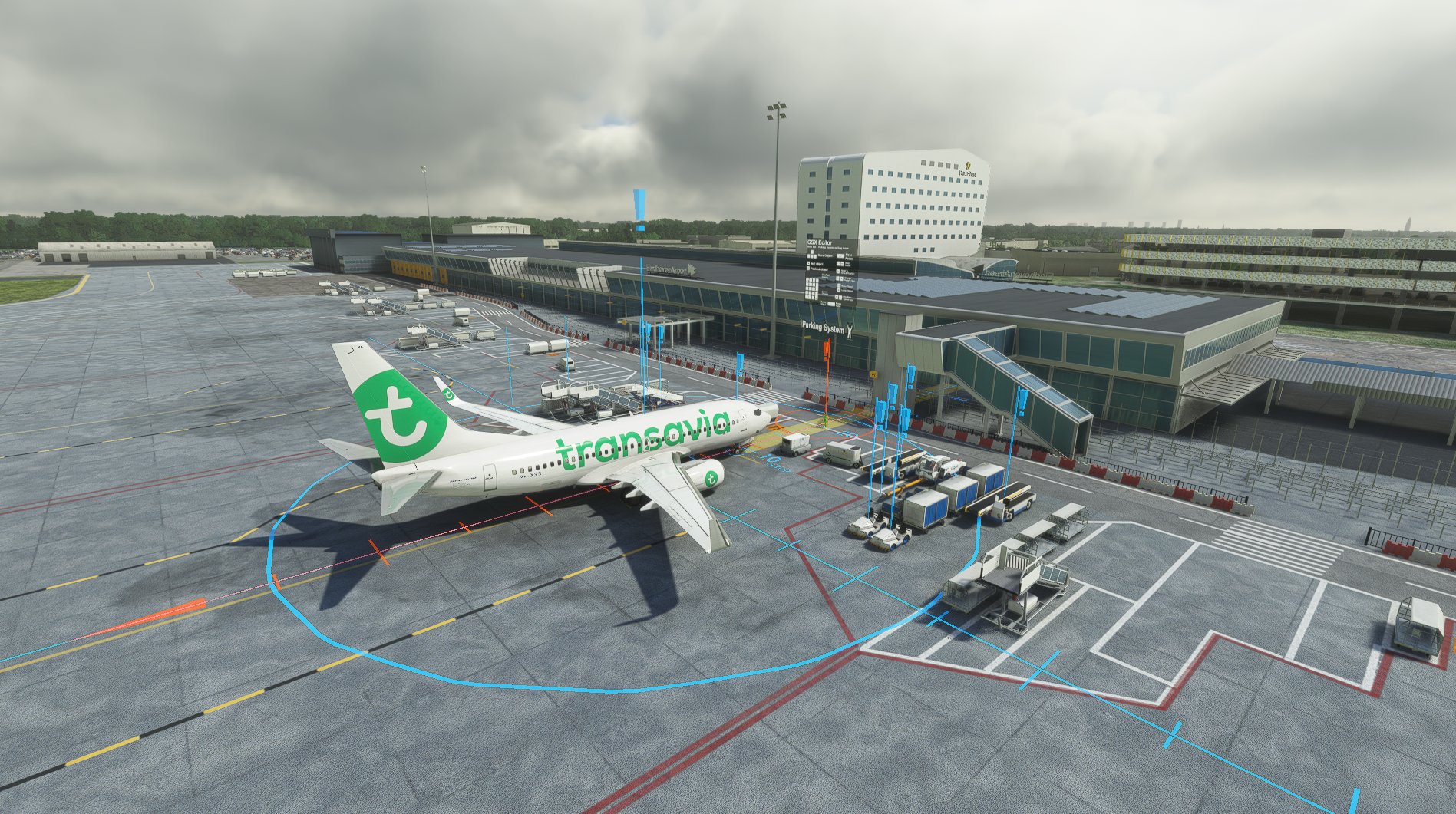
This file contains the GSX Pro profile for Eindhoven airport (EHEH/EIN). This profile is made using the Spoorobjecten scenery for this airport, so credits to the maker of this scenery. Installing the Spoortobjecten scenery is a must before this file will work, you can find it here: https://flightsim.to/file/785/eindhoven-airport-eheh-incl-custom-buildings
I have edited the walking routes of the passengers but is really basic and not exactly 100% accurate. Also, ground equipment have been placed by hand.
HOW TO INSTALL:
Place the file inside the zip into the following folder: %appdata%/Virtuali/GSX/MSFS
Enjoy!!!
Comments(5)
Log in to join the discussion
Log Inalmost 4 years ago
Great job! Would like to see more airports from you!
Eindhoven (EHEH) | GSX Pro profile
Enhance your ground handling experience at Eindhoven Airport (EHEH) with this GSX Pro profile. Compatible with Spoorobjecten scenery, this profile features edited passenger walking routes and manually placed ground equipment. Simply install the Spoortobjecten scenery first, then add this profile to your GSX folder for a more immersive airport experience.

More Information
Version History
No version history available.
almost 4 years ago
follow me car doesn't work correctly, can you fix it pls? thanks