
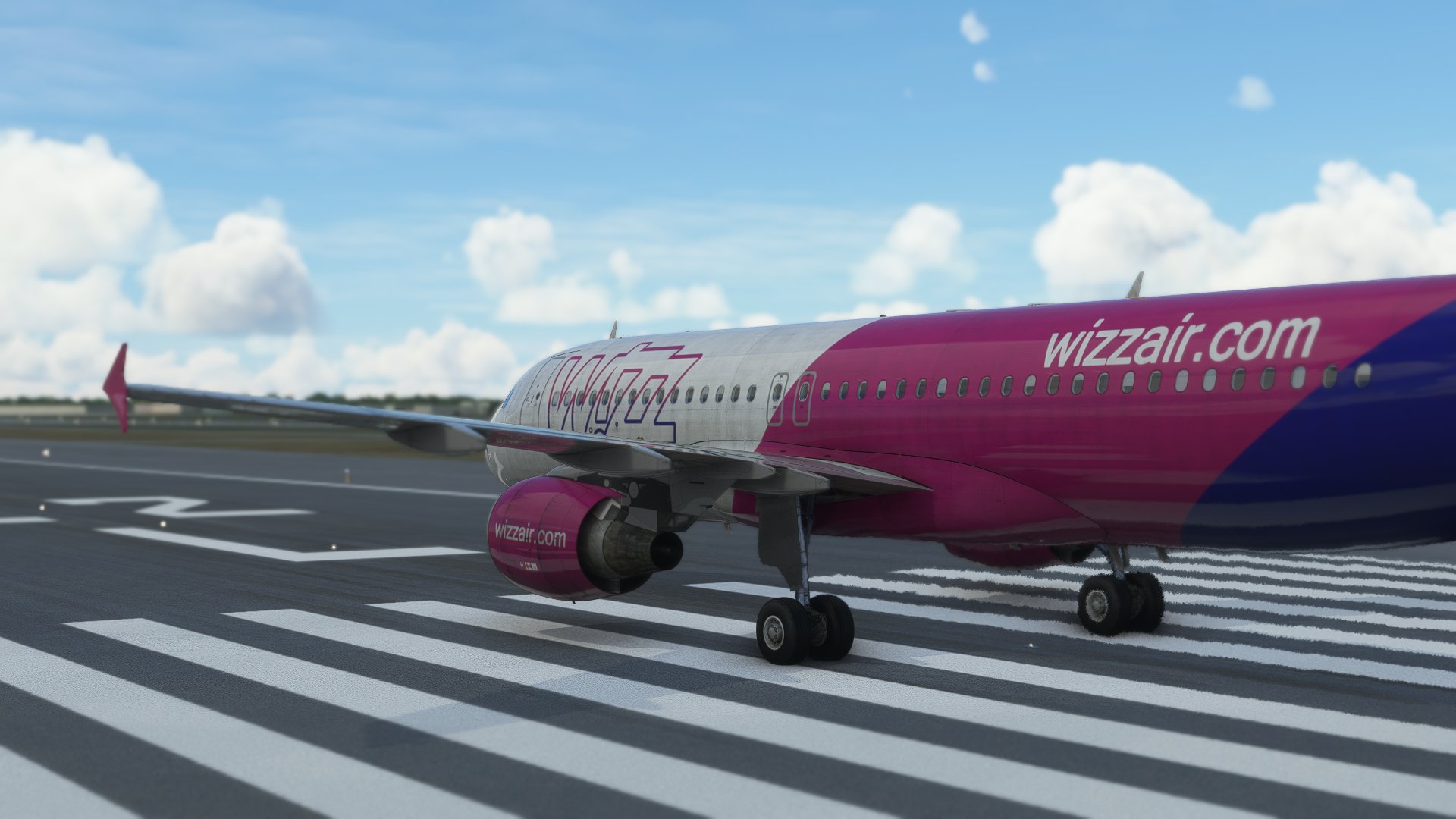
Description
Wizz Air Dirty livery for Fenix Airbus A320 based on HA-LWJ + cabin textures
Note: Will update to IAE engines when will be possible
Enjoy (:
Fenix Airbus A320 Wizz Air Dirty | Cabin textures | 4K | Discontinued
Immerse yourself in the unique Wizz Air Dirty livery for the Fenix Airbus A320 with cabin textures in stunning 4K resolution. This add-on includes textures based on HA-LWJ and promises an upcoming update to IAE engines. Enjoy the realism and attention to detail in your flight simulation experience.

User Reviews
1 reviews
Version History
No version history available.
Related
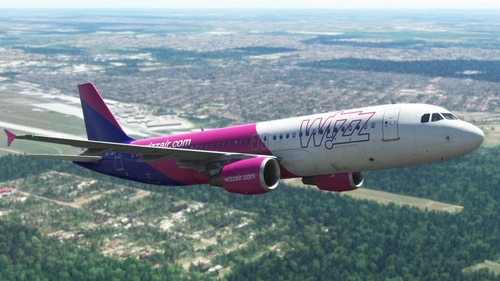
Fenix Airbus A320 Wizz Air | Cabin textures | 4K
Enhance your Microsoft Flight Simulator experience with the Fenix Airbus A320 Wizz Air add-on, featuring high detailed Wizz Air livery based on HA-LWJ, along with 4K cabin textures. Note: Expect an update to IAE engines in the future. Enjoy the realistic aircraft textures and immersion this mod brings.
by Tapzi
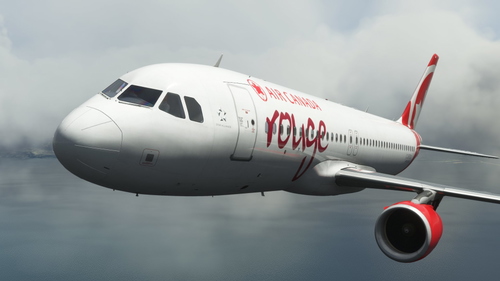
Fenix Airbus A320 Air Canada Rouge | 4K | Discontinued
Experience the iconic Air Canada Rouge livery for the Fenix Airbus A320, featuring a high-quality 4K resolution based on the registration C-GFDU. Add a touch of authenticity to your virtual flights with this detailed livery.
by Tapzi
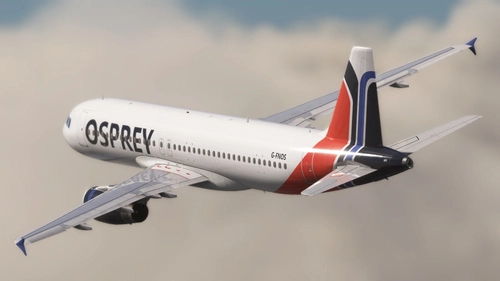
Fenix Airbus A320 Osprey Airways | Cabin | 4K
Discover the Fenix Airbus A320 Osprey Airways livery add-on, featuring detailed cabin textures for an immersive flight experience. This mod includes both IAE and CFM variants of the aircraft for added versatility. Explore more about Osprey Airways on British Avgeeks website. Happy flying!
by Tapzi
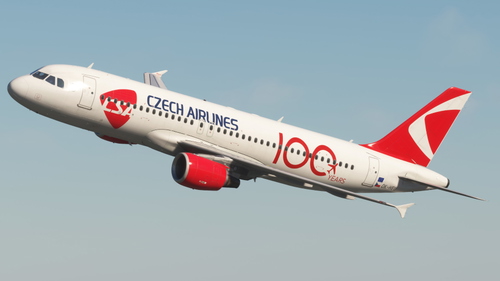
Fenix Airbus A320 Czech Airlines 100 Years Sticker | Custom Cabin | 4K
Add a touch of history to your flight simulator with the Fenix Airbus A320 Czech Airlines 100 Years Sticker add-on. This custom livery is based on OK-HEU and features a detailed interior with animated tray tables and new cabin seats. Special thanks to LivToAir for the custom cabin design.
by Tapzi
Log in to join the discussion
Log InComments(1)
over 2 years ago