
Description
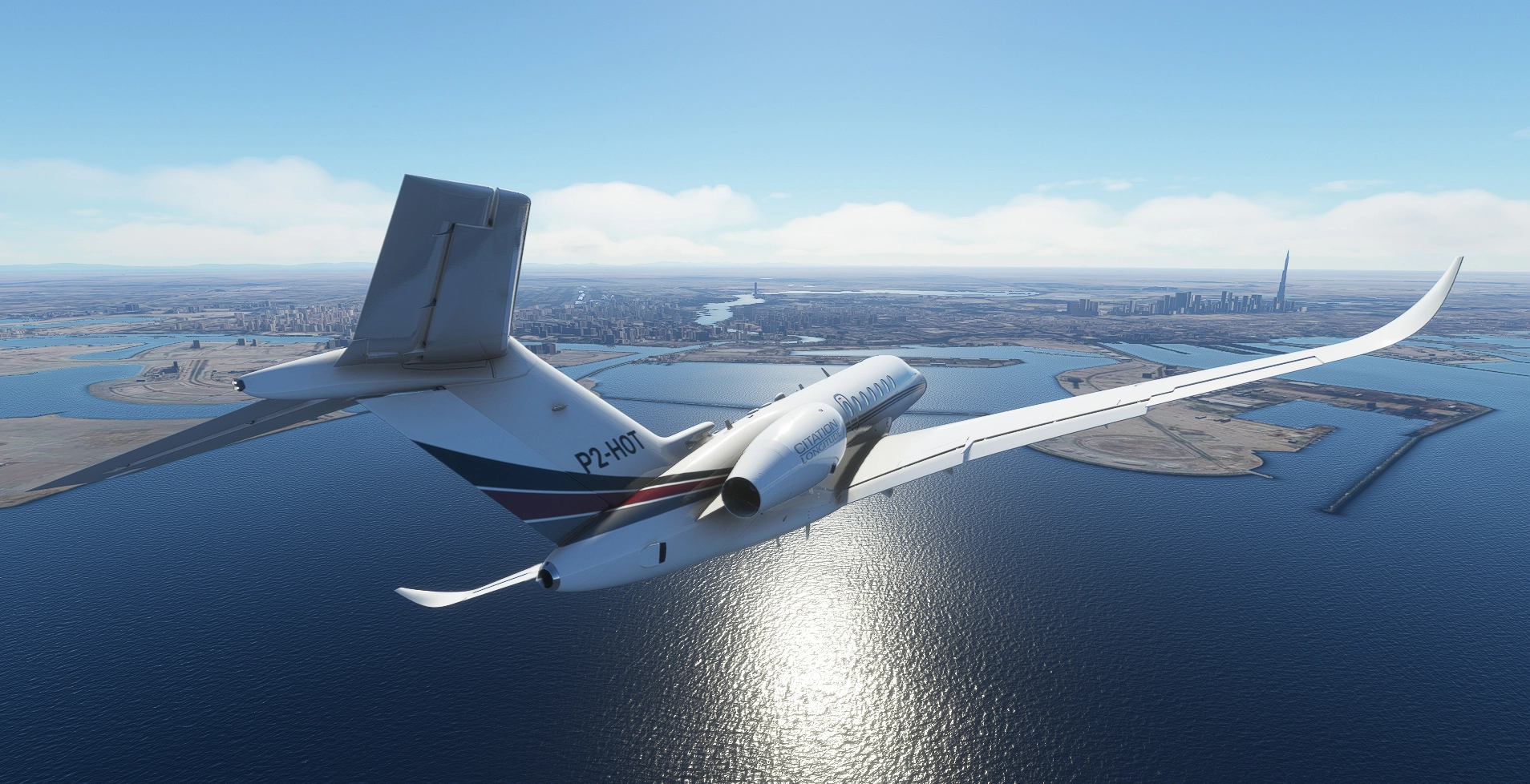
Cessna Citation Longitude the ultimate private jet in NETJETS elegant understated livery.
No painted on reg/tail number, set your own in the MFS ATC Options. Installation is Drag and Drop into your Community folder.
Happy Landings!
NETJETS Citation Longitude
Fly in style with the NETJETS Citation Longitude, the ultimate private jet featuring an elegant understated livery. Customize your own registration/tail number in the Microsoft Flight Simulator ATC options with easy Drag and Drop installation into your Community folder. Enjoy smooth landings with this luxurious aircraft.


User Reviews
4 reviews
Version History
Pink textures fix Jan22
Related
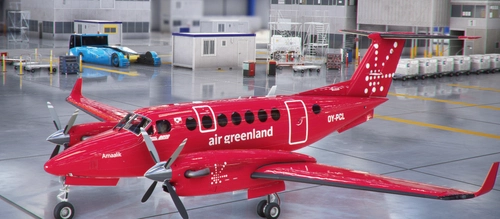
Air Greenland OY-PCL
Enhance your Microsoft Flight Simulator experience with the Air Greenland King Air OY-PCL add-on, featuring custom textures for the default King Air B350i. Simply drag and drop the files into your Community folder for easy installation.
by Crankpin
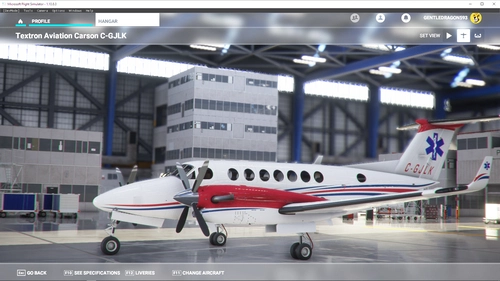
Canada King Air Ambulance
Fly high and save lives with the Canada King Air Ambulance add-on for Microsoft Flight Simulator. Customize your King Air 350 with the distinctive livery of Carson Air as you soar through the skies on medical rescue missions across the Canadian wilderness. Simply drag and drop the textures to your Community folder for easy installation. Happy landings!
by Crankpin
Flight Calibration Services
Enhance your Microsoft Flight Simulator experience with Flight Calibration Services D-CFMD repaint for the default Beechcraft KingAir 350i. Simply drag and drop the textures to your Community folder for easy installation. Special thanks to Projectionist for providing helpful YouTube tutorials and resources.
by Crankpin
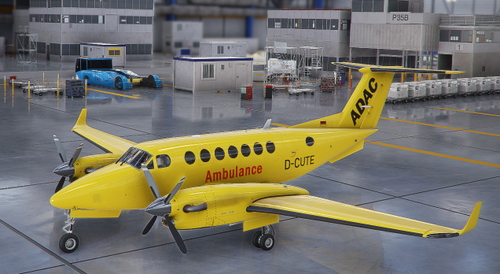
ADAC Ambulance D-CUTE Germany
Fly in style with the ADAC Air Ambulance D-CUTE livery for the King Air B350i in Germany. This texture mod offers a unique design for your medical evacuation flights, allowing you to soar through the skies with a touch of flair. Easily install this add-on by dragging and dropping it into your Community folder. Share your appreciation with a screenshot and enjoy smooth landings!
by Crankpin
Log in to join the discussion
Log InComments(13)
almost 2 years ago
over 3 years ago
How do you add a registration/tail number? I've put in into the ATC options in the customization menu, but it doesn't appear. Is there any place I should be looking? Thanks!
over 3 years ago
hmm you are right. I'll look into it. see this forum post - they've broke it ... Longitude Missing Tail Number on Liveries - Bug Reports & Wishlist / Aircraft & Systems - Microsoft Flight Simulator Forums
almost 4 years ago
Hello!
Can you please do this livery on the freeware Global 6000,
Thanks.
almost 4 years ago
Sorry, worthy subject but I'm a bit busy at the moment. Lol just noticed you had a go yourself - looks good.
over 4 years ago
Superb livery
over 4 years ago
for some reason, the Livery only shows pink and black boxes, it does not work for me
over 4 years ago
ahh ok thanks for the heads up i'll get to it tomorrow just a few livery issues popped up with the recent update this is another
over 4 years ago
Posted an update , let me know how you go.
almost 5 years ago
Outstanding repaint, my "go to" scheme and plane, thank you!
almost 6 years ago
Any chance you can do the cj4 in netjets as well please? thanks and many thanks!!
almost 6 years ago
almost 6 years ago