
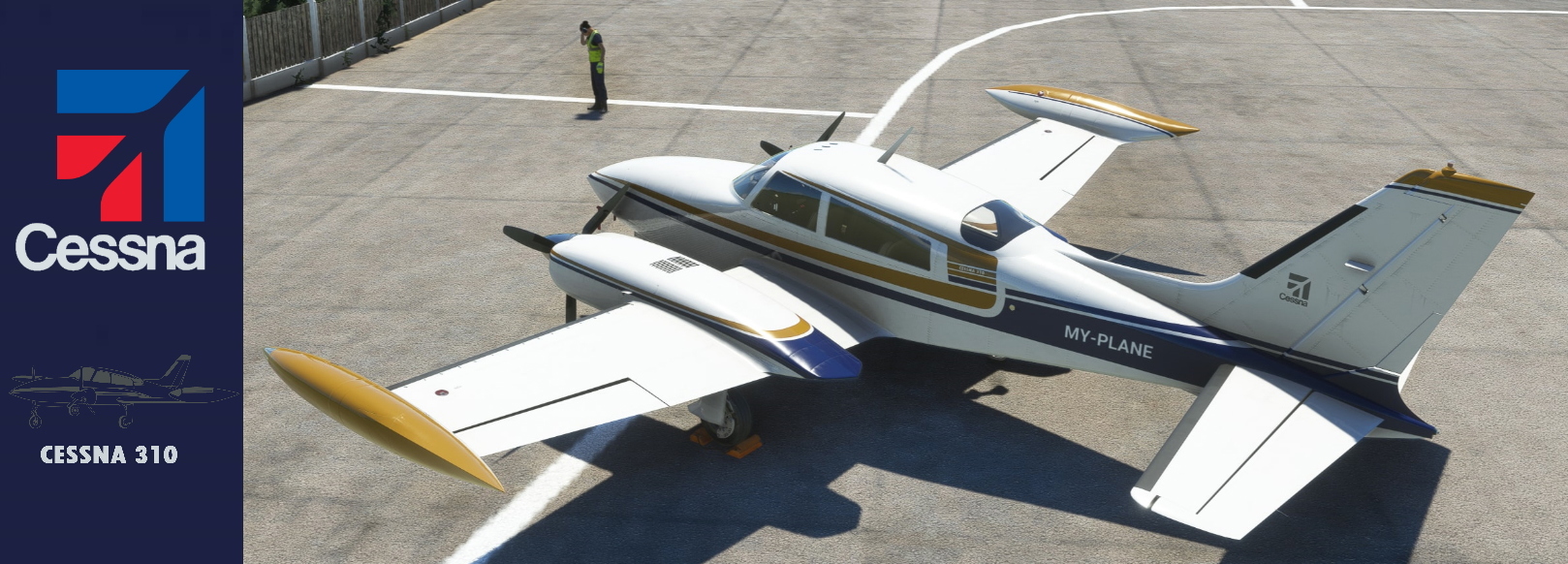
Description
This version comes without registration numbers, you can use the built in MFS Customization options to have your registration number of choice
(Original version here: https://flightsim.to/file/32255/milviz-cessna-310r-ec-six
Don´t forget to enable custom registration in the tablet configuration menu (in the cockpit).
I recommend using the excellent patch CLEAN POLISH from @Archer 374 together with this repaint:
Milviz Cessna 310R With Your Reg .
Customize your Milviz Cessna 310R with your own registration numbers using the built-in MFS customization options. Dont forget to enable custom registration in the cockpits tablet configuration menu. For an enhanced visual experience, consider pairing this mod with the CLEAN POLISH patch.

User Reviews
3 reviews
Version History
No version history available.
Related
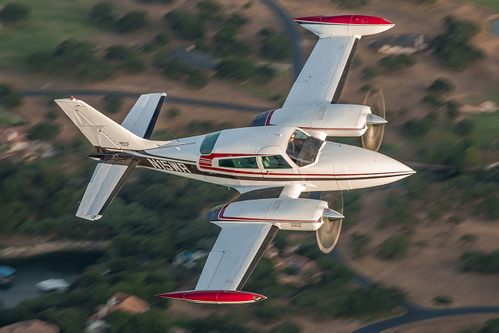
Milviz Cessna 310R N15WR
Fly the skies with the realistic Milviz Cessna 310R N15WR add-on, a virtual replica of the 1975 aircraft based at McAllen Miller airport in Texas. Experience the recent mechanics fix on the door lever and enjoy a smooth flight. Ensure compatibility with Milviz features and latest updates for the ultimate flight simulation experience.
by fedar
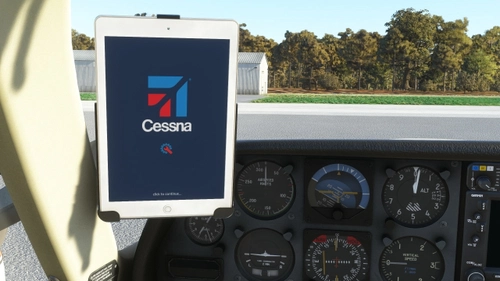
New logo "Cessna config. "to replace the Milviz settings tablet logo homepage
Update your Milviz settings tablet homepage with the new "Cessna config." logo. Simply unzip and add to your Community Folder. Easily switch back to the original Milviz logo by removing this file.
by fedar
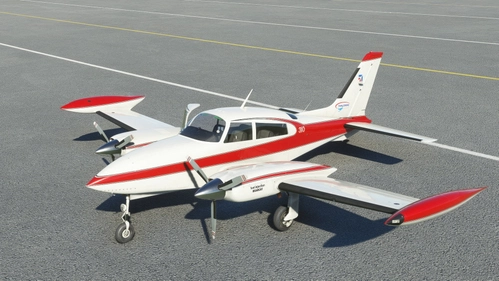
Milviz Cessna 310R With Your Reg.
Customize your own registration with the Milviz Cessna 310R add-on. Utilize the MFS customization feature to personalize your aircraft to your liking. Enjoy full compatibility with events implemented by Milviz for a realistic aviation experience. Good flight and safe travels!
by fedar
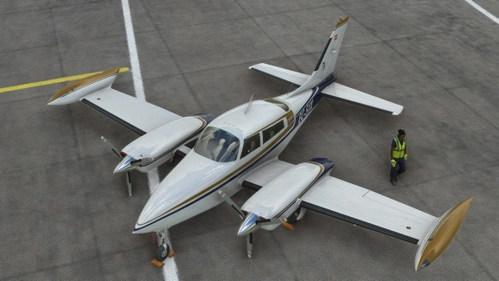
Milviz Cessna 310R EC-SIX and Your Personalized Registration
Customize your Milviz Cessna 310R EC-SIX with a new color scheme and additional features. Enjoy a fresh look and a personalized registration for your flights. Add this repaint to your Community Folder for an enhanced flying experience.
by fedar
Log in to join the discussion
Log InComments(15)
about 4 years ago
Nice livery and great to have a custom reg. Thank you.
about 4 years ago
I check the show registration on the tablet,but dont find anywhere to type in my custom reg number.
about 4 years ago
The first thing to do is to check that you have activated your registration in the simulator settings/options. Do not forget to activate it with the corresponding checkbox. Then from the C310 settings tablet, from the "options" menu, check the "show user reg" checkbox.
about 4 years ago
It has an issue in SP1. Transponder screen was blank, although active.
about 4 years ago
CAN YOU CHECK IT AGAIN? IT IS STRANGE BECAUSE IT IS THE SAME INSTALLATION SCRIPT THAT I HAVE USED IN https://flightsim.to/file/34133/milviz-cessna-310r-with-your-reg AND YOU HAVE COMMENTED THAT IT WAS FINE WITH SP1. I LOOK FORWARD TO YOUR CONFIRMATION. THANK YOU!
about 4 years ago
It did work the second time. I needed to change the N number so it wouldn't conflict with my other livery, but other than that ...
over 4 years ago
Hi, in multiplayer I’ll other player see the livery colour scheme, or do they have to own it also? Thanks
over 4 years ago
This thread talk about it:
https://forums.flightsimulator.com/t/multiplayer-display-other-players-actual-aircraft-3d-models-and-liveries-around-you/242898
over 4 years ago
Great livery. One of my favourite colour combinations. Thanks!
over 4 years ago
happy you like it!
over 4 years ago
This is a great looking livery. Thank you for making the reg number customizable!
over 4 years ago
Does this get dirty like the stock Milviz liveries? If so, I'll grab it.
over 4 years ago
Yes, it´s fully compatible.
over 4 years ago
awesome, done deal :)
over 4 years ago
ahh thanks! I am not the only one who likes to keep the custom regs on the plane.. actually it is pretty annoying that there is no quick way to check if the planes have custom reg liveries or not ... so that is why -> MANY THANKS. so clear, so quick!