
Description
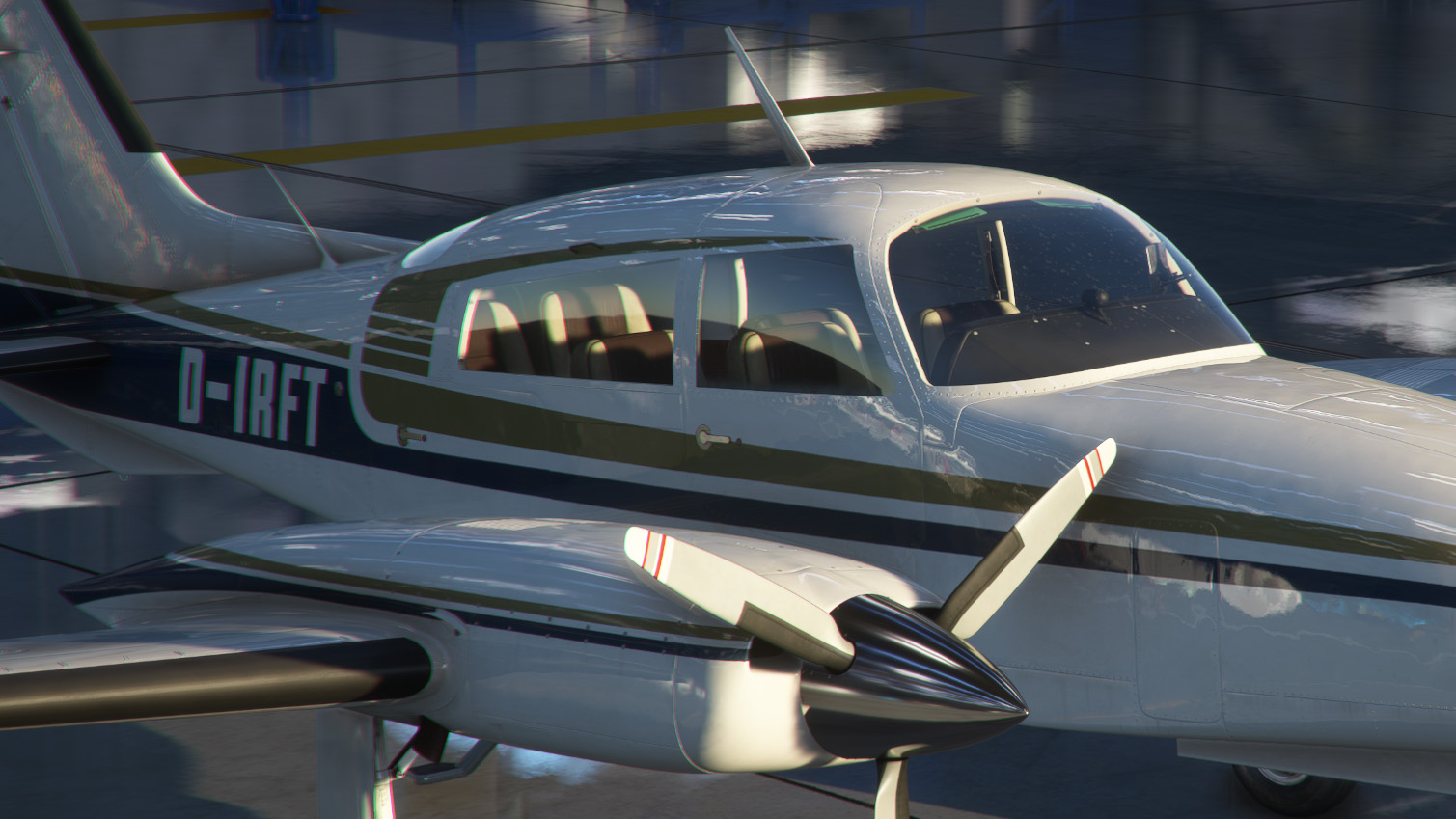
The first thing I thought when I saw the clean version of the Cessna 310 was: "if it's clean, it should gleam." But even the clean textures come across as a little faded. So I got my virtual polishing kit and went to work.
After I was done all stock liveries (and probably most 3rd party liveries) looked like the plane was just rolled out of the paintshop or at least was freshly polished. At least as long as you set it to "Clean" in the C310 EFB that is.
But don't you worry. Of course you can still get your C310R dirty and the freshly polished look will be greatly reduced. You will see a little more shineyness than before when the plane is dirty though. So it's a bit of a trade-off. Since the package is Drag and Drop however you can easily activate and deactivate it i.e. with MSFS Addons Linker
Installation:
Just drag and drop into your Community folder
Best wishes
Archer374
Milviz Cessna 310R - Factory-New Look for all Stock (and many 3rd party) Liveries
Transform the appearance of your Cessna 310R with a factory-new look for all stock and various 3rd party liveries. Elevate your simulation experience with gleaming textures that make your aircraft appear freshly rolled out of the paintshop. Easily toggle between clean and weathered aesthetics to suit your preference, creating a realistic and customizable visual experience. Simply drag and drop the package into your Community folder for effortless installation.

User Reviews
8 reviews
Version History
No version history available.
Related
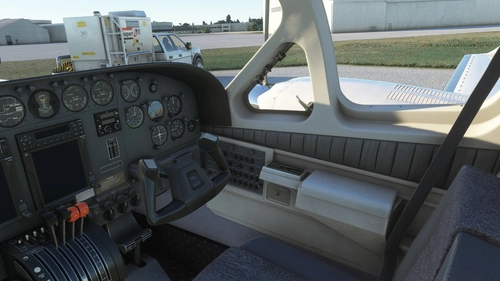
Flysimware Cessna C414 Chancellor - Grey Interior + Different Panels
Upgrade your Cessna C414 Chancellor with a sleek grey interior featuring darker seats. Customize your experience with three different panel options. Simply drag and drop the mods into your Community folder for easy installation. Experience a modern twist on your cockpit with Flysimwares latest mod.
by Archer374
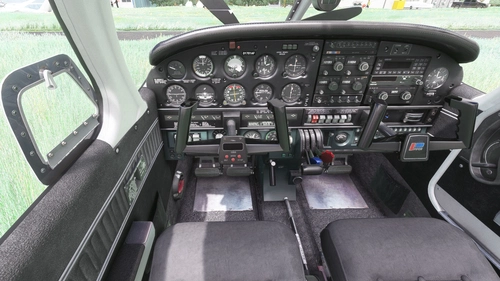
JustFlight Piper PA28R Arrow III - Clean Grey Interior
Enhance your Piper PA28R Arrow III experience with this mod offering a clean grey interior option. Customize your tablet color and instrument panel with ease to suit your preferences. Simple installation process by dropping the mod folder into your Community folder. Enjoy a fresh look for your virtual cockpit with this modification from Archer374.
by Archer374 - Idea for the panel: icemany
WBSim / Asobo Cessna C152 - Dark Cockpit Panel
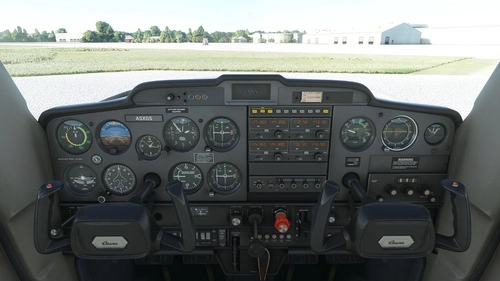
Enhance your Cessna 152 experience with a dark cockpit panel modification created by Archer374. This add-on changes the cockpit panel to a sleek dark grey, along with minor tweaks to the seats for a more authentic feel. Compatible with both stock Asobo C152 and JP Logistics C152 mod. Simply drag and drop into your Community folder to install.
by Archer374
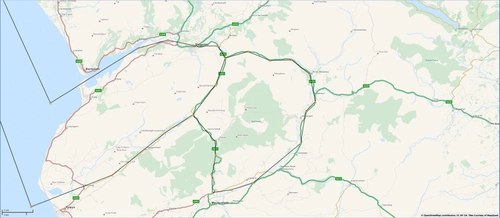
Mach Loop - Low Flying Area 7 (RAF/USAF), Wales, Snowdonia, UK (Flight Plans)
Experience the thrill of flying through the infamous Mach Loop in Wales with these meticulously crafted flight plans. Witness RAF Typhoons, Tornados, C130s, USAF F15s, and Ospreys as they soar through the valleys of Snowdonia below you. Choose between two routes, starting from RAF Valley, for an unforgettable low flying adventure.
by Dave Symanow
Log in to join the discussion
Log InComments(27)
about 1 year ago
Thank you
over 1 year ago
over 1 year ago
over 1 year ago
Edit: Seems to be working now but I had to edit the manifest.json (livery instead of aircraft in the content type).
about 3 years ago
about 3 years ago
about 4 years ago
I'm not seeing the result when using this mod. Help?
about 4 years ago
It should work if you left everything as it was after the install from the original installation routine by Milviz.
Did you change the name of the aircraft folder or the folder of my mod?
My mod always has to come AFTER the aircraft alphabetically.
milviz-aircraft-310
milviz-aircraft-310-factorynew
about 4 years ago
I didn't change anything installing the plane or your mod. It needs to be unzipped like everything else correct?
about 4 years ago
A little bit of polish never hurts :-) Thank you!
about 4 years ago
awesome livery. makes a massive improvement to the plane. whats next on your list for this plane?
over 4 years ago
Archer374
can u do a chrome livery?
over 4 years ago
Just blank chrome?
about 4 years ago
yes
about 4 years ago
Here you go.
https://flightsim.to/file/37624/milviz-cessna-c310r-chrome-livery
over 4 years ago
Incredible my friend, this addon + interior + camera views = :)
over 4 years ago
glad to be of service :-)
over 4 years ago
Unfortunately as of today this mod breaks the game if the newest 310R livery: VH-BWZ livery is installed in the community folder at the same time. Might be others...
over 4 years ago
Sorry. I can't reproduce any problem concerning those two mods.
over 4 years ago
WOW! I think that´s a very expensiv polishcreme. Look´s great. Thank you.
Now she need one of your great grey interiors.