
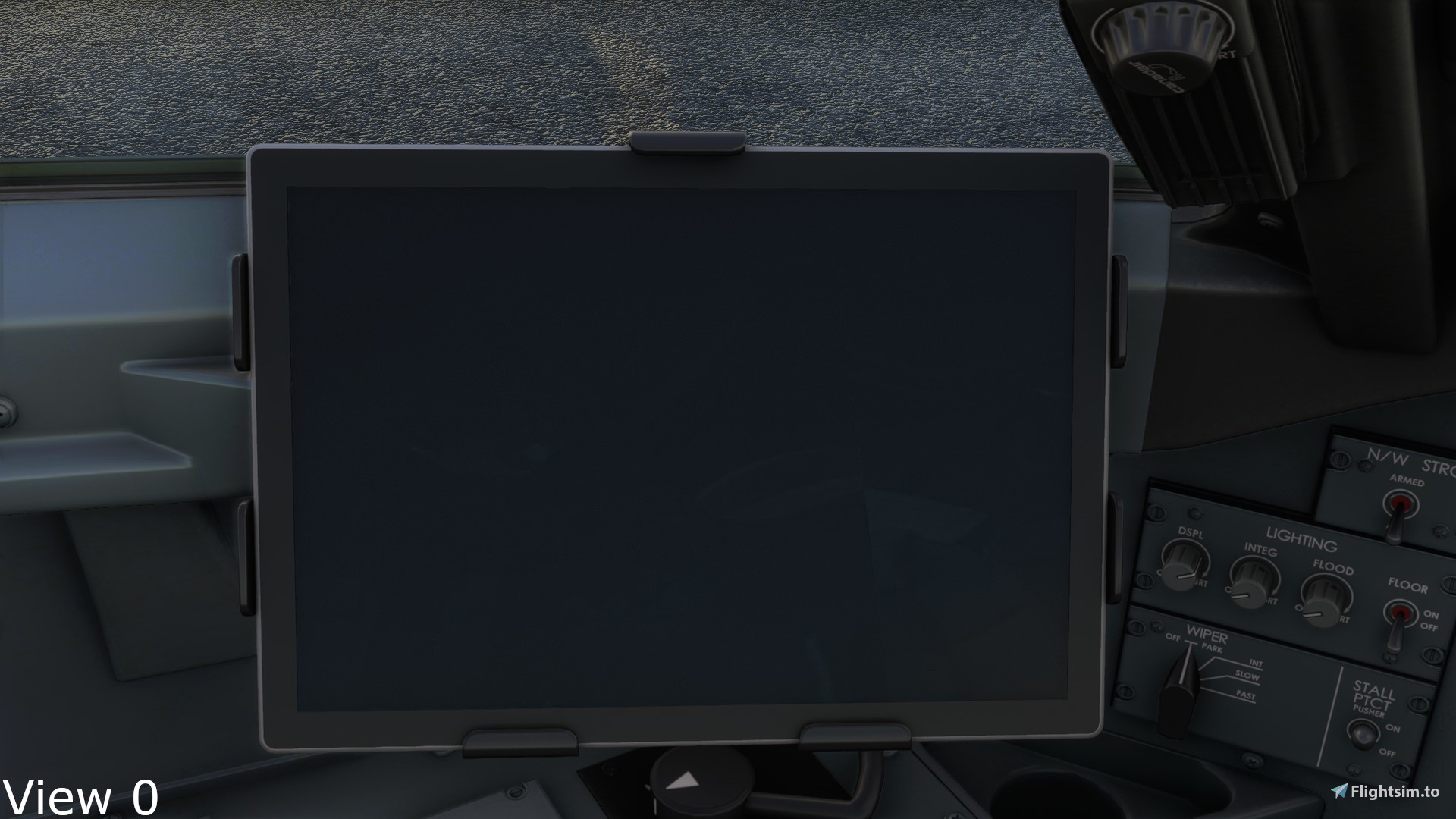
Description
Hello all, it has been a while since I have uploaded.
These are the custom views I use for the Aerosoft CRJ 900 and 1000. The keybinds for them are meant for number pad and are listed below:
7 - Middle screens 8 - Upper pedestal 9 - Exterior view
4 - Back wing left 5 - CDU 6 - Back wing right
1 - Front wing left 2 - Lower pedestal 3 - Front wing right
0 - EFB
****INSTALL INSTRUCTIONS****
To install this addon, DO NOT DRAG AND DROP INTO YOUR COMMUNITY FOLDER. Instead, go to your Microsoft Flight Simulator folder > SimObjects > Airplanes > Aerosoft_CRJ_900 or Aerosoft_CRJ_1000 and drag and drop the corresponding files. If you have any questions, please ask in the comments section, I am happy to help!
Thank you for taking the time to download this addon and I hope it improves your flight sim experience!
Aerosoft CRJ 900/1000 Custom Camera Views
Customize your view with this Aerosoft CRJ 900/1000 mod featuring unique camera angles for a more immersive flight simulation experience. Easily toggle between different perspectives using intuitive number pad keybinds. Follow simple installation instructions for seamless integration into your Microsoft Flight Simulator setup. Discover new vantage points like upper pedestal, exterior view, wing positions, and more with this user-friendly add-on.


User Reviews
1 reviews
Version History
No version history available.
Related
KTOA - Zamperini Field - BETA
Enhance your virtual flying experience with the KTOA - Zamperini Field - BETA mod, a work in progress featuring remade elements such as taxiways, runways, and aprons. Please note that this mod is discontinued and will not receive further updates.
by Awesomesimmer
FlightFX SF50 Vision Jet Custom Views
Customize your SF50 Vision Jet experience with these specially designed custom views! Easily navigate through various cockpit perspectives using designated keybinds for a more immersive flight simulation experience. Follow simple installation instructions to enhance your SF50 Vision Jet adventures.
by Awesomesimmer
Twin Otter Camera Presets
A collection of personal camera views for the Twin Otter aircraft in Microsoft Flight Simulator, featuring various cockpit angles for a customized flying experience. Designed for convenience with controls mapped to the number pad, this work-in-progress add-on invites user feedback to improve functionality. Follow specific installation instructions to enhance your simulation adventure with these new camera presets.
by Awesomesimmer
Log in to join the discussion
Log InComments(11)
over 3 years ago
This is garbage, nothing is working
over 4 years ago
Same issue with the camera being below the plane. How do we fix this?
over 4 years ago
Hey, Got an issue where the camera is under the plane ?
almost 5 years ago
Cammeras doen't work. View is below the plane. Change the postion but everything is 1m below the plane
almost 5 years ago
Did you change the default camera position in the .cfg file?
almost 5 years ago
can these settings work for the 700 ?
almost 5 years ago
Unfortunately you can’t. If you would like, I Could upload my camera files for the 700/550. Please let me know if that would work. I won’t be able to respond for about nine hours because I have school, but I will get back to you.
almost 5 years ago
if they are similar views yes i would appreciate. Thanks
almost 5 years ago
Sounds good, I will get those out by this Saturday since I am on vacation. Sorry for the slow reply.
almost 5 years ago
550: https://www.mediafire.com/folder/c4kyo026opb38/Aerosoft_CRJ_550
700: https://www.mediafire.com/folder/6df9n53qtendj/Aerosoft_CRJ_700
almost 5 years ago
Thanks very much i will try these