
Description
Version 1.1 should fix pink texture issue
If you have the old version, uninstall it and install the 1.1 version and let me know if this fixes the issue. Please report your findings
I'm not sure why flightsim.to did not add this text when I put it in the 1st time I updated this a few days ago...they have a lot of work to do on the new interface!!
IMPORTANT UPDATE TO FIX PINK TEXTURE ISSUE:
Hey guys, the latest update to the Ops Center(OC) necessitated to accommodate folks buying the plane in the MSFS Marketplace, broke some user-created liveries, including this one.
I’ve tried to re-export the PTP but are having new issues with OC, so here is a fix for now for those of you experiencing the PINK TEXTURES issue.
1. CLOSE MSFS before starting!
2. Navigate to your MSFS Community folder, and find the (new) pmdg-aircraft-dc6-liveries folder.
3. In there, navigate to SimObjects\Airplanes\PMDG DC-6A USAF Day-Glo (33293 - 1961)
In that folder you’ll find the texture.cfg file. This is a text file you can open with notepad, please do so
4. Replace the “Fallback” items with the ones below, so your whole texture.cfg should look like this when done:
[fltsim]
fallback.1=..\..\PMDG DC-6B\texture.vc
fallback.2=..\..\PMDG DC-6A\texture.common
fallback.3=..\..\PMDG DC-6B\texture.common
5. Restart MSFS and select the aircraft, and the pink textures will be gone. This has been confirmed to fix this issue.
$*$*$*$*$*$*$*$*$*$
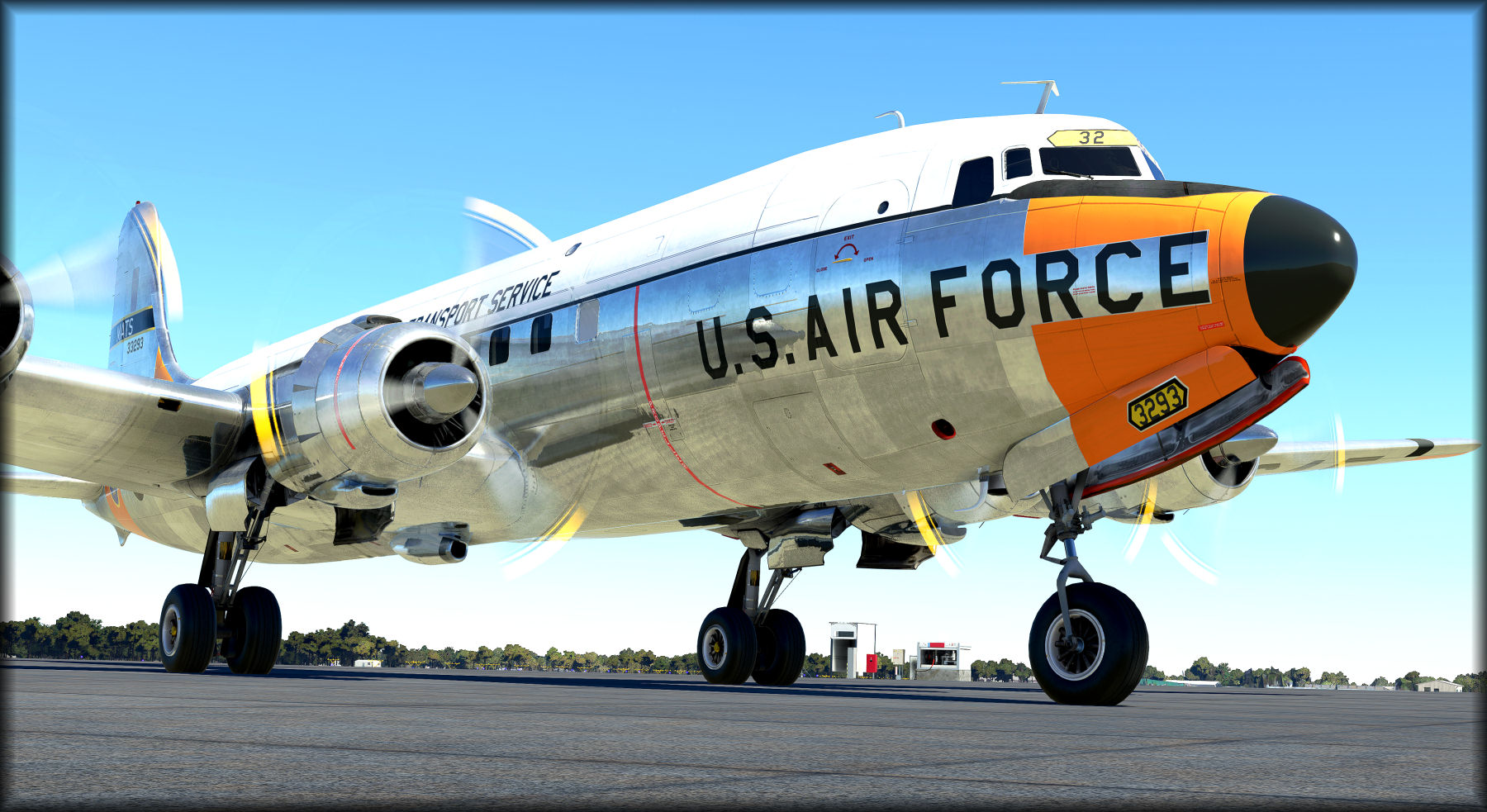
As a Military Veteran who worked in Naval Avaition, I wanted to paint a USAF version of this beautiful bird for my USAF buddies! I'm now sharing it with the community for everyone's enjoyment.
This is the 2nd USAF paint I've done based on a request.
I foucs on details and add items you may not notice unless you look closley, including when the props are not spinning! :)
I think you'll see alot of these details in the preview screenshots that I've attached...including...
Authentic Military Air Transport Service logos on the fuse, exactly as depicted in photo on the web I found of this exact aircraft. This was tough to find as its very old and as far as my reseach can estimate...there was only one good pic of it. I also added the MATS logo to the yoke hub.
Highly detailed wing textures. ...the anti-skid pattern, USA logo (Stars and Bars) on the left wing and aircraft number are exacly as shown in the photo.
Added custom oil filler caps to the engines, exactly as they are on many close-up photos I have from a simmer who used to work at Everts and climbed on the wings many times.
A few screens of the nose clearly shows all the extra details I've added, including all the markings, proper dullnes of the radome and the anti-glare shield, and of course some fading. I even painted (black) and faded the lower ADF antenna cover, which is made of fiberglass and fades fast (I know, I've painted and installed many of them in my career!)
I spent a lot of time on the props, you'll see accurate, faded and chipped paint on them, including the serial numbers on the hub of the blade, and Hamilton-Standard logos. Even the blades in motion (the blurred textures) have the correct colors, which is often missed.
Hope you guys enjoy taking her on adventures and take some time to do a pre-flight walk around and see all the detail I've put into this paint.
Installation instructions:
This file is in the native PMDG PTP format for best compatibility and installation ease. Please do not ask me to convert it to a drag-n-drop format as this can introduce issues when MSFS or PMDG issues an update.
If you are having issues with the PMDG Operations Center, I highly recommend you submit a ticket in their support fourms as issues with it can also suggest other underlying issues that will impact your PMDG products!
1. Unzip the downloaded file to any directory (suggest a download folder you've created or you My Documents folder, do not extract directly to the MSFS Community folder!)
2. Open the PMDG Operations Center that comes with your copy of the PMDG DC-6
3. Select Aircraft and Liveries from the menu at the top of the application
4. At the bottom of the window, click Install from PTP file
5. Select the folder/file you downloaded the livery from.
You can be in MSFS when doing this, however you'll need to exit and restart MSFS for the livery to be available.
PMDG DC-6 USAF 33293 Day Glow colors
Experience the meticulous USAF 33293 Day Glow colors for the PMDG DC-6 with enhanced details and authentic Military Air Transport Service logos. Delve into the intricacies of this beautifully painted aircraft, from the detailed wing textures to the custom oil filler caps on the engines. Enjoy this unique USAF version crafted by a Military Veteran with a passion for aviation.
Supporters

User Reviews
4 reviews
Version History
Version 1.1 fixes the pink texture issue.
Related
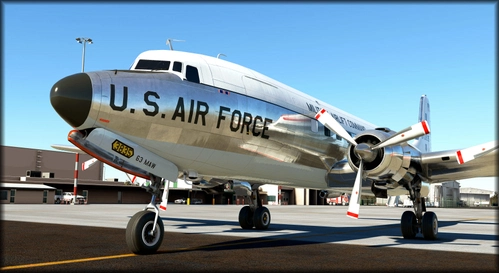
PMDG DC-6 USAF 63rd MAW
Experience the meticulously detailed USAF 63rd MAW livery for the PMDG DC-6, complete with authentic markings and unique touches. This addon includes custom textures for a realistic look both in the air and on the ground. Follow the simple installation steps to enjoy this military-inspired livery in Microsoft Flight Simulator.
by SteveDra
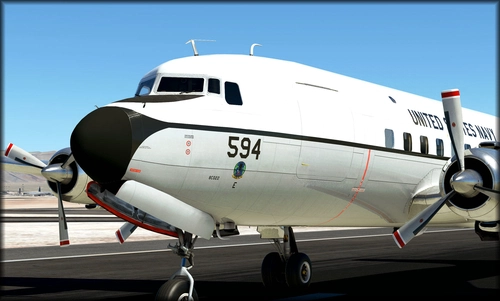
PMDG DC-6A US Navy VR53 (131594)
Experience the highly detailed PMDG DC-6A US Navy VR53 (131594) livery, meticulously crafted with authentic Navy logos and intricate textures. This add-on includes custom details such as wing textures, oil filler caps, and propeller paint accuracy. Take your flights to the next level with this immersive naval aviation-inspired livery.
by SteveDra
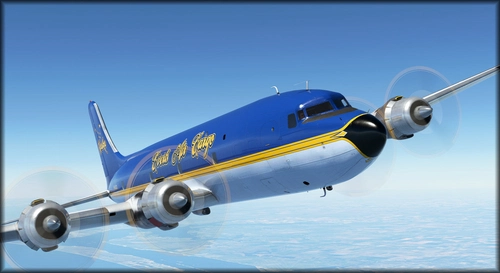
PMDG DC-6 Everts "Blue Canoe" N451CE
PMDG DC-6 Everts "Blue Canoe" N451CE is a detailed repaint featuring unique elements like engine cowl markings and non-skid patterns. This update fixes a pink texture issue and offers a realistic depiction of the Everts Air Cargo livery with accurate details visible even when the aircraft is stationary. Enjoy this colorful and intricately crafted livery on your next flight in Microsoft Flight Simulator.
by SteveDra
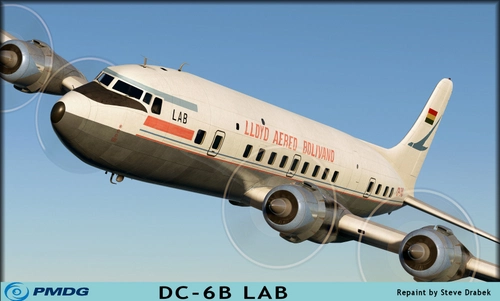
PMDG Lloyd Aereo Boliviano - LAB DC-6B
Experience authenticity with the PMDG Lloyd Aereo Boliviano - LAB DC-6B addon for Microsoft Flight Simulator. This detailed livery features reduced shine, faded colors, and meticulous wear to replicate the aircrafts history. Explore South America in style with this realistic and immersive addition to your simulator.
by SteveDra
Log in to join the discussion
Log InComments(17)
over 4 years ago
Thanks for the info guys. I'm investigating why the Ops Center install is not working properly, I'll see about creating a drag-n-drop version in the meantime if I can't get a resolution to the Ops Center in a timely manner. (I don't really know how to create a drag-n-drop in MSFS...LOL...anyone who can point me to a solid tutorial/instructions, it would be appreciated).
UPDATE:
Hey guys, the latest update to the Ops Center(OC) necessitated to accommodate folks buying the plane in the MSFS Marketplace, broke some user-created liveries, including this one.
I’ve tried to re-export the PTP but are having new issues with OC, so here is a fix for now for those of you experiencing the PINK TEXTURES issue.
CLOSE MSFS before starting! Navigate to your MSFS Community folder, and find the (new) pmdg-aircraft-dc6-liveries folder. In there, navigate to SimObjects\Airplanes\PMDG DC-6A USAF Day-Glo (33293 - 1961) In that folder you’ll find the texture.cfg file. This is a text file you can open with notepad, please do so Replace the “Fallback” items with the ones below, so your whole texture.cfg should look like this when done:[fltsim]
fallback.1=..\..\PMDG DC-6B\texture.vc
fallback.2=..\..\PMDG DC-6A\texture.common
fallback.3=..\..\PMDG DC-6B\texture.common
Save the file and restart MSFS and the PINK textures should be resolved.
PLEASE>>>PLEASE tell me if this solution worked.
Thanks
Steve
about 3 years ago
about 3 years ago
about 3 years ago
over 4 years ago
Great livery for a great era. And thanks for the information about PMDG OPs Center issue
over 4 years ago
Outstanding work! Positively love it. A must have livery.
over 4 years ago
Thanks to Rogersair for confirming that the quick update to the texture.cfg file works to fix the pink textures.
Please refer to the steps in the comment with UPDATE: in it to FIX THE PINK TEXTURES if you are experiencing them. (the comment is pinned to the 1st page but does move around with new comments.
This fix will work with ALL my liveries, if you experience the issue with them too (It has to do when when you downloaded it....if before the major Ops center update, you should be fine. After the update, you'll probably need to apply the fix.
When I have the issue worked out I'm having with the OC I will re-upload the new PTP file to fully resolve the issue.
over 4 years ago
Thanks for the info guys. I'm investigating why the Ops Center install is not working properly, I'll see about creating a drag-n-drop version in the meantime if I can't get a resolution to the Ops Center in a timely manner. (I don't really know how to create a drag-n-drop in MSFS...LOL...anyone who can point me to a solid tutorial/instructions, it would be appreciated).
UPDATE:
Hey guys, the latest update to the Ops Center(OC) necessitated to accommodate folks buying the plane in the MSFS Marketplace, broke some user-created liveries, including this one.
I’ve tried to re-export the PTP but are having new issues with OC, so here is a fix for now for those of you experiencing the PINK TEXTURES issue.
CLOSE MSFS before starting! Navigate to your MSFS Community folder, and find the (new) pmdg-aircraft-dc6-liveries folder. In there, navigate to SimObjects\Airplanes\PMDG DC-6A USAF Day-Glo (33293 - 1961) In that folder you’ll find the texture.cfg file. This is a text file you can open with notepad, please do so Replace the “Fallback” items with the ones below, so your whole texture.cfg should look like this when done:[fltsim]
fallback.1=..\..\PMDG DC-6B\texture.vc
fallback.2=..\..\PMDG DC-6A\texture.common
fallback.3=..\..\PMDG DC-6B\texture.common
Save the file and restart MSFS and the PINK textures should be resolved.
PLEASE>>>PLEASE tell me if this solution worked.
Thanks
Steve
over 4 years ago
Much appreciated. Keep us posted.
over 4 years ago
Unfortunately my fuselage too - as per other DC-6 liveries, is pink. What a pity!
over 4 years ago
Love your work and would love this paint to work, my Ops Center installs the stock paints correctly now but i'm still getting a pink fuselage in sim.
over 4 years ago
Entire fuselage is pink squares in sim. PMDG Ops center fails to uninstall. The whole process is a mess. The 'drag and drop' process into the Community Folder is simple to use and easy to manage when updates occur if one follows a few basic steps. Your textures look great and you do nice work but I'm not going through the hassle of dealing with the PMDG Ops Center for liveries. Thanks anyway.
almost 5 years ago
Hello, any update on PMDG Operations Center download file made available for those who bought this aircraft from Microsoft marketplace. Will love to be able to install this beautiful livery since we cannot install PTP file.
about 5 years ago
My PMDG Operations Center Is Just A Dark Blue Screen And The Only Thing On it Is 'PMDG Operations center' At The Top And 'The Ping' Botton Left Nothing Is Clickable ?
about 5 years ago
If you're not opening as an administrator, I'd try that. Otherwise, open a support ticket at https://support.precisionmanuals.com/
They will get it resolved for you. You can also visit their forums for support.
about 5 years ago
thankyou
about 5 years ago
Your work is synonymous with excellent quality. Haven't seen your paints in a while, this is most welcome to the Dc-6 and I for one am excited to have you onboard with MSFS. Thank you!
about 5 years ago
Beautiful paint! Absolutely love the attention to detail. (And the subject/era!)