
Description
Bergen airport, Flesland for FS2020.
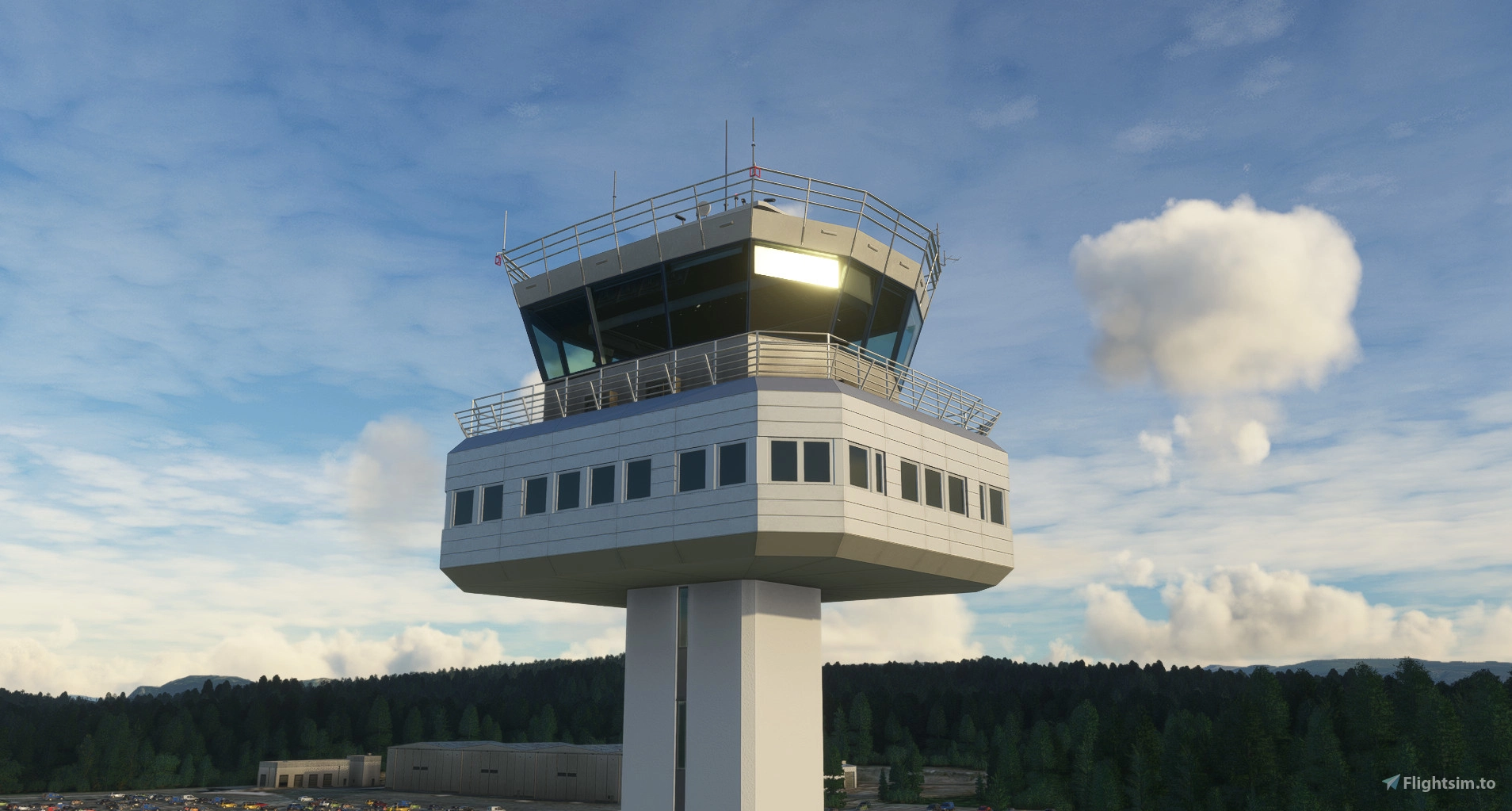
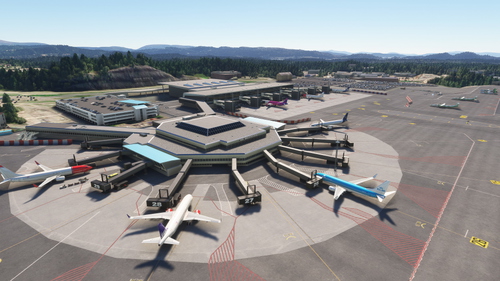
Norway's second busiest airport with one of the most beautiful runway elevation profiles in the world. Runway profile and terraforming carefully recreated in this total makeover of the airport for MSFS. Custom models, fully working jetways, accurate taxi signs, parking and complete rework of ground textures with custom markings.
A very large thank you to Nicolas Henne for good tower reference photos.
While donations are still welcome, the best way to support me is checking out my ENSH - Svolvaer airport in the 2020 and 2024 marketplace. PC and Xbox :)
I have started work on a high quality payware version for FS2024.
Please follow my socials or my discord for news.
Asset pack info:
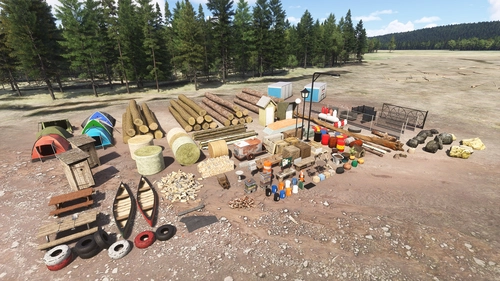
This airport uses my asset pack. It can be downloaded here if I forget to include it in the zip: ENxx asset pack
VDGS installation:
I have implemented support for Nool Aerosystems' VDGS utility on gates 8-24. This is the same VDGS module being used in certain payware airports. Using these is completely optional and requires the installation of their module. The utility uses an exe file to collect information from installed aircraft cfg files to determine accurate nosewheel position and a wasm module that will let the display guide you to an accurate stop every time.
The display will automatically wake up as you taxi towards your gate showing you the detected aircraft type and flight number and start giving you distance guidance as you move closer. It will also show you current ingame time while parked.
To install the VDGS module please download here: https://flightsim.to/file/39576/msfs-visual-docking-guidance-system
Features:
- VDGS
- Custom lights
- Correctly placed and named taxiways
- Correctly placed and named parking spaces on terminal area
- Taxisigns
- Terraforming + sloped runway
- Custom ground paint
- Grass aprons to cover broken aerial images
- 3D models including:
Passenger terminals
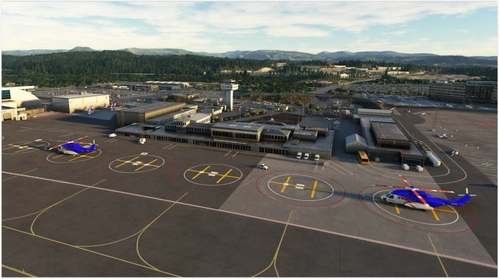
- Helicopter terminal
- Avinor admin/fire station
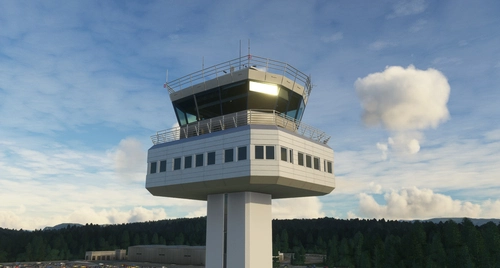
- Tower
- Tech hangars
- Light masts
- Flying club hangar
- Parking garage
Known issues:
- Runway and taxiway lights may spawn at wrong elevation when arriving at terraformed airports. This is an MSFS issue. Setting higher Terrain off-screen pre-caching and higher Terrain LOD settings help.
These files have been uploaded to flightsim.to and may not be redistributed to other sites or used commercially.
Dependencies
ENBR Bergen Airport - Flesland
Fly to Norways second busiest airport, ENBR Bergen Airport - Flesland, known for its stunning runway elevation profile. This MSFS makeover features custom models, jetways, accurate taxi signs, and ground textures. Ensure to disable GSX jetways for smooth operations and download the asset pack for an enhanced airport experience. Upgrade your virtual flights with VDGS support, custom lights, and detailed 3D models of terminals, hangars, and more.
Starred
Hand-picked by our team — this addon significantly enhances the MSFS experience and is a must-have for your setup.

Supporters



User Reviews
93 reviews
Version History
Adapted to new aerial images. Some changes that should improve fs2024 compatibility slightly
Featured in Collections(4)
Must-Have Scenery Enhancements
A curated list of must have add-ons and mods for Micorosft Flight Simulator.
 Flightsim.to
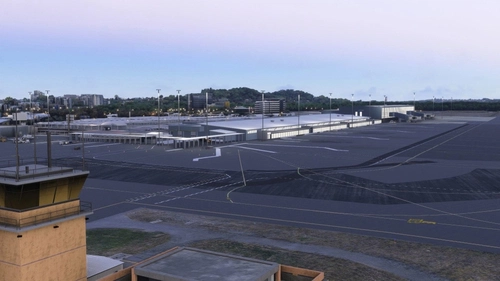
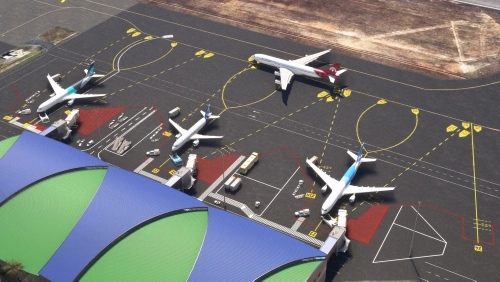
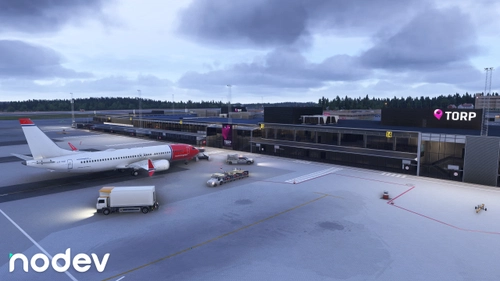
Tee's Fav
Always payware? Definitly not! Here you can find my favourites from flightsim.to
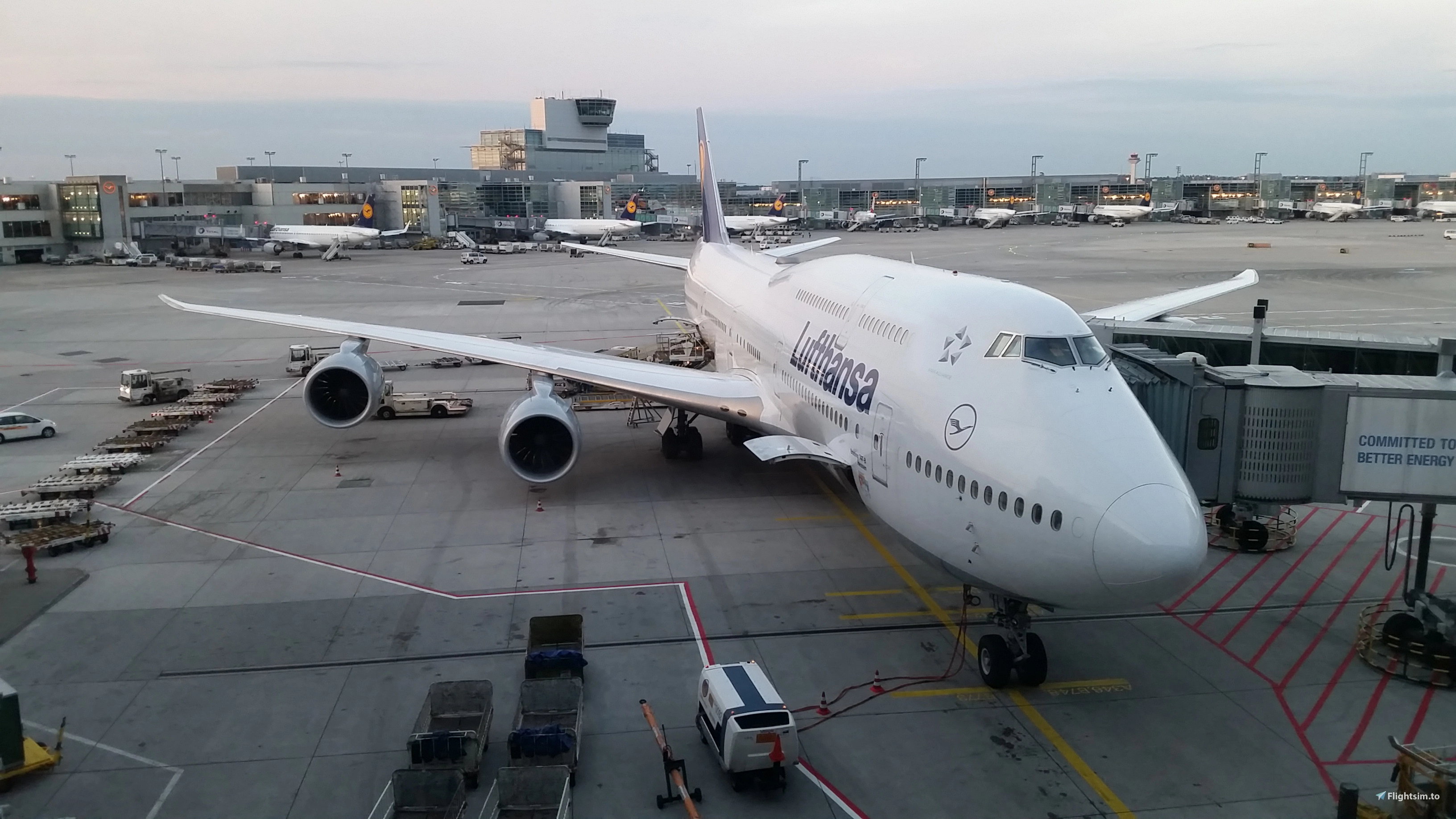 Cloudsurfer744
Favourite Airports
My personal favourites of free airports and enhancements for MSFS
 Apodae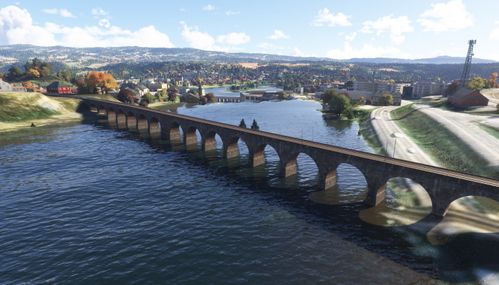

Norway FS2024-Scenery Collection
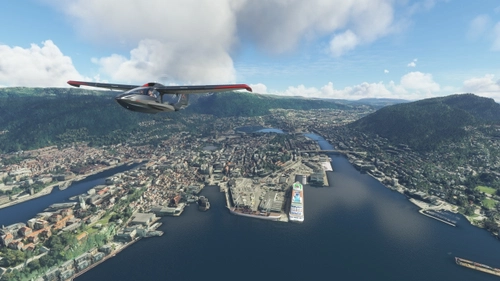
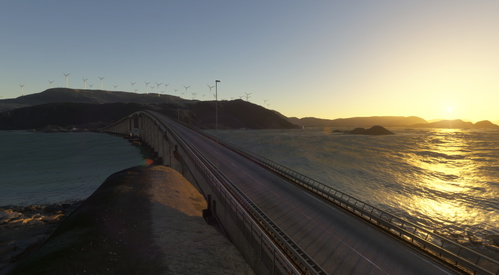
Collection of flightsim.to Norway FS2024 Sceneries
 CaptainMoonlight
Related
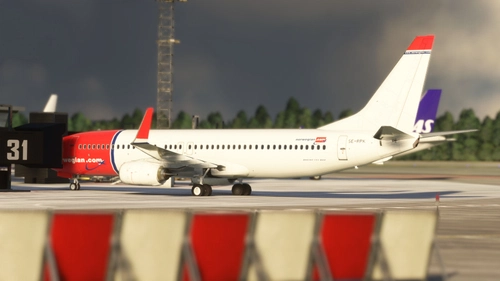
ENBR Bergen FSLTL Static Aircraft
Enhance your Flesland Airport experience with the ENBR Bergen FSLTL Static Aircraft add-on by StaticSceneries. This enhancement utilizes FSLTL models to bring life to the airport without the need for the FSLTL Injector. Please note that this is a standalone addition and requires the FSLTL Base models. Experience improved visuals without any FPS loss, although some gates may be non-functional due to the static placement of aircraft. Installation is easy - just drop the folder into your community folder and enjoy your flight!
by StaticSceneries
ENBR Bergen - FSLTL Static Aircraft (WombiiActual)
Add realistic static aircraft to ENBR Bergen airport with this mod, utilizing FSLTL models for a more immersive environment. Designed specifically for WombiiActuals freeware airport, it features carefully placed static aircraft at gates, ramps, and stands that reflect real-world operations. The add-on ensures no FPS impact as it operates without an injector, and is compatible with FSLTL Base Models. Users are advised to disable certain traffic settings to prevent overlap and clipping with static models.
by ixvst01
RDPresets ENBR Bergen static Helicopter exclude
Exclude file for RDPresets ENBR Bergen Airport add-on that removes static helicopters, allowing users to customize their experience by extracting or deleting the file in the community folder.
by Bluebear
ENBR AIG Static Aircraft (RDPresets)
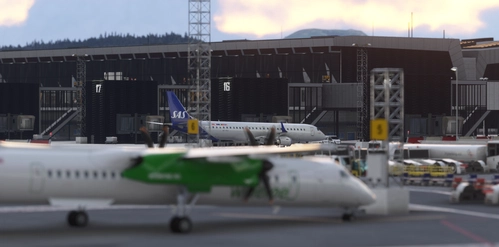
This mod adds static aircraft to ENBR in Microsoft Flight Simulator 2024 using AIG models. It requires the AIG AI Manager models to be installed. The add-on enhances airport scenery without using FSLTL models. Installation involves placing the provided folder into the Community folder.
by octopushadow
Log in to join the discussion
Log InComments(296)
almost 4 years ago
RE: MISSING / FLOATING RUNWAY, TAXIWAY LIGHTS: Thank you to those who have supplied settings and info.
Workaround/fix: Use higher Terrain Level of Detail setting (80++) and/or higher off-screen terrain pre-caching setting.
Issue: I have been able to reproduce, and will make an MSFS bug report. Unfortunately, this might not be a bug, but an understandable design choice, and the chance of a quick fix is low. I believe the sim is loading the lights when you're within a certain range. If your Terrain LOD setting is too low it's basing light elevation on flat terrain data at that point. When you get close to the airport the high quality terrain loads and lights are above/below ground. If you spawn at the airport the lights will be correct, because it's loading high quality terrain immediately. This is not something I can do anything about without flattening the airport, and the only fix is for you to increase Terrain Level of Detail slider.
The reason this is so obvious at ENBR is because of the significant runway profile and airport terrain.
Go vote on this thread. https://forums.flightsimulator.com/t/floating-runway-lights-pc-xbox/464742
about 6 hours ago
6 days ago
about 1 month ago
2 months ago
2 months ago
2 months ago
5 months ago
2 months ago
2 months ago
7 months ago
8 months ago
9 months ago
9 months ago
10 months ago
10 months ago
10 months ago
10 months ago