
Description
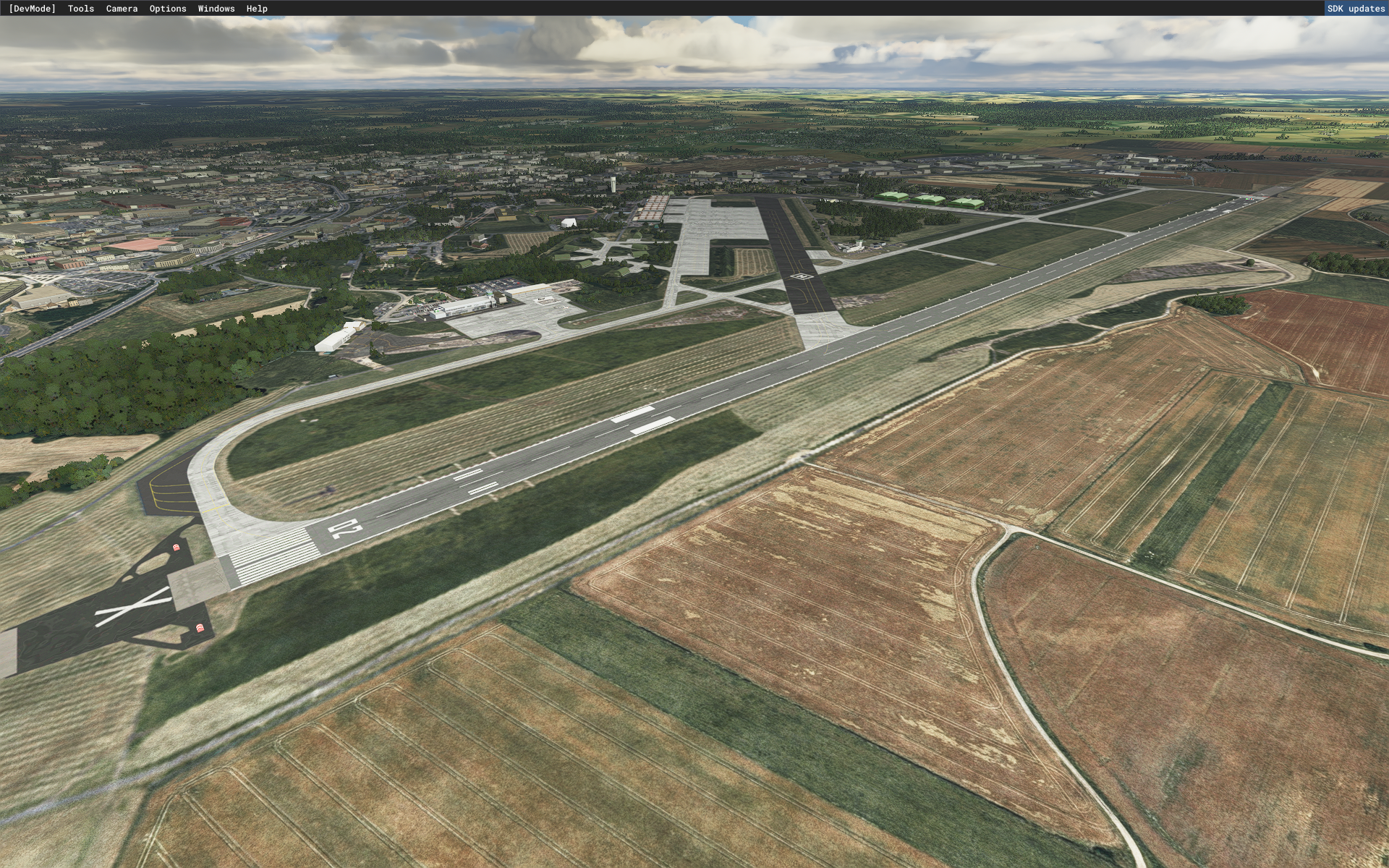
Tours Val de Loire airport, not represented in MSFS, was for 59 years the 705 air base where French fighter pilots were trained on "T-33", MD-450 "Ouragan", MD-454 " Mystère IV A ”then finally on“ AlphaJet ”.
It was the "Christian Martell" fighter school.
https://fr.wikipedia.org/wiki/Base_a%C3%A9rienne_705_Tours
l'aéroport de Tours Val de Loire, non représenté dans MSFS, a été durant 59 ans la base aérienne 705 ou les pilotes de chasse français ont été formé sur "T-33", MD- 450 "Ouragan", MD-454 "Mystère IV A" puis enfin sur "AlphaJet".
C'était l'école de chasse "Christian Martell".
https://fr.wikipedia.org/wiki/Base_a%C3%A9rienne_705_Tours
LFOT 0.9.6 - 2021_08_09
Correction of ground-turn-approach radio frequencies.
Marking of taxiways.
Civil and military parking lights.
Static planes and helicopters.
Addition and correction of road signs.
Adding distance remaining track signs
Thanks to :
Microsoft
Asobo
Arno Gerretsen
MSFS Toolkit by Nool Aerosystems
Copyright: ftsxlw
ftsx.free.lw@gmail.com
Exclusively for free distribution and subject to the express authorization of the author.
Libraries to download:
https://fr.flightsim.to/file/17983/totof-helicopter-library-v1
https://fr.flightsim.to/file/17182/totof-aircraft-library-v1-1
https://fr.flightsim.to/file/17179/totof-library-object-v1-1
https://fr.flightsim.to/file/4208/mikea-at-airport-markings
https://fr.flightsim.to/file/5452/dave-s-3d-people-library
https://fr.flightsim.to/file/18392/vintage-aircraft-collector-library-v-1-0
https://fr.flightsim.to/file/13290/turtletank-s-scenery-developer-objects-and-material-library
https://fr.flightsim.to/file/14024/windy-things
=====================================
LFOT 0.9.6 - 2021_08_09
Correction fréquences radios sol-tour-approche.
Balisage des taxiways.
Éclairages parking civil et militaire.
Avions et hélicoptère statiques.
Ajout et correction des panneaux de signalisation du cheminement.
Ajout panneaux de piste distance restante
Travail en cours à suivre.
Merci à :
Microsoft
Asobo
Arno Gerretsen
MSFS Toolkit by Nool Aerosystems
Copyright : ftsxlw
ftsx.free.lw@gmail.com
Exclusivement pour diffusion gratuite et soumise à autorisation expresse de l’auteur.
LFOT - TOURS Val de Loire AB
Enhance your virtual flying experience with LFOT - TOURS Val de Loire AB add-on for Microsoft Flight Simulator. This detailed recreation brings to life the historic Tours Val de Loire airport, once home to the renowned "Christian Martell" fighter school. The latest version 0.9.6 includes ground, turn, and approach radio frequency corrections, taxiway markings, parking lights, static aircraft, road signs, and more enhancements. Explore this unique airbase and immerse yourself in its rich aviation history.


User Reviews
12 reviews
Version History
Change Log - 1.2.6: Reconstruction of the terminal building, with details on the city side to follow. Reconstruction of Aero Club Hangars, Mermoz Academy, TecknoCoptère. Update of Parking Civil markings. Reconstruction of the former military control tower. Fencing of civil areas. Reconstruction of military hardened hangars. Reconstruction of national surveillance network antennas. Next: Global fencing. Mermoz Academy buildings and bungalows. Reconstruction of military hangars and addition of other buildings at the former École de Chasse. This update for MSFS 2020 is the last one. MSFS 2024 is becoming very mature. The double and full compatibility, 2020 and 2024, requires too much time for a small freeware author while some payware studios only make small fixes... in other words...patches!!! I'm migrating all my scenes to MSFS 2024 with full compatibility. Change Log - 1.2.6: Reconstruction de l'aérogare, le détaillage coté ville sera fait ultérieurement. Reconstruction des Hangars Aéroclubs, Mermoz Academy, TecknoCoptère. Mise à jour des marquages Parking Civil. Reconstruction de l'ancienne tour de contrôle militaire. Pose de clôtures en zone civile. Reconstruction des hangarettes durcies militaires. Reconstructions des antennes du maillage territoriale de surveillance national. A suivre: Clôturage global. Bâtiments et bungalows Mermoz Academy. Reconstruction des hangars militaires et ajout des autres bâtiments de l'ex École de Chasse. Cette mise à jour pour MSFS 2020 est la dernière. MSFS 2024 devient très mature. La double et pleine compatibilité, 2020 et 2024, demande trop de temps pour un petit auteur freeware alors que certains studios payware ne font que des petits fix... autrement dit...Des rustines !! Je migre toutes mes scènes vers MSFS 2024 en pleine compatibilité.
Related
LFJR - ANGERS/Marcé - Airport
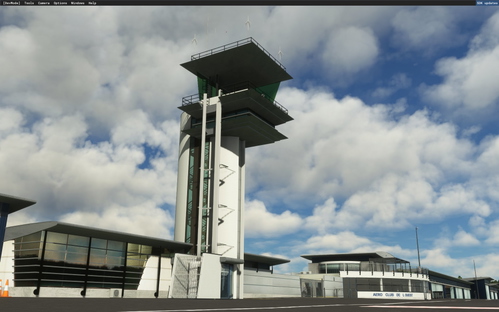
Total reconstruction of Angers-Marcé airport in France, correcting the default MSFS offset issue. Version 1.2 features updated locations, markings, and revamped airport structures including the museum, terminal, and control tower. Explore the enhanced details and realistic features of LFJR - ANGERS/Marcé - Airport.
by FtsxfreeLW et D.Bouvet
LFJR - ANGERS/Marcé - Aerial HR-01
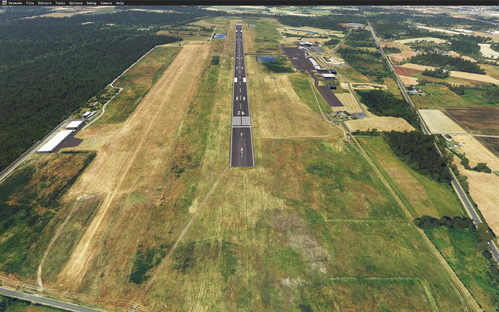
Aerial High resolution add-on for LFJR - ANGERS/Marcé airport including 20 cm detail for the runway and surroundings. Features data sources from BD, ORTHO®, OpenData, IGN. Make sure to download the main file only due to a bug preventing deletion of old secondary files. Special thanks to Microsoft, Asobo, Arno Gerretsen, and MSFS Toolkit by Nool Aerosystems.
by FtsxfreeLW
LFOC - Base Aérienne 279 de Chateaudun
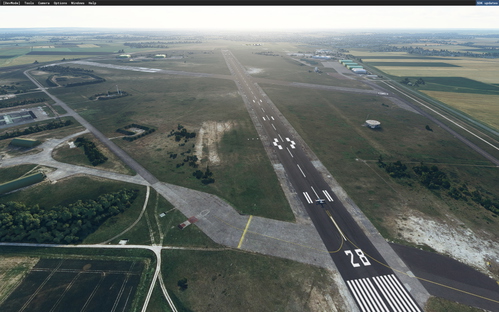
Explore the now closed Châteaudun Air Base 279, absent in MSFS, with this add-on offering 20cm resolution photo tiles. The ongoing development promises more 3D buildings and fixes for an immersive experience. Utilize the infrastructures of this historical French air base that has permanently shut down. Additional libraries are required for enhanced realism.
by ftsxfreelw
LFOT - TOURS Val de Loire AB for MSFS 2024
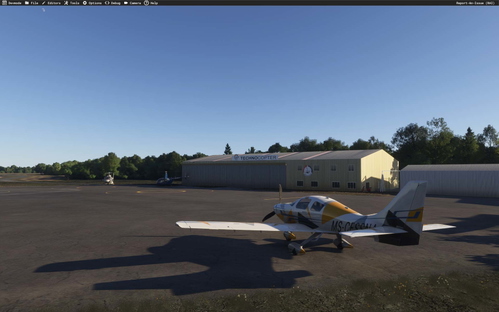
The LFOT - Tours Val de Loire add-on for MSFS 2024 provides a detailed recreation of the Tours Val de Loire airport, which previously served as the 705 air base for training French fighter pilots. This initial version includes reconstructed key facilities such as the terminal, Aero Club hangars, and a military control tower, along with updated civil parking markings and various antennas. Future updates are planned to enhance the accuracy of the airport and surrounding structures.
by ftsxfreelw
Log in to join the discussion
Log InComments(77)
3 months ago
J'ai juste un soucis avec un étrange véhicule qui tire des AKH sur le tarmac en s'y balandant non-stop. Il passe dans l'herbe, il revient, il traverse la position C1 et fait demi-tour... c'est très étrange.
3 months ago
3 months ago
5 months ago
5 months ago
about 1 year ago
about 1 year ago
about 1 year ago
about 1 year ago
LFOT pour MSFS 2020, est-il toujours invisible sur votre installation ?
Avez-vous d'autres scènes tierces d'installées sur ce secteur ?
Si oui désactivez les pour ne tester qu'avec ma scène.
about 1 year ago
Il est de venu "visible", mais sans aucune procédure. En outre, dans LittlenavMap, il apparaît en anomalie (en rouge).
over 1 year ago
LFOT est invisible dans MSF!
over 1 year ago
Vous utilisez quel simulateur ?
"MSF" je ne connais pas !
MSFS 2020 ou MSFS 2024 ?
about 1 year ago
over 1 year ago
over 1 year ago
Pas encore, mais j'y travaille !
over 1 year ago
Si il était possible de faire une petite update pour que les deux stand C1 et C2 soient, non pas des stands avec pushs, mais des stand en épis (comme le réel)
Merci beaucoup
over 1 year ago
Je ne savais pas pour ce changement.
Je ferai ça prochainement.
over 2 years ago
J'ai bien téléchargé le fichier et extrait pas de soucie mais la plateforme de Tours n'apparait pas pourriez vous m'aider !?
En sachant que pour avoir acces a mon community je dois aller dans
C:\XboxGames\Microsoft Flight Simulator\Content\Packages\fs-base-ui\html_ui\icons\community
MERCI
over 2 years ago
Vous semblez être sur Xbox ?
Si c'est le cas, il est fort possible que ma scène ne soit pas compatible et je ne saurai vous donnez une solution, car je ne possède pas cette console.
over 2 years ago
Je suis bien sur PC mais j'ai télécharger le jeu via la xbox store seulement. Auriez vous une idée pour resoudre ce probleme? CORDIALEMENT