
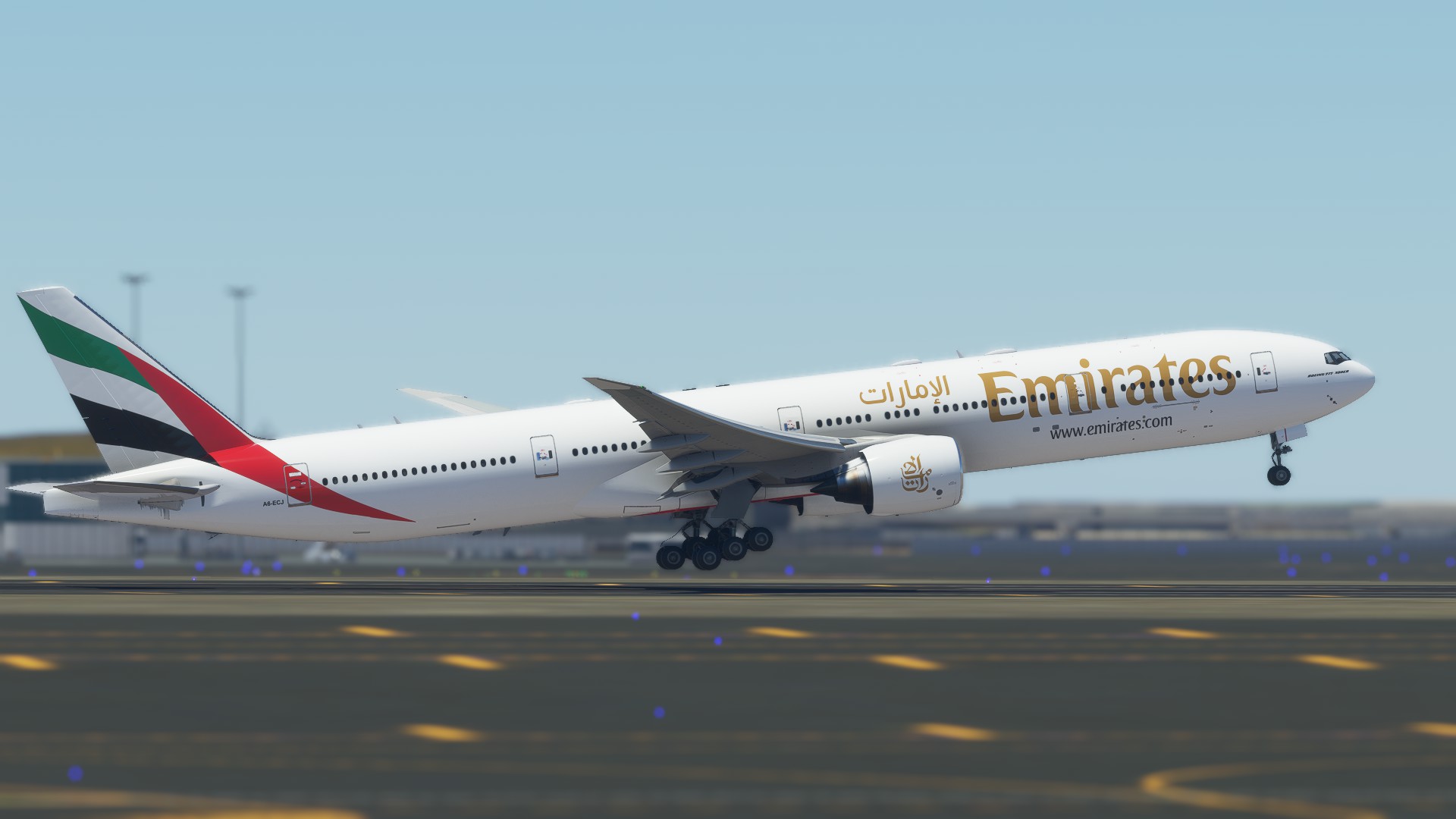
Description
Saiu rapidamente graças ao IFR Liveries que forneceu todos os vetores. se puder, pare na página dele :)
IFR Liveries | Facebook
CS-B773-EMIRATES A6-ECJ Ultra
-V 1.1
Correção
da textura do motor - Correção na identificação do nariz
CS-B777-300ER EMIRATES A6-ECJ Ultra
Enhance your Microsoft Flight Simulator experience with the CS-B777-300ER Emirates A6-ECJ Ultra add-on. Version 1.1 includes texture and nose identification corrections for a more realistic flying experience.

User Reviews
1 reviews
Version History
-V 1.1 -Engine texture correction -Correction in nose identification
Related
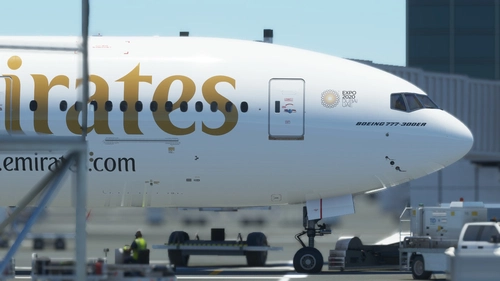
CS-777-300ER EMIRATES EXPO DUBAI A6-EGQ Ultra
A detailed livery add-on for the CS-777-300ER showcasing the Emirates Expo Dubai A6-EGQ Ultra aircraft. Version updates include texture and registration corrections. Created with vectors from IFR Liveries.
by danrleibueno
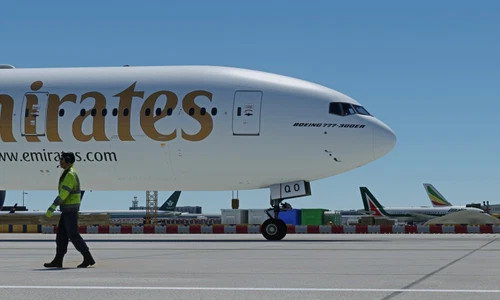
CaptainSim 777-300ER EMIRATES 8K
EMIRATES CS777-300ER A6-EQO 8K resolution Custom textures (bump) and reflections. New gear and cockpit glass textures. Drag and Drop! Copy unzipped folder to you Community folder. Please leave any comment in case of repaint errors or livery issues and do not forget to rate the repaint! :-) Donations are really appreciated :-) Enjoy the repaint! AIRLINEsim
by AIRLINEsim
![[DISCONTINUED] - CS Boeing 777-300GE Emirates 2023 A6-ENV 8K](https://cdn.flightsim.to/images/26/cs-boeing-777-300er-emirates-new-livery-8k-63608-1705525330-tHXN8.jpg?width=500)
[DISCONTINUED] - CS Boeing 777-300GE Emirates 2023 A6-ENV 8K
Experience the detailed 8K repaint of the CS Boeing 777-300GE Emirates 2023 A6-ENV by Kikiwi. Simply unzip and add to your community folder. Stay updated with changelogs and remember, no modifications or reuploads are allowed.
by Kikiwi
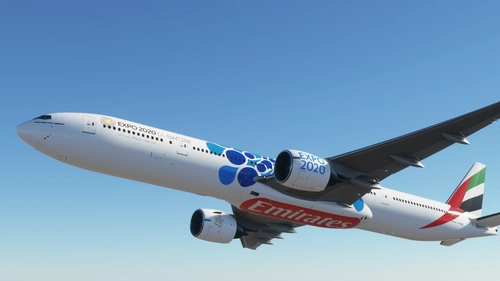
Captainsim B777-300ER Emirates Expo Blue
Experience the iconic B777-300ER Emirates Expo Blue livery with this add-on. Report any issues and enjoy your flight simulation experience.
by Raptorr111
Log in to join the discussion
Log InComments(7)
about 5 years ago
can you please make PIA 777-300ER. PIA has one. Thansk
about 5 years ago
Great work! Requesting a "dirty" version. The wings are too squeaky clean 😁
about 5 years ago
The text format in Arabic is incorrect. Can you please fix it?
about 5 years ago
Could you tell me which one? I'm not arab
about 5 years ago
Same, but I travel with them a lot, and the arabic text seems completely wrong.
about 5 years ago
This livery uses the correct font for the arabic text: https://flightsim.to/file/17246/emirates-a6-eda-ultra-no-mirroring
about 5 years ago
There some issues with this re-paint, cabin door windows appearing and some texture dots. Forward cargo door detail, but zero on the rear cargo door.