
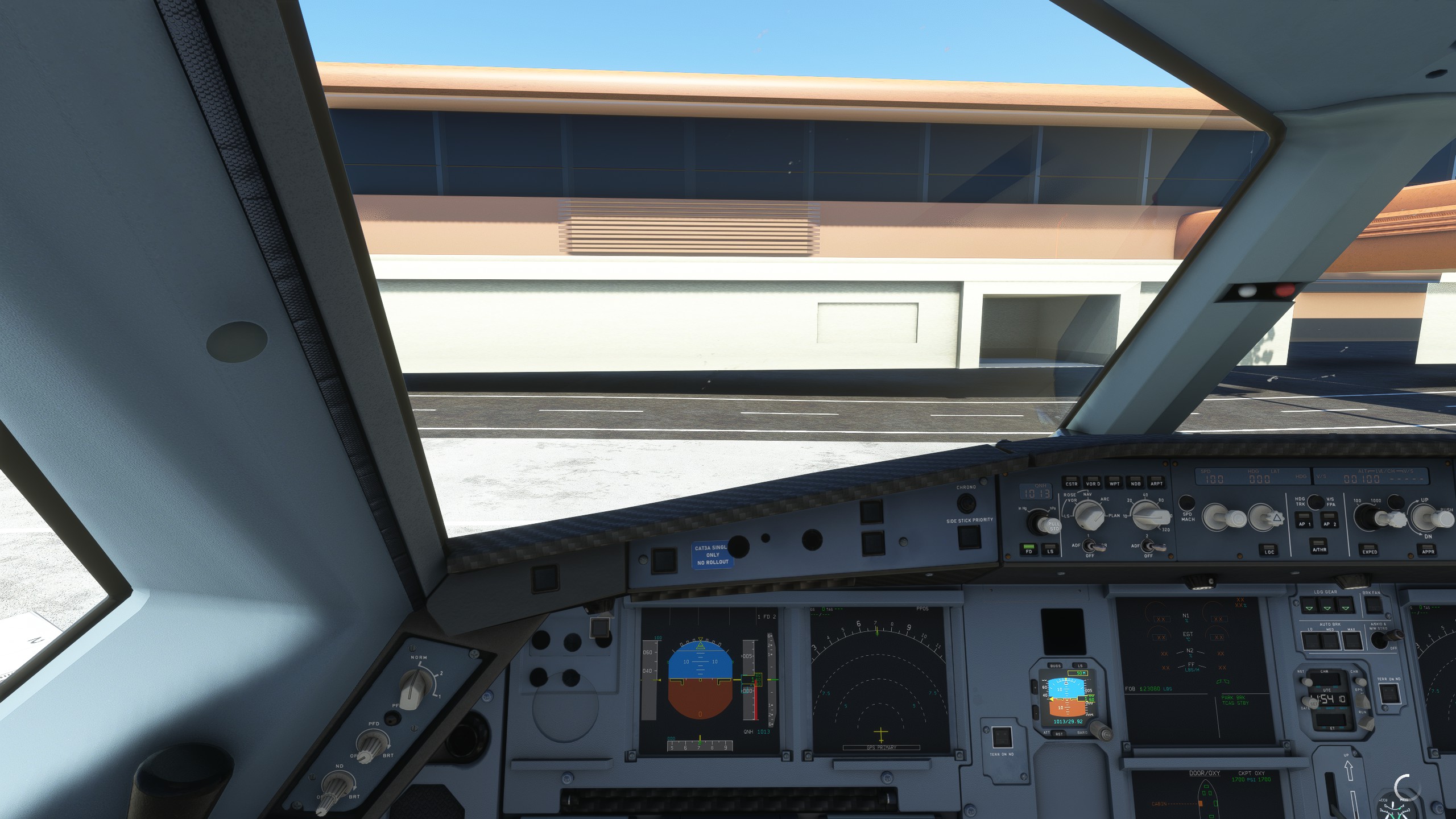
Description
Airbus A330-900 neo, Custom Camera
I hope you will enjoy my view setup as well.
The custom cameras have been defined as follows:
Custom camera 0 - Pilot Main View
Custom camera 2 - MCDU View
Custom camera 5 - Overhead Panel View
Custom camera 8 - Front Gear View
Custom camera 6 - Copilot View (Cockpit)
Custom camera 1 - Left Wing View (Behind the wing)
Custom camera 4 - Tablet View
Custom camera 3 - Right Wing View (Behind the wing)
Custom camera 9 - Left Wing View (Engine wing)
Custom camera 7 - Right Wing View (Engine wing)
Installation: Drop and replace the file in the following folder:
- Microsoft Store installation:
C:\Users\(UserName)\AppData\Local\Packages\
Microsoft.FlightSimulator_8wekyb3d8bbwe\LocalCache\SimObjects\Airplanes\Headwind-Airbus-a330-900neo - Steam installations:
C:\Users\(Username)\AppData\Roaming\
Microsoft Flight Simulator\SimObjects\Airplanes\Headwind-Airbus-a330-900neo
C:\Users\Your Username just remember where your username is located at thank you
Please try to Remember most of your settings control options are on Default that came from Asobo, I did my own controls keys to make it easier, which you guys need to follow the image "Camera Keyboard Settings Folder" once you follow it. It will work again.
Important!: Always remember to make a backup of your own CAMERAS.CFG file before installing and I will not be responsible if anything goes wrong.
Headwind_A330neo - Custom Views
Enhance your Airbus A330-900 neo experience with custom camera views. This mod offers various custom camera angles including Pilot Main View, MCDU View, and Overhead Panel View. Simply drop and replace the file in the designated folder based on your Microsoft Store or Steam installation. Make sure to back up your CAMERAS.CFG file before installing for a seamless setup.


Version History
New View for Headwind
Related
Boeing 787 (78X) Custom Camera (Bundle)
Customize your Boeing 787 Dreamliner experience with this add-on featuring various custom camera views including cockpit, wing, and panel perspectives. Additional camera options for different vantage points are also available. Installation instructions provided for both Microsoft Store and Steam versions. Remember to backup your settings before installation.
by CaptRami777
PMDG Boeing 737-700 (New Custom Views + GSX View)
Customize your PMDG Boeing 737-700 experience with new cockpit and wing views, including a GSX Passenger View option. Easily install the custom cameras for enhanced flight immersion and exploration. Explore various viewpoints like Pilot, FMC, overhead panels, and more to make your flights more engaging. Update your simulator experience by dropping and replacing the files in the designated installation folders.
by CaptRami777
Fenix Simulations A320 - Custom cameras
Enhance your Fenix Simulations A320 experience with custom cameras offering various cockpit and wing views. Choose from different perspectives such as Pilot Main View, MCDU View, and more. Easily install by dropping and replacing the file in the specified directory for Microsoft Store and Steam installations. Remember to backup your original CAMERAS.CFG file before installation for added security.
by CaptRami777
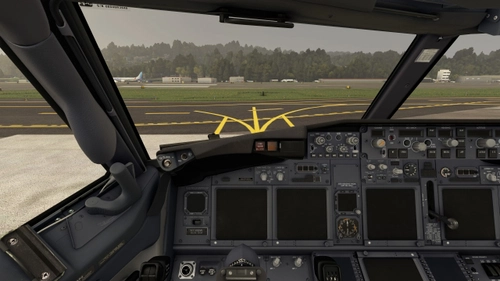
PMDG Boeing 737-800 (New Custom Views + GSX View)
Customize your flight experience with new custom camera views for the PMDG Boeing 737-800. Explore various cockpit and wing perspectives, including a GSX passenger view. Easily install by replacing files in designated folders for Microsoft Store or Steam installations. Customize controls for an enhanced aviation simulation experience.
by CaptRami777
Log in to join the discussion
Log InComments(2)
over 4 years ago
Hi there, unable to download this file. please help?? Think its broken or something.
about 4 years ago
it should be working now, sorry for my very late delay message.