
Description
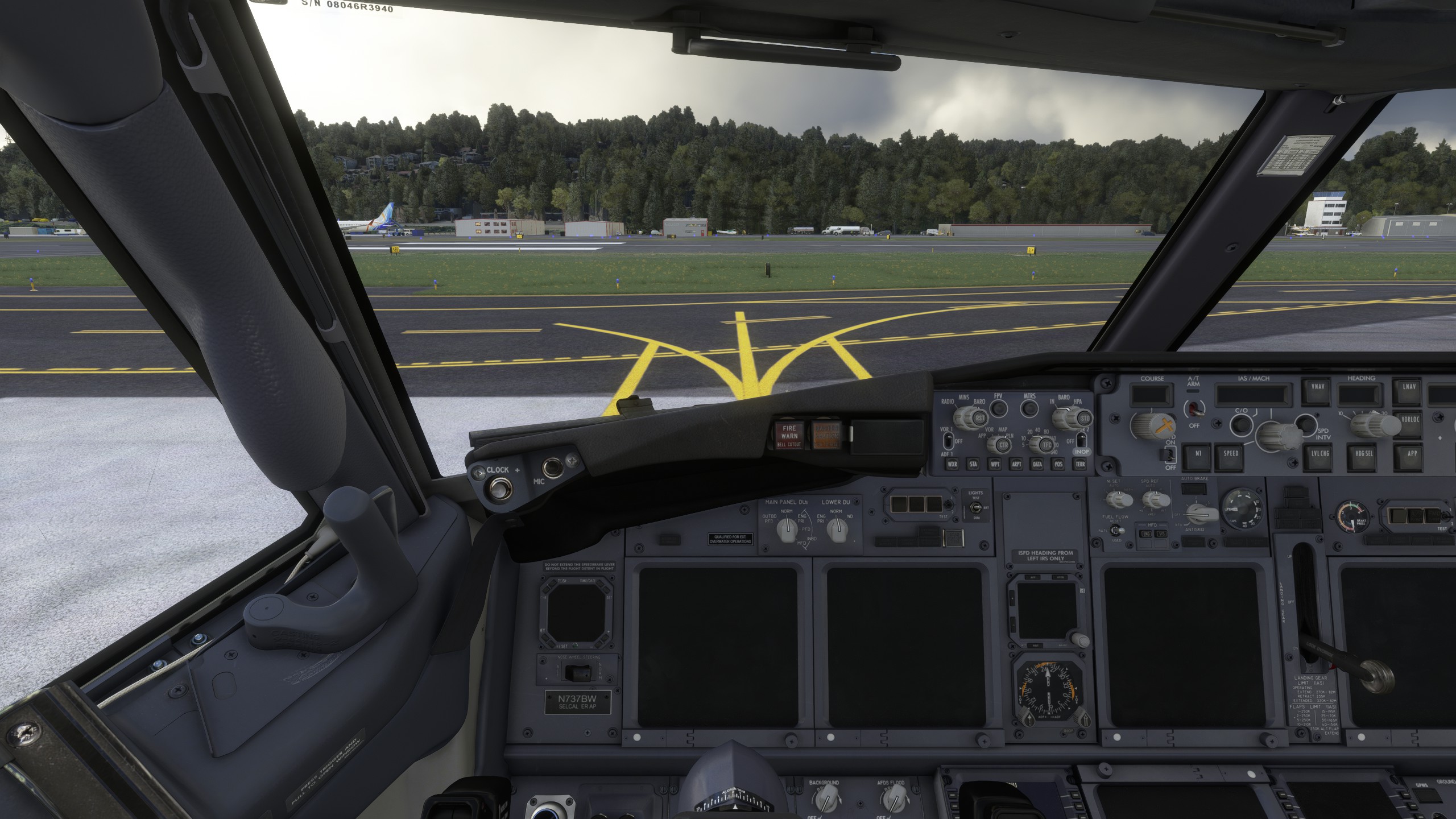
Description: Custom cameras with cockpit and wing views, for the PMDG 737-700.
- PMDG 737-700 - (Now Available for PMDG with + GSX Passenger View only)
- PMDG 737-700BBJ - (Now Available for PMDG with + GSX Passenger View only)
- PMDG 737-700BDSF - (Not Available for GSX View)
The custom cameras:
Custom camera 0 - Pilot View
Custom camera 1 - Left Wing View
Custom camera 2 - FMC View
Custom camera 3 - Right Wing View
Custom camera 4 - Center Panel
Custom camera 5 - Overhead Panel
Custom camera 6 - GSX - Passenger View (Surveillance Camera)
Custom camera 7 - Left Wing View (Engine wing)
Custom camera 8 - Overhead Upper Panel
Custom camera 9 - Right Wing View (Engine wing)
=================================================
- PMDG 737-700BDSF - (Custom camera 6 - Throttle View)
Installation: Drop and replace the file in the following folder:
Microsoft Store installation:0
C:\Users\(UserName)\AppData\Local\Packages\Microsoft.FlightSimulator_8wekyb3d8bbwe\LocalCache\SimObjects\Airplanes\PMDG 737-700
Steam installations:
C:\Users\(Username)\AppData\Roaming\Microsoft Flight Simulator\SimObjects\Airplanes\PMDG 737-700
C:\Users\Your Username just remember where your username is and locate it at thank you
Please try to Remember most of your settings control options are on Default that came from Asobo, I did my own controls keys to make it easier, which you guys need to follow the image "Camera Keyboard Settings Folder" once you follow it. It will work again.
Important!: Always remember to make a backup of your own CAMERAS.CFG file before installing; I will not be responsible if anything goes wrong.
PMDG Boeing 737-700 (New Custom Views + GSX View)
Customize your PMDG Boeing 737-700 experience with new cockpit and wing views, including a GSX Passenger View option. Easily install the custom cameras for enhanced flight immersion and exploration. Explore various viewpoints like Pilot, FMC, overhead panels, and more to make your flights more engaging. Update your simulator experience by dropping and replacing the files in the designated installation folders.


User Reviews
3 reviews
Version History
New Update - PMDG 737-700BBJ
Related
Boeing 787 (78X) Custom Camera (Bundle)
Customize your Boeing 787 Dreamliner experience with this add-on featuring various custom camera views including cockpit, wing, and panel perspectives. Additional camera options for different vantage points are also available. Installation instructions provided for both Microsoft Store and Steam versions. Remember to backup your settings before installation.
by CaptRami777
Fenix Simulations A320 - Custom cameras
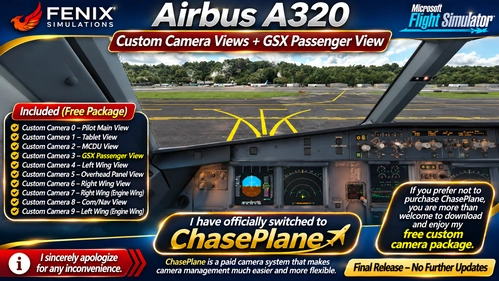
Fenix Simulations Airbus A320 — Free Custom Camera Views + GSX Passenger View. I sincerely apologize for any inconvenience, but I have officially switched to the paid ChasePlane camera system for easier and more flexible views. If you prefer not to purchase ChasePlane, you are welcome to download and enjoy my free custom camera package. This is the final release, with no further updates planned. Thank you for your support!
by CaptRami777
PMDG Boeing 737-800 (New Custom Views + GSX View)
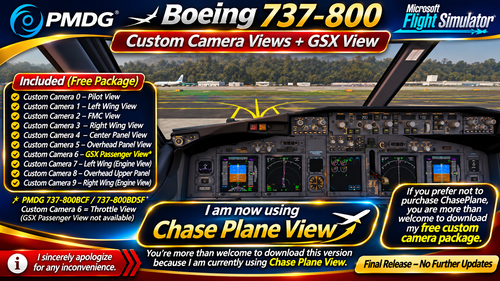
Updated PMDG Boeing 737-800 camera package. I no longer use the old Custom Camera Views 0–9 and have switched to Chase Plane View for a smoother, more flexible, and realistic flying experience. You're welcome to download and enjoy this version!
by CaptRami777

Captain Sim Boeing 767-400ER Custom Views
Customize your flight experience with Captain Sim Boeing 767-400ER Custom Views add-on. This pack offers various cockpit and wing perspectives including Pilot View, Overhead Panel View, and multiple Wing Views, enhancing your in-sim visuals. Easily install by replacing files and explore different vantage points throughout your flights.
by CaptRami777
Log in to join the discussion
Log InComments(15)
over 3 years ago
Excellent Job!!!! Usually I set up my own, but this is great...you have an amazing eye. 5 stars
about 4 years ago
Hello, Do you think you could do the pmdg 737-600?
about 4 years ago
I am so sorry, I do not have PMDG 737-600, But maybe soon I will try to get it just do not know when but soon
about 4 years ago
ok Thank you
about 4 years ago
Do you think you might do the pmdg 737-800?
about 4 years ago
oh yes I forgot all about it thank you, it will be posted later on thanks
over 4 years ago
Absolutely awesome!!! So cool, thank you for this...!
over 4 years ago
Im having strange issue that i cannot see the taxi/landing lights etc without clicking my right mouse button. Would that be due to the this file? or a setting i have... Just seems a little odd.
over 4 years ago
It has nothing to do with the camera view sorry
over 4 years ago
thanks :)
over 4 years ago
Why i'm respawn at "Left Wing View"?
over 4 years ago
I have no Idea why it does that, whatever I try to start my flight sim it takes me to Left wing view which I am working on it
over 4 years ago
fixed
over 4 years ago
That's Good to hear
over 4 years ago
Magnificent!