
Description
Version 2.0 Ready
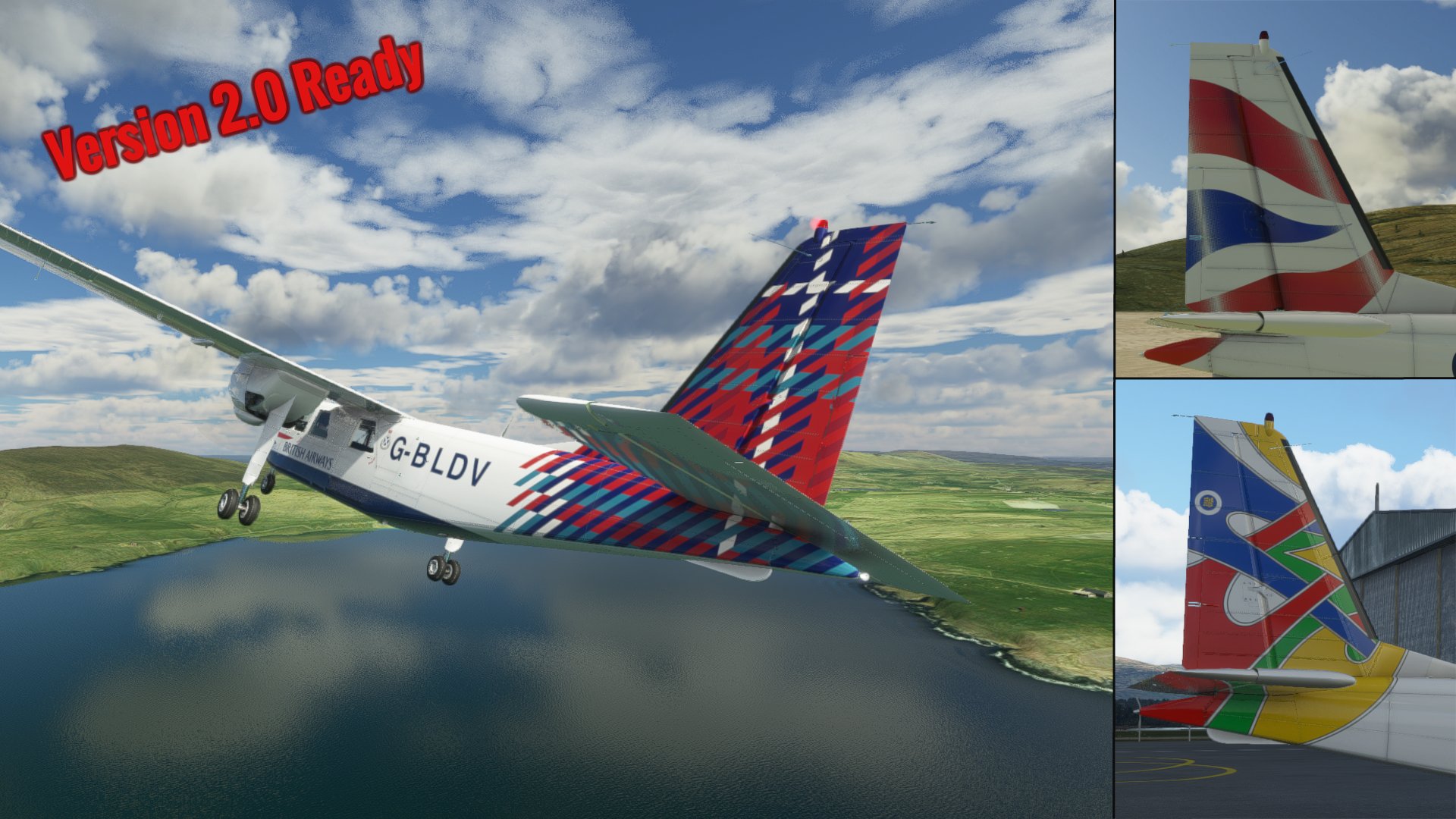
British Airways Liveries for the Blackbox Simulations BN2 Islander.
This livery pack contains 3 British Airways liveries for the BN2 Islander operated by Loganair.
These Aircraft are:
- G-BLDV with the Benyhone / Mountian of the birds tail
- G-BJOP with the Colum / Dove tail
- G-BOMG with the Chatham Dockyard Union Flag tail
The interior as been altered with darker blue seats a higher res. door card and plain black seat belts.
I was unable to find high enough detailed scans or photos of the signitures for the ethnic tail artists but will keep looking.
There is also some funny buisness going on with some of the hinges on the rudder trim i have tryed to make these areas as small as possiable.
Installing - simply add the individual livery file from the unpacked Loganair BA Islander Liveries folder to your community folder.
British Airways BN2 Islander Livery Pack
Enhance your flying experience with this British Airways BN2 Islander Livery Pack, featuring 3 unique liveries operated by Loganair. Each livery showcases different tail designs, interior modifications, and attention to detail for a more authentic simulation. Simply add the individual livery files to your community folder and take to the skies in style.
Version History
Reverted back to the painted on Reg. number using the new blank Reg. panel in version 2.1.1 of the islander.
Related
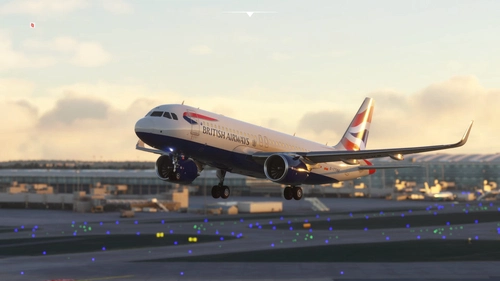
British Airways Livery Clean & Dirty - Ultra (FBW Compatible)
Enhance your flight sim experience with the British Airways Livery Clean & Dirty - Ultra (FBW Compatible) add-on. This meticulously crafted update features highly detailed textures, incorporating a variety of realistic elements such as scratches, scuffs, dust, and dirt. Compatible with both default and Fly By Wire aircrafts, this livery pack offers an immersive visual overhaul for your virtual British Airways flights.
by Operatorland468
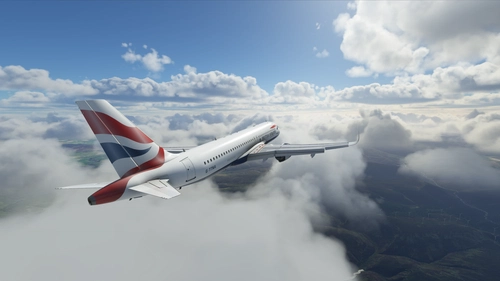
British Airways A32NX
Add a touch of British elegance to your Flight Simulator experience with this British Airways livery for the A32NX. Just unzip the file in your Community folder and take to the skies in style. For the standard A320 version, check out the link provided.
by R1NS3
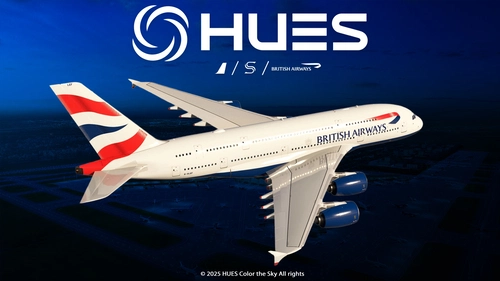
British Airways G-XLEF | FBW A380 | 8K & 4K
The British Airways G-XLEF add-on for the FBW A380 enhances the flight simulation experience with meticulously crafted textures and accurate stencils reflecting the airlines branding. It features custom base textures and realistic exterior weathering to enrich visual detail. Installation is straightforward, requiring a simple drag and drop into the community folder. The add-on is developed by Horizon Simulations Group, ensuring adherence to copyright and legal regulations.
by Hues
![British Airways [Pack] w/Cabin PMDG B777-300ER](https://cdn.flightsim.to/images/26/british-airways-g-stba-wcabin-pmdg-b777-300er-176187-1719667856-sx0EP.jpg?width=500)
British Airways [Pack] w/Cabin PMDG B777-300ER
Fly in style with the British Airways livery for the PMDG Boeing 777-300ER, complete with custom interior, exterior, and PBR textures. This add-on also features handcrafted airline-specific logos and designs, along with a custom airline-specific cabin. Make sure to install correctly via the PMDG Operations Center v2 for the best experience.
by Atarium
Log in to join the discussion
Log InComments(3)
over 1 year ago
over 5 years ago
If you haven't done so already, you need to update the panel image to the 1.1.2 update version which changes the transponder selector and numbers.
over 5 years ago
This pack has already been updated to fix the problem.