
Description
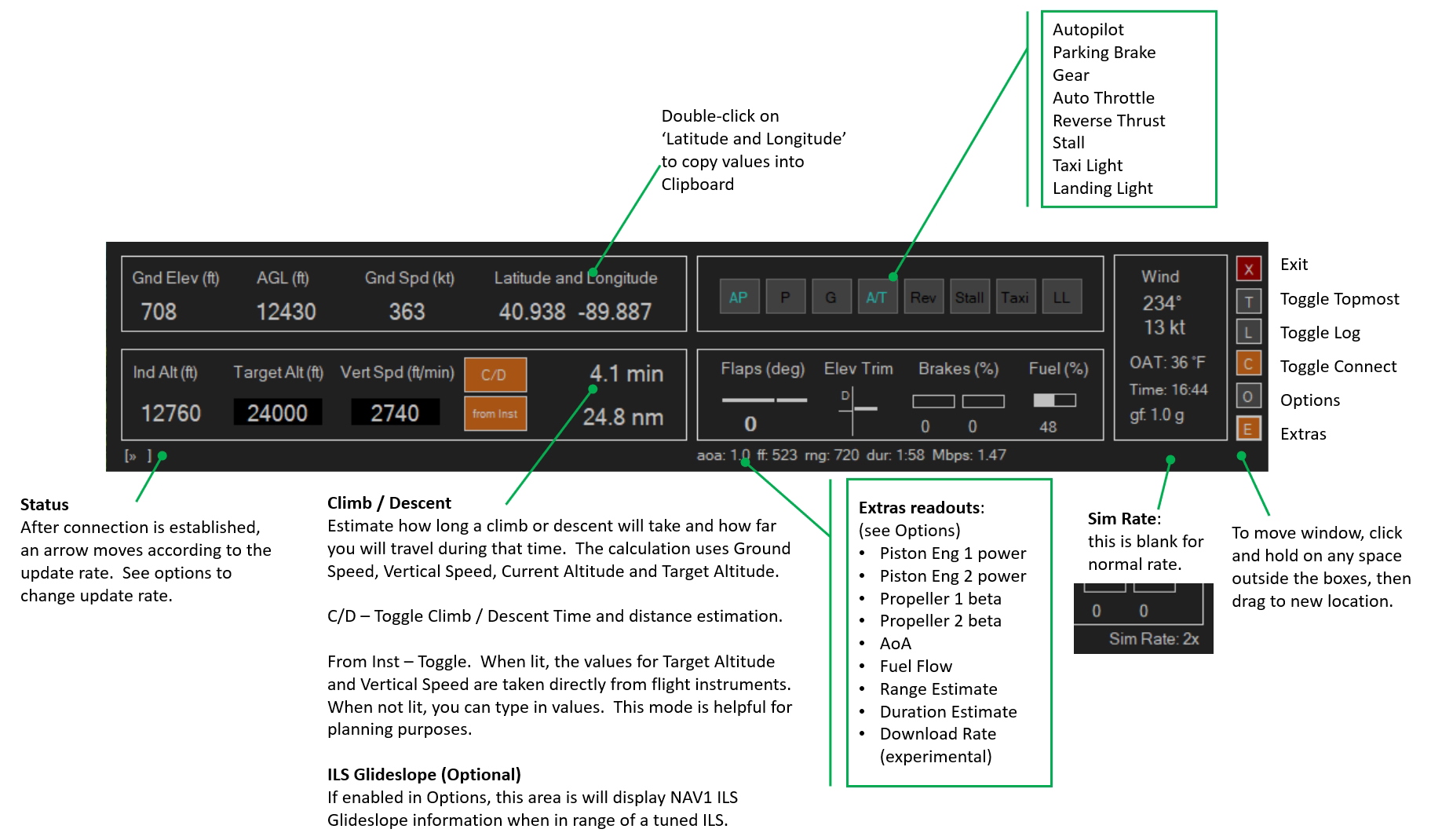
DB2 is a simple dashboard utility for MSFS with a few readouts and functions. I wrote it for the way I fly MSFS and thought I'd share it with the FS community. This is the second dashboard I made for my sim. (Thus the ‘2’ in the name.)
Readouts
- Ground elevation
- Height Above Ground Level
- Ground Speed
- Latitude and Longitude
- Indicated Altitude
- Vertical Speed
- Autopilot target altitude
- Flaps angle
- Left and Right Brake
- Wind direction and speed
- Outside air temperature
- g-‘force’
- Sim Rate
Optional Extra Readouts
- Piston Engine #1 output power
- Piston Engine #2 output power
- Propeller #1 beta Applicable to constant-speed (variable pitch) props.
- Propeller #2 beta
- Angle of Attack
- Fuel Flow, or consumption rate
- Fuel Range Estimate
- Fuel Duration Estimate
- Download speed [Experimental]
Indicator Lights
- Autopilot
- Parking brake
- Gear
- Auto Throttle (and accompanying ON/OFF tones)
- Reverse Thrust
- Stall (see documentation for details)
- Taxi Light
- Landing Light
Functions
- Copy Latitude and Longitude into clipboard (to paste into google maps or whatever)
- Simple TOC/TOD estimation, using current vertical speed and target altitude or user-provided
NOTICE: AAU1 broke the the A/T (Autothrottle indicator) when flying the updated Cessna Longitude. It seems the updated Longitude doesn't set the SimConnect variable that indicates the autothrottle is on anymore, so there's not a lot I can do to fix it.
DB2 -- Dashboard #2
DB2 is a dashboard utility for MSFS offering various readouts, optional extra data, and indicator lights. It includes functions such as copying latitude and longitude and TOC/TOD estimation. Please note an issue with the Autothrottle indicator for the updated Cessna Longitude.


User Reviews
9 reviews
Version History
*** changes from ver 2.0 to ver 3.0 Fixed too many characters in certain ILS ID's (those with CAT, etc) which wouldn't fit into text field size (fixed by truncating ID) Changed option OAT in Farenheit to OAT in Celsius Added option and support for a few metric Vertical Speed Units Added option and support for Other metric units Added 333ms update interval Added Option to have 'from Inst' active when app launches Experimental features (may not work on all systems, and may not be retained in future versions) Added extra readout for network download speed (average Mbps over last five seconds) Added log feature (certain parameters logged to file every minute)
Related
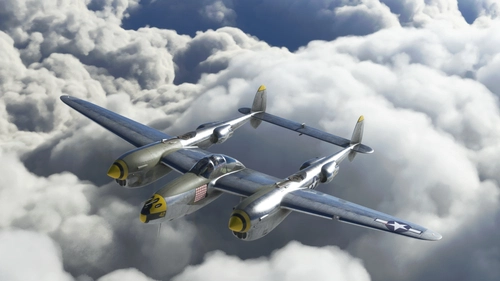
Lockheed P-38L (FlyingIron Simulations) "Yellow 42"
Replica of Major Richard Bongs P-38L "Yellow 42", showcasing its iconic paint scheme with 36 victories from October 1944. Includes panel texture adjustments for added realism. Simply place the folder in your Community folder to enjoy in MSFS.
by dcc
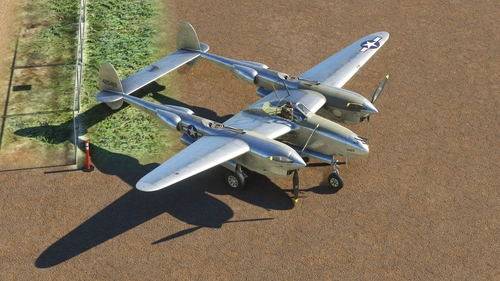
Lockheed P-38L (FlyingIron Simulations) "6423"
Experience the iconic Lockheed P-38 Lightning with this authentic repaint by dcc, based on textures by FlyingIron. This rendition of the P-38L-5-LO 44-25419 showcases the late-model, late-war aesthetic often featured in historical aviation books.
by dcc
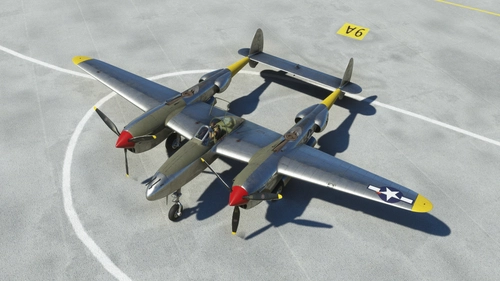
Lockheed P-38L (FlyingIron Simulations) "94th FS #90"
Experience the iconic Lockheed P-38L with this add-on featuring the 94th FS #90 variant from August 1944, complete with unique panel textures and striking repaint by dcc.
by dcc
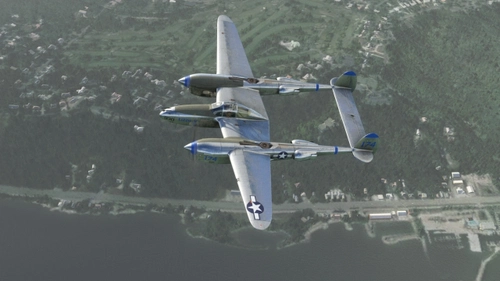
Lockheed P-38L (FlyingIron Simulations) "Lizzie V"
Experience the iconic Lockheed P-38L "Lizzie V" in Microsoft Flight Simulator. This add-on replicates Capt. John E. Purdys aircraft from December 1944, with detailed panel textures and historical accuracy. The P-38L, famously displayed at the Museum of Flight in Seattle, Washington, is meticulously recreated in this repaint by dcc. Relive history with this stunning aircraft recreation.
by dcc
Log in to join the discussion
Log InComments(34)
almost 3 years ago
---> System.Configuration.ConfigurationErrorsException: '.', hexidezimaler Wert 0x00, ist ein ungültiges Zeichen. Zeile 10, Position 1. (C:\Users\----\AppData\Local\DB2\DB2.exe_Url_oju4fb1gy3wd5ig05hmajgqo0c1cdceg\3.0.0.0\user.config line 10) ---> System.Xml.XmlException: '.', hexidezimaler Wert 0x00, ist ein ungültiges Zeichen. Zeile 10, Position 1.
hope this can be helpful.
almost 3 years ago
about 3 years ago
about 3 years ago
almost 4 years ago
A very good and simpel progam. I use it every flight in MSFS
almost 4 years ago
Thank you!
about 4 years ago
Please could you tell me how you got a black back to the sign to the airport? I find it very difficult to make them out? Thank you.
about 4 years ago
A request.
Would it be possible to have this tool with metric and American measures? Most of us have forgotten what a foot looks like (except perhaps the one on the end of each of our legs), and a know is something used by boy scouts to hold two sticks together to use as their bed.
Seriously, there would almost certainly be many more users of this tool with the inclusion of metric measures (feet/meters.gallons/liters,Fahrenheit/Celsius, miles/kilometers.
Thank you in advance.
JohnG
about 4 years ago
thanks for the feedback. It certainly would not be hard to add those. There is an option for Celsius in version 2. I will consider adding feet / meters (for altitude), US gallons / liters (for fuel), and nautical miles / kilometers (for distance,) as options for the next version. I have also fixed a few bugs and added a few new things since ver 2 release, so maybe after SU10 is out I may do a minor update.
about 4 years ago
That would be most welcome, thank you.
almost 5 years ago
great tool but some resizing is needed where the ils glideslope is showing.. some of it is cut off.. need so be wider
almost 5 years ago
thanks for the feedback. Interesting ... I haven't experienced that. Does it cut off the text or the graphic? Wonder if it's a difference in screen resolutions. I'd be interested to see a screen shot.
almost 5 years ago
will sort out a screenshot fpr you
almost 5 years ago
PM sent
over 5 years ago
It is a nice product but when I use the A/T it is irritating that at the moment the A/T is moving a sound is heard constantly. That it is that I will not use the product because you can't stop the sound. That is the only disadvantage of the product.
over 5 years ago
Sorry you experienced problems with the A/T on-off tones. It's not to supposed to sound continuously like that. It is supposed to only make the sound at the moment you engage or disengage A/T. Thanks for the feedback.
over 5 years ago
Would it be possible to add an AoA indicator, preferably numerical? Great tool, my landings are a lot better thanks to this addon
over 5 years ago
Yes actually -- I found myself wanting something to help me know when I'm approaching stall as well, so I've added something like that (among other things) in what may become the next release. No idea when it'll be done.
Glad to see others find this tool useful.
over 5 years ago
I'm wondering if something like a real AOA indicator would be possible
https://www.youtube.com/watch?v=E55Jux-oFtc
over 5 years ago
Thank you so much! I had missed using my AGL aid used in XP-11