
Description
KABR - Aberdeen Regional Airport - Aberdeen, South Dakota
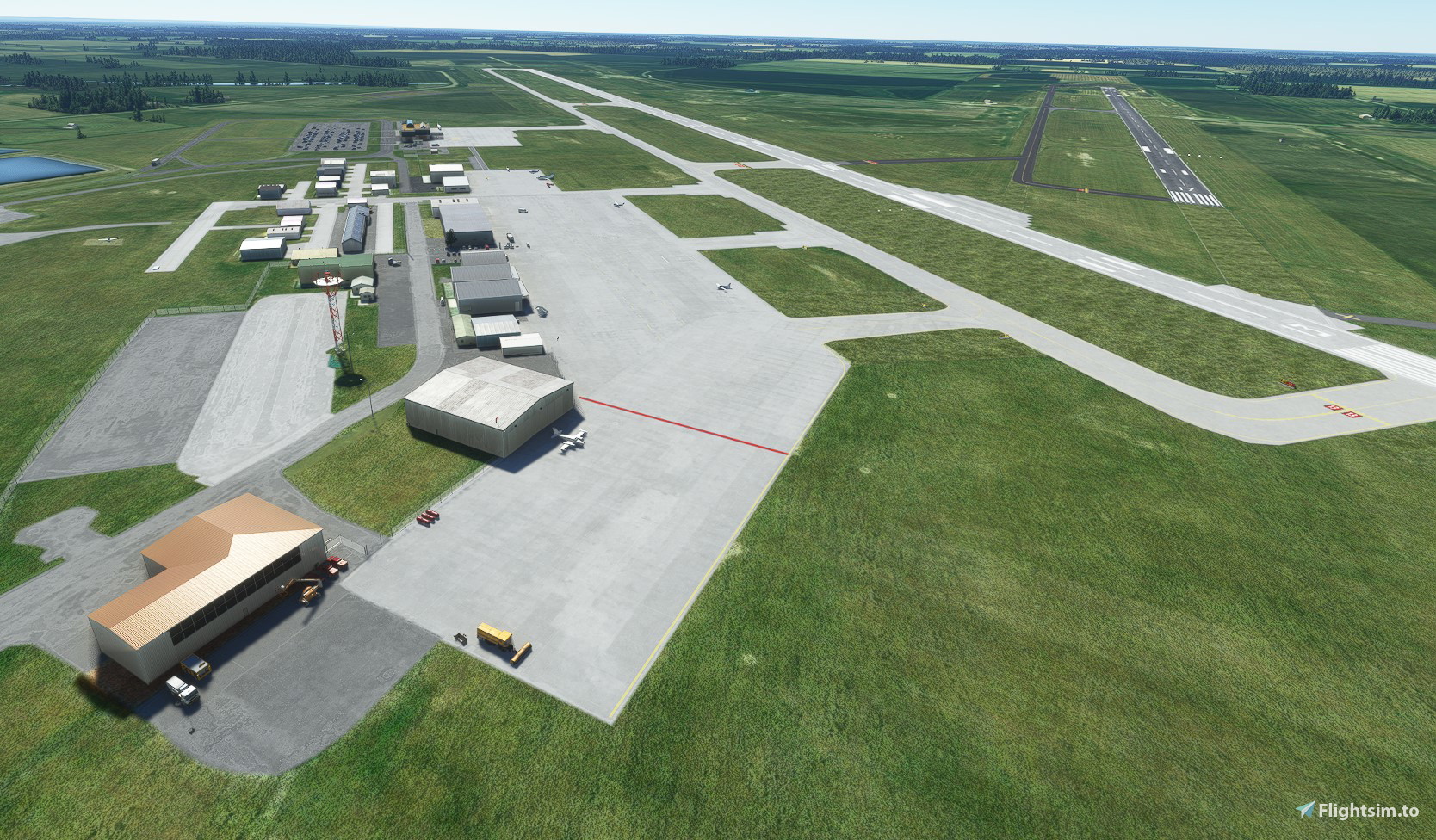
This is a modification to the airport in Aberdeen, South Dakota to alter the north/south runway location.
In 2020 and 2021, the airport relocated runway 17-35 further south and removed the runway intersection with runway 13-31. This modification will relocate the runway to it's current location and added the new taxiway to connect the north-south runway to the main ramp area. I also fixed the taxiway names on the entire airport to match the most recent FAA airport diagram as of April 2021 (updated - see below).
I have not tested with default ATC as I exclusively use VATSIM. This is one of my first attempts at scenery modifications so there were no major changes to the airport.
Update - version 1.1 - April 22, 2022
During work on my nearby Clark County scenery, I realized that my Aberdeen scenery is out of date due to taxiway restructuring during 2021. This updated Taxiway D and the connection to runway 13. As a result, I have updated the taxiway to match the airport diagram as of April 2022. While I was doing work on this, I see that my original file, as one of my first projects for scenery in MSFS could use some improvements. Some additions include:
- Removal of many trees around the airport property
- Addition of static scenery objects
- Night lighting
- Hangars were replaced from autogen to static hangar objects including the fantastic open hangars from Windhover
For static objects, there now is a need to include two object libraries for all of the objects to appear:
- UK2000 freeware scenery from the In-Game Marketplace
Also - make sure that you are up to date on your World Updates as I have started to use objects included in those updates
Update - version 1.2 - July 7, 2022
Removed trees that were added via the Imagery update. Also updated the location of Runway 17/35 slightly as well as the supporting taxiways to match the new imagery.
Installation:
Unzip and place the package in the Community folder.
Location
KABR - Aberdeen Regional Airport - Aberdeen, South Dakota
Enhance your simulation experience with the KABR - Aberdeen Regional Airport add-on, bringing updates to the airport in Aberdeen, South Dakota. This modification adjusts the runway location, taxiway names, and adds new features like static scenery objects and night lighting. Stay up-to-date with the latest versions for improved details and realism.


User Reviews
2 reviews
Version History
Remove trees that appeared post World Update 10. Also updated the location of Runway 17/35 as well as supporting taxiways to match the updated imagery.
Featured in Collections(1)

Related
PAGY - Skagway Airport - Skagway, AK
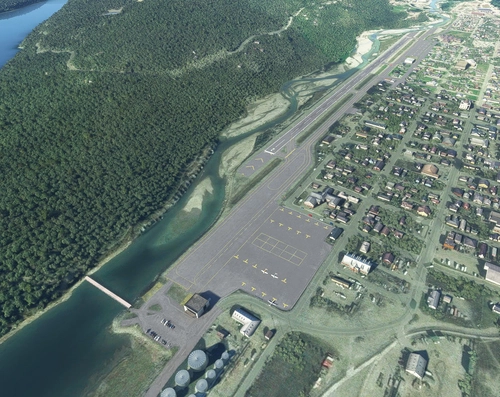
Explore PAGY - Skagway Airport in Alaska, known for its historic significance in the 1898 gold rush. This VFR airport features a unique approach over the mountainside, catering to tourist and cargo flights. Experience enhanced realism with terraforming, updated aprons, helipads, and additional parking. Immerse yourself in the scenic beauty of Skagway with added city objects and night lighting.
by spidermanMN

KFCM - Flying Cloud Airport - Eden Prairie, MN
Experience the bustling activity of KFCM - Flying Cloud Airport in Eden Prairie, MN with this mod. Enhancements include accurate taxiway layouts, additional hangars, improved terraforming, and realistic runway guard lights. Dive into this detailed recreation and enjoy a more immersive flight simulation experience at this busy regional airport.
by spidermanMN
KMIC - Crystal Airport
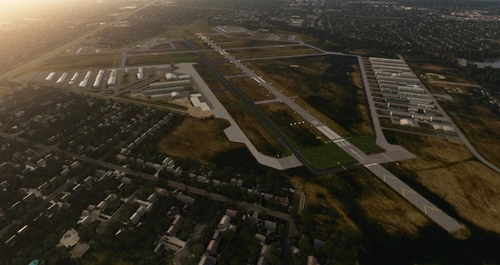
Experience the revamped KMIC - Crystal Airport in Minnesota with this scenery add-on. Explore the removal of runway 14R-32L, extension of runway 14L-32R, and updated taxiway layout. Additionally, enjoy added taxiway signs, generic hangars, and missing approaches for a more immersive flight experience.
by spidermanMN
KRGK - Red Wing Regional Airport
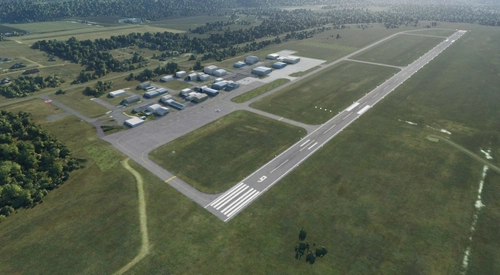
Explore KRGK - Red Wing Regional Airport, located in Red Wing, MN. This detailed scenery adds generic hangars, corrects taxiway names, and enhances parking options. Fly in and experience this small airport across the Mississippi River in Wisconsin.
by spidermanMN
Log in to join the discussion
Log InComments12
any plans on other SD airports like Watertown and Sioux Falls?
I don't think I've flown to them in MSFS yet to be honest, just back in FSX. A thought I had was to take a look at Mitchell as a family member of mine is moving out there later this year and I may have to make some virtual visits out there in the sim! I haven't seen what it looks like yet in the sim either however.
Hello! I just flew in this evening and it looks like WU10 has caused the airport to become over grown with trees! Any chance we can get a quick hot fix? Thank you!
Thanks for alerting me about the trees. I am working on a fix and shouldn't take too long to get out. I have found that bing maps was updated (I noticed the same for my home area in MN a few weeks before WU 10) and maybe the AI sees it differently and added all the trees. Or it was WU10... who knows! The good part though is that since the background map was updated, I can now place 17/35 and it's supporting taxiways in the correct locations. I'm also moving taxiway A a bit to put it in the correct location now that the background map has the current alignment. I'm guessing this was late 2020 (that's what I'm estimating for my home area at least) so it doesn't have the 2021 taxiway fix yet. I have the changes done, but I want to test a bit before releasing.
Awesome! Thank you! I also need to update my home airport because of the trees issue among other things. Yes, ABR went through some fairly major changes in 2020 and 2021 but now the imagery more or less matches!
The update is out. Also if you have my Clark County package, that one got updated too. There were trees added next to the runway and all the runways were marked as closed as the bing maps update appeared to take place while they were repaving the runway. Nice timing!
Thanks for the update!