
Description
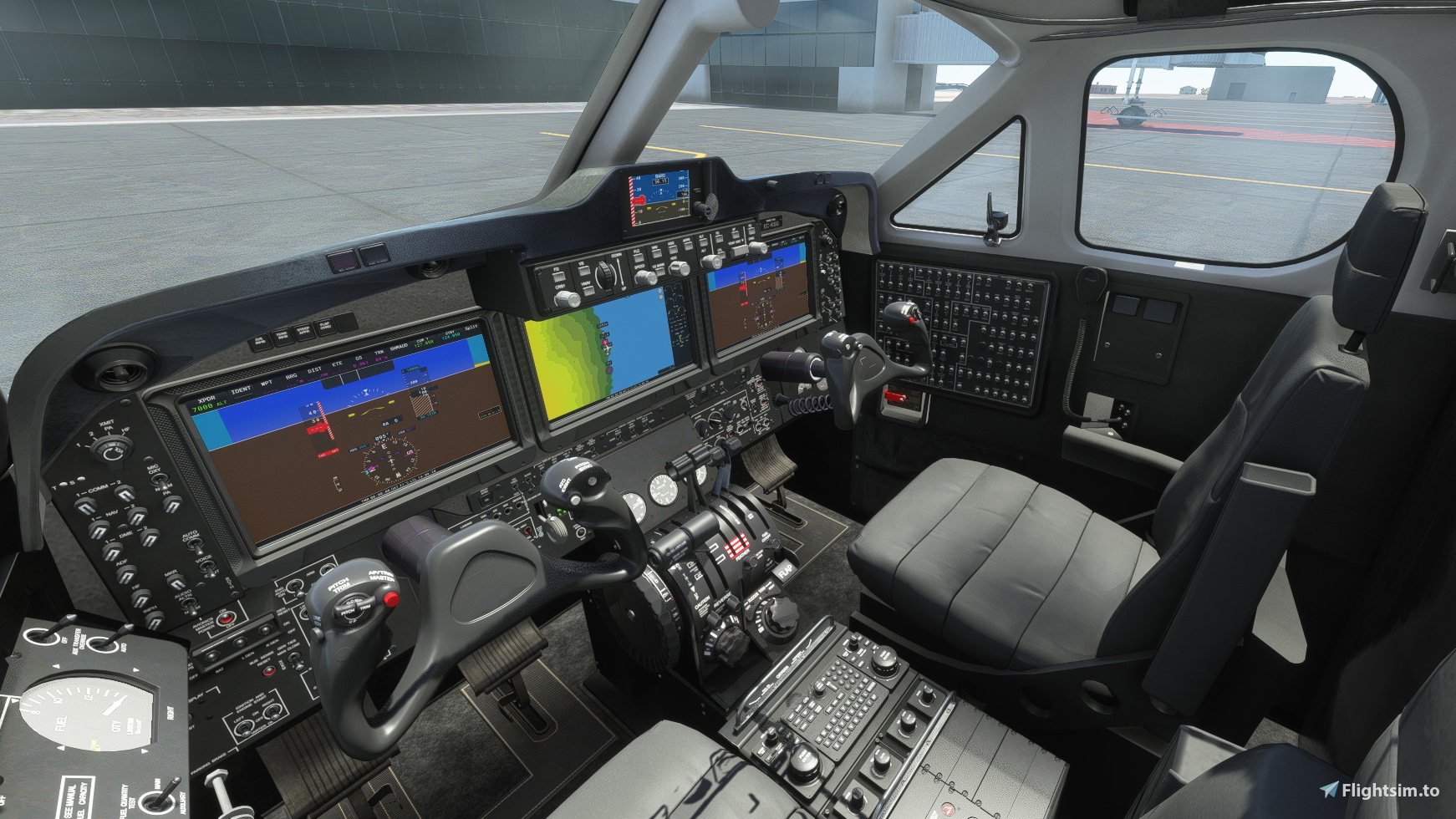
The ATR 72-600 Community mod currently uses the cockpit of the King Air because it's the only default twin turboprop in MSFS. Apart from the fact this cockpit is considerably smaller than the original, it also has a beige interior which looks really weird in a passenger airliner like this. Also the yoke has the "Beechcraft King Air" logo on it.
So for my personal use I did a quick and dirty repaint of the whole thing to a more corporate grey and also removed the logos from the flight yoke.
In addition I included a standard thumbnail for the plane so that it fits better into the standard aircraft lineup.
Installation:
Just drop it into the community folder
Have fun, best wishes
Archer374
ATR 72-600 - Grey Interior without Beechcraft logos
A custom repaint for the ATR 72-600 in Microsoft Flight Simulator, replacing the default beige interior with a sleek grey design and removing the Beechcraft logos from the cockpit yoke. Created for a more realistic passenger airliner experience.

Version History
No version history available.
Related
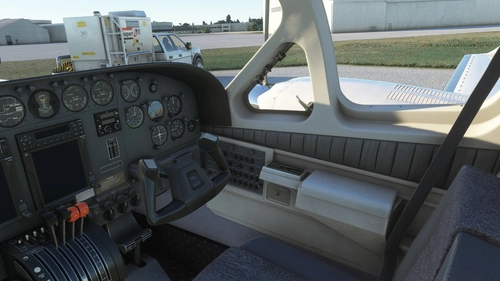
Flysimware Cessna C414 Chancellor - Grey Interior + Different Panels
Upgrade your Cessna C414 Chancellor with a sleek grey interior featuring darker seats. Customize your experience with three different panel options. Simply drag and drop the mods into your Community folder for easy installation. Experience a modern twist on your cockpit with Flysimwares latest mod.
by Archer374
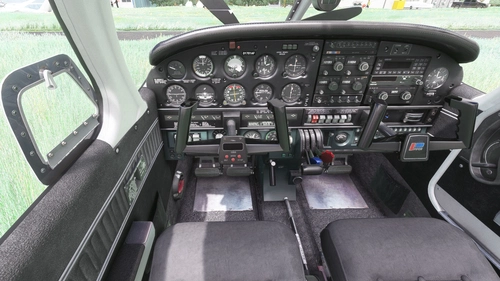
JustFlight Piper PA28R Arrow III - Clean Grey Interior
Enhance your Piper PA28R Arrow III experience with this mod offering a clean grey interior option. Customize your tablet color and instrument panel with ease to suit your preferences. Simple installation process by dropping the mod folder into your Community folder. Enjoy a fresh look for your virtual cockpit with this modification from Archer374.
by Archer374 - Idea for the panel: icemany
WBSim / Asobo Cessna C152 - Dark Cockpit Panel
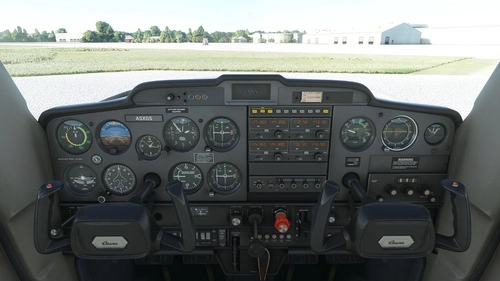
Enhance your Cessna 152 experience with a dark cockpit panel modification created by Archer374. This add-on changes the cockpit panel to a sleek dark grey, along with minor tweaks to the seats for a more authentic feel. Compatible with both stock Asobo C152 and JP Logistics C152 mod. Simply drag and drop into your Community folder to install.
by Archer374
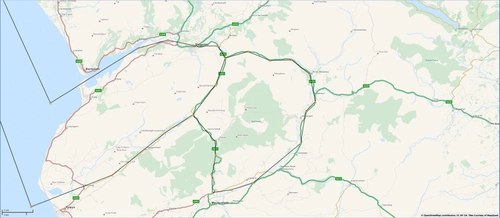
Mach Loop - Low Flying Area 7 (RAF/USAF), Wales, Snowdonia, UK (Flight Plans)
Experience the thrill of flying through the infamous Mach Loop in Wales with these meticulously crafted flight plans. Witness RAF Typhoons, Tornados, C130s, USAF F15s, and Ospreys as they soar through the valleys of Snowdonia below you. Choose between two routes, starting from RAF Valley, for an unforgettable low flying adventure.
by Dave Symanow
Log in to join the discussion
Log InComments(4)
over 5 years ago
This looks nice though. If only you couldn't see the props out the windows.
over 5 years ago
It is unfortunate that you can't see the exterior when inside. :-(
over 5 years ago
over 5 years ago