
Description
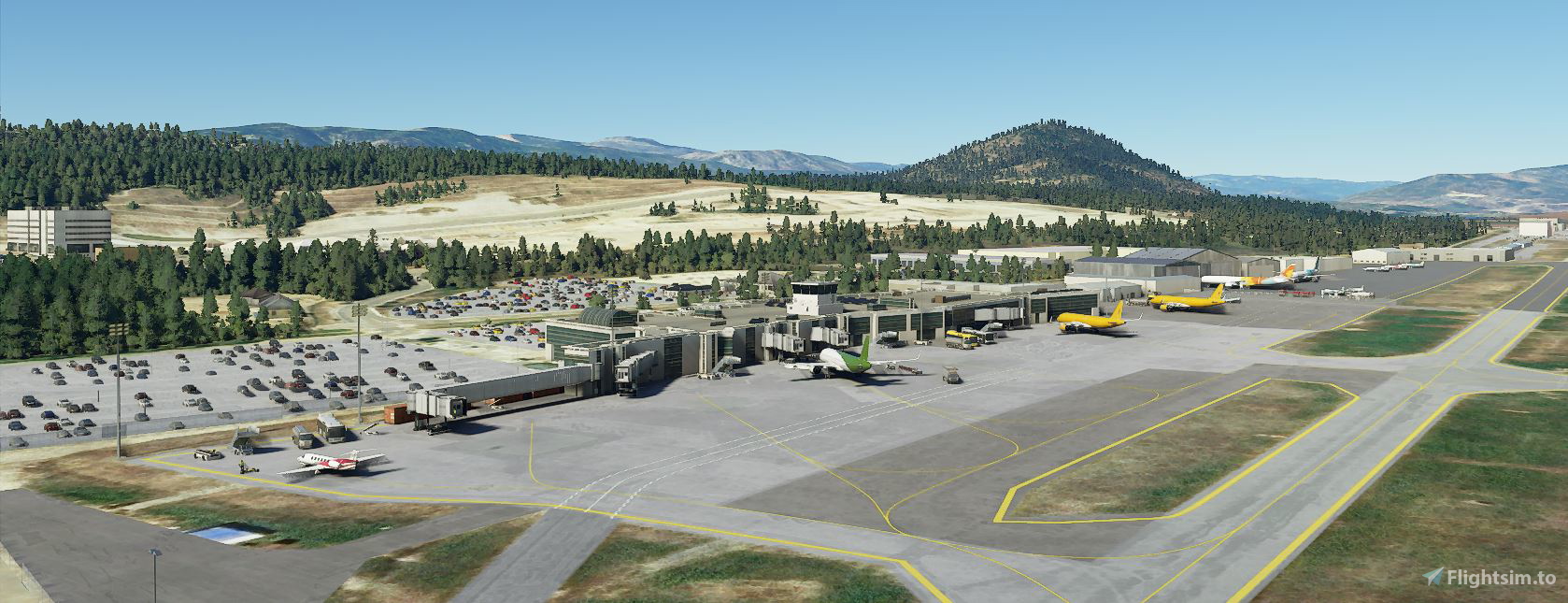
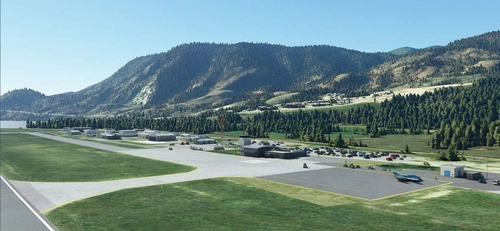
This scenery corrects the aircraft parking and replaces some of the buildings with ones closer in size and shape with the reality. It also adds night lighting, the control tower and cars in the parking lots. This version impoves the night lighting of the airport and makes sure that there are no disconnected sections of the taxiways, which should make AI traffic work with this airport.There are no custom buildings in this scenery. It uses the default terminal and buildings currently available in the SDK.
Version 1.4 adds the missing tower across the runway (thank you DennisW for pointing it out).
Version 1.5 removes the taxiway center lights (thank you Mooze for the feedback).
Version 1.6 adds GA parking spots in the North parking (thanks to cchan95 feedback).
Version 1.7 removes the runway center lights and touchdown zone lights, and does a better job at teraforming.
Version 1.8 corrects the jetway docking to the aircraft (thank you westcoastwonder for the feedback).
Version 1.10 makes the ILS frequency visible in the airplane FMC/MCDU.
Version 1.12 Fixes the Rw 16 ILS broken by one of the updates. Also improves the taxiway lights.
Installation instructions:
Please remove the previous versions of the airport, then unzip and copy "Airport CYLW Kelowna-v1.12" folder in your MSFS Community folder.
Enjoy!
CYLW Kelowna, British Columbia
Enhance your Microsoft Flight Simulator experience with the CYLW Kelowna, British Columbia scenery add-on. This mod brings corrected aircraft parking, realistic building replacements, night lighting, control tower, and improved taxiways to the airport. Version 1.12 includes fixes for ILS issues and taxiway lights, ensuring a more immersive flying experience in this Canadian destination.


User Reviews
9 reviews
Version History
Version 1.12 Fixes the Rw 16 ILS broken by one of the updates. Also improves the taxiway lights.
Featured in Collections(1)

Related
CYCW Chilliwack, BC
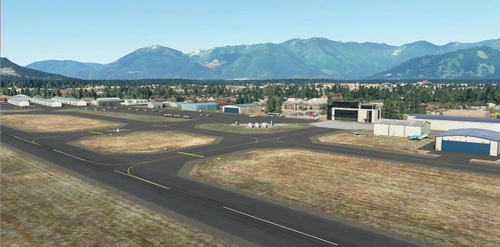
Enhance the realism of CYCW Chilliwack Airport with this add-on which replaces default buildings, adds night lighting, static planes, hangars, and more. Version 1.3 brings corrected runway numbering in accordance with Canadian standards. Simply unzip and copy the files to your MSFS Community folder for an improved flying experience.
by PropellerBC
CYBL Campbell River, British Columbia
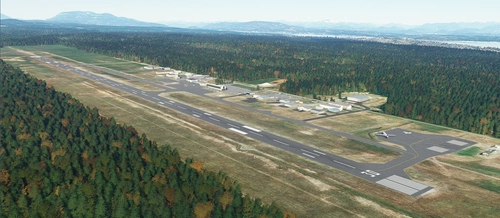
Explore the detailed CYBL Campbell River scenery in British Columbia, featuring GA parking spots, static planes, and night lighting. This add-on includes static elements, hangars, and updated versions with improvements like corrected runway lights and visible ILS frequency in the FMC/MCDU. Simply install by unzipping and adding the folder to your MSFS Community directory.
by PropellerBC
CYNJ Langley Regional Airport, BC
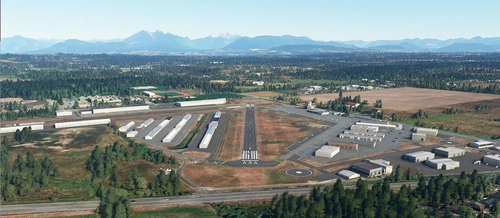
Enhance your flight simulation experience with CYNJ Langley Regional Airport, BC scenery add-on. This mod includes GA parking, car parking, static objects, taxiways, and night lighting, without custom buildings. Version 1.3 features improved terrain, adjusted tower size, and updated runway numbering to Canadian standards. Simply install the folder in your MSFS Community folder and enjoy the updates!
by PropellerBC
CYYF Penticton, BC
Enhance CYYF Penticton Airport in Microsoft Flight Simulator with this scenery add-on. Version 1.3 brings improved night lighting, additional GA parking spots, and a new airport fence. Utilizing existing SDK buildings, this mod upgrades the terminal and tower while maintaining a realistic experience. Easy installation process for a seamless integration into your simulator.
by Ciprian Nistor
Log in to join the discussion
Log InComments(33)
about 5 years ago
Very nice visual airport. It looks realistic, but the ILS for runway 16 (ILW) isn't lined up with the runway. It should be 159 degrees. It now it seems to takes you about 2 NM south of the airport at a heading of 174 degrees.
about 5 years ago
Hello, thank you very much for your feedback. I just checked it and you're right, something must have happened during SU5, because the ILS is not aligned any more, it seems to have the direction changed by the magnetic variation of the airport. I will try to fix it soon.
about 5 years ago
When I tried to disable the stock ILS and to add my own ILS to the runway, it doesn't show up at all. If I leave the stock ILS, it is not aligned with the runway. The only option that I have is to wait for SU6 and see if the problem gets fixed by Asobo.
about 5 years ago
When I deleted your scenery, I got the stock ILS and it works perfectly.
about 5 years ago
Very nice work on this Thanks very much. Works fine for me with SU5
about 5 years ago
Thank you very much for your nice comment.
over 5 years ago
I think your sceneries are causing CTDs. Kelowna is for me.
over 5 years ago
Hello, I'm sorry to hear that my CYLW is causing problems for you. This scenery uses default SDK models, exclusively. There are no custom models or textures so in theory it shouldn't cause problems, but knowing the MSFS instability history I believe you. Unfortunately, there is not much that I can do about that because I can't reproduce the problem on my end. My only suggestion is for you to remove the scenery from your Community folder.
over 5 years ago
over 5 years ago
over 5 years ago
over 5 years ago
over 5 years ago
almost 6 years ago
almost 6 years ago
almost 6 years ago
almost 6 years ago
almost 6 years ago
almost 6 years ago