
Description
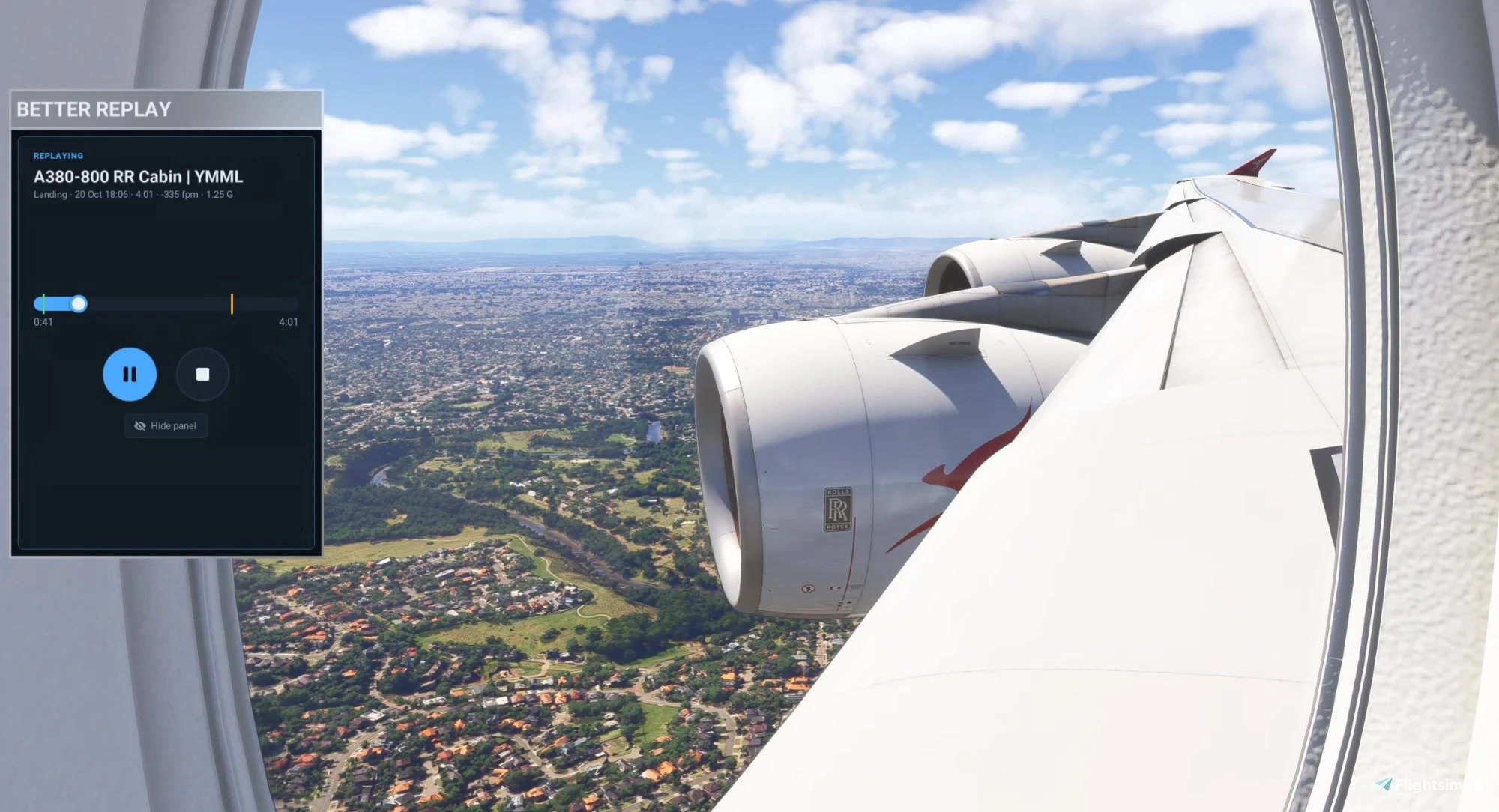
BetterReplay is an auto replay recorder for Microsoft Flight Simulator 2024. It records your flight in the background, saves every takeoff and landing as a clip, and replays them from a toolbar panel. It all runs inside the sim: it's a single folder in Community, with no external app to start alongside it.
Features
- Automatic clips of every takeoff and landing. Landings show touchdown vertical speed, peak G and bounces.
- Always recording the last 10 minutes of your flight, whether or not the panel is open. "Save last 10 minutes" keeps it as a clip.
- Replays in the aircraft you recorded with, with a seek bar that marks touchdown and gear down.
- Gear, flaps, spoilers, throttle and reversers replay too. Many aircraft work these their own way, so a short guided control setup teaches BetterReplay a new aircraft: you move each control, it replays your movement and asks whether it worked, and it remembers what did.
Included aircraft profiles (these replay right away, without the setup)
- Fenix A320 Family (A319/A320/A321)
- FlyByWire A32NX (A320neo) and A380X
- iniBuilds A320neo V2 / A321LR (default)
- iniBuilds A330 (default)
- Working Title 787-10 and 747-8 (default)
- iniBuilds A340, A350 and A380
- Synaptic A220
- FlightSim Studio E-Jets
- PMDG 737 and 777
Any other aircraft can be taught with the control setup.
Installation
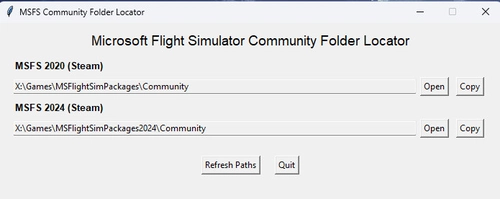
- Extract the zip into your Community folder, so you have Community\betterreplay-recorder. To update, delete the old betterreplay-recorder folder first.
- Start the sim. If the BetterReplay icon isn't on the toolbar, enable it in the toolbar's settings.
What gets recorded
- Takeoff: from 30 seconds before you roll onto the runway until the flaps are up (or 2 minutes after liftoff if you took off without flaps).
- Landing: from 3 minutes before touchdown until you stop or leave the runway. Bounces stay part of the same landing.
- Recording pauses while the sim is paused, in slew, in the menus and during the sim's own replay.
- The newest 10 takeoff and landing clips of each aircraft are kept, and older ones are deleted automatically. "Save last 10 minutes" clips are never deleted automatically.
Known issues
- iniBuilds A350 and A380: the engine whine can sound wrong in replays (on the A350 in the cabin after the thrust reduction, on the A380 from some outside angles).
- Working Title 787-10 and 747-8: in takeoff replays the engines run about 4.5 to 6% N1 off the recorded flight.
Reporting a problem
Please leave a comment, or raise an issue on GitHub: https://github.com/jtsorlinis/BetterReplay/issues
The log, betterreplay.log, helps a lot. It's in:
Steam: %APPDATA%\Microsoft Flight Simulator 2024\WASM\MSFS2024\betterreplay-recorder\work\
Microsoft Store: %LOCALAPPDATA%\Packages\Microsoft.Limitless_8wekyb3d8bbwe\LocalState\WASM\MSFS2024\betterreplay-recorder\work\
Planned
- Lights on all aircraft
- Manual recording, so a whole flight can be recorded
- Weather and time of day from the clip
BetterReplay is free and open source under the MIT license.
BetterReplay: Automatic Takeoff and Landing Replays
BetterReplay is an automatic replay recorder for Microsoft Flight Simulator 2024 that captures takeoff and landing events as clips, which can be replayed from a toolbar panel. It operates entirely within the sim, requiring no external application. The tool records key flight variables, manages clips for multiple aircraft types, and allows custom setup for unsupported planes. Recent flight clips are kept for easy review, with options to manually save additional segments of your flight.


User Reviews
10 reviews
Version History
0.4.1 - Cessna 172 Skyhawk G1000 included: it replays right away, without the control setup. - The control setup could leave the C172's flaps unable to lower for the rest of that flight. It no longer does. If it happened to you in 0.4.0, start a new flight (or restart the sim); your setup doesn't need redoing.





Log in to join the discussion
Log InComments46