
Description
Ported and further developed by Marc „SkyLane“ Loubières
Description
The Chevrolet Suburban is primarily intended for discovering or exploring various environments. Although the focus of this add-on is on enjoyment, the vehicle has been created to be as realistic as possible and includes many specialized features. In essence, the Chevrolet in this package functions as a complex driving simulation within a flight simulator.
AI-generated content
This add-on contains AI-generated content
Features
– Animated steering and road wheels
– Automatic and manual transmission
– ABS and traction control
– Working cabin and exterior lighting
– Opening doors, windows, hood and tailgate; wipers, horn and sun visors
– Detailed PBR surfaces and HD cabin controls
– Movement-responsive hanging air freshener
– Native MSFS occupant seat definitions
– Opening hail-cage panels
– Articulated trailers
– Deployable and recoverable equipment
– Glider rigging and recovery
– Distance models and selection thumbnails
– Passengers can be added via EFB
Animations incl. clickspots
– 2-Speed windshield/rear window wipersw
– Window regulators for all window
– Starter button
– Light switches (interior/exterior lights)
– Sun visors
– Armrests
– Doors
– Tailgate
– Hood (bonnet)
– Parking brake
– Speedometer changes license plate
Bahrometrix - Chevrolet Suburban MSFS24
This add-on introduces a detailed Chevrolet Suburban vehicle for Microsoft Flight Simulator, offering realistic driving simulation features. It includes animated controls such as steering, working lights, opening doors and windows, and both automatic and manual transmissions. Additional elements are deployable equipment, articulated trailers, and customizable passenger options. The model features interactive cabin details, distance models, and a high level of visual and mechanical fidelity.


User Reviews
8 reviews
Version History
No version history available.
Related
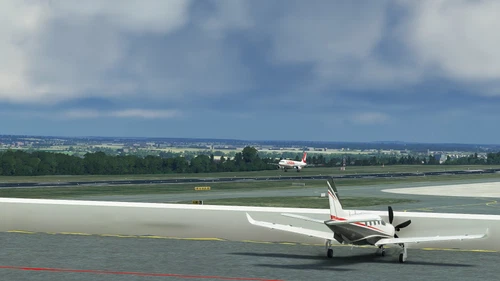
Bahrometrix - Regional Airport Dortmund
Explore the city of Dortmund and its surrounding areas with the Bahrometrix - Regional Airport Dortmund add-on for Microsoft Flight Simulator. This comprehensive DLC includes Dortmund Airport (EDLW), Hengsen-Opherdicke Airfield (EDIU), and detailed landmarks of the city. Enjoy realistic 3D models, PBR textures, animated people and animals, dynamic objects, and more, enhancing your flying experience in the Ruhr area.
by Bahrometrix
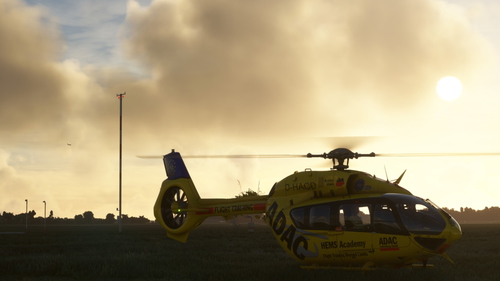
Flughafen Essen/Mülheim (EDLE)
Explore the Flughafen Essen/Mülheim (EDLE) add-on for Microsoft Flight Simulator by Christian Bahr. This fully-featured PBR add-on includes all airport buildings, custom 30cm orthophoto, and immersive evening/night lighting. Experience unique features like Bahrometrix Living People, WDL Blimp flights, and functional analog clock at the tower, along with dynamic weather-controlled animations and seasonal objects.
by Bahrometrix

Dortmund Airport 21
Dortmund Airport 21 offers a highly detailed replica of the real-world airport, featuring an accurate ground layout, full airport buildings, and precise terrain gradients. The add-on includes animated ground traffic, people, and dynamic objects such as windsocks and flags, reflecting current configurations. PBR textures and LOD-optimized models enhance visual quality, while integration with GSX Pro is included via a custom profile. This scenery is not compatible with photogrammetry and requires it to be disabled for proper display.
by Bahrometrix
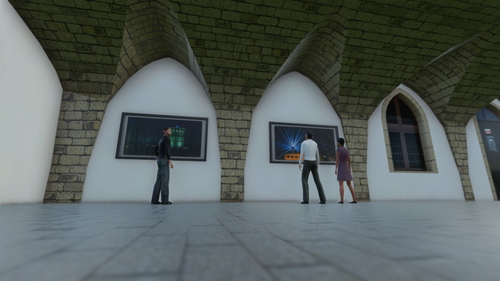
Jena City – MSFS
Explore the charming city of Jena in Microsoft Flight Simulator with this full-fledged PBR add-on by Christian Bahr. Immerse yourself in the impressive landscape surrounding Jena and discover iconic landmarks like the Zeiss-Planetarium and the captivating photo exhibition "Das Ruhrgebiet" at the Rathaus. Whether youre into optical devices or simply enjoying the scenery, Jena is a must-visit destination in the sim world.
by Bahrometrix
Log in to join the discussion
Log InComments28
You need to apply the brakes and use the flaps to change gears :)
It is just, that I don't understand how to change gears :-|
For Manual gears, set the stalk to Manual (all the way at the bottom) and use trim up and trim down to change gears