
Description
Aerosoft EDDK v1.1.1 | Microsoft Flight Simulator 2024 | GSX Pro
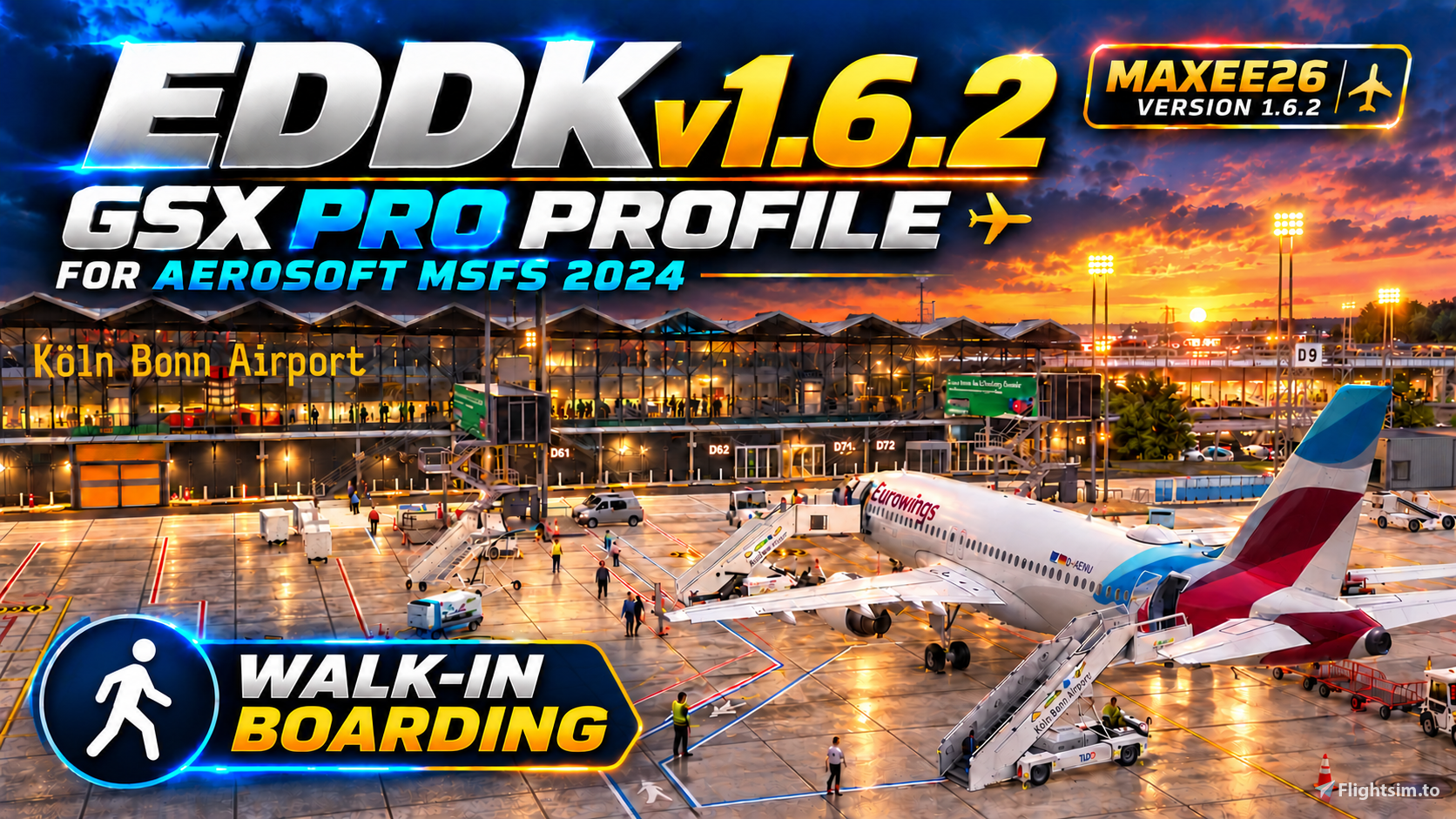
Enhance your ground operations at Cologne/Bonn Airport with the Maxee26 GSX Super Realism Profile, developed specifically for Aerosoft EDDK.
The profile includes configurations for 157 parking positions, covering all 65 passenger stands across aprons A, B, C and D, together with remote and cargo areas.
Main Features
Parking Stands & Ground Equipment
- Stand-specific positions for baggage carts, belt loaders, passenger stairs and pushback tugs.
- Custom ground-handling settings for passenger, remote and cargo stands.
- Individual jetway, staircase, passenger-bus and refuelling configurations.
- Clearly organised GSX parking menus by terminal and apron.
Custom Pushback Options
- Custom pushback endpoints and intermediate points at selected stands.
- N Blue / N Center / N Orange options at selected D stands.
- M Blue options at C2–C4.
- Additional Blue options at D50, D51, D53 and D57.
- Configured wing walkers and engine-start distances.
Blue/Orange options marked MAX 36m are intended for aircraft with a wingspan of up to 36 metres. Larger aircraft require a suitable Center option and a compatible parking stand.
Service-Vehicle Approaches
- Custom approach paths for catering, refuelling, water services and passenger buses at configured stands.
- Established vehicle routing retained from v1.4.8.
- Final custom approach sections shortened by 5 metres where sufficient path length is available.
- Existing vehicle departure paths preserved.
GSX continues to control automatic baggage-vehicle routing and the final manoeuvre into each service position.
Passenger Boarding
- Custom walk-in boarding at B10, B12, B14, D12, D16, D22 and D24.
- Passenger buses disabled at these seven walk-in stands.
- Stand-specific support for jetway and bus boarding elsewhere.
What’s New in v1.5.4?
- Restored service-vehicle approach paths from v1.4.8.
- Shortened the final sections of custom approaches where possible.
- Preserved the other v1.5.2 improvements, including Blue/Center/Orange pushback options, equipment positions and passenger configurations.
- Retained corrected SW parking identifiers 1Z–6Z.
Compatibility
- Simulator: Microsoft Flight Simulator 2024
- Scenery: Aerosoft EDDK Cologne/Bonn v1.1.1
- Required add-on: FSDreamTeam GSX Pro
This profile is intended specifically for the Aerosoft scenery, not the default EDDK airport.
Original airport buildings, jetways and scenery assets remain unchanged. Aerosoft’s native VDGS operates separately from this profile; an additional GSX VDGS variant is not included.
Installation
- Close Microsoft Flight Simulator and GSX/Couatl.
- Extract the archive.
- Move older EDDK GSX profile files out of the profile folder.
- Copy the included .ini and .py files into:
%APPDATA%\Virtuali\GSX\MSFS - Start MSFS 2024 and load Aerosoft EDDK.
Keep only the intended EDDK profile pair active to avoid conflicting configurations.
Feedback
Vehicle movements can vary with aircraft type, nearby traffic and the installed GSX version.
When reporting an issue, please include the stand number, aircraft type and affected GSX service. A screenshot or short video is also helpful.
Thank you to everyone who has downloaded the profile, shared suggestions and reported issues.
Profile by Maxee26 — GSX Super Realism
Free community project. Enjoy your ground operations and happy flying!
EDDK Cologne/Bonn Airport Aerosoft 1.1.1 – GSX Super Realism v1.6.2
This add-on provides a custom GSX Pro profile tailored for Aerosoft EDDK Cologne/Bonn Airport v1.1.1 in Microsoft Flight Simulator 2024. It features enhanced stand and ground service layouts for 157 aircraft stands, including realistic equipment placement and pushback operations. Walk-in passenger boarding is enabled at select gates to increase immersion. The profile improves apron realism while maintaining compatibility with the original airport scenery.
User Reviews
1 reviews
Version History
**EDDK Cologne/Bonn – GSX Super Realism v1.6.2** Aerosoft EDDK 1.1.1 | MSFS 2024 | GSX Pro - Added 74 custom pushback options across 48 stands. End positions and headings were checked against the Aerosoft taxiway network. - Extended the marked walk-in route at D22 by about 7 m so passengers turn toward the stairs later. - Includes the revised D24 walk-in route, which keeps passengers on the marked path for about 9 m longer.
Related
LEPA Palma de Mallorca – EuroScene GSX Realism Enhancement v1.1
This GSX Pro profile enhances ground service operations at the freeware EuroScene Palma de Mallorca Airport scenery for Microsoft Flight Simulator 2020 and 2024. The add-on includes a detailed review and reorganization of equipment at all 166 parking stands, with improved positioning for vehicles, loaders, and passenger stairs. Custom vehicle routes, clearances, and safety have been optimized while existing airport features remain unchanged. Developed specifically for the EuroScene LEPA layout, compatibility with other Palma de Mallorca sceneries is not guaranteed.
by Maxee26
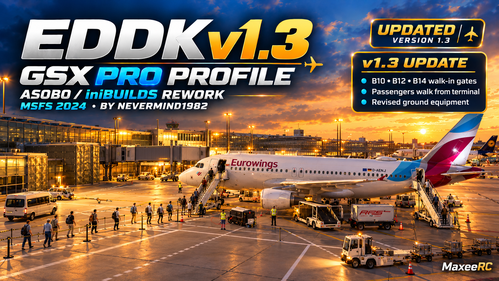
EDDK Cologne Bonn (MSFS 2024) – GSX Realism Enhancement v1.3
This add-on refines the GSX Pro profile for Cologne Bonn Airport EDDK in Microsoft Flight Simulator 2024, focusing on more intuitive pushback options and improved ground operation menus. It includes standardized English pushback labels, updated refueling configurations for jetway stands, and retains existing stand positions and cargo stand organization. Additional documentation, installation instructions, and a pushback reference map are provided. Original scenery is required for proper functionality.
by Maxee26
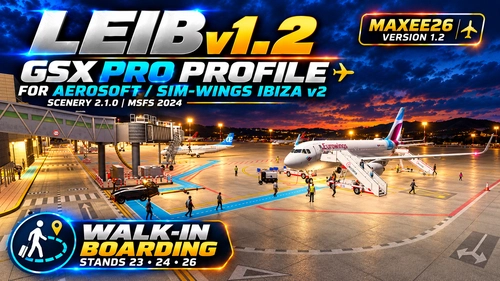
LEIB Ibiza v2 (Aerosoft / Sim-Wings 2.1.0) GSX Pro Profile | Maxee26 v1.2
This GSX Pro profile by Maxee26 enhances Aerosoft and sim-wings Ibiza v2 scenery for Microsoft Flight Simulator 2024, providing detailed ground handling for version 2.1.0. It features individually configured passenger stands, custom pushback routes, and tailored service vehicle positions, with full retention of original parking and GA layouts. Custom baggage and refuelling arrangements match the airport’s real-world setup. The profile requires GSX Pro and the specified Ibiza v2 scenery package to function.
by Maxee26
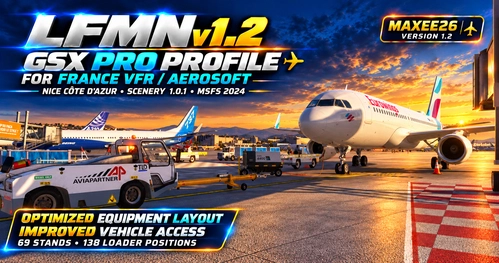
LFMN Nice Côte d’Azur (France VFR / Aerosoft 1.0.1) GSX Pro Profile | Maxee26 v1.2
This GSX Pro profile by Maxee26 customizes ground handling at LFMN Nice Côte d’Azur for the France VFR scenery package, supporting 69 passenger parking positions across all terminals and remote aprons. It features tailored ground equipment layouts, custom pushback procedures, and refined service-vehicle routes, with specific handling and catering designations. The profile adheres to A320 sizing limits and utilizes service roads and apron taxilanes for vehicle movements. Installation instructions and compatibility notes are included for seamless integration.
by Maxee26
Log in to join the discussion
Log InComments(16)
27 minutes ago
1 day ago
10 days ago
10 days ago
11 days ago
10 days ago
11 days ago
20 days ago
19 days ago
D10 uses Aerosoft's native VDGS system, which operates independently of our GSX profile.
The VDGS should work with the Aerosoft scenery, but I haven't yet confirmed that automatic activation works correctly in MSFS 2024.
For now, you can try Left Shift + V → EDDK → D10 to activate the display.
I'm looking into the automatic activation issue, as I'd also prefer the VDGS to work without having to select a stand manually every time.
Please let me know if the display remains blank after manual activation.
Thanks for your feedback!
19 days ago
19 days ago
12 days ago
24 days ago
"NOT FOR PUBLIC RELEASE BEFORE TESTS."
"(comparison profile supplied by user)."
"v1.2 positional fixes retained; re-test with both adjacent stands occupied."
Literally no human would write this.
24 days ago
Yes, AI helped with the documentation. Congratulations, you've successfully investigated a README file!
The real question is whether the GSX profile actually works, not whether the changelog passes an AI detection test.
If you find an actual problem with a gate, pushback route or ground equipment, I'll be happy to look into it.
But thanks for reviewing the writing style. Looking forward to your first actual bug report! ✈️
25 days ago
25 days ago
We've been working on it since early this morning, making quite a few improvements based on your reports and our own testing.
We've adjusted the passenger stairs, corrected pushback tug positions at C1 and C4, improved baggage cart and ground equipment placement, and refined the walk-in gates. We've also removed the passenger barriers to give everything more space.
The new v1.2 update is already available to download and test! ✈️
Regarding catering, this may also depend on your GSX and aircraft settings, so we're still looking into that.
Thanks again for helping improve this project! Please let me know if you notice anything else. Your feedback is really appreciated!