
Description
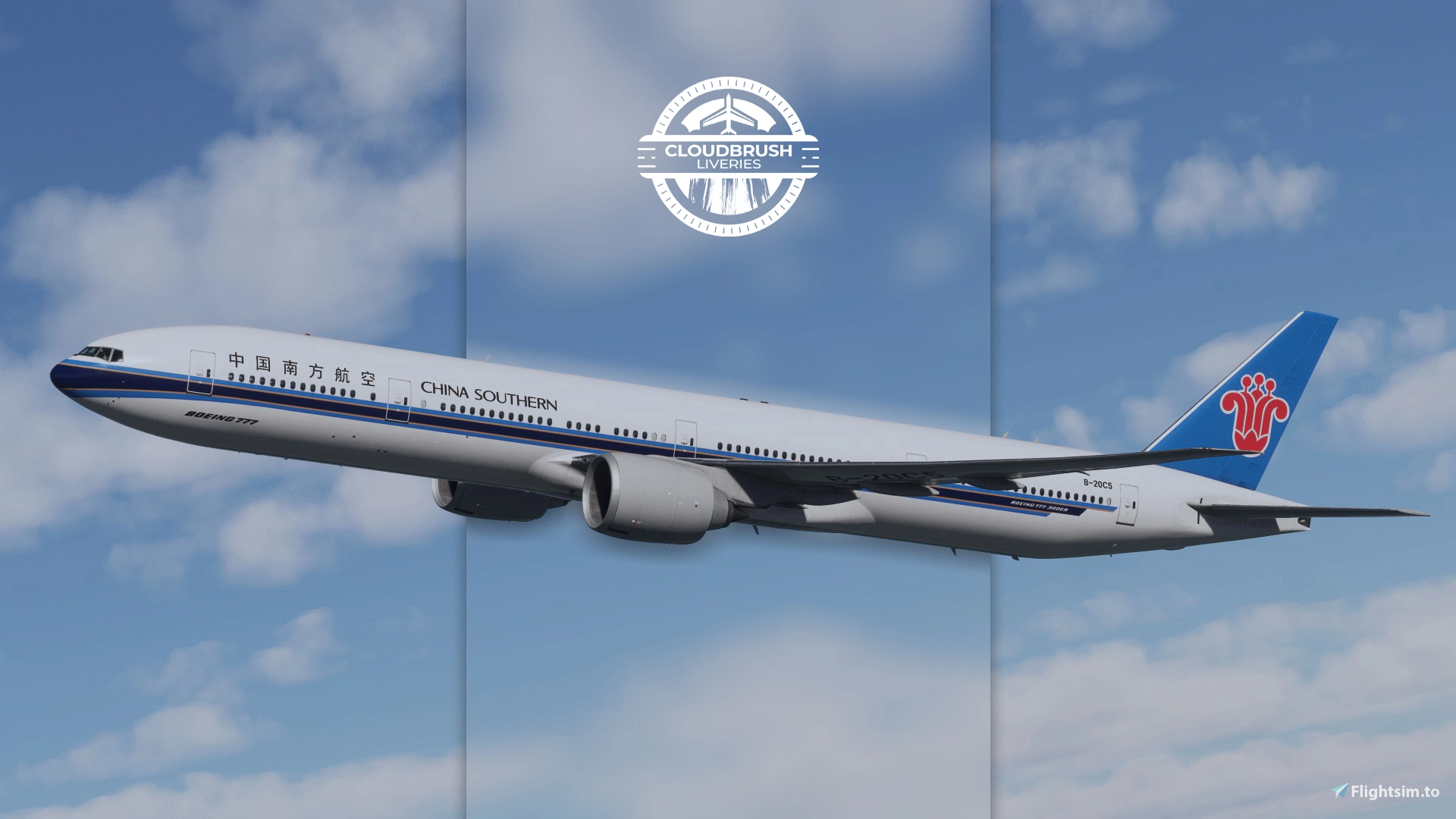
China Southern - B-20C5
🛠️ PMDG 777 Quick Install Guide:
1. Using WinRar or 7-ZIP, open the .rar you downloaded from Flightsim.to.
⚠️ DO NOT USE WINDOWS DEFAULT EXTRACTOR! IT'S BREAKING THE LIVERY .ZIP FILE!
2. Extract the ".zip" to your Desktop.
⚠️ DO NOT UNZIP IT. Leave the .zip file exactly as it is.
3. Open the PMDG Operations Center v3.
4. On the main screen, find the PMDG 777-300ER (MSFS2024 or MSFS2020 version).
5. Click the Green "Import" Button directly below the big picture of the plane.
6. Select the .zip file from your desktop.
7. Success! You’re ready to fly.
Livery painting takes time, hence why requests are paid :D
You can place your order via our Discord server! Join now: https://discord.gg/8teXcGhNYa
Shout out to pl1995 for trusting me with this project. Hope you enjoy the flights!
PMDG 777-300ER - China Southern - B-20C5
This add-on provides a China Southern Airlines B-20C5 livery for the PMDG 777-300ER in Microsoft Flight Simulator. The package includes instructions for proper installation using the PMDG Operations Center, and emphasizes not to use the Windows default extractor. The livery is intended for both MSFS2024 and MSFS2020 versions of the aircraft.

User Reviews
3 reviews
Version History
No version history available.
Log in to join the discussion
Log InComments7
the quality so good