
Description
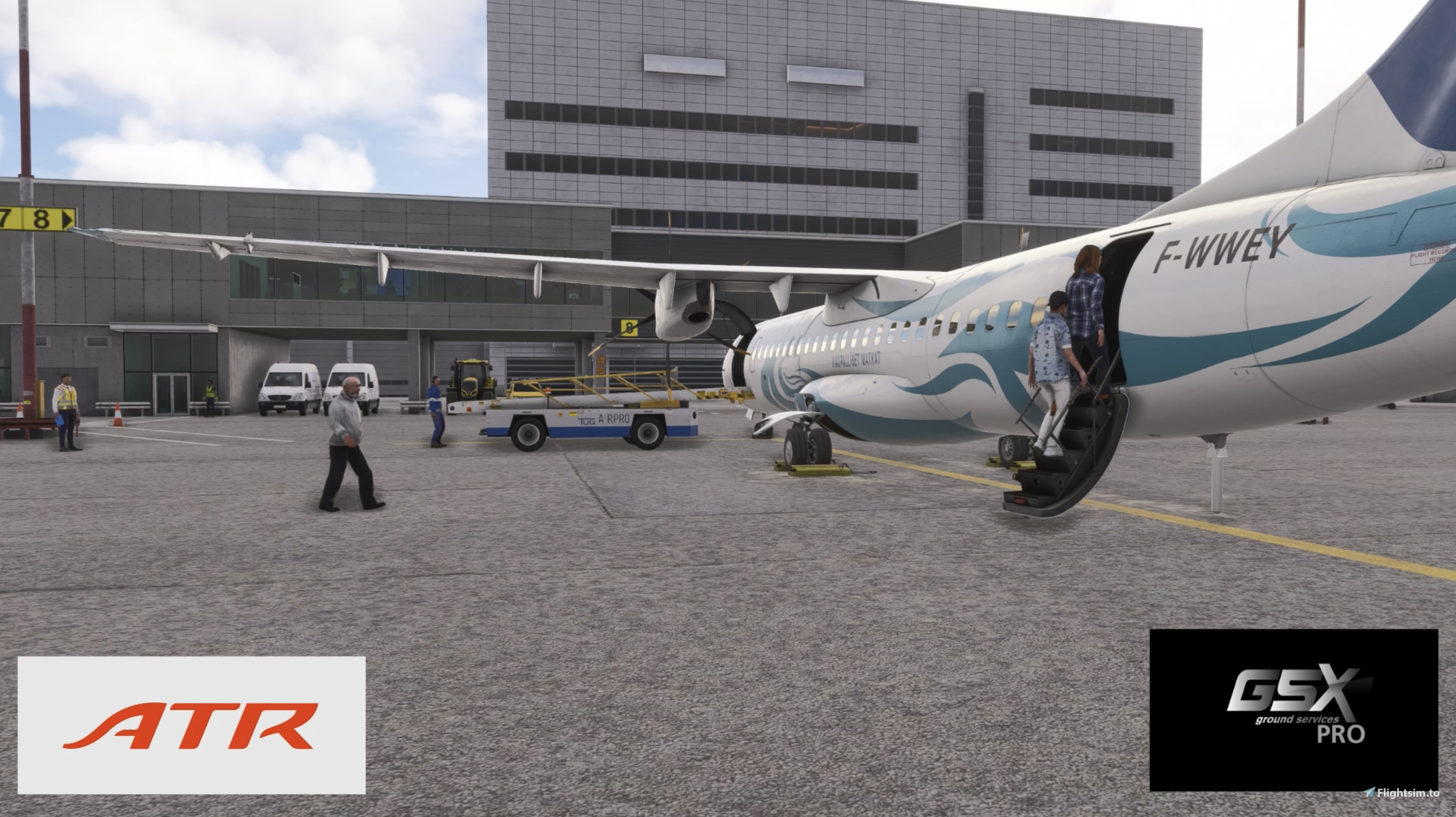
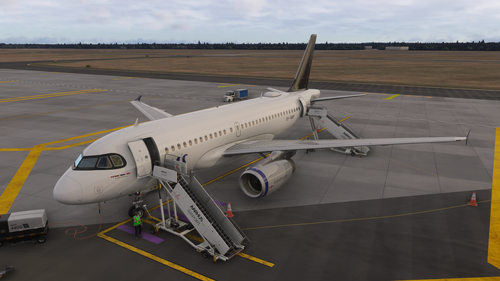
This is a GSX pro profile I created for the Microsoft / S&H Software ATR 72-600 for MSFS2024
Disclamer: I am NOT a real world ground worker and I don´t have acces to any real life procedures. All information is taken from photos, videos and imagination.
Features:
This profile includes custom vehicle stop positions, some custom settings, custom passenger walk paths and also custom pushback procedures.
Installation:
Simply put the "Microsoft_ATR_72_600" file in this path: Users\User\AppData\Roaming\Virtuali\Airplanes (MicrosoftStore)
Disclamer: If you want to use Hotel Mode on pushback you need to request pushback, then it will ask if you want to start engines before pushback, then press yes, and you can proceed with the Hotel mode.
If you have any suggestions or knowlage of the IRL procedues please tell me in the comments and I will update the profile accordingly.
Happy flying and enjoy this beautiful turboprop! ;)
Microsoft / S&H Software ATR 72-600 GSX Pro Profile
This GSX Pro profile is designed for the Microsoft and S&H Software ATR 72-600 in Microsoft Flight Simulator 2024. It offers customized vehicle stop positions, passenger walk paths, and pushback procedures. All configurations are based on publicly available media and user interpretation. Installation instructions are provided for quick setup within the appropriate directory.

User Reviews
6 reviews
Version History
Complete redesign of the profile to work with the new aircraft. If there are any problems please comment and I will try to fix it ;)
Related
Skellefteå ESNS GSX Pro Profile
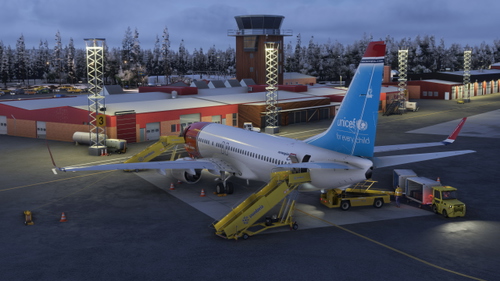
This add-on features a GSX Pro profile specifically designed for the Skellefteå ESNS scenery by Joakimhz. It includes custom vehicle positions, operators, passenger walk paths, and pushback procedures, enhancing the airport experience. While the profile has been created using various references, it may contain inaccuracies due to the developers lack of firsthand experience with the real airport. Users can provide feedback for future updates.
by BjornPilot
Microsoft/Carenado Saab340B GSX Profile
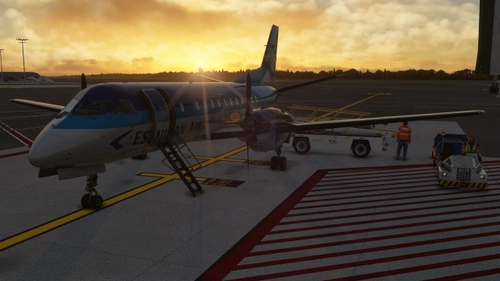
This add-on provides a custom GSX profile for the default Saab 340B included in MSFS2024 Premium Deluxe. It features tailored vehicle stop positions, passenger walk paths, and pushback procedures, designed to enhance the ground handling experience. The creator notes that the profile is based on videos and images, rather than real-world procedures. Please note that the main cargo door does not open in this version.
by BjornPilot
Aarhus EKAH GSX Pro Profile (Freeware)
This GSX Pro profile customizes ground services for the EKAH Aarhus airport scenery in Microsoft Flight Simulator. It features tailored vehicle positions, custom operators, and specific passenger walk paths for gates 3, 4, and 5. The implementation is based on publicly available photos and videos rather than real-world procedures. Some known issues may be present with baggage vehicle behavior during boarding.
by BjornPilot

VirtualCol Dash 8 Q-100 GSX Pro Profile
This add-on provides a GSX Pro profile specifically designed for the VirtualCol Dash 8 Q-100 airliner in Microsoft Flight Simulator 2020/24. It features custom vehicle stop positions, personalized passenger walk paths, and tailored pushback procedures, based on visual references and creative interpretations. Installation is straightforward, requiring the placement of a specific file in the designated user directory. Feedback and suggestions for improvements based on real-world procedures are welcomed by the creator.
by BjornPilot
Log in to join the discussion
Log InComments(36)
about 1 hour ago
18 days ago
18 days ago
23 days ago
28 days ago
about 2 months ago
about 2 months ago
about 2 months ago
about 2 months ago
about 2 months ago
about 2 months ago
about 1 month ago
3 months ago
3 months ago
4 months ago
I use GSX and find it really realistic and a pleasure to look at.
I Ve download your profile.
However, I do have a small problem with boarding passengers. I’m flying the ATR 72-600 S&H Msfs 2024 and when I try to board passengers via the rear door, I hear the following message:
There are no passenger stairs; you will not see passengers.
What can I do to solve this problem? I’ve searched online without success.
Thanks in advance for your help.
Happy flying to all.
Pierre
4 months ago
4 months ago
now its ok.
have nice flights in atr !
4 months ago
2.5.5 - April 27th, 2023
GSX (all versions) NEW:Multiple Custom Operators can now be assigned to each parking, removing the need to use airline codes.
GSX Pro NEW: Added internal profiles for Microsoft ATR. HOTEL Mode is supported, by detecting if only one engine is running, and Wheel Chocks are set. Door automation will come with a later update, once we get the relevant info from the developer.
4 months ago