
Description
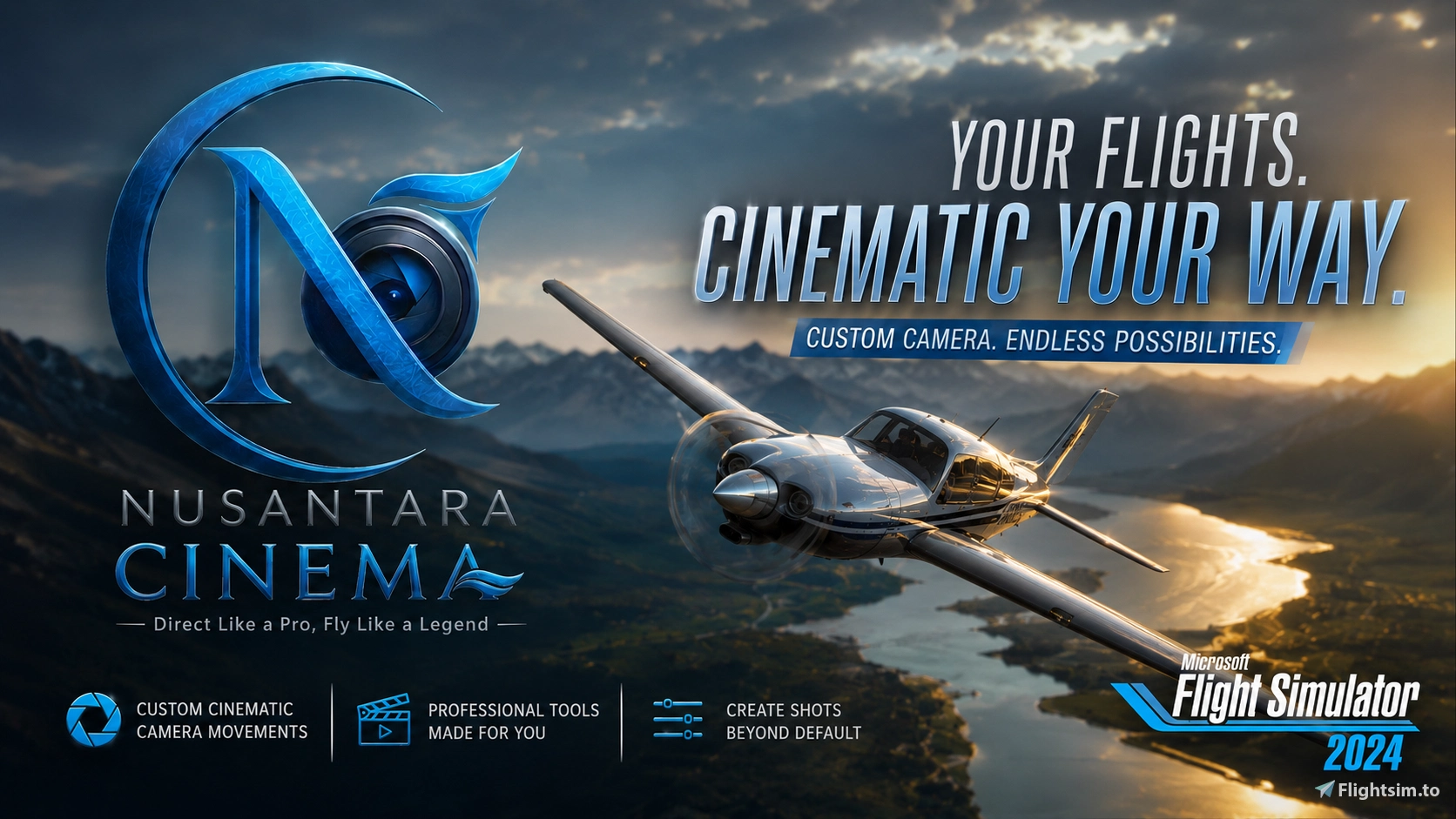
🎬 NUSANTARA CINEMA | The First Real-Time Cinematic Director
Elevate your flight simulation experience to a whole new level.
FULL TUTORIAL and PREVIEW LINK VIDEO : https://www.youtube.com/playlist?list=PLfiMvFj8iXNc
Most cinematic shots you see in trailers are pre-recorded or manually flown with a drone. Nusantara Cinema changes everything. This is the FIRST mod for Microsoft Flight Simulator that allows you to direct and trigger high-end, real-time cinematics while you fly.
🚀 CORE FEATURES
● Real-Time Automation: No manual drone controllers. No post-production cutting. Just pure, automated perfection.
● 4 Dynamic Camera Modes:
➤ Aircraft: Follow the airframe from any angle.
➤ Hybrid: A mix of fixed and tracking movements.
➤ World: Fixed-point cinematic observation.
➤ World Follow: The ultimate fly-by tool—camera stays put while tracking your aircraft's movement perfectly.
● Seamless Template Switching: Switch angles and presets mid-flight without any stutter or interruption in the playback flow.
● Set Hotkey for any button: Map every function to your physical buttons. No more clicking through clunky in-game panels!
● LITE Version Didn't have Calibration Option, so Camera will be missplaced depends on the aircraft
🌐 CONNECT WITH US
🔗 Official Website: https://nusantaracrew.com
🔗 Discord Community: / discord
Nusantara Cinema Lite
Nusantara Cinema Lite introduces a real-time cinematic director tool for Microsoft Flight Simulator, enabling users to trigger dynamic cinematic shots during flight. It features four camera modes including aircraft follow, hybrid, fixed world, and world follow views. The add-on allows seamless camera angle switching and hotkey mapping for streamlined in-flight use. No manual drone control or post-production editing is required.

User Reviews
6 reviews
Version History
- Smoothed waypoint vector on lite version
Related
Wonderful Indonesia Scenery
"Wonderful Indonesia" is Scenery project for total conversion of Indonesia Famous Scenery with more than 150+ Building and will be keep adding into it. Including all province of Sumatera, Jawa, Kalimantan, Sulawesi, Bali, Ambon, and Papua. With High Accuracy and Quality of Scenery for Discovery Flight Enhancement
by Yukinono Babay
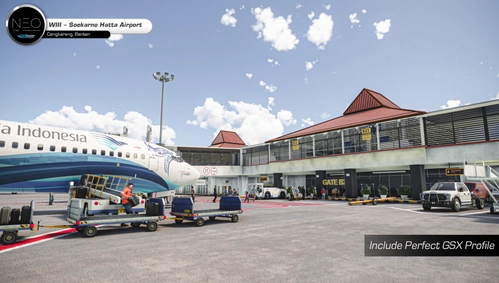
WIII - NEW SOEKARNO HATTA by NEO_CORP OFFICIAL GSX PROFILE
This add-on provides an official GSX profile for the WIII - New Soekarno Hatta airport scenery developed by NEO_CORP. It includes enhancements such as accurate gate positioning for all 240 gates, support for GSX Walker within the terminal, and functionality for VDGS at Terminal 3. Additionally, it features multi-positioning stop spots and custom parking names in the menu for improved navigation.
by Yukinono
Nusantara Crew PMDG 737-Series
Enhance your PMDG 737 experience with Nusantara Crew, a mod designed to simulate a virtual copilot and crew for a more realistic flight simulation. This specific version is tailored for Indonesian Flight Simmers, prioritizing the Bahasa language. Requirements include Microsoft Flight Simulator 2020, PMDG 737 Series, and Lorby Axis and OHS. Optional GSX integration is recommended for an enhanced experience.
by Yukinono
Nusantara Crew A320 FENIX & FBW
Enhance your Airbus A320 flights with Nusantara Crew, a template mod designed for a more realistic experience using Lorby Axis and OHS to simulate Virtual Copilot & Crew. Tailored for Indonesian Flight Simmers, this version is specific for A320 Fenix or A320 Fly By Wire aircraft. Join the Discord for support and ensure you meet the requirements including Microsoft Flight Simulator 2020, Lorby Axis and OHS, and speech recognition training for optimal use.
by Yukinono
Log in to join the discussion
Log InComments(75)
5 months ago
about 11 hours ago
about 9 hours ago
14 days ago
11 days ago
You'll received an invoice from paypal instead to proceed the payment to your email
19 days ago
19 days ago
18 days ago
about 1 month ago
28 days ago
27 days ago
27 days ago
about 1 month ago
about 1 month ago
about 1 month ago
about 1 month ago
about 1 month ago
And Please contacr me thru Discord Nusantara Crew if you need Assistance
about 1 month ago
about 1 month ago
about 1 month ago
For the pro version on the wbsite, once you got the installer, just install it and run it like other normal app. no need third party (Reshade is optional anyway)..
Come on.. its not rocket science.. 😉
about 1 month ago