
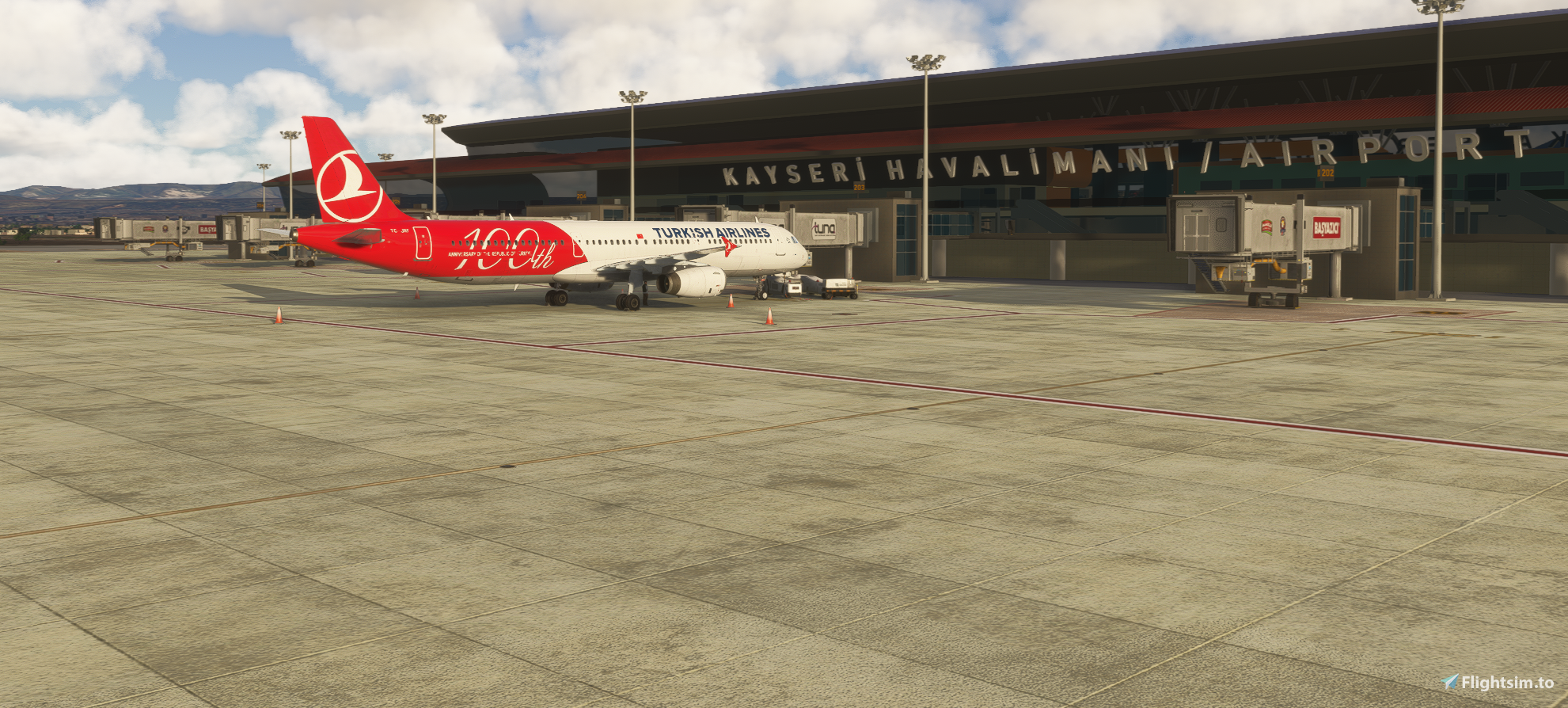
Description
LTAU Kayseri Erkilet Airport is a joint civil/military airfield situated at central Anatolia near the city of Kayseri.
Beside domestic flights by AJet, Turkish Airlines, Pegasus and SunExpress from various cities in Turkiye, there are some international flights from select European cities as well.
This is an ongoing project and I feel that it is now good enough to be shared publicly. There are certain things that will be added in time but they will not affect the usability of the essentials, rather they will be decorative additions.
A basic GSX profile is also included in the package to serve basic needs during departures and arrivals.
I have also used some assets from various object libraries but they are not compulsory; if you have them in your Community folder, the objects will be visible, if not, no worries, you can still use the scenery without any problem. They are:
WINDY THINGS - https://flightsim.to/file/14024/windy-things
AIRPORT OBJECTS LIBRARY - https://flightsim.to/file/34494/japanese-airports-model-library
UK2000 COMMON LIBRARY - MICROSOFT MARKETPLACE
WOMBII ACTUAL ASSET PACK - https://flightsim.to/file/12208/wombiiactual-enxx-asset-pack
Tested and works in both MSFS2020 and 2024.
Enjoy your flights to and from Kayseri.
Location
LTAU Kayseri Erkilet Airport / AB
Kayseri Erkilet Airport is a joint civil airport and military airbase located in central Anatolia near the city of Kayseri. The add-on features both domestic and selected international flight operations with a basic GSX profile included to support ground services. Optional object libraries enhance visual detail, though they are not required for full functionality. Compatible with both MSFS2020 and 2024 versions.

User Reviews
3 reviews
Version History
No version history available.
Related
LTAI Antalya Intl Airport (MSFS 2024 ONLY) v1.2.3
Enhance your Antalya airport experience with this add-on featuring custom terminals, ground markings, and taxiway details. Explore updated aprons, ATC routes, and military bunkers in this scenery refresh. Experience improved apron lights, jetway piers, and accurate ramp numbers based on real charts. Upgrade your default LTAI Antalya Intl. Airport with added features and visual enhancements.
by Argaeus
LTAC Ankara Esenboga Intl. Airport
Explore a corrected, true-to-life layout of LTAC Ankara Esenboga Intl. Airport with this scenery mod. While lacking custom 3D models, it aligns ramp starts, taxi signs, and more with official charts and satellite imagery. Stay tuned for possible future updates to enhance your flight experience to and from Ankara.
by Argaeus
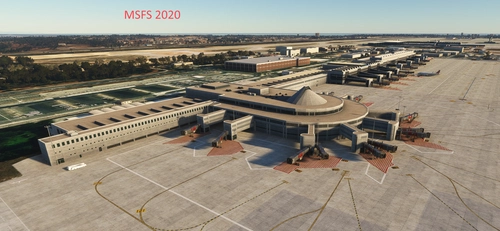
LTAI Antalya Intl. Airport MSFS2020 (W.I.P) v1.2.7
LTAI Antalya International Airport is a work-in-progress scenery add-on for Microsoft Flight Simulator 2020. This project features detailed representations of the international and domestic terminals, complete with piers, jetways, and parking spots based on current official charts. Key areas, including taxiways, ground markings, and the ATC network, are being developed, while certain sections remain transparent to provide guidance as they undergo updates. The final package will incorporate detailed reference imagery from Google.
by Argaeus
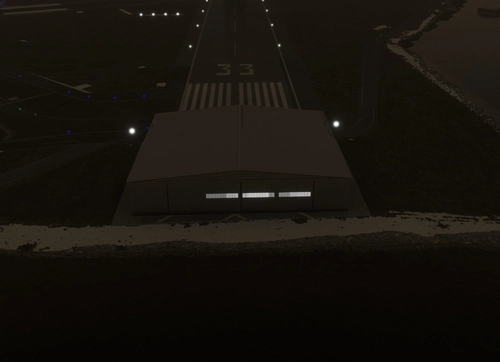
KDCA hangar removal (rwy 33 stock scenery)
This add-on provides a simple polygon overlay to conceal the hangar located in the stock scenery of Ronald Reagan Washington National Airport (KDCA), specifically affecting runway 33. It offers a cleaner visual experience by removing the hangar from view.
by Argaeus
Log in to join the discussion
Log InComments(14)
4 months ago
4 months ago
I’ll check the taxiway lights and surface textures at the first opportunity; I might have overlooked them. I haven’t touched the runway surface at all; the scenery uses whatever ground surface is defined by the simulator itself. Besides, no real-world runway is perfectly flat like a ping-pong table; that kind of flatness is typical of FSX/P3D sceneries.
5 months ago
5 months ago
The ICAO code should be LTAU, not LATU. I don't know which airport will appear if you try to open it like that. If you type LTAU, Kayseri, or Erkilet where the Airport name/code is requested on the screen, it should appear if you have extracted the package correctly to the Community folder.
5 months ago
5 months ago
You probably have another scenery package in your system; delete it, delete the SceneryIndexes folder as well, and then copy this scenery into the Community folder before starting your sim.
5 months ago
I've got the requirements as well
5 months ago
5 months ago
5 months ago
6 months ago
5 months ago
6 months ago
6 months ago