
Description
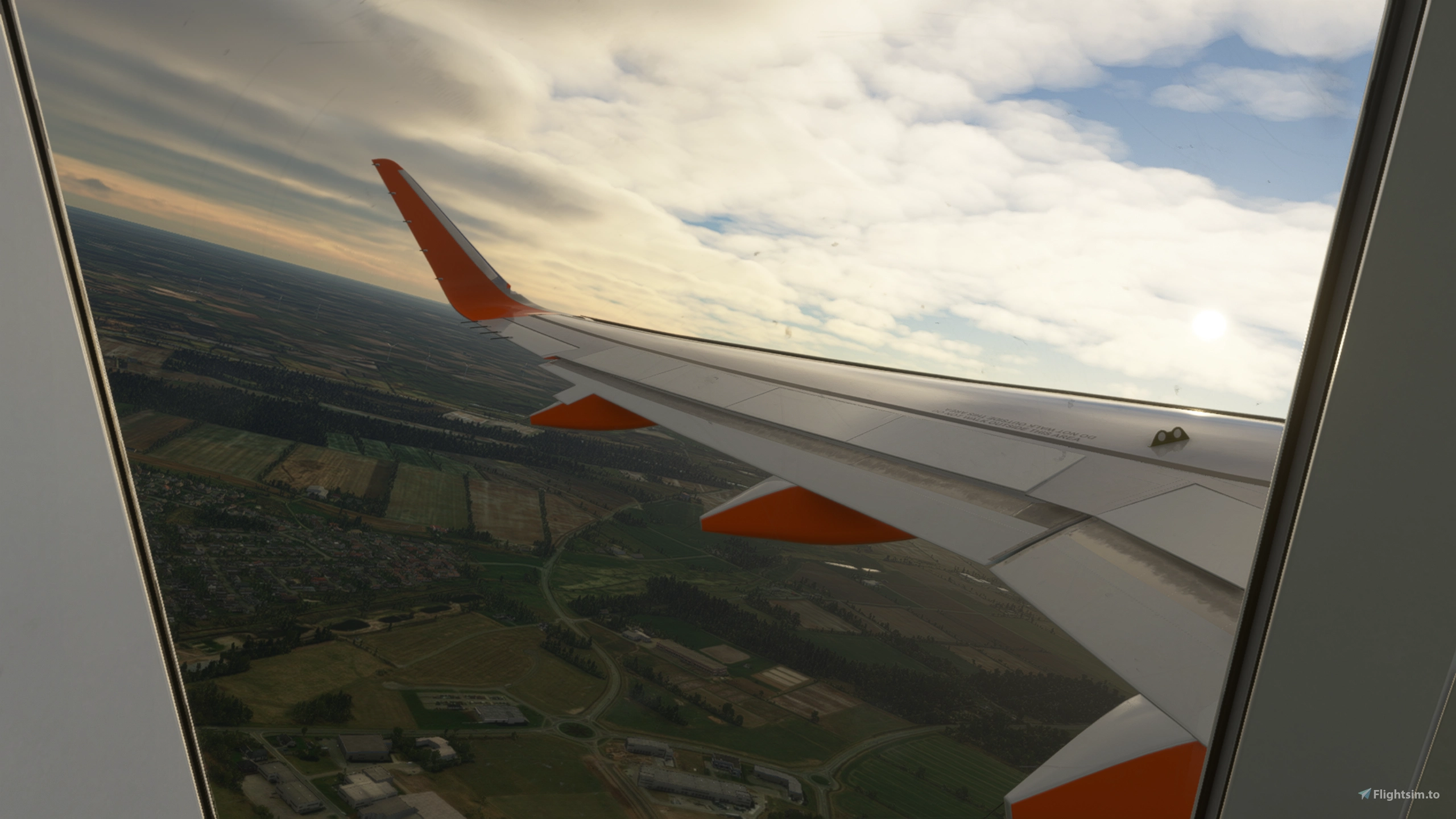
Description: Custom cameras with cockpit and wingviews, for the a320 neo.
The custom cameras:
Custom camera 1 - Pilot View
Custom camera 2 - MCDU View
Custom camera 3 - Overhead Panel View
Custom camera 4 - ECAM view
Custom camera 5 - Pilot Cam View (Gopro cam)
Custom camera 6 - Left Wing View (Behind the wing)
Custom camera 7 - Left Wing View (Infront of the wing)
Custom camera 8 - Right Wing View (Infront of the wing)
Installation: Drop and replace the file in the following folder:
Microsoft Store installation:
C:\Users\(UserName)\AppData\Local\Packages\Microsoft.FlightSimulator_8wekyb3d8bbwe\LocalCache\SimObjects\Airplanes\Asobo_A320_NEO or FlyByWire_A320_NEO
Steam installations:
C:\Users\(Username)\AppData\Roaming\Microsoft Flight Simulator\SimObjects\Airplanes\Asobo_A320_NEO or FlyByWire_A320_NEO
Important!: Always remember to make a backup of your own CAMERAS.CFG file before installing and i will not be responsable if anything goes wrong.
FlyByWire a320NX Wing + Cockpit Cameras
Enhance your a320 neo experience with custom cockpit and wingview cameras. This add-on includes 8 unique camera angles, from Pilot View to ECAM View. Simply drop and replace the file in the specified installation folder to enjoy a new perspective while flying. Remember to backup your original CAMERAS.CFG file before installation for a smooth experience.


User Reviews
5 reviews
Version History
No version history available.
Log in to join the discussion
Log InComments(35)
almost 5 years ago
Doesn't work. Don't use it
almost 5 years ago
You obviously installed it wrong then because it works completely fine for everybody else. Read the install instructions again.
over 4 years ago
I did exactly whats written there. I'm happy to record a video and send you as well.
over 5 years ago
Doesn't work
Just puts you in the cargo hold
over 5 years ago
Try adding the [VIEWS] line in cameras.cfg
[VIEWS]
eyepoint = 43.72074, -1.723061, 4.355627 ; (feet) longitudinal, lateral, vertical distance from reference datum
Backup your cameras.cfg first!
over 5 years ago
hey, thank you for the mod ;) but it doesnt work.. i installed it but the custom cameras are the same as before. whats wrong? Greetings ;)
over 5 years ago
Do you use FBW a320 or default?
over 5 years ago
Thank you very much for the mod...I have the A320NX latest version, but when the plane loads it loads in the Cargo view...is there any way to fix this? I have the windows store version
over 5 years ago
Me too...
over 5 years ago
I figured it out you have to add the [VIEWS] line in cameras.cfg
[VIEWS]
eyepoint = 43.72074, -1.723061, 4.355627 ; (feet) longitudinal, lateral, vertical distance from reference datum
This fixed it for me...make sure to backup your cameras.cfg first
over 5 years ago
over 5 years ago
It works for me, did you add the file to /FlyByWire_A320_NEO?
over 5 years ago
over 5 years ago
over 5 years ago
over 5 years ago
over 5 years ago