
Description
Airport Overview
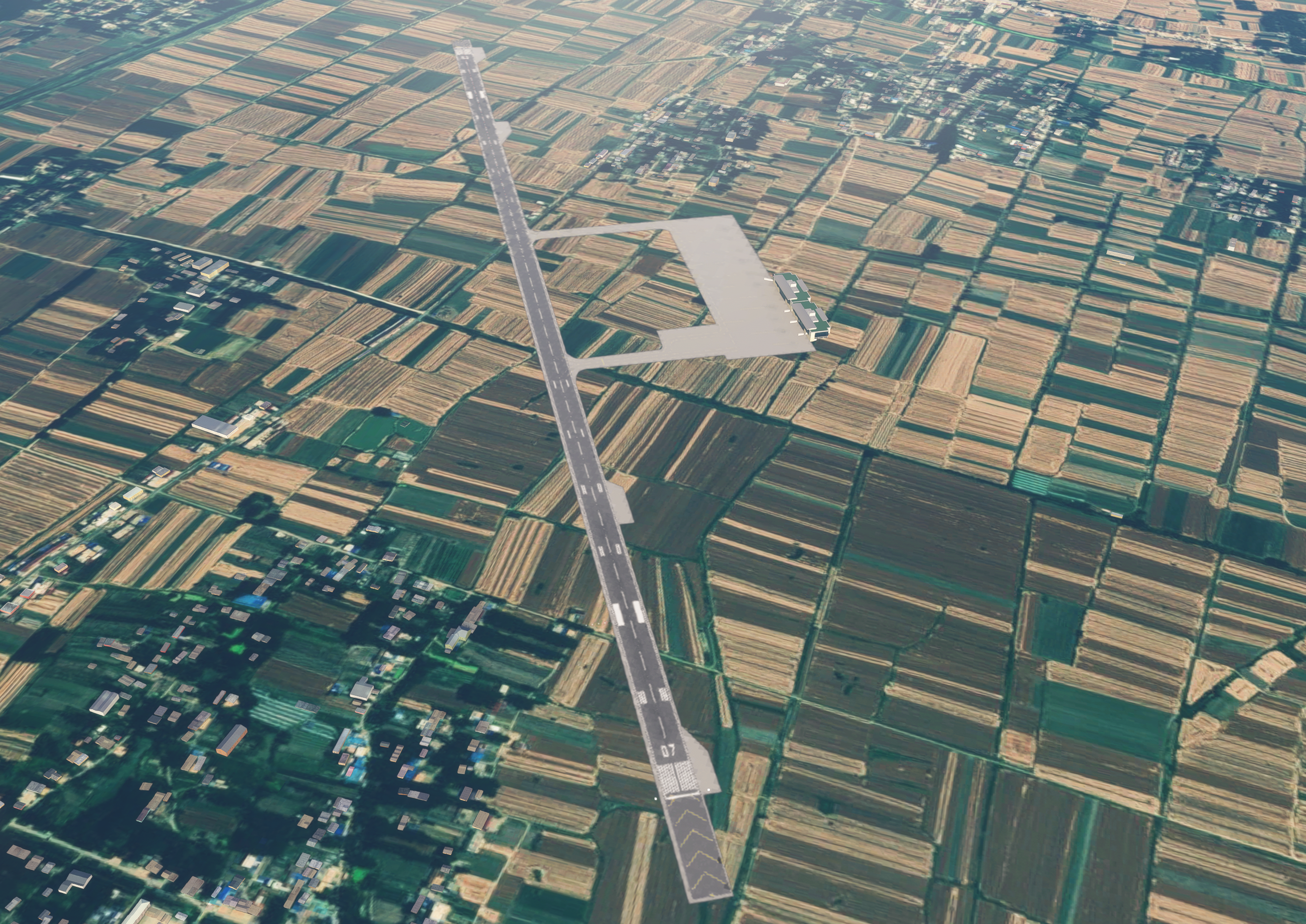
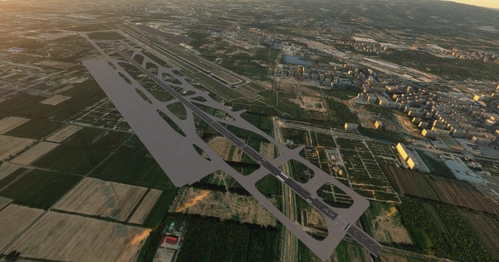
Bengbu Tenghu Airport (IATA: BFY, ICAO: ZSBA) is located in Feihe Town, Huaiyuan County, Bengbu City, Anhui Province, China. It is classified as a 4C domestic regional airport.
The civil aviation apron is equipped with 11 Code C stands and 1 temporary de-icing stand (Note: in the scenery, this temporary de-icing stand is numbered Stand 12). The runway measures 2,600 meters in length and 45 meters in width.
机场简介
蚌埠滕湖机场(Bengbu Tenghu Airport,IATA:BFY,ICAO:ZSBA),位于安徽省蚌埠市怀远县淝河镇,为4C级国内支线机场。民航站坪共设11个C类机位和1个临时除冰机位(注:此临时除冰机位在地景内的机位编号为12),跑道长2600米、宽45米。
Scenery Description
1. This scenery is created based on the latest satellite imagery and AIRAC 2603 navigation data.
2. Due to technical limitations of the scenery development team, curved stand lead-in lines are not included in this scenery.
3. This scenery has been tested on FS2020. It has not been verified on FS2024, but is theoretically compatible.
4. Jetways may not display correctly.
地景说明
1. 本地景依据最新卫星影像及 AIRAC 2603 期航行资料制作;
2. 受限于地景制作组的技术水平,本地景中的机位线暂未包含曲线转弯标线;
3. 本地景已在FS2020平台完成测试,FS2024平台尚未进行验证,但理论上可正常使用;
4. 廊桥可能出现显示问题。
Installation:Extract the scenery folder into the Community directory to use.
安装方式:将地景文件解压至Community文件夹即可使用。
Changelog
V1.0 (Initial Release)
1. Jetways have been added to all jetway-equipped stands.
2. Add Terminal buildings. (Note: to ensure proper display of these buildings, you may need to have the following default sceneries installed: microsoft-airport-rjck-kushiro, microsoft-airport-eggp-john-lennon)
更新日志
V1.0(首次发布)
1. 已为所有廊桥机位配置廊桥;
2. 添加航站楼建筑。(注意:为确保建筑物正常显示,您可能需要拥有microsoft-airport-rjck-kushiro和microsoft-airport-eggp-john-lennon两个官方机场地景。
ZSBA Bengbu Tenghu Airport 蚌埠滕湖机场
This add-on recreates Bengbu Tenghu Airport (ZSBA) in Anhui, China, featuring accurate terminal buildings, apron stands, and runway dimensions based on the latest navigation data and satellite imagery. The scenery includes jetways and supports a 2600-meter runway with 12 stands, though curved lead-in lines are not included. Compatibility is confirmed for MSFS2020 and theoretically supported in MSFS2024, though jetway display issues may occur. Some default airport sceneries may be required for all buildings to display correctly.


Location
More Information
Version History
No version history available.
Related
ZGGG Guangzhou Baiyun Terminal 3 & 5th Runway Add-on Pack
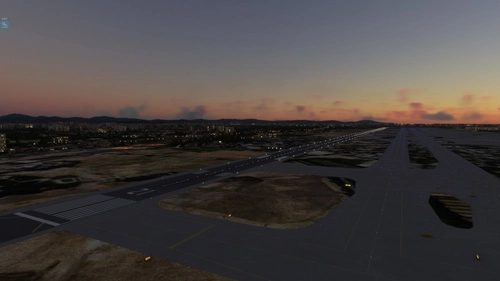
This add-on pack enhances Microsoft Flight Simulator with the newly constructed areas of Guangzhou Baiyun Airports Phase III expansion, specifically Terminal 3 and the 5th runway. It is based on the latest satellite imagery and AIRAC 2601 navigation data, but does not include detailed building models or curved taxiway centerlines due to technical limitations. Users should note that residual elements, such as trees from other scenery packs, may still be present when used in conjunction with WFSS ZGGG.
by klcz05
ZPPP Kunming Changshui Airport East Second Runway Add-on Pack
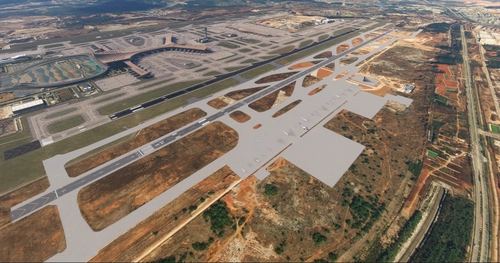
This add-on adds the East Second Runway (04L/22R) and East Cargo Apron to Kunming Changshui International Airport, based on updated satellite imagery and AIRAC 2604 data. A virtual ICAO code ZPP2 is used to ensure compatibility. The scenery can be used alongside SS3D ZPPP and has been tested for this purpose. Some taxilines may display incorrectly due to technical limitations.
by klcz05
ZBYC Yuncheng Yanhu Airport 运城盐湖机场
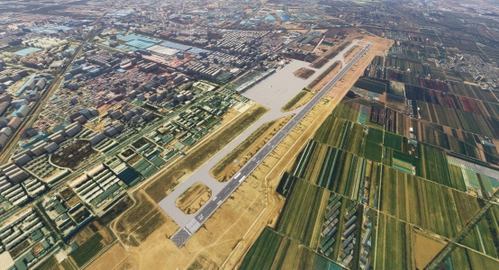
This add-on features Yuncheng Yanhu International Airport (ZBYC/YCU), a 4E-category international regional airport in Shanxi, China. The scenery is developed using the latest satellite imagery and AIRAC 2601 navigation data, providing a detailed representation of the airport. While it has been tested on FS2020, compatibility with FS2024 is not confirmed. Users should note potential display issues with jetways and the absence of curved stand lead-in lines.
by klcz05
ZBYN Taiyuan Wusu Airport Second Runway Add-on Pack
This add-on adds the second runway (13R/31L) and south apron to Taiyuan Wusu International Airport, based on recent satellite imagery and AIRAC 2604 navigation data. The expansion uses a virtual ICAO code ZBY2 for compatibility. Some taxiway lines may have display issues due to technical limitations. Installation requires extracting the scenery folder into the Community directory.
by klcz05
Comments(1)
Log in to join the discussion
Log In3 months ago