
Description
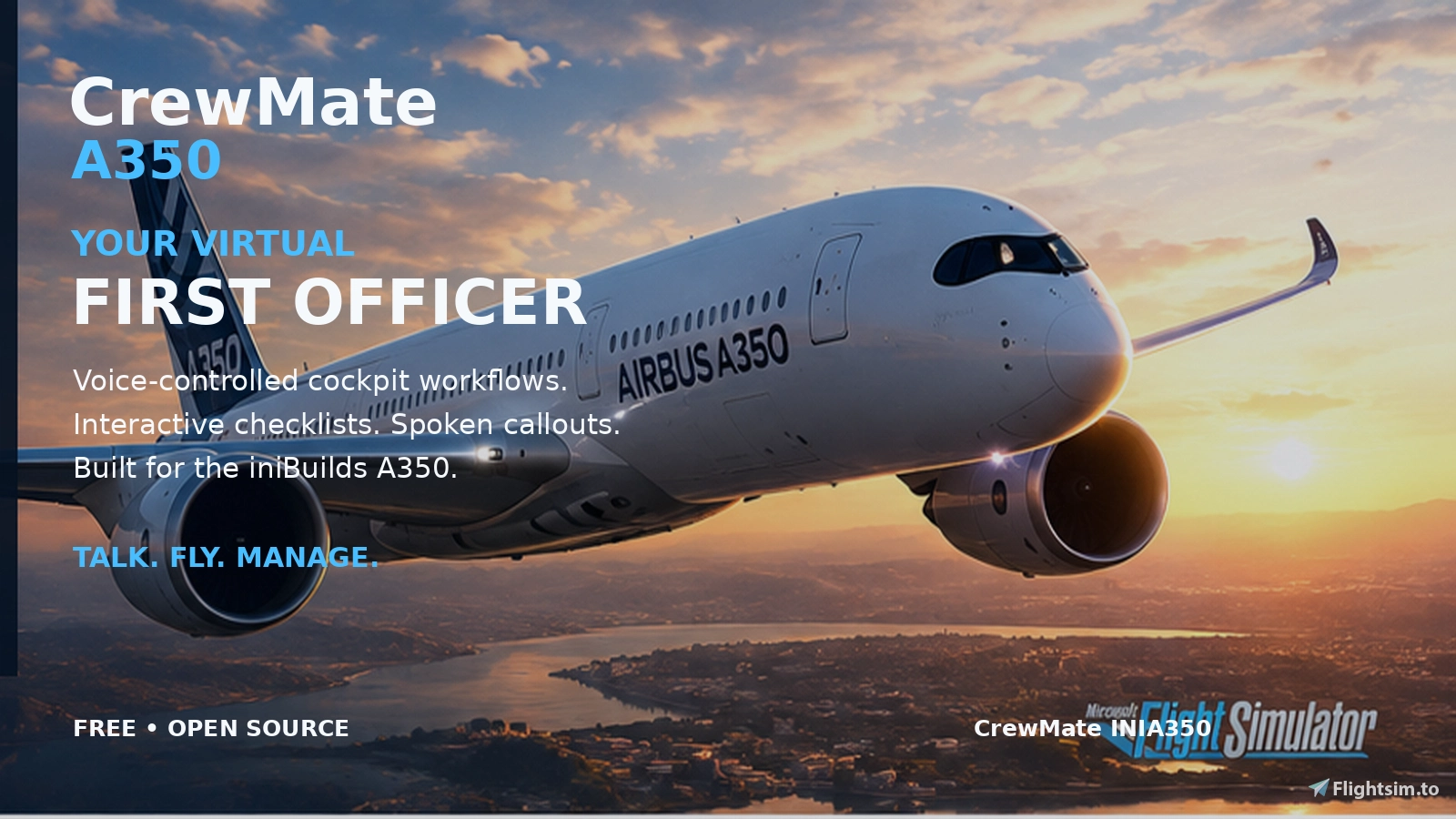
CrewMate INIA350 adds a virtual First Officer to your iniBuilds Airbus A350 flights in Microsoft Flight Simulator (2020 or 2024). Talk and your FO hears you, answers with clear voice callouts, runs realistic cockpit flows, and walks you through interactive checklists from preflight prep all the way to parking and securing the aircraft.
All checklists and flows were modelled according to a real world airline (checklists adjusted to what INI has modelled)
What you can do
- Voice control: Gear, flaps, engine and wing anti-ice, landing/taxi/strobe lights, flight director, autopilot modes, headings, speeds, and altitudes — plus a full flight controls check on command.
- Flows & checklists: Flows for cockpit prep, before/after start, taxi, line-up, climb, descent, approach, landing, after landing, parking, and more.
CrewMate is free and open source. Voice recognition runs on your PC, your voice data is not sent to the cloud for processing.
Requierements
- MSFS 2020 or 2024
- iniBuilds A350 (required for this edition of CrewMate)
- English speech recognition must be installed in Windows (Settings → Time & language → Speech). Any regional English pack Windows offers (United States, United Kingdom, Australia, India, etc.) works
- To use the speech trainer, the OS Display Language needs to be set to EN-US
- Install: Run the MSI installer, then launch CrewMate (the voice engine starts with the app).
Disclaimer
CrewMate is an independent project. It is not affiliated with or endorsed by Microsoft, Asobo, or iniBuilds.
CrewMate INIA350
Your voice-controlled First Officer for the iniBuilds A350 — checklists, cockpit flows, and spoken callouts for Microsoft Flight Simulator.


Contributors

User Reviews
6 reviews
Version History
- The FO now calls approach deviations between 1,000 ft and 50 ft: "speed", "sink rate", "bank", "pitch", "localizer" and "glide", at the FCOM limits. They can be switched off in Settings - On the landing roll with BTV selected, the FO now announces "BTV" between "reverse green" and "decel" - On the landing roll, the FO called spoilers, reverse green and decel back to back - each call now comes a moment after the FO sees the indication - The Auto Brake item of the Approach checklist now checks your answer against the FMA, and also accepts "brake medium" - Back from the walkaround, the FO now reports worn tyres and brakes by gear and asks for maintenance, or says all is good - The FO now sets the parking brake during the preliminary cockpit preparation, before the walkaround - At 10,000 ft in the climb, the FO switched the ND from terrain to weather radar - the FO now keeps terrain, as the FCOM has WX on the PF side and TERR on the PM side - During the flight controls check, the FO called "full up", "full left", and the others as soon as the stick passed halfway. The FO now waits until the surface reaches its stop
Related
Tiny Copilot - Fenix Edition
Tiny Copilot - Fenix Edition is an external application designed for use with the FENIX A320 family in Microsoft Flight Simulator. It provides automated co-pilot callouts based on SimConnect data, enhancing the realism of your flight experience. The app includes a variety of callouts such as speed checks, flap positions, and gear status. Sound files are recorded for clarity and realism, with options for users to contribute improvements or alternate voice packs.
by marxio09dio
Tiny Copilot - INI A350 Edition
Tiny Copilot is an external application designed to enhance the flight experience by providing co-pilot callouts during flights in Microsoft Flight Simulator. It primarily supports the iniBuilds A350, delivering callouts that follow Airbus Standard Operating Procedures. Users can input speeds like V1 and VR for automatic callouts triggered by real-time flight data, ensuring a more immersive flying experience. Sound files are user-recorded and available for community contributions.
by marxio09dio
Tiny Copilot - FBW Edition
Tiny Copilot - FBW Edition is a lightweight external application designed specifically for the FlyByWire (FBW) Airbus family in Microsoft Flight Simulator. It utilizes SimConnect data to provide automated co-pilot callouts during flights, enhancing the immersive experience. The add-on includes a comprehensive list of callouts such as "V1," "Rotate," and "Positive climb," with the option to integrate custom voice packs for personalized sound effects. The app operates automatically by reading flight data, making it a convenient tool for virtual pilots.
by marxio09dio
SimBookLog
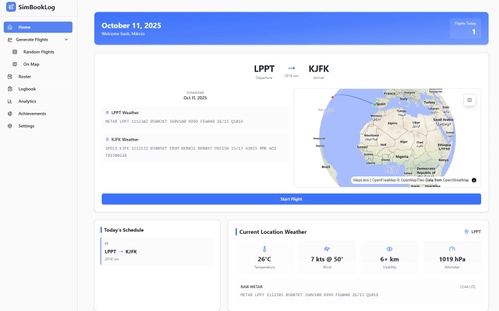
SimBookLog is a flight logbook and scheduling tool tailored for virtual pilots using Microsoft Flight Simulator (MSFS). It enables users to generate random flights, manage their flight calendar, and maintain a detailed logbook that captures route information, statistics, and screenshots. The add-on offers built-in analytics for tracking flight history and performance over time. Note that automatic route tracking is currently unavailable, requiring manual input for each flight.
by marxio09dio
Log in to join the discussion
Log InComments(79)
about 3 hours ago
System is working perfectly; my FO is missing?
I am running the 2k texture mod on Inibuilds A350-900, can this be why I can't see FO?
I have GSX, I uninstalled SayIntentions to avoid conflict.
about 1 hour ago
As for the missing FO, this is not related to this app at all, since it doesn't touch any files in the community folder. I would suggest that you check your avatar settings and see if you have the FO enabled
14 days ago
14 days ago
Not planned at this time
18 days ago
Thank you!
18 days ago
I don’t use SayIntentions, so I can’t recommend a reliable voice match
27 days ago
Innanzitutto, questo programma è gratuito e, a mio parere, è valido quanto altri software simili: mancano solo alcune funzionalità extra non essenziali (come chiamare l’equipaggio per farsi portare cibo o bevande, o annunciare ritardi, ecc.) che comportano un costo significativo.
L’app funziona bene; purtroppo, come le altre, bisogna impostare la lingua di Windows sull’inglese, il che potrebbe risultare un po’ scomodo per chi, come me, utilizza Windows in altre lingue.
Se avete bisogno di un copilota (FO) per l’Airbus A350, Crewmate INI A350 è quello che fa per voi.
EN: Thank you for this plugin.
First of all, this program is free, and in my opinion, it’s just as good as other similar software—it’s just missing a few extra, non-essential features (such as calling the crew to bring you food or drinks, or announcing delays, etc.) that come at a significant cost.
The app works well; unfortunately, like the others, you have to set your Windows language to English, which might be a bit inconvenient for those who use Windows in other languages, like me.
If you need a flight officer (FO) for the Airbus A350, Crewmate INI A350 is the one for you.
Se avete bisogno di un copilota (FO) per l’Airbus A350, Crewmate INI A350 è quello che fa per voi.
27 days ago
One clarification on the language: you don't need to set Windows to English. Only the English speech recognition pack has to be installed. Your display language can stay in your own language.
The one exception is the voice trainer, which does need the display language on EN-US while it runs.
And regarding the extras, they're on the list, but core items like PTT are a priority right now.
30 days ago
There are a few small bugs in V0.3.5:
1) If the takeoff flaps are config 2, the virtual co-pilot incorrectly sets it between 2 and 3, causing the flap not to deploy at all. After manually moving the flap to config 2, this item still can't pass in the taxi checklist.
2) The flight controls check prompts appear after the startup checklist.
29 days ago
1) Are you using any external hardware that sets the flaps, by any chance? This behaviour has not been replicated
2) This prompt appears after the startup checklist because a real, updated FCOM was used. However, I know that the INI's ECL has this item on the after start checklist, which is not correct (as per the FCOM used to build this app). I'm still looking into ways to make both "work together"
24 days ago
1) If the takeoff flaps are config 2 or 1+f, the virtual co-pilot incorrectly sets it between 2 and 3, causing the flap not to deploy at all. After manually moving the flap to config 2, this item still can't pass in the taxi checklist.
I am nou using any external hardware :)
24 days ago
Also, the logs might help show what's going on
You can send me over discord
18 days ago
The INI A350 ignores the flaps when the lever jumps straight to 3. Fixed in 1.0.1, pending release
about 1 month ago
29 days ago
PTT is planned :)
25 days ago
24 days ago