
Flightsim.to
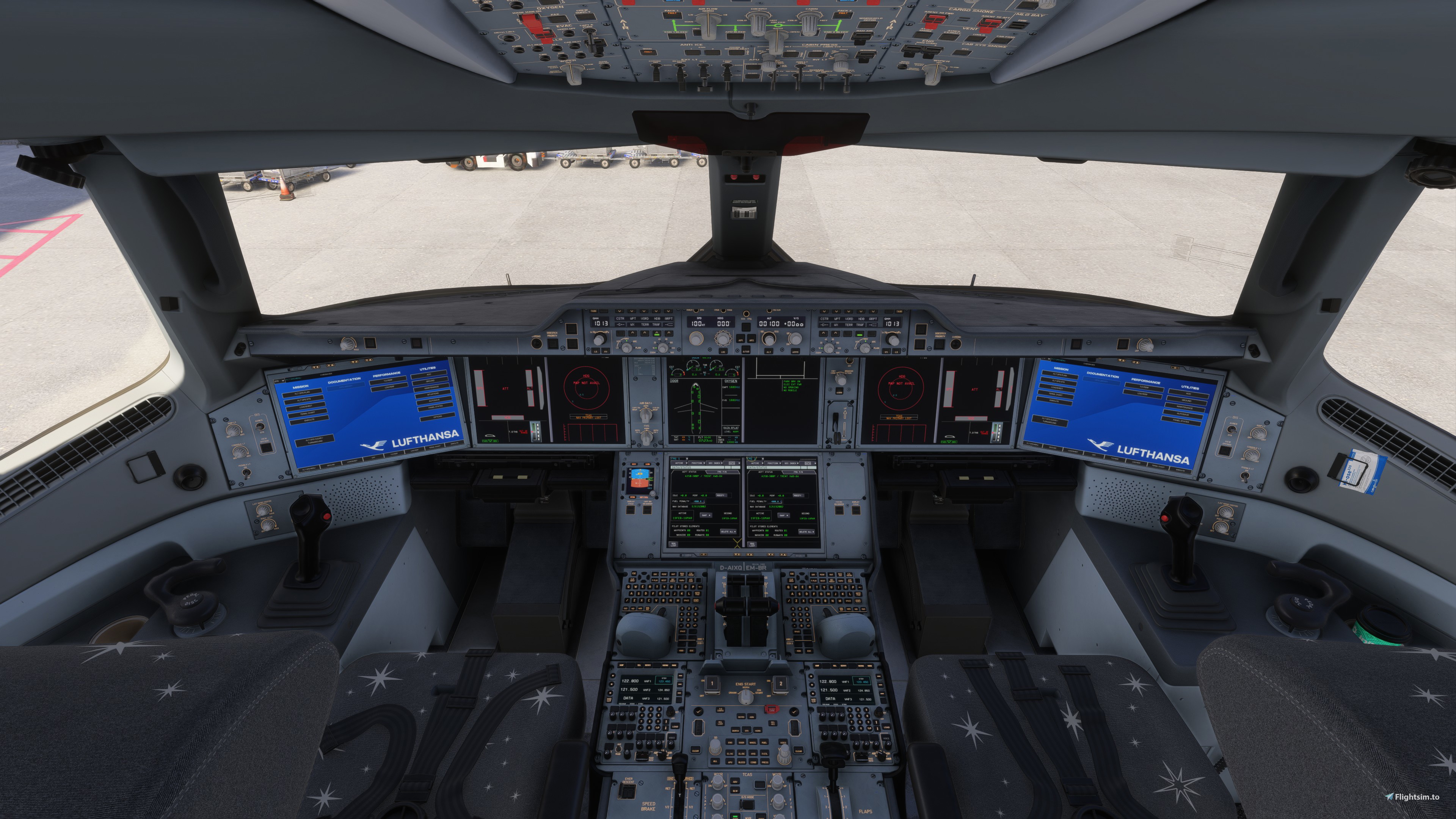
    iniBuilds A350 EFB Wallpaper Mod - Image 1

    Description

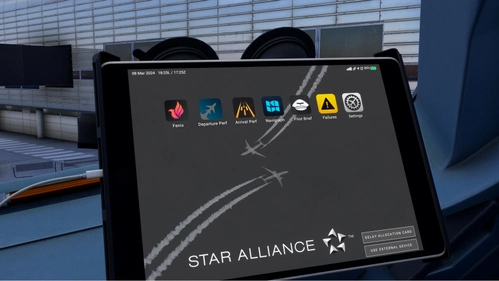
    This mod adds dynamic airline-specific wallpapers to the iniBuilds A350 EFB.
    The background automatically changes based on the active livery, with a custom default wallpaper included.

    Features.
    • Automatic wallpaper switching by airline (ICAO detection).
    • Custom fallback wallpaper.
    • Lightweight — no impact on aircraft performance.
    • Easy user customization.

    Installation.
    1. Extract the included folder into your Community folder.
    2. Launch MSFS — no further setup required.

    Please read the included README file for additional instructions.

    Disclaimer.
    This is an unofficial modification and is not affiliated with or endorsed by iniBuilds, Airbus, or Microsoft.

    Interaction activity
    DownloadsCommentsSeparate scales for downloads and comments
    Oct 24 Downloads: 1 Comments: 0Oct 25 Downloads: 1 Comments: 0Oct 26 Downloads: 2 Comments: 0Oct 27 Downloads: 2 Comments: 0Oct 28 Downloads: 3 Comments: 0Oct 29 Downloads: 5 Comments: 0Oct 30 Downloads: 7 Comments: 0Oct 31 Downloads: 1 Comments: 0Nov 01 Downloads: 1 Comments: 0Nov 02 Downloads: 2 Comments: 0Nov 03 Downloads: 3 Comments: 0Nov 04 Downloads: 2 Comments: 0Nov 05 Downloads: 1 Comments: 0Nov 06 Downloads: 1 Comments: 0Nov 07 Downloads: 3 Comments: 0Nov 08 Downloads: 6 Comments: 0Nov 09 Downloads: 4 Comments: 0Nov 10 Downloads: 4 Comments: 0Nov 11 Downloads: 2 Comments: 0Nov 12 Downloads: 0 Comments: 0Nov 13 Downloads: 4 Comments: 0Nov 14 Downloads: 11 Comments: 0Nov 15 Downloads: 2 Comments: 0Nov 16 Downloads: 2 Comments: 1 Question: 1Nov 17 Downloads: 2 Comments: 0Nov 18 Downloads: 5 Comments: 0Nov 19 Downloads: 3 Comments: 0Nov 20 Downloads: 2 Comments: 0Nov 21 Downloads: 0 Comments: 0Nov 22 Downloads: 0 Comments: 0
    Oct 24Nov 07Nov 22
    82
    Downloads
    1
    Comments
    Last comment 6 days ago
    Creator responds to 14% of comments

    Log in to join the discussion

    Log In

    Comments17

    tommmmmmQuestion·6 days ago
    can i use with msfs 2020 ???
    SammyH·2 months ago
    Can you upload the DAL wallpaper? Would love to give it a shot. I am not sure if you ran the MSFSLayoutGenerator that was mentioned in the instructions? Could fix the issue of it not showing. So if I understand correctly, you place your .png file in the EFB folder named html_ui, then you run the MSFSLayoutGenerator and it should work after that. I think if you just place the image in there it won't be recognized.
    Beta_Protogen·3 months ago
    Very confused by this, how does it actually know what airline is what? I put in a file using the exact same dimensions as the dlh background, named it "dal_bg.png", and loaded up a delta livery and a flight plan with DAL as my airline icao and it never showed up. the default inibuilds background works fine, but I couldn't get the custom ones to work
    azxssdev·4 months ago
    ok it def works for fs2020 but with extra steps
    but theres a bug where the engine cover still on thing is stuck and theres no remove the engine cover button on the ois
    anyways to make it work for fs 2020 you need to download the file extract it but
    go to the inibuilds-aircraft-a350 and then open it and find html_ui then you gotta open Pages > VCockpit > Instruments > ini-efb-a350 then after that get all the extracted files from the mod download and then you gonna drag that and drop it to the inibuilds a350 ini-efb-a350 and wait and replace all files and then put asset folder that was extracted to html_ui
    azxssdev·4 months ago
    does this work for the fs2020?
    hjfreeman·5 months ago
    Am I missing something here? I put in a BAW wallpaper, followed the readme, load into a BA A350, but my EFB background is orange with the ini logo on it. Do I need to load in a simbrief flight plan first?
    Tater84·7 months ago
    I have an image, its sized correctly, is a PNG and in the right folder however when i run the layout generator i get a message no layout.json paths specified. Its for the British Airways livery on the a350-1000. i tried both the baw and sht ICAO codes. Any suggestions?
    24745226
    ·7 months ago
    Cannot be used on HUES series coatings
    24745226·7 months ago
    NICE
    SWApilot1234·27 days ago
    W
    DroneSim·8 months ago
    Amazing, thanks. I'm interested in the technical details. Hit me up :)
    LiveryLab·8 months ago
    Beautiful, thanks! :D
    Rithvik
    ·8 months ago
    Hey, thanks for this addon. Is it possible to add functionality to the AVNCS switch thats next to the OIS? Like when you flick it it changes a page or something or would that be difficult? Thanks!
    SkydeckModsAuthor·8 months ago
    I don't think it's possible. I may look into it.
    blackfc1
    ·9 months ago
    can you do it for the a340 as well?
    adam2828·9 months ago
    could it work on msfs 2020?
    SkydeckModsAuthor·9 months ago
    I haven't tried actually since I'm only running 2024. But give it a try.
    MSFS 2020MSFS 2024

    iniBuilds A350 EFB Wallpaper Mod

    This add-on introduces dynamic airline-specific wallpapers for the iniBuilds A350 EFB, enhancing visual customization based on the active livery with automatic ICAO detection. It includes a custom fallback wallpaper and is designed to be lightweight, ensuring no impact on aircraft performance. Installation is straightforward, requiring only extraction to the Community folder and launching MSFS. This modification is unofficial and not affiliated with iniBuilds, Airbus, or Microsoft.

    Downloads751
    Version1.0.0
    File Size10.21 MB
    Published9 months ago
    Updated9 months ago

    User Reviews

    4.7

    3 reviews

    5
    67%
    4
    33%
    3
    0%
    2
    0%
    1
    0%

    Version History

    No version history available.
    Related