
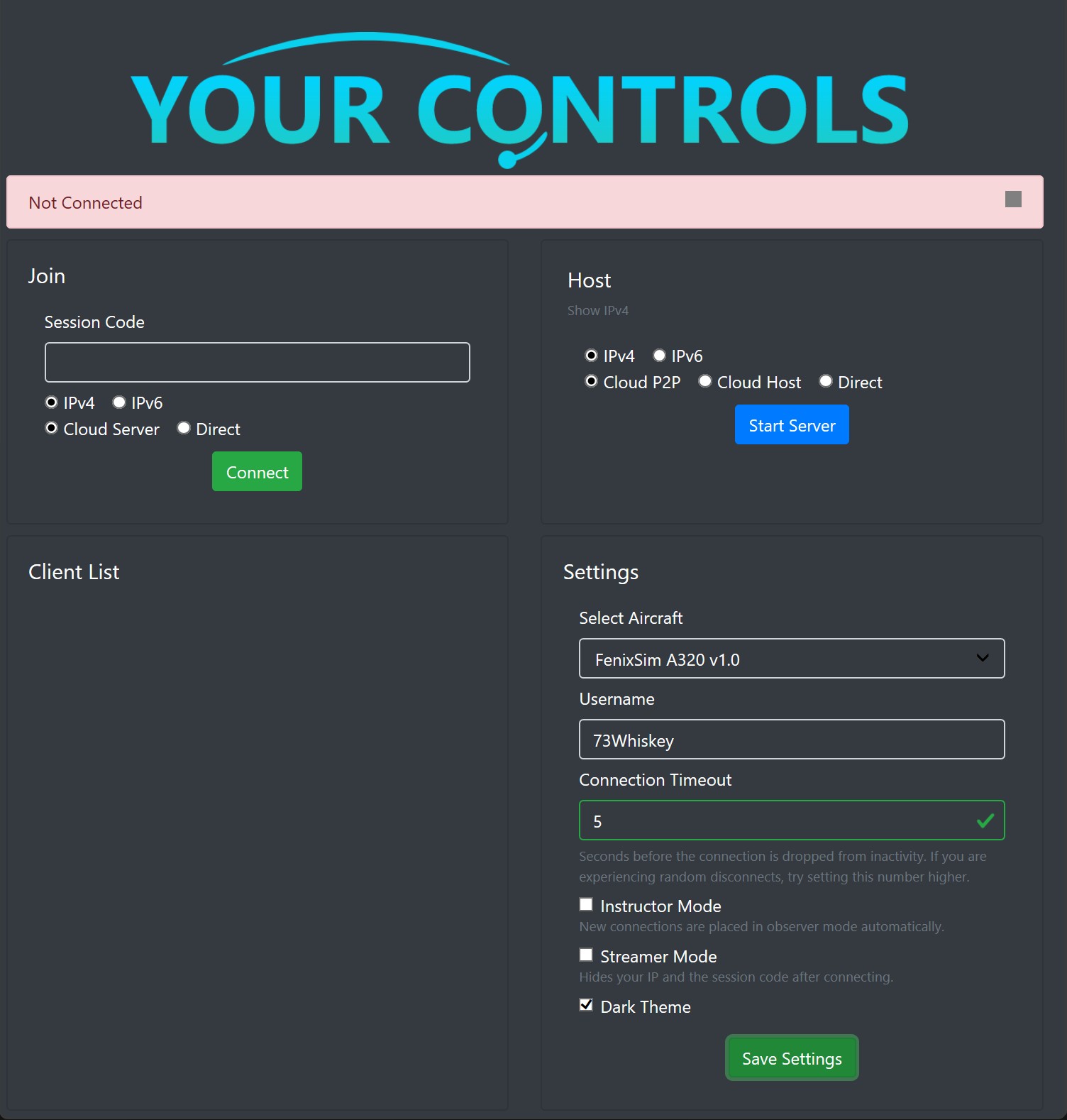
Description
YourControls Profile for Fenix A320 (BFU)
Key Features:
Smart Optimization: Uses per-variable update rates (5Hz to 60Hz). Critical flight controls sync instantly, while static switches use minimal data, reducing bandwidth usage by ~90%.
Complete Systems: Fully syncs over 1,700 variables including Hydraulics, Fire Panel, ADIRS, and Sidestick Priority logic.
Installation
- Download the .yaml file.
- Navigate to your YourControls folder: \YourControls\definitions\aircraft\
- Paste the file and ensure it is named Fenix_A320.yaml (or keep the custom name and select it in the dropdown).
- Restart YourControls before flying.
Fenix Sim A320 - Yourcontrols Profile
The Fenix Sim A320 - Yourcontrols Profile offers a customized profile specifically designed for the Fenix A320 aircraft. It features smart optimization with adjustable update rates, allowing for efficient syncing of essential flight controls while minimizing bandwidth usage. The profile comprehensively syncs over 1,700 variables, covering critical systems such as hydraulics and fire panels. Installation is straightforward, requiring users to download a .yaml file and place it in the designated directory of the YourControls folder.


User Reviews
5 reviews
Version History
- RMP Frequencies sync now working - Removed update_rate
Log in to join the discussion
Log InComments(16)
8 months ago
9 months ago
Made sure we had the exact same aircraft type, and the exact same livery.
Everything seems to work ok, but then as everyone else says, as soon as you start moving it crashes to desktop. We are using MSFS2024, and we made sure we had the patch from the YourControls discord, and the problem persists.
9 months ago
9 months ago
9 months ago
9 months ago
9 months ago
You can try upgrading to version 2.8.8 of yourcontrols, which resolves the issue of crashing after the SU16 update
9 months ago
10 months ago
10 months ago
10 months ago
the sync is perfect but it doesnt stop crashing
10 months ago
10 months ago
10 months ago
10 months ago
10 months ago