
Description
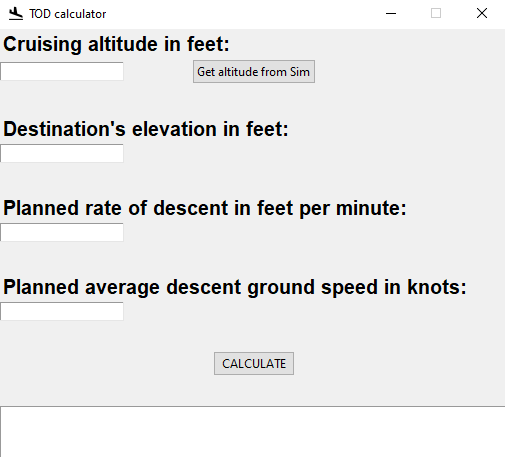
Top of descent calculator.
This simple program calculates your top of descent. It tells you how many miles before your destination to begin your descent according to your inputs.
installation:
run the setup exe in the zip file.
Note:
To update, first uninstall TOD calculator in control panel>programs and features, then run the setup.
TOD calculator
Calculate your top of descent accurately with this simple program. Input your details to determine the ideal point to begin your descent before reaching your destination. Easy installation process included in the zip file for your convenience.


User Reviews
2 reviews
Version History
-Average descent ground speed entry added
Related
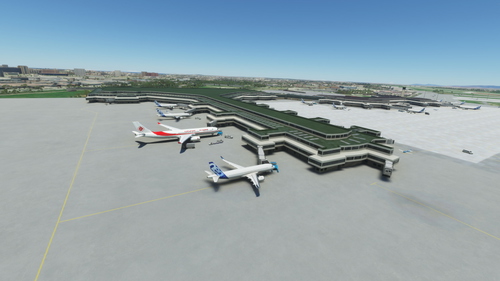
DAAG Algiers Houari Boumediene Airport
Enhance your sim experience with the DAAG Algiers Houari Boumediene Airport add-on, featuring added aprons, ramps, gates, and improved lighting. Enjoy fixed taxiways, runways, and enhanced ground textures for a more realistic airport environment. Simply drag and drop the folder into your community folder for easy installation.
by ad7324
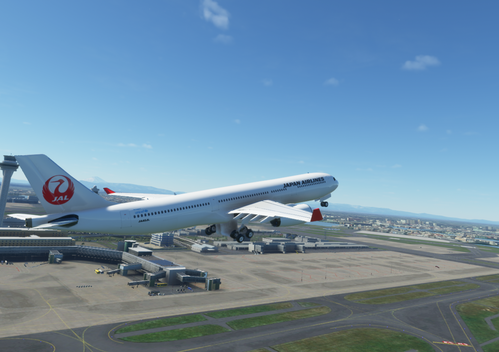
Japan Airlines JAL PMP A330 Livery
Experience the iconic Japan Airlines livery for the PMP A330 aircraft in Microsoft Flight Simulator. Simply drag and drop the folder into your community folder to start flying with this classic design.
by ad7324
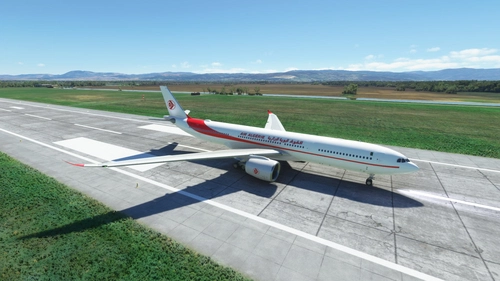
Air Algerie A330-900 NEO
Fly the virtual skies with the Air Algerie A330-900 NEO add-on for Microsoft Flight Simulator. Simply drag and drop the file into your community folder and take off on your next adventure. Enjoy the realistic experience this aircraft brings to your simulation.
by ad7324
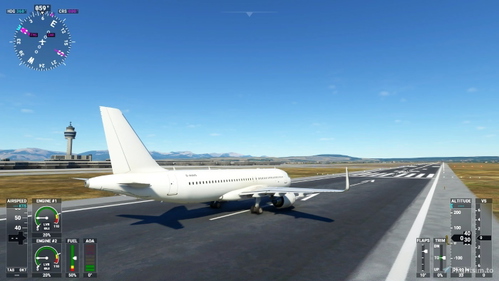
Ghost White A320 Livery (A32NX)
Experience a unique look for your A320 in Microsoft Flight Simulator with the Ghost White livery. Simply install the file to your community folder and take off in style.
by ad7324
Log in to join the discussion
Log InComments(14)
over 5 years ago
I've used a simple rule of thumb for descent rate. I've taken ground speed X 5 as an estimate. So if my approach speed is 90 kts, I'd aim for a descent rate of 45p fps (400-500 fps). Or a slow craft with a landing speed of 60 kts I aim for 300 fps.
Is this totally off?
over 5 years ago
over 5 years ago
about 5 years ago
TOD = Altitude to loose x 3 + deceleration segment
ROD = Groundspeed x 5
Deceleration (works fine for most jets):
Without speedbrakes: 2 nm per 10 kts during 1000 fpm descent or, 1 nm per 10 kts in level flight.With speedbrakes: as above divided by 2.Props (including turboprops) have no trouble slowing down while following a 3 degree path, for turboprops there is also a rule of thumb for that:
Height to start deceleration = IAS x 10 to be stabilized at 500 ft, add 500 ft in instrument conditions to be stabilized at 1000 ft.Works perfect in real life, have been using it for over 10 years no application needed.
over 5 years ago
over 5 years ago
over 5 years ago
Greetings and thanks again for the tool.
over 5 years ago
over 5 years ago
over 5 years ago
over 5 years ago
Enjoy
over 5 years ago
over 5 years ago