
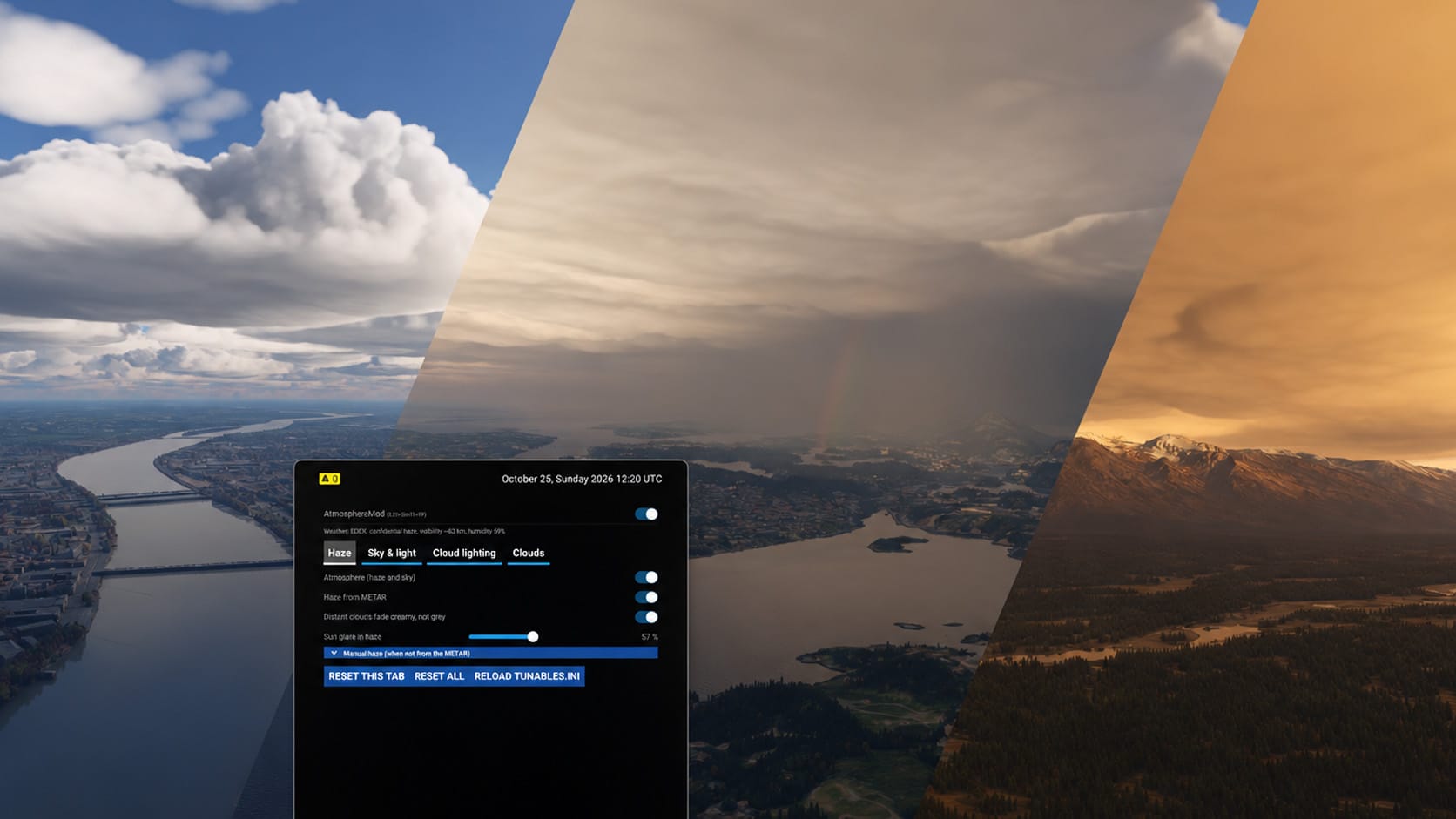

Microsoft Flight Simulator 2024 already has one of the most capable atmosphere systems in consumer flight simulation. Even so, many experienced simmers still notice flat haze, skies that don’t look quite right, and clouds that lack depth in certain light. Visual mods have tried to fix this for years, mostly with colour grading and LUT filters that change how the image looks without touching the rendering underneath. AtmosphereMod, a new community project from creator tomwhoca, works differently. Instead of adding a filter on top, it changes how the sim draws the atmosphere itself.
🔆 AtmosphereMod is an experimental ReShade add-on that patches the sim’s shaders to make the atmosphere more physically accurate, changing how weather is generated and how haze, sky, clouds and lighting are rendered. The author is clear that this is not a colour filter. Because the mod reads the simulator’s own live weather, you don’t need a separate weather engine such as REX Atmos, Active Sky or StrataWx. The developer also describes the project as early-stage and openly admits it may never be perfect, which is a fair expectation to keep in mind when you try it.
The changes go well beyond appearance. Haze forms a layer with a top, set from live METARs, so the familiar moment of climbing out of a murky boundary layer into clear air above should now follow real-world conditions. The sky uses measured Rayleigh and ozone scattering, and clouds are lit with forward and multiple scattering, including the aircraft’s shadow and a glory effect. The glory, the halo of coloured rings that appears around an aircraft’s shadow on a cloud deck below, is a small detail that real-world pilots will recognise immediately. Cloud density and layers follow the reported weather, and the package includes its own fly-through cloud effect.
The mod is also easy to adjust once it’s installed. Settings can be adjusted live on an EFB page, saved as presets, and imported from others, so you can share setups with other users. If you want a quick before-and-after comparison, the mod can be toggled on and off in flight with Ctrl+Shift+F9. The latest version, 0.7.1, adds a performance report tool to the EFB app. It times frames and GPU work for about 36 seconds, then offers to send the results, and nothing is sent unless you tap Send.
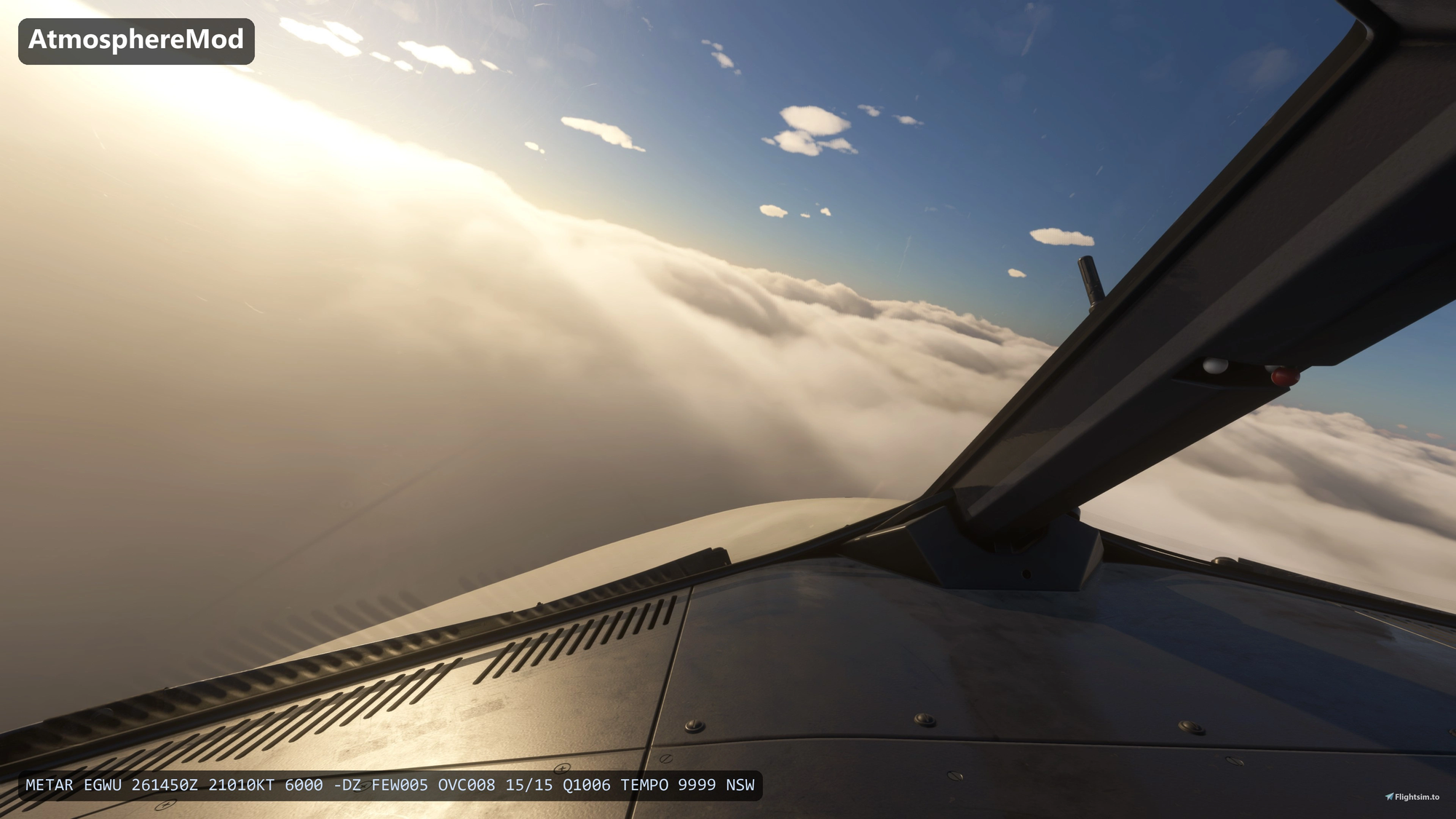
Development has been fast. The initial release (v0.1.1) arrived on Oct 25, 2026, and nine more versions followed in about two weeks. The community response has been strong. The add-on has a 4.9 rating from 138 reviews, around 26,000 downloads and more than 700 comments. Users particularly praise the cloud rendering, the effects around the wings, and the immersion at night, including in VR.
Before you install it, check the requirements. Installation doesn’t use the usual Community folder. You install ReShade with full add-on support and start the sim once, then close it, unzip the download outside the Community folder, and run the included installer. Updates work the same way, and your settings and presets are kept. OptiShade users can install from that tool’s Components page, but should keep only one ReShade installation. RenoDX users need to run the installer with a dedicated flag. Other cloud-flying effects, such as TriTriSim GFX’s wing fade or CloudSurf, should be turned off as they may conflict, and you should run the installer again after any sim or mod update.
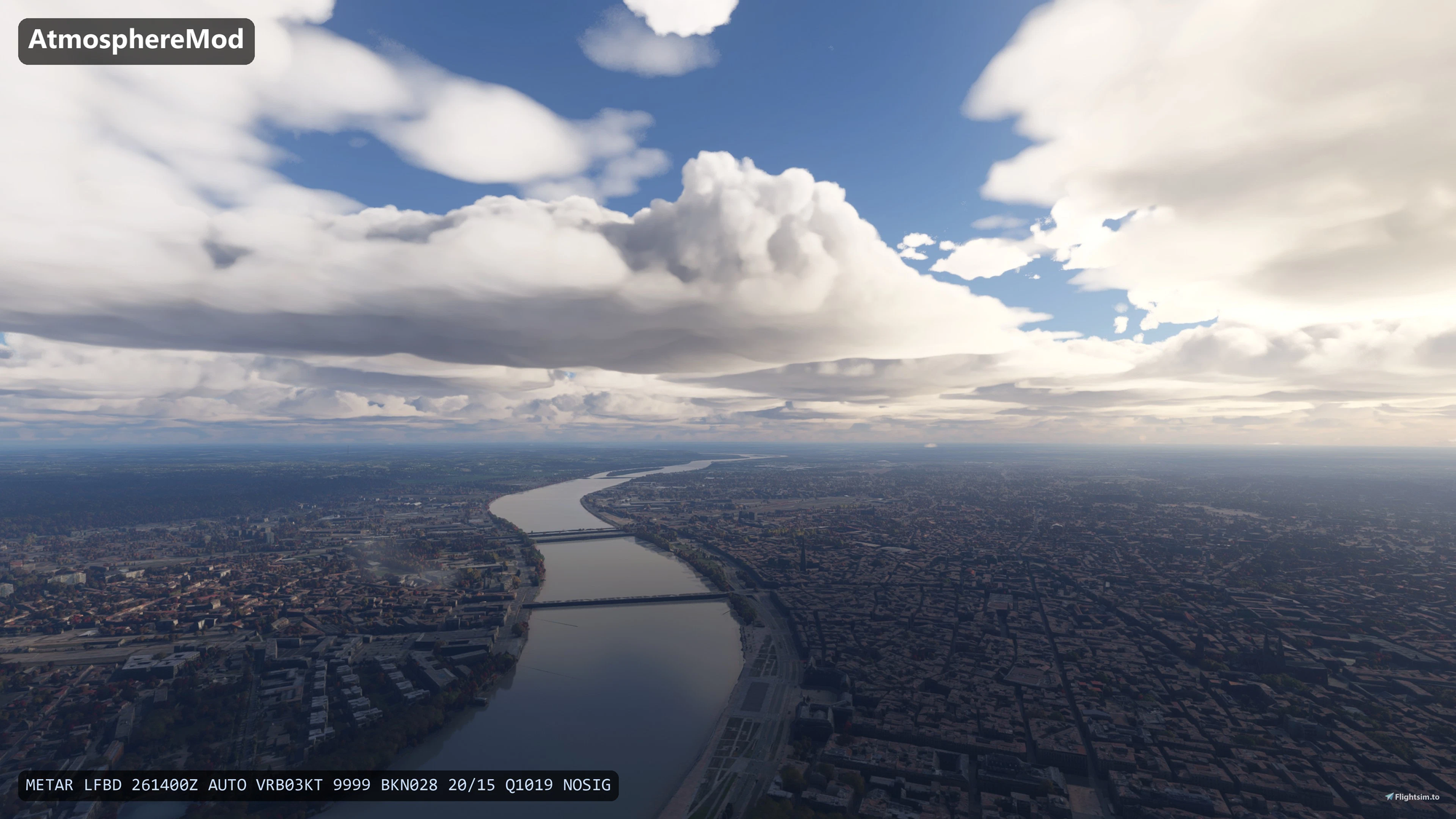
As with any experimental release, there are some rough edges. In version 0.7.1, rain and radar returns near stations may be thinner. A fix is being tested, and in the meantime setting Clouds to zero in the mod’s Clouds tab brings back the sim’s own rain. A wing’s edge may also flicker inside dense clouds, which you can avoid by setting in-cloud visibility to zero. Performance is the other thing to weigh: most of the performance cost comes from clouds, especially across wide cloud layers, and one user measured a 21 percent drop in a single test. Other users have reported a crash during a G1000 RNAV approach, a crash when importing files, and cases where the EFB interface did not appear. All of this is typical for a project at this early stage.
AtmosphereMod is a technically ambitious attempt to rethink how Microsoft Flight Simulator 2024 renders the sky. It isn’t a finished product yet. If you’re willing to put up with some performance cost and occasional bugs, it already shows how much a physically based approach can improve haze, clouds and light.
🔆 AtmosphereMod is freeware for personal use, and a lot of work has gone into it in a short time. If it improves your flying, consider supporting tomwhoca with a donation through the Buy Me a Coffee link on the add-on page to help fund further development.