
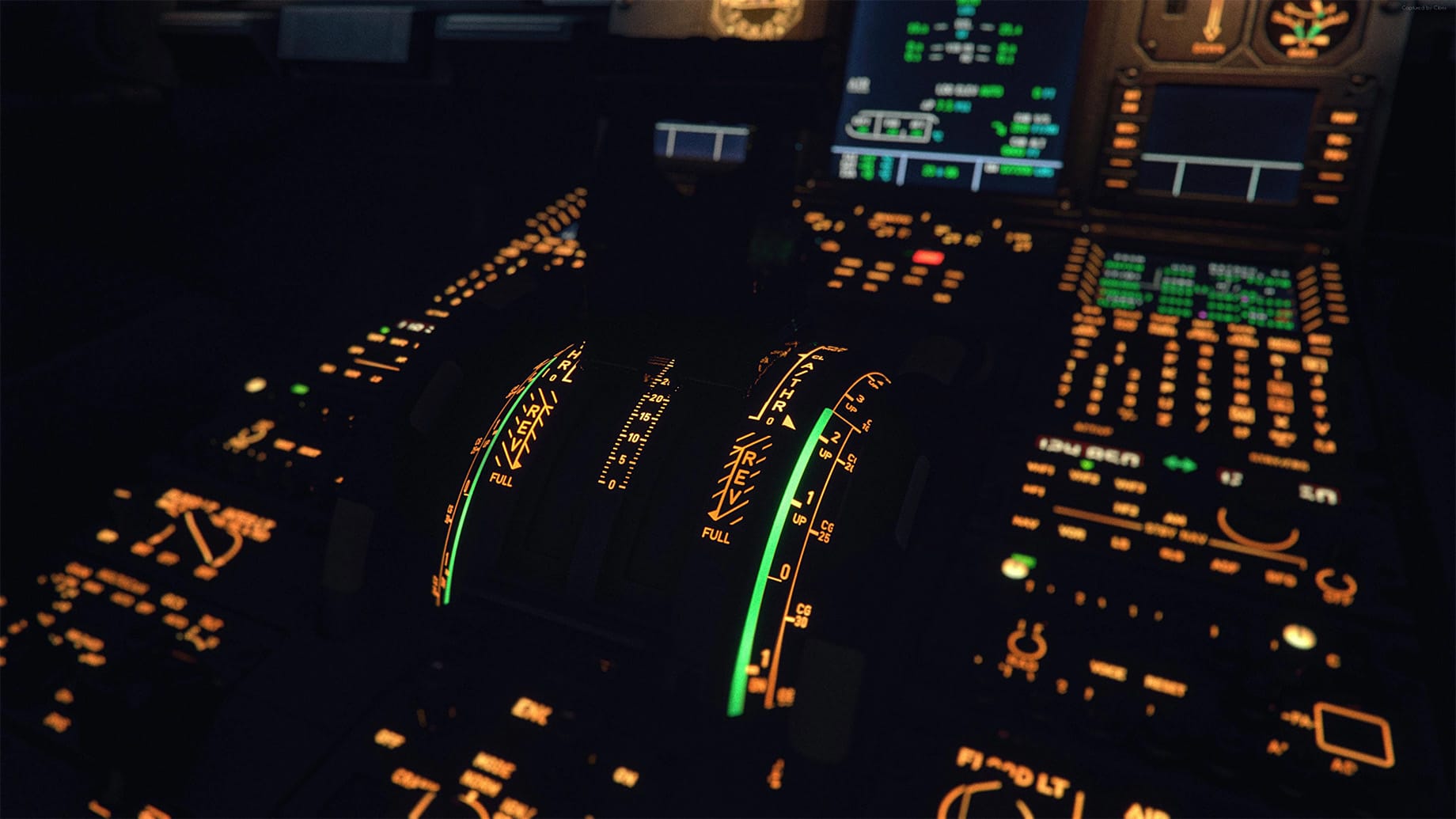

For all the depth that study-level airliners bring to Microsoft Flight Simulator, one thing has always been missing: memory. You can plant an A320 firmly onto a short runway, cook the brakes on a hot afternoon taxi and run the engines hard on every departure, yet the next time you load the aircraft it is as fresh as the day it left the factory. Some developers offer panel state saving, but very few add-ons keep track of how an individual airframe has actually been treated over time. In early October, Flightsim.to creator NaughtyPickle set out to close that gap with 🔆 Fenix TechLog, a free utility that gave the Fenix A319, A320 and A321 a persistent technical history.
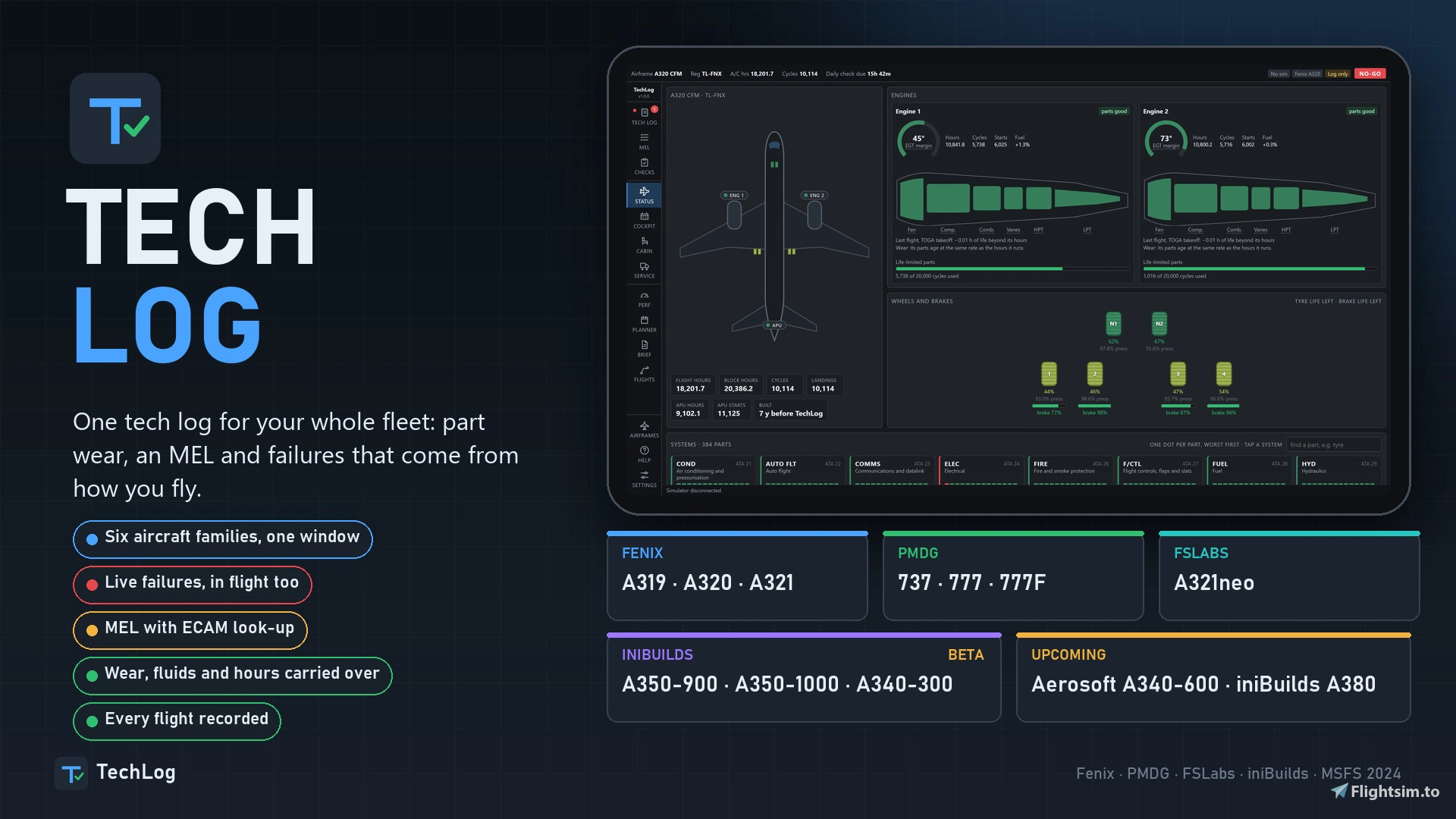
Less than a month later, that project has grown into something considerably broader. Now simply called 🔆 TechLog, the application merges the previously separate Fenix, PMDG and FSLabs editions into one tool and adds a first batch of iniBuilds airliners in beta. It remains entirely freeware.
A Fleet Spanning Four Developers
The current release covers the Fenix A319, A320 and A321, the PMDG 737, the PMDG 777 and 777F, and the FSLabs A321neo. The iniBuilds A350-900, A350-1000 and A340-300 are supported on a beta basis, so you should expect some rough edges there for now. Each aircraft type comes with its own set of part types, its own minimum equipment list and its own failure catalogue, rather than a generic template stretched across the fleet. The Fenix family alone now counts 186 part types and 251 MEL items, a noticeable step up from the 207 items it offered at launch. According to the developer, the BlueBird 757, the iFly 737, the Aerosoft A340-600 and the iniBuilds A380 are next in line.
If you were already running one of the standalone TechLog apps, the transition is handled for you. Those individual versions will no longer receive updates, and the new installer detects an existing setup, carries your airframes, flight records and open defects across, and removes the old app from the simulator's startup list.
One Window, Many Airframes
TechLog runs as a single Windows application that you can either launch manually or have start alongside the simulator. Once you load a supported aircraft, it identifies the type and opens the tech log belonging to that specific airframe. Switch to a different aircraft and the tool saves the current state and changes over on its own. The same interface is available in the app window, on the aircraft's EFB tablet and in a web browser on any PC or tablet connected to your home network, which makes it particularly practical if you fly from a home cockpit. Three operating modes are available: Live with a full link to the aircraft, Watch only, which reads data without writing anything back, and Offline for working through the tech log without the sim running.
Every registration is treated as an individual aircraft with its own history. That also means the same tail number used in two different add-ons is tracked as two separate airframes. When a new registration appears, you can choose whether it enters service brand new or with hours already on the clock, and you can select a maintenance profile ranging from well maintained through standard to an ageing fleet.
Wear Instead of Dice Rolls
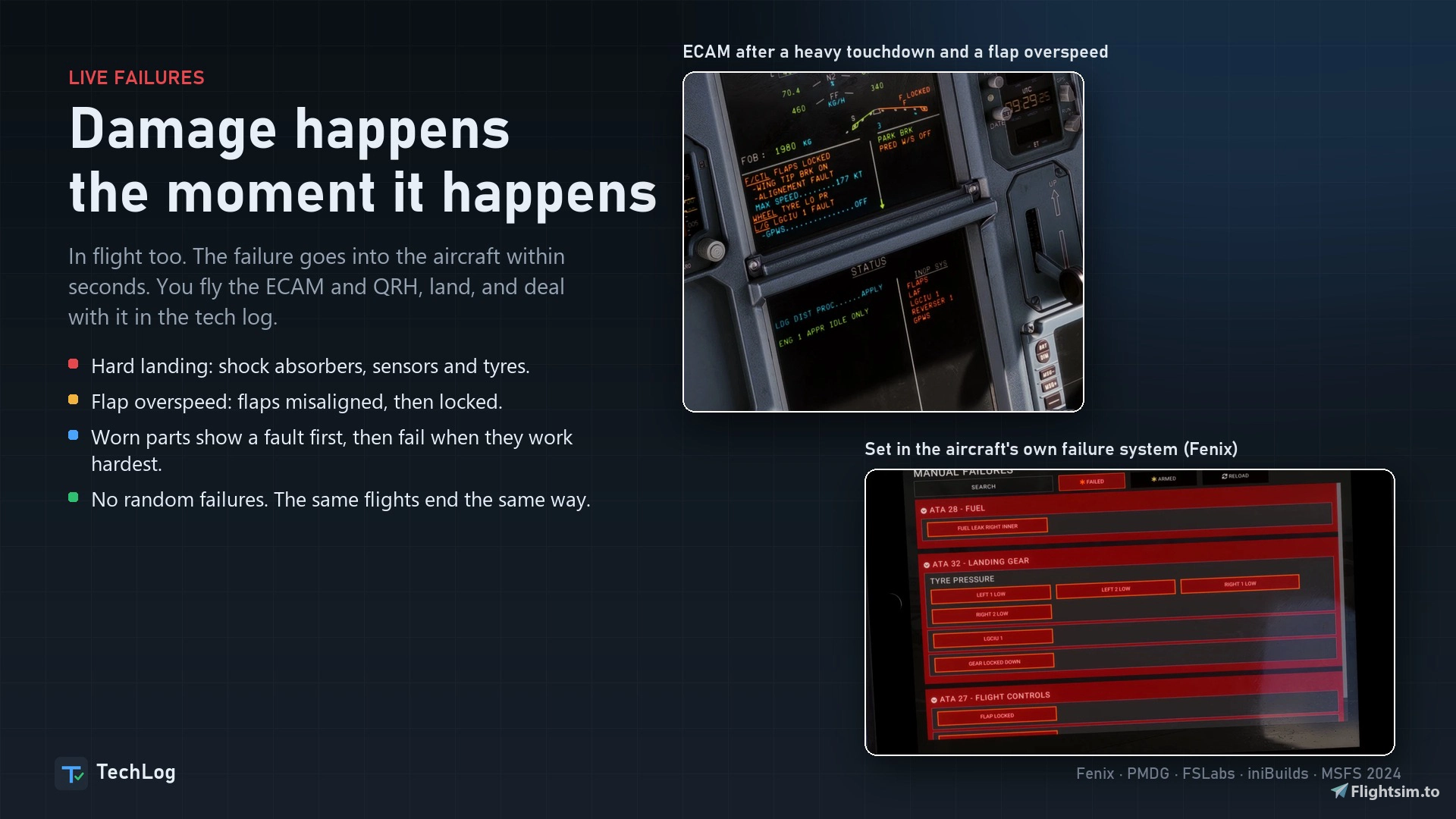
The philosophy behind TechLog has not changed: the developer states that failures are not random. Every component has a defined service life, measured in whatever unit suits it, whether that is flight hours, engine hours, start cycles, landing cycles, thrust reverser deployments or calendar days. A worn part will typically show a degraded fault first and then fail at the next moment of real stress, such as an engine start, the application of takeoff thrust or a gear selection. In practice, this gives you a chance to notice a developing problem and decide whether to defer it under the MEL or send the aircraft to maintenance.
The new version also refines how engines age. Wear now scales with how hard the engines are working, so a reduced-thrust departure costs less life than a full-power takeoff, while time at idle has only a minimal effect. Engine condition and airframe age combine into a fuel factor that you can carry over into SimBrief and the FMS, meaning an older, more tired aircraft will genuinely burn more fuel. An engine wash recovers part of the lost EGT margin.
A dedicated Planner page assesses your next flight and rates it as READY, CAUTION or NOT READY, along with an explanation of what is driving that verdict. There is also an optional company-use mode in which your virtual airline keeps flying your aircraft while you are away, although airframes sitting in the hangar are left alone.
Tailored Integration per Aircraft
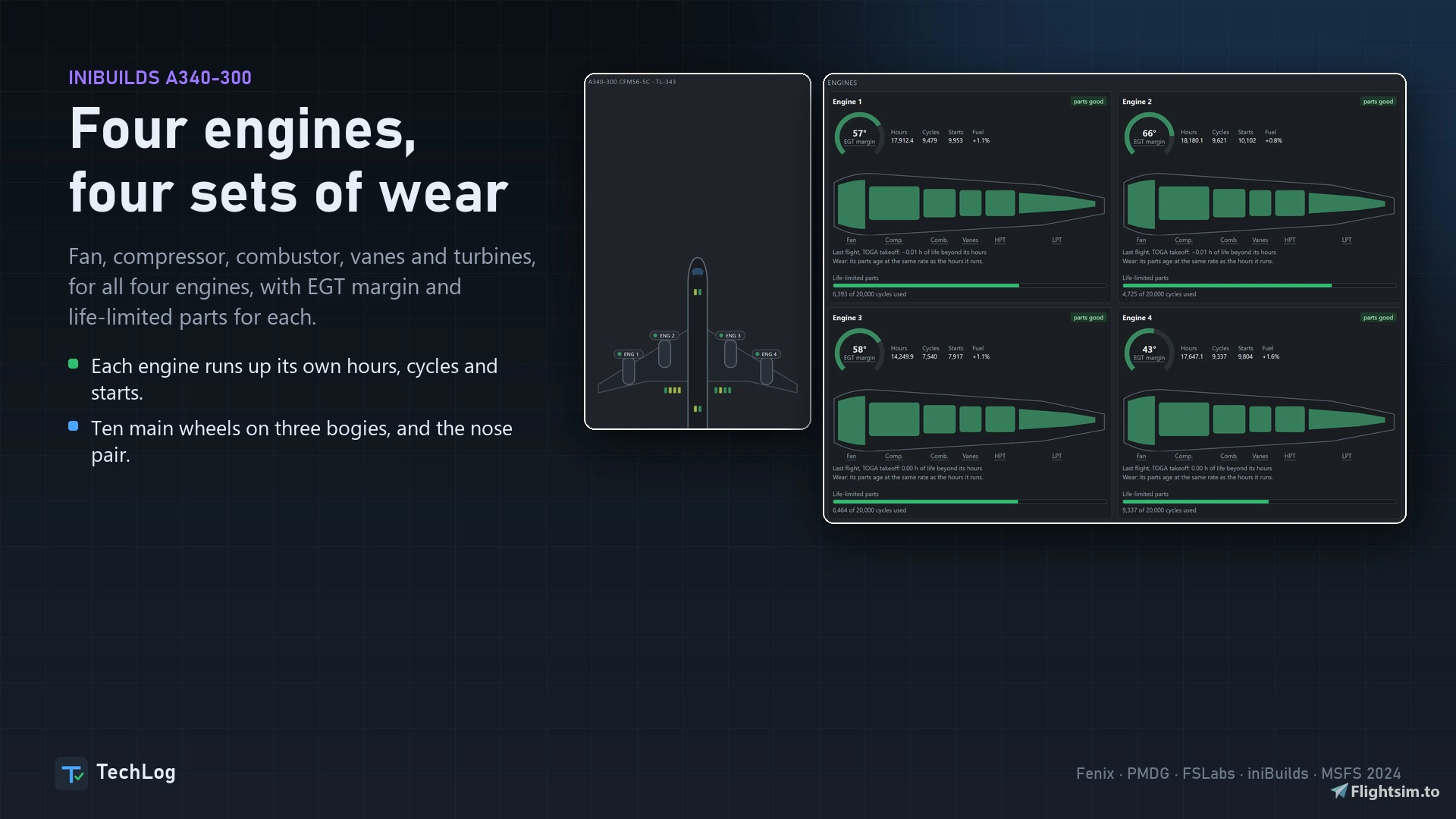
Rather than forcing every add-on through the same interface, TechLog hooks into each aircraft in the way that suits it best. On the PMDG 737, failures are routed through the FMC's own pages via the PMDG SDK. On the FSLabs A321neo, the tool connects to the EFB, and inoperative items receive INOP placards in the cockpit. With the iniBuilds A350, the developer reports that failures are injected directly into the aircraft, while brake and tyre wear, oil and hydraulic quantities and APU data stay synchronised with the aircraft's own maintenance page.
Where an aircraft provides its own performance calculator, TechLog relies on it for takeoff and landing figures with your current defects taken into account. It also adopts each manufacturer's terminology, so you will see FLEX or ASSUMED temperature and CONF or FLAPS depending on what you are flying.
Early Reception
In its first week on Flightsim.to, TechLog passed 3,000 downloads and holds a perfect 5.0 rating across 34 reviews. If you mainly hop into the sim for a relaxed flight now and then, the added maintenance layer may feel like more than you need. If you run a virtual airline fleet or enjoy the operational side of airline flying, however, TechLog adds a dimension that has been largely absent from the platform until now. TechLog is available now as a 🔆free download on Flightsim.to. If TechLog becomes part of your regular flying, the best way to support the project is to leave a rating or review, report issues you run into, and follow NaughtyPickle's profile to stay up to date with new releases.